

Content last revised on October 9, 2026
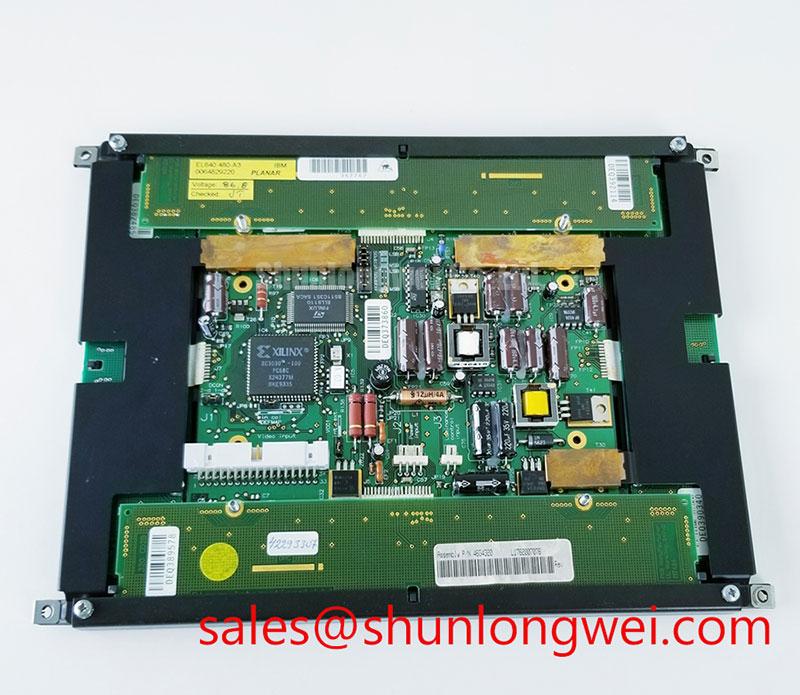
Planar EL640-480-A3 TFT-LCD Industrial HMI Display Module
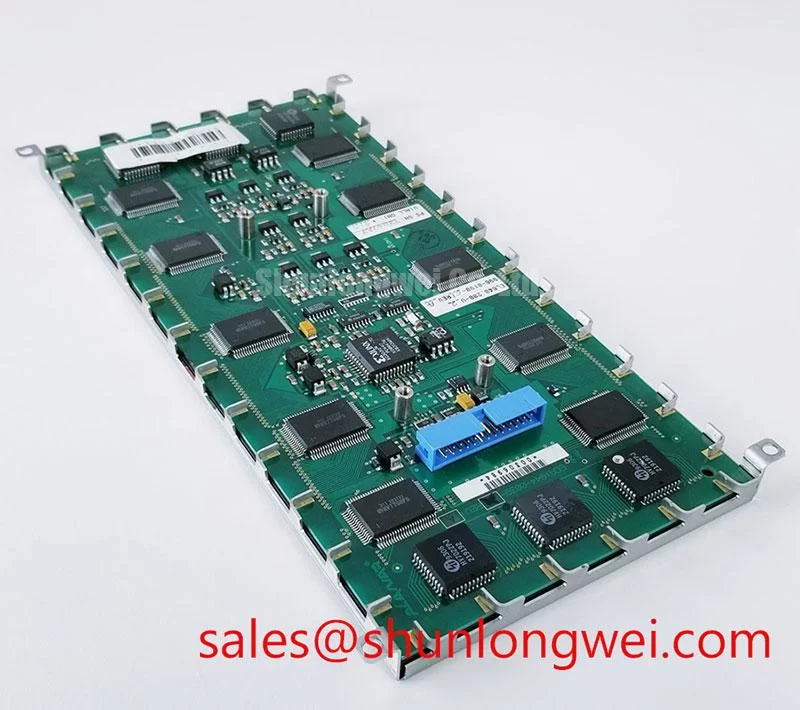
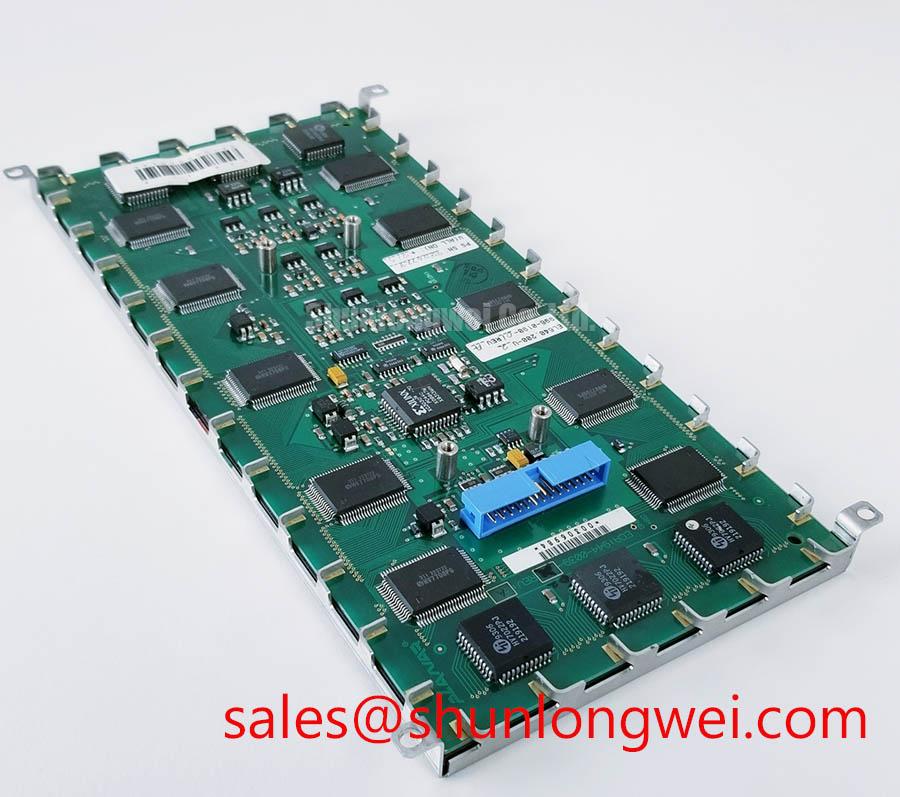
Begin incoming inspection by checking the Planar EL640-480-A3 label against the service record, examining the TFT-LCD module for bezel damage, and confirming that the display connector and flexible cable are mechanically undisturbed before applying power.
The EL640-480-A3 is identified in the supplied factory information as a Planar Industrial Grade LCD/HMI Panel with a TFT-LCD Display Module construction. Its official factory specification status is recorded as verified for the product listing. The model designation is associated with a 640 × 480 display format, but the system integrator should confirm the required resolution, interface, supply voltage, backlight arrangement, and timing values from the original panel documentation before making a replacement decision.
| Item | Available product information | Integration action |
|---|---|---|
| Manufacturer | Planar | Match the panel label and equipment service record |
| Model | EL640-480-A3 | Confirm the full suffix before installation |
| Product category | Industrial Grade LCD/HMI Panel | Assess mechanical, electrical, and optical compatibility |
| Module construction | TFT-LCD Display Module | Verify display interface and backlight requirements from source documentation |
| Specification status | Official Factory Spec Verified | Use the applicable technical documentation for final acceptance limits |
Suppressing Pixel Jitter and Horizontal White Lines Induced by Adjacent 400V Motor Drives
When this panel is evaluated near variable frequency motor drives, begin with the signal path rather than changing display parameters at random. Inspect the cable route between the controller and the EL640-480-A3, identify whether the harness runs alongside motor output conductors, and check whether the cable shield has a deliberate termination at the equipment chassis. A floating shield, a long unreferenced pigtail, or a connector shell that does not make consistent contact can allow common-mode interference to appear as pixel jitter, horizontal bands, or intermittent white lines.
The supplied factory information does not confirm a specific LVDS pinout, cable construction, shielding arrangement, grounding scheme, PWM backlight frequency, or dimming duty-cycle specification for this model. The system integrator should therefore verify the original display drawing and controller documentation before applying a 360-degree shielded FFC or LVDS cable. If such a cable is part of the approved system design, preserve shield continuity through the connector transition and avoid adding a long drain wire that changes the high-frequency return path.
A ferrite component can be evaluated as a design consideration when conducted common-mode noise remains after cable routing and bonding have been checked. Its impedance characteristics must be assessed with the actual cable, data rate, connector geometry, and drive environment. Selecting a ferrite solely by physical size does not demonstrate signal integrity. An oscilloscope comparison between a known-good unit and the installed panel can help separate common-mode disturbance from a defective transmitter, poor contact, or timing incompatibility.
Backlight control deserves the same discipline. Do not assume that the EL640-480-A3 accepts a particular PWM frequency or duty-cycle range simply because the host controller provides one. Confirm whether the original equipment uses PWM dimming, analogue control, or a dedicated backlight driver. Where PWM is used, the engineering team should examine visible flicker, acoustic response, brightness linearity, and interaction with the display timing. A nominal control signal that produces an acceptable static image may still create visible modulation during camera inspection or low-brightness operation.
Power sequencing is also relevant when a drive cabinet is switched on and off frequently. The controller should establish the required supply order, enable state, and signal timing from the original panel documentation. White-screen events during startup or residual image effects after shutdown may involve an incorrect enable sequence, an unreferenced data input, or a backlight driver that remains active after the display logic has stopped. These conditions should be measured at the panel connector while comparing the timing with a known-good assembly.
Full-Screen Primary Color AOI Screening: Stuck Sub-Pixels and Background Uniformity Audit
Incoming inspection should use full-screen test images rather than a single desktop image. Display solid red, green, blue, white, black, and neutral gray fields in sequence and inspect the active area under controlled ambient lighting. A stuck sub-pixel is easier to locate against a contrasting primary field, while non-uniform background shading becomes more visible on white and gray images. Record the position of any persistent artifact so that it can be compared with the equipment’s display mask and viewing window.
A 45-degree flashlight inspection is a useful bench technique for separating an optical surface issue from an illuminated pixel defect. With the display unpowered, sweep the light across the front surface and bezel area while looking for scratches, pressure marks, contamination, or localized reflection changes. With the display powered, compare the same location on black and white fields. If a mark remains visible with the backlight off, it may relate to the external surface or assembly condition; if it appears only under illumination, the technician should continue checking the backlight, signal path, and panel image data before assigning a cause.
The supplied product data does not provide a pixel defect acceptance class, luminance uniformity limit, color coordinates, viewing-angle specification, or an LED backlight lifetime curve for the EL640-480-A3. These values must not be inferred from the model number. A receiving laboratory should use the original Planar documentation or the equipment manufacturer’s acceptance criteria when defining pass and fail conditions. Photographs taken at fixed exposure and fixed camera position can support service records, but they should not replace visual inspection under the approved test setup.
Background uniformity is best checked after the panel has reached a stable operating condition. Observe the center, corners, and edges without pressing the bezel or changing the mechanical mounting. Localized dark areas can result from optical assembly stress, uneven frame loading, contamination, backlight aging, or a display signal problem. A controlled comparison with a known-good panel is more reliable than assigning a single cause from appearance alone.
For equipment such as a high-voltage substation protection terminal or SCADA dispatch console, inspect the display using the actual graphics controller and representative screen layouts. Fine text, alarm symbols, trend lines, and gray interface elements may expose timing or uniformity problems that are not obvious on a colorful test image. The final acceptance record should identify the panel model, controller, cable assembly, test image, ambient condition, and observed artifact location.
💡 Bench Tip: Wear ESD protection and insert the display cable squarely with its contacts aligned before locking the connector, because an angled insertion can create intermittent image faults that are difficult to reproduce.
Backlight Inverter Striking Voltage and Ignition Debugging
Do not assume that the EL640-480-A3 uses a CCFL backlight or a constant-current LED driver without the original technical documentation. The supplied factory data identifies the product as a TFT-LCD display module but does not state the backlight technology, inverter topology, ignition voltage, lamp count, LED current, dimming method, or lifetime rating. This distinction is essential when replacing a panel in a legacy protection terminal, because an incompatible backlight interface can leave the image electronics functional while the screen remains dark.
If the original system uses a dual-channel CCFL inverter, the service engineer should first inspect the inverter output wiring, lamp connectors, insulation condition, and feedback path. High-voltage ignition circuits require an approved measurement method and suitable probe equipment. Do not place a standard oscilloscope probe directly across an unverified high-voltage output. The ignition waveform, run current, protection response, and channel balance should be compared with the inverter manufacturer’s documentation.
Cold-start behavior can be influenced by lamp condition, connector contact, ambient temperature, inverter supply stability, and the controller’s enable timing. A delayed image, repeated strike attempt, audible buzz, or shutdown after ignition can have several possible causes. Record the sequence with an isolated measurement setup and compare it with a known-good assembly rather than treating one symptom as proof of a failed panel.
If the replacement system uses LED backlighting, the system integrator must verify the required LED supply, current regulation, enable polarity, dimming interface, and thermal conditions from the original panel documentation. A host controller’s PWM output should not be connected directly to an unknown backlight input. The control method may affect brightness stability, visible flicker, startup behavior, and electromagnetic noise. Any claimed half-life or long-term brightness retention must come from the applicable manufacturer specification or a documented test method; it cannot be assigned from the product category alone.
Acoustic noise should be investigated at the inverter or driver assembly, the mounting frame, and the cable connection points. Mechanical resonance can make a normal electrical waveform audible, while an unstable control loop can produce both sound and brightness variation. Check supply ripple, enable timing, backlight feedback, and connector seating in a controlled sequence. When the display image is present but illumination is unstable, compare the logic supply and video signal behavior separately from the backlight circuit.
Chassis Fastener Torque Sizing and Optical Mura Control
Mechanical installation begins with the enclosure drawing, not with the fastener head. Confirm the panel cutout, bezel contact area, rear clearance, connector orientation, and support points before fitting the EL640-480-A3 into a SCADA or substation console. The supplied factory information does not state an outer bezel envelope, mounting-hole pattern, thread specification, allowable panel flatness, or approved fastener torque. The system integrator should obtain those values from the original mechanical drawing before tightening any chassis hardware.
Uneven frame loading can change the appearance of an LCD, especially when a bezel presses against the active area or when the chassis is not flat. A cross-pattern tightening method is a general industry design consideration for distributing load, but it is not an official EL640-480-A3 torque specification. Any numerical torque value must come from the panel or enclosure manufacturer. During inspection, compare the screen before mounting, after loose fitment, and after final fastening. This helps identify whether a dark corner, bright patch, or localized mura pattern is linked to the installation condition.
Optical bonding should also be treated as a verified assembly characteristic rather than an assumed feature. The supplied information does not confirm optical bonding, seal construction, adhesive type, ingress rating, or humidity performance for this module. If the host equipment requires protection against dust or moisture, the enclosure designer must validate the complete assembly, including bezel gasket, cable entry, venting, service access, and thermal path. A panel alone cannot establish the environmental rating of the finished display system.
Signal timing requires similar caution. The available product information does not specify TTL or LVDS electrical levels, transmitter clock tolerance, data hold time, input mapping, or operating temperature limits. Before approving the panel, verify the interface documentation and observe the data clock, synchronization behavior, enable timing, and supply ramp with suitable test equipment. If the replacement controller uses a different timing family, a visually stable image at room temperature does not establish compatibility across the complete operating range.
When a same-resolution industrial display is being evaluated for a different mechanical or electrical design, NL192108JC18-03ND can be reviewed as a separate comparison product. It should not be treated as a direct substitute until dimensions, connector position, interface, backlight control, mounting, and environmental requirements have been checked against the host equipment.
For broader enclosure, interface, and service-planning considerations, engineers can consult Industrial Display & HMI Solutions. The final installation decision remains dependent on the original Planar documentation, the host controller, and the measured behavior of the complete display assembly.