



Content last revised on October 25, 2026
Full-Screen Primary-Color Screening and Background Uniformity
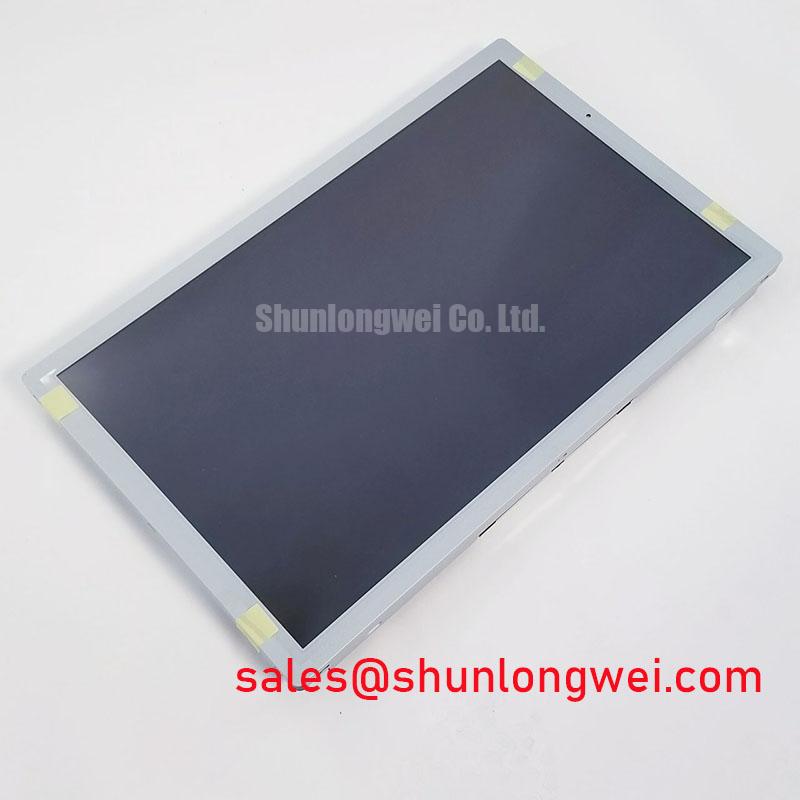
Use full-screen red, green, blue, white, and black test images to look for persistent pixel defects, color nonuniformity, and changes across the visible area. Keep the test pattern and viewing conditions consistent when comparing a replacement panel with the installed unit. A defect that remains in the same screen location across different input sources warrants inspection of the panel assembly and its connection; a defect that follows the source or image path calls for checking upstream video processing as well.
A flashlight held obliquely against a dark screen can help distinguish visible image content from illumination behavior. This is a qualitative check, not a definitive diagnosis: reflections, ambient light, and the optical stack can affect what is seen. Do not infer a particular driver or bonding failure from a line or dark region alone. Compare the result with the known-good system path and inspect the connector and flexible circuit for displacement or damage using the equipment maker’s service procedure.
Signal timing is a system compatibility matter. Verify the panel’s specified interface, clocking, and timing requirements against the instrument controller documentation; do not assume TTL or LVDS signaling from the product name or category. At temperature extremes, assess image stability and startup behavior within the documented operating limits of both the panel and host. The general TFT-LCD operating principles are described in this TFT LCD technology reference, while the Winstar industrial display overview provides broader context on industrial display integration.
Viewing-Angle Assessment for Multi-Angle Instrument Consoles
Evaluate readability from the actual operator positions rather than assuming a particular viewing cone or panel technology. The available product identification establishes a TFT-LCD active-matrix color module, but does not confirm IPS, MVA, TN, a specific viewing-angle rating, or an anti-glare surface treatment. Those characteristics can affect how colors and contrast appear off-axis, so compare the precise datasheet specification with the instrument’s viewing requirements before committing to a replacement.
Under bright work lighting, check for reflections and contrast loss with the intended enclosure, bezel, and lighting conditions in place. A surface that appears acceptable on a bench may behave differently behind a protective window or under overhead illumination. When the display serves more than one operator position, test the critical interface screens from each position and confirm that alarms, measurement traces, and small labels remain legible.
For a replacement evaluation, record the original panel’s dimensions, connector orientation, mounting points, and interface configuration before ordering. A different display can be a useful comparison candidate only when its electrical and mechanical compatibility has been established; for example, LM190E08-TLJ7 is a separate display listing and should not be treated as a drop-in substitute without a documented comparison. Further integration considerations are collected in Industrial Display and HMI Solutions.
Humidity Exposure, Storage, and Environmental Checks
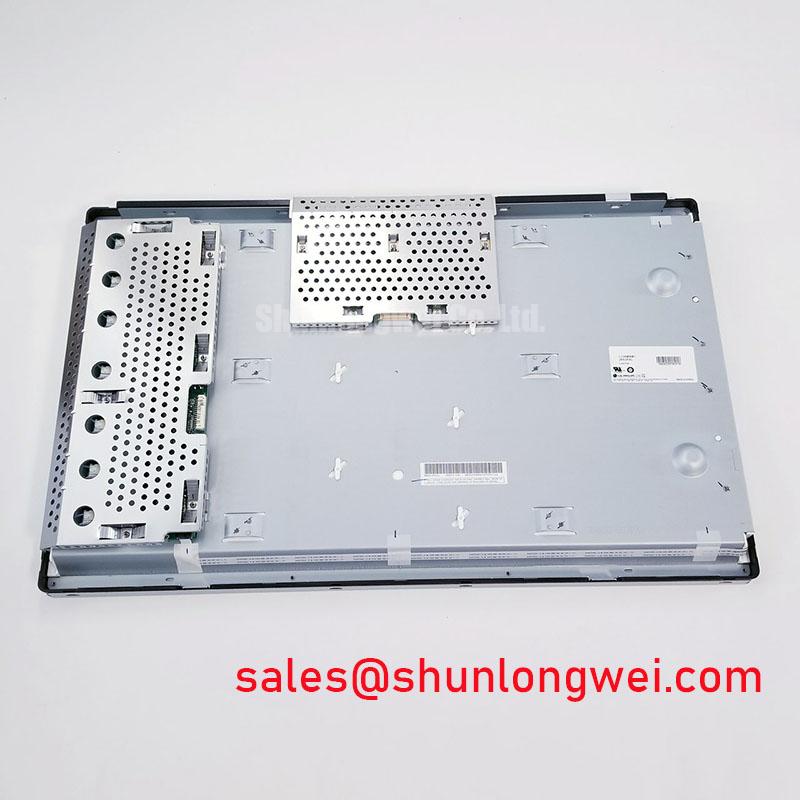
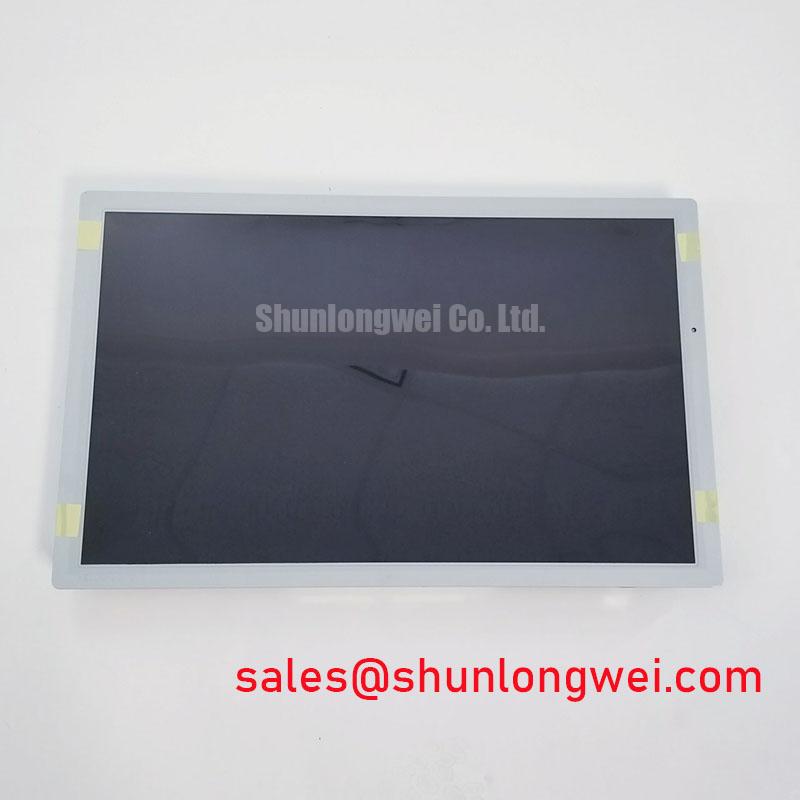
Before returning equipment to service after storage or transport, allow the panel and enclosure to reach a stable condition appropriate to the installation environment. Condensation can affect electrical connections and optical appearance; inspect for moisture and follow the equipment manufacturer’s recovery procedure before energizing. Do not apply an assumed temperature, humidity, or thermal-cycle rating to the LC260W01-A5KA unless that limit is confirmed in its documentation.
When a display responds slowly during a cold start, capture the behavior over the instrument’s documented operating range and compare it with the host’s startup sequence. Liquid-crystal response can vary with temperature as a general display characteristic, but the acceptable response and operating limits are product-specific. Avoid compensating with unverified timing or drive changes; verify that the controller and panel are configured according to their respective specifications.
Inspect the perimeter and mounting interface for dust ingress, displaced seals, and signs of enclosure stress. A sealing feature belongs to the equipment assembly unless the panel documentation explicitly identifies it as part of the module. Keep ventilation paths clear and use the enclosure’s approved cleaning method. ⚠️ Maintenance Note: Check the enclosure’s airflow path and sealing surfaces during scheduled service, and correct any obstruction or displaced gasket before reassembly.
Mechanical Fit, Fastener Loading, and Optical Uniformity
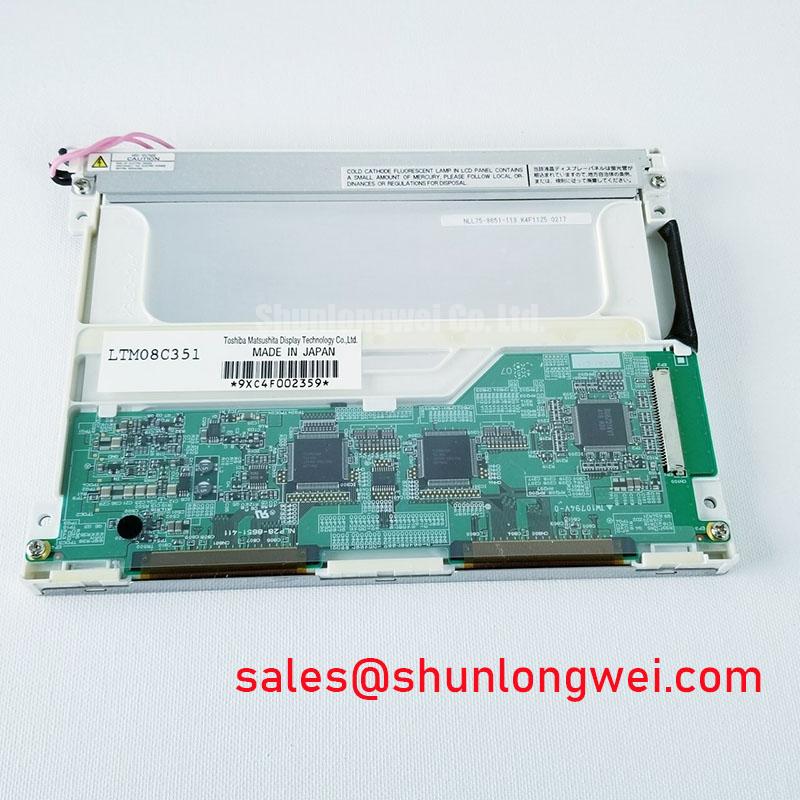
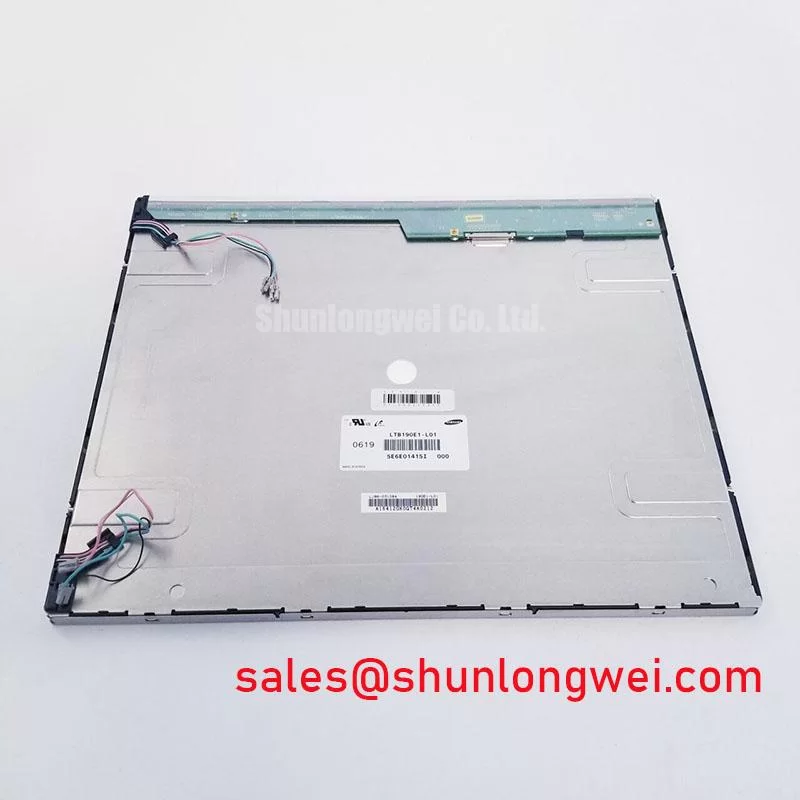
Confirm the panel outline, active-area position, mounting-hole locations, connector clearance, and bezel opening against the instrument chassis drawing. No panel dimensions or fastener torque values are established in the supplied product baseline, so do not use an assumed chassis size or generic torque as an LC260W01-A5KA specification. Use the applicable assembly instructions and tighten fasteners evenly to avoid imposing localized stress on the display.
After installation, inspect a dark field and a uniform light field for changes in brightness, pressure marks, or uneven appearance. If an artifact appears only after the bezel is secured, compare the unrestrained and installed states while following safe service procedures. The observation can help identify a mechanical interaction, but it does not by itself establish a specific internal cause. Check that brackets, cable routing, and the bezel do not press on the panel or flexible connection.
Power sequencing and image persistence should be assessed as part of the complete instrument, not inferred from the panel’s category. Follow the host’s documented startup and shutdown sequence, and verify that the display interface is inactive before handling its cable. For other display components in a system comparison, LM150X08-TL02 is a separate product reference; its presence does not establish compatibility with this module. Record the final fit, connector arrangement, and observed image condition so future maintenance can distinguish installation changes from signal-path faults.