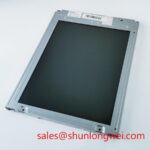

Content last revised on September 12, 2026
Incoming Benchtop Inspection: Display Bonding and Interconnect Integrity
Begin with an unpowered visual inspection under diffuse light. Check the bezel, glass edge, flex attachment region, connector housing, and mounting points for signs of compression, twisting, or impact. A panel that appears cosmetically intact can still have an interface problem, so the inspection should continue with connector retention and cable seating. Do not insert or remove the display cable while the host system is energized.
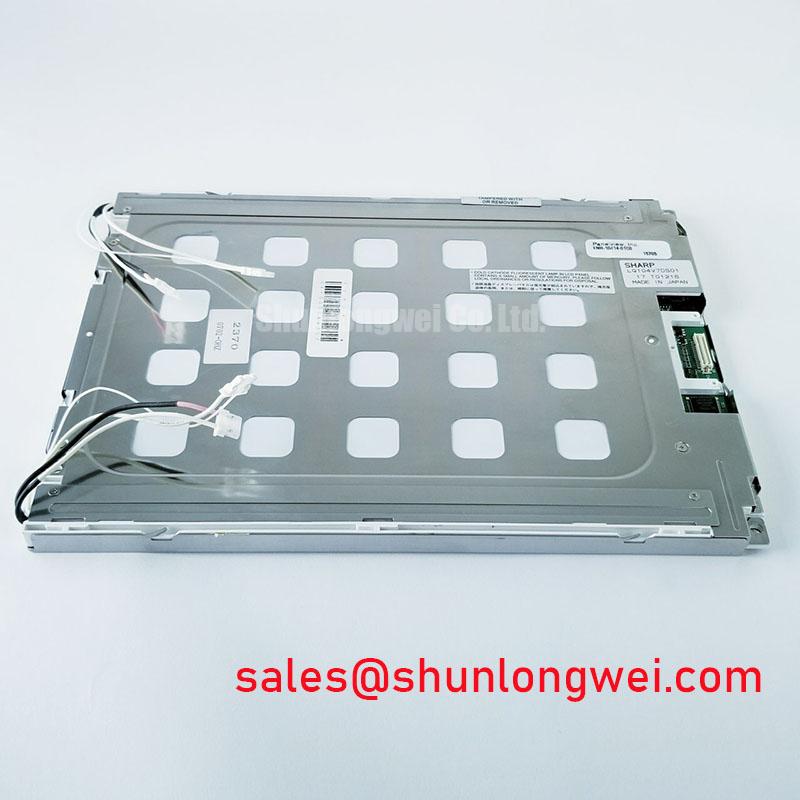
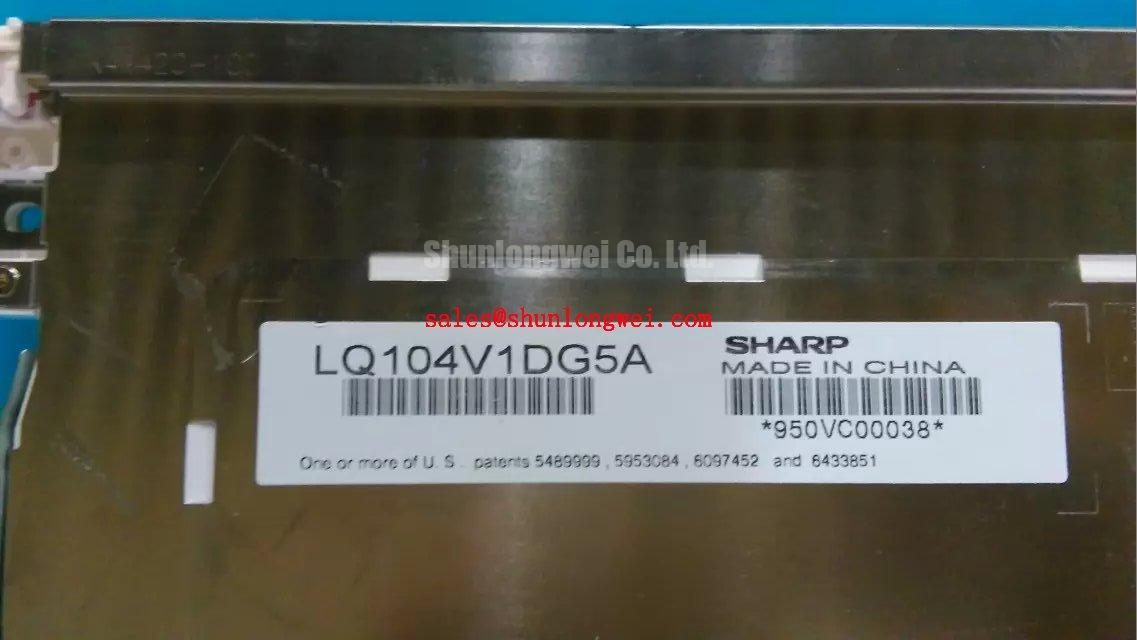
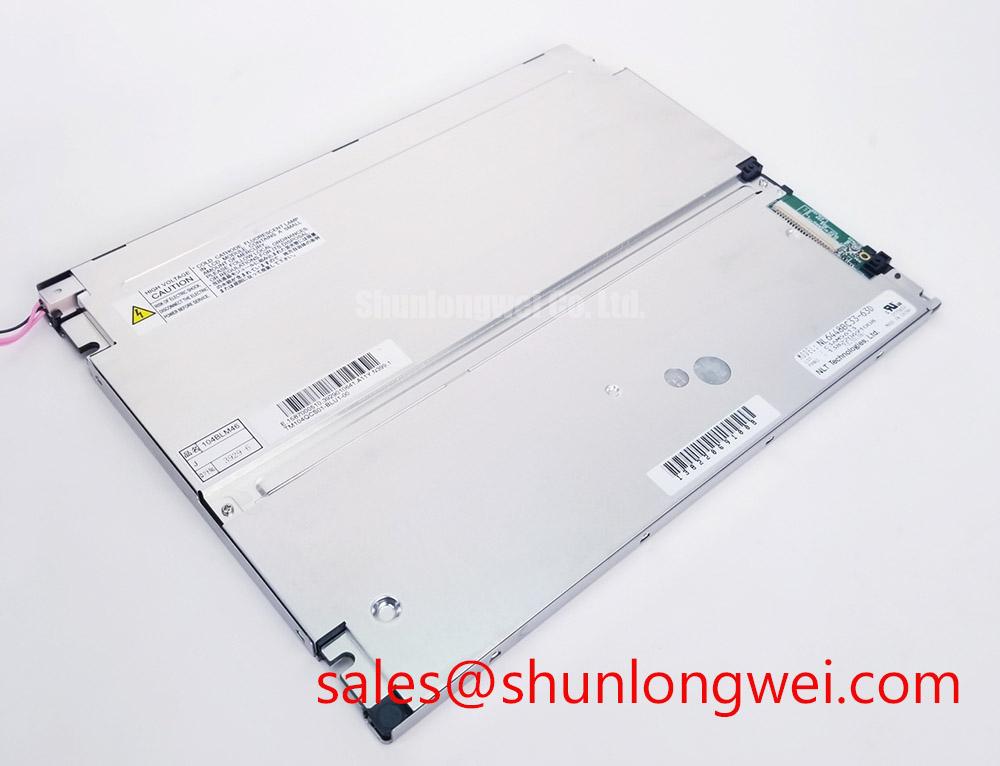
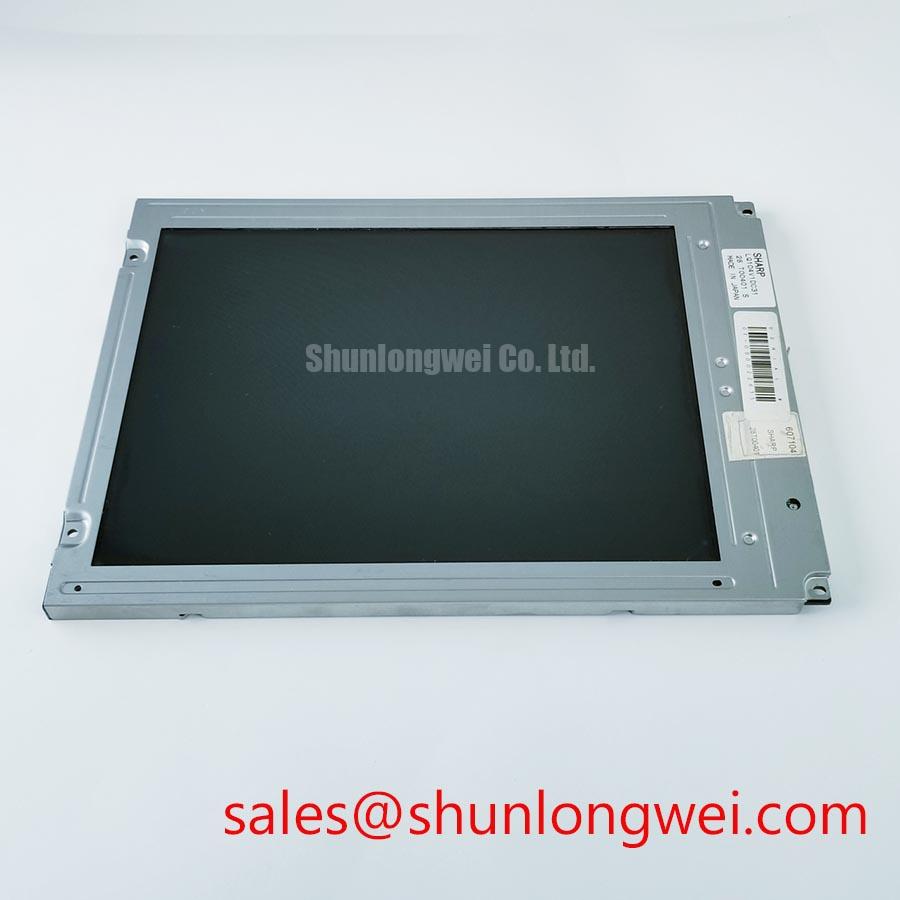
For a controlled bench test, use the original controller or a known-compatible test assembly rather than assuming that a generic LCD controller will match the LQ104V1DC31. The manufacturer, enclosure category, and module identity alone do not define the electrical interface. The system integrator should verify whether the installed assembly uses LVDS, TTL, a dedicated controller board, or another interface from the original panel documentation.
A practical primary-colour check can use red, green, blue, white, and black test fields supplied by the host controller. Observe the panel directly, then illuminate the surface from approximately forty-five degrees with a flashlight while displaying a dark field. This angled-light inspection can help separate a backlight-related dark image from a localized line, column, or bonding-area defect. A change in the apparent shadow pattern does not identify a single failure mechanism; compare the result with a known-good display and inspect the signal path before assigning a cause.
Display bonding areas require gentle handling. Avoid pressing the glass edge or flex region during testing because mechanical pressure can temporarily alter an intermittent contact and make the result difficult to reproduce. If a line defect changes when the frame is touched, record the exact location and repeat the test without mechanical contact. This provides useful evidence for the repair decision without treating the observation as a confirmed internal construction diagnosis.
The requested PWM range of 200 Hz to 1 kHz is an integration consideration for a compatible backlight control system, not a verified factory parameter for this display. If the host uses PWM brightness control, measure the control waveform at the driver input and evaluate duty-cycle behaviour across the intended brightness range. Flicker, audible noise, or unstable brightness may involve the driver, wiring, grounding, or control firmware. The display module should not be assigned responsibility until those parts of the system have been checked.
Optical Luminance Degradation Curve and CCFL-to-LED Modernization Retrofit Pathways
The supplied factory data does not confirm whether the original LQ104V1DC31 assembly uses CCFL or LED backlighting. A retrofit decision therefore begins with identification of the installed backlight hardware, connector pinout, inverter or constant-current driver, and mechanical light path. The system integrator should verify the required supply voltage and backlight control method from the original panel documentation rather than selecting a replacement driver from the model number alone.
For an installed CCFL arrangement, the high-voltage ignition behaviour belongs to the inverter and lamp assembly, not to the TFT-LCD product category by itself. A cold-start measurement should be performed only with suitable high-voltage equipment and with the enclosure and safety interlocks considered. Any proposed ignition-voltage range must be confirmed against the actual inverter and lamp documentation; it is not an official specification supplied here for this Sharp model and must not be used as a product rating or retrofit guarantee.
For an LED modernization path, the replacement constant-current driver must be checked against the original optical and mechanical arrangement. Verify current regulation, open-load response, short-circuit protection, dimming input levels, connector polarity, thermal behaviour, and fault reporting. A driver that lights the panel is not automatically electrically or optically compatible. The repair team should compare uniformity, brightness control, startup behaviour, and image visibility at the lowest required operating temperature.
Claims such as a 50,000-hour half-life, MTBF, or a particular L70/B50 result require a named source and defined test conditions. No such lifetime data is included in the supplied factory context for this model. Treat any external lifetime number as a driver or backlight-assembly claim unless it is explicitly documented for the complete display configuration.
Digital timing also needs verification during a retrofit. If the host uses LVDS, check the differential pairs, clock relationship, polarity, data format, and connector assignment against the original documentation. JEIDA and VESA mapping are not interchangeable assumptions. If the host uses TTL, confirm bit order, pixel clock polarity, enable timing, and signal voltage requirements. Oscilloscope measurements should compare the suspected panel path with a known-good assembly while the system passes representative images and operating-temperature transitions.
For sourcing decisions involving another industrial panel, engineers may place the LMS700KF01-001 beside this Sharp unit in a compatibility worksheet. The comparison should cover active area, mounting geometry, connector position, interface protocol, backlight control, optical direction, and power requirements. Similar screen size or application language is not sufficient evidence of direct interchangeability.
Suppressing Localized Thermal Gradients to Prevent Chronic Optical Yellowing
Thermal assessment should begin with the complete assembly, including the panel frame, controller, backlight driver, enclosure, and nearby power electronics. The available specification context does not provide an operating-temperature range, storage-temperature range, luminance value, contrast ratio, coating type, or internal optical material declaration for the LQ104V1DC31. These omissions matter when the panel is considered for a high-voltage substation protection or SCADA dispatch console, where enclosure airflow and nearby heat sources can vary significantly.
A useful bench procedure is to record the image and brightness condition after cold startup, during steady operation, and after the equipment reaches its normal enclosure temperature. Use the same test image and measurement position each time. A gradual colour change across one edge may involve temperature distribution, ageing, driver imbalance, optical contamination, or measurement geometry. It should be compared with the original unit and reviewed alongside backlight current and enclosure temperature records.
Where the mechanical design permits, a spreader rail or conductive mounting feature may reduce a local thermal concentration along a display edge. This is a Design Consideration, not a Sharp factory requirement. The rail must not load the glass, interfere with flex cables, block ventilation, or create a new thermal path into the bezel. The final structure should be validated using the actual enclosure, fastening method, vibration profile, and cable routing.
Do not infer PMMA composition, light-guide construction, adhesive formulation, or other internal materials without a manufacturer document. Optical yellowing can be discussed as a possible ageing symptom, but assigning it to a specific internal material would exceed the available evidence. Likewise, a contrast value such as greater than 500:1 at 50,000 lux is not an official parameter supplied for this model and should not be presented as a verified performance result.
Direct sunlight testing needs controlled conditions. If the display is used near a window or outdoor-facing cabinet, evaluate readability with the installed cover, viewing angle, ambient reflections, and any anti-glare treatment present in the actual assembly. The presence or specification of an anti-glare coating is not confirmed here. Designers should verify the original optical documentation and perform a system-level visibility test before approving the panel for a dispatch console.
Mechanical stress is equally important during installation. The display should sit on a flat support without bezel distortion, uneven compression, or cable bending at the connector. Mounting holes and the enclosure opening must be checked against the original drawing. If the replacement requires a carrier plate, the plate should preserve alignment while allowing the panel and flex connection to remain free from concentrated loading.
💡 Pro Tip: Keep differential display wiring away from high-current switching paths and verify equal routing conditions during bench testing before closing the enclosure.
Eye-Diagram Voltage Margin and Differential Noise-Floor Verification in High-Vibration Bays
When the panel is installed near variable-frequency drives or other switching equipment, begin diagnosis at the complete signal path rather than at the display alone. Inspect connector engagement, cable retention, shield termination, chassis bonding, and the controller ground reference. Horizontal bands, intermittent pixels, or loss of synchronisation may reflect signal integrity, grounding, timing, mechanical vibration, or power quality. A symptom should be reproduced and compared with a known-good cable or panel before a replacement decision is made.
For an LVDS implementation, inspect the differential clock and data pairs with suitable probing that does not significantly disturb the line. Check the eye opening, common-mode behaviour, edge consistency, and timing relationship while the equipment operates in its normal state. The acceptable margin is determined by the transmitter, receiver, cable, connector, and panel documentation. Do not apply a generic eye-diagram limit to the LQ104V1DC31 without a confirmed interface specification.
A shielded cable can reduce electric-field coupling when its termination is compatible with the host chassis design. A full circumferential termination may be considered where the connector and enclosure support it, but the final grounding method must account for ground-loop current and safety bonding. Ferrite components can also be evaluated as a system-level noise-control measure, provided that their impedance, placement, and effect on the signal waveform are measured rather than assumed.
Vibration testing should include the mounted display, carrier, cable, and connector. Monitor the image while applying the equipment’s approved vibration profile, then inspect whether the fault follows the cable, controller output, or display assembly. A loose contact can resemble a timing problem, while a timing problem can appear only under temperature or load changes. Recording the trigger condition and the affected image region is more useful than assigning a single cause from visual evidence.
Backlight control should be checked separately from image data. If PWM is used, measure the waveform at the driver interface and check whether the requested duty cycle is reproduced consistently during startup, dimming, and fault recovery. The 200 Hz to 1 kHz range may be evaluated as a general design consideration for avoiding visible flicker or audible interaction, but it is not confirmed as the Sharp module’s factory requirement. If the backlight driver provides open-load, short-circuit, or overvoltage reporting, validate those outputs against the driver documentation and the host alarm logic.
For technical background on display interfaces, optical behaviour, and selection factors, engineers can consult The Ultimate Guide to Industrial TFT LCD Technology. Before approving the LQ104V1DC31 for a repair or retrofit, the final checklist should include the original panel documentation, connector and pinout confirmation, mechanical opening measurement, backlight identification, power-sequencing review, temperature testing, and signal verification under the actual cabinet conditions.