
Content last revised on September 11, 2026
Full-Screen Primary Color AOI Screening: Stuck Sub-Pixels & Background Uniformity Audit
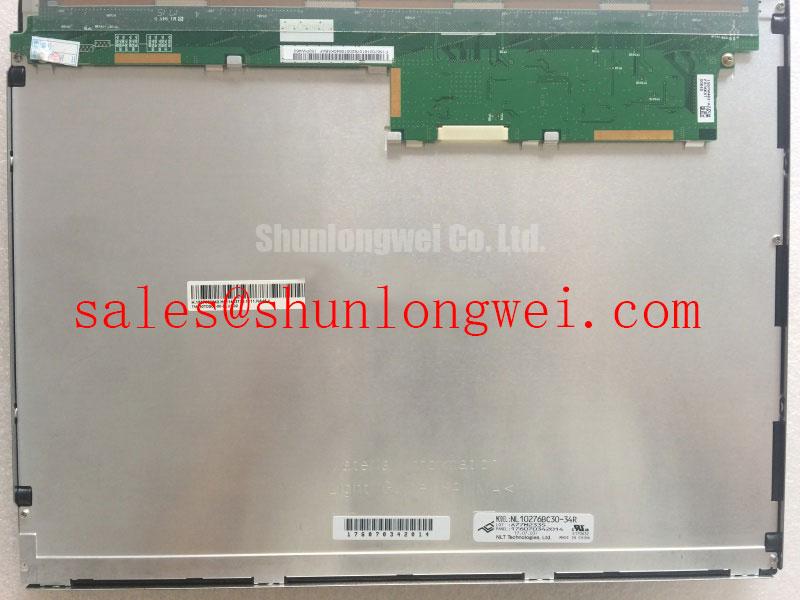
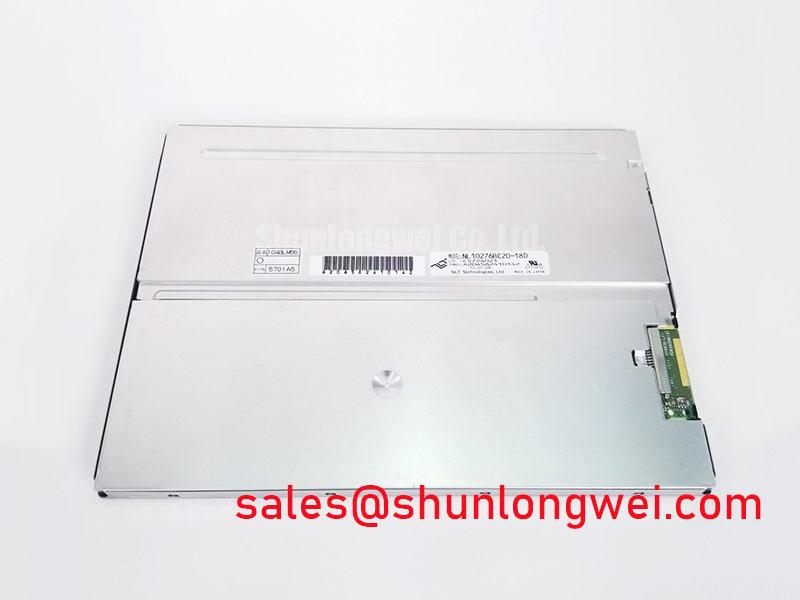
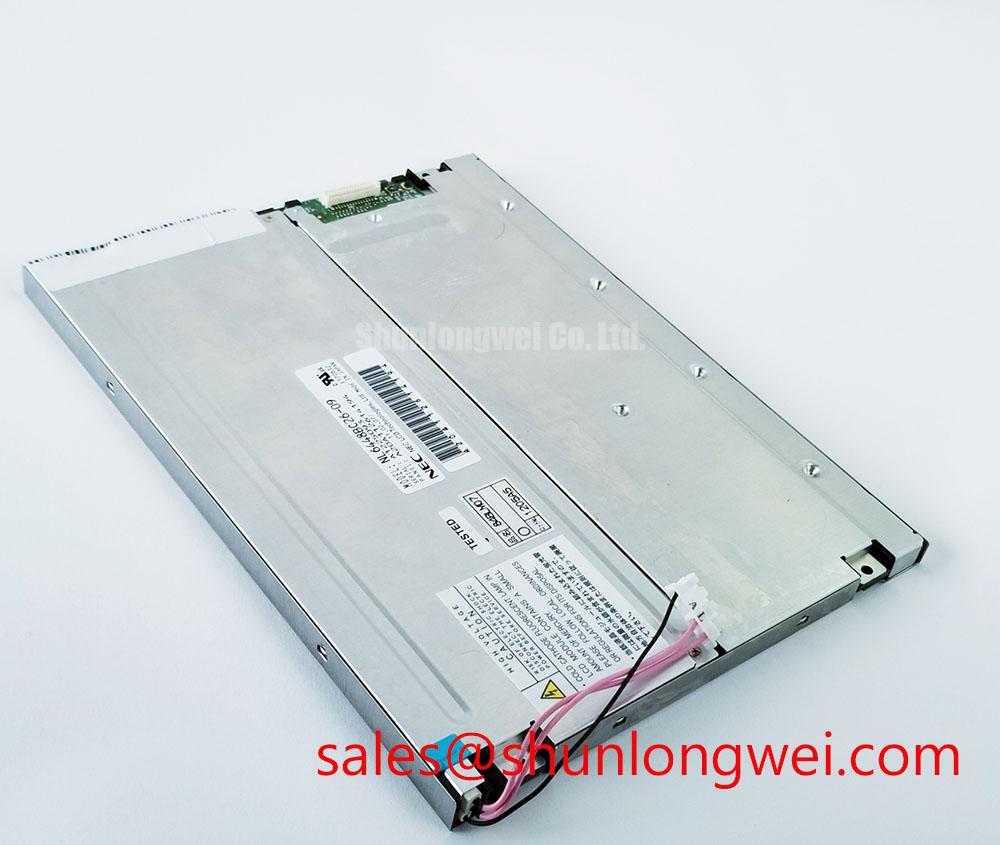
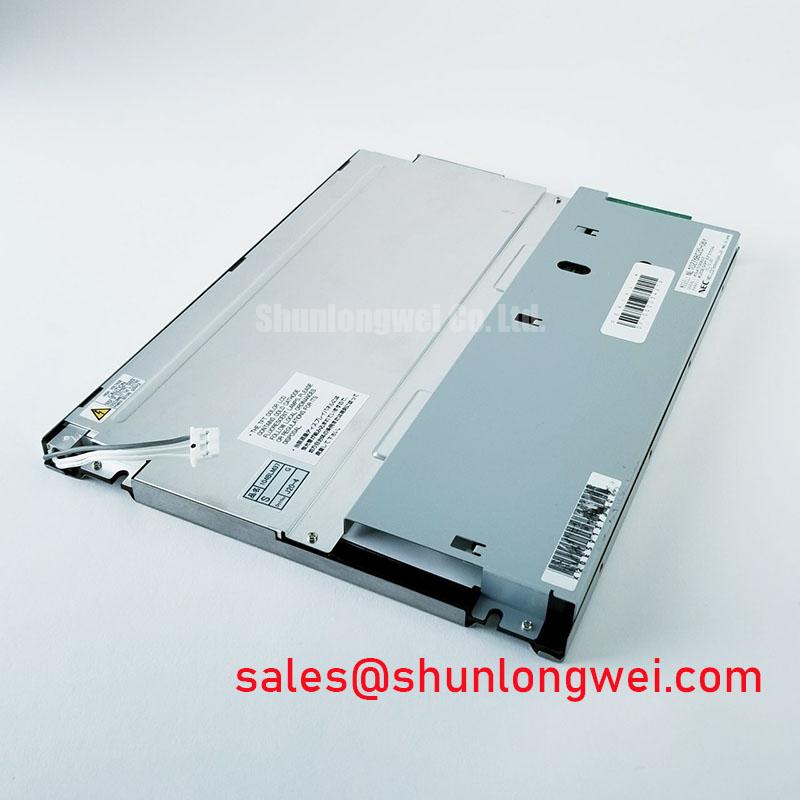
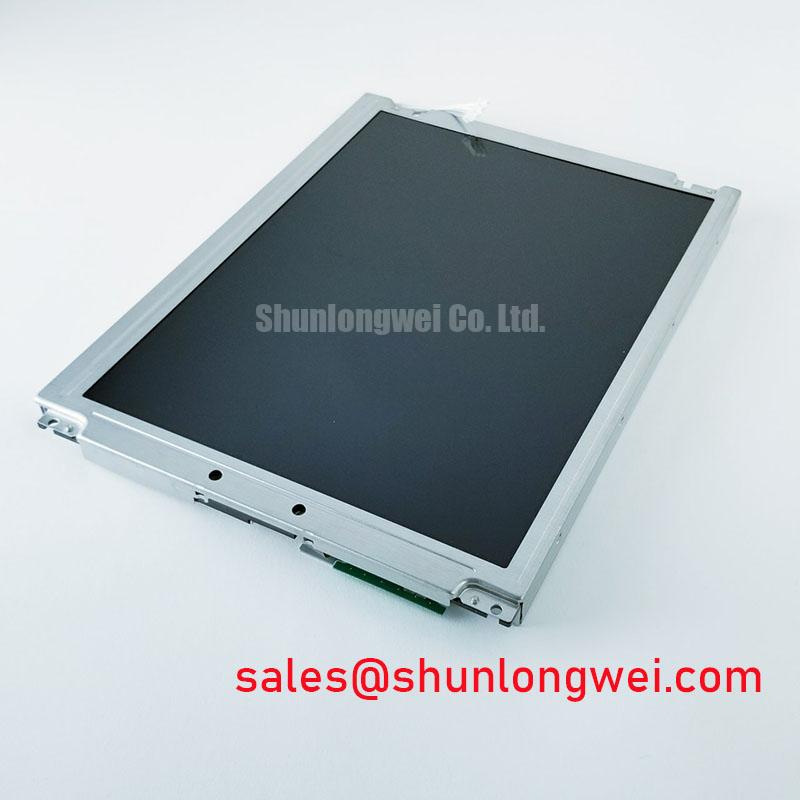
Begin with a powered-down visual inspection of the NL10276BC20-07Y bezel, glass edges, connector area, and rear housing, then compare the original equipment label and mating connector arrangement before any replacement decision. This NEC unit is identified as an Industrial Grade LCD/HMI Panel in a TFT-LCD Display Module format, with its specification status recorded as Official Factory Spec Verified. The available official product information does not establish panel resolution, active area, interface pin assignment, logic-rail requirement, backlight electrical ratings, optical performance, or environmental limits; these items must be verified against the original panel documentation and host equipment schematic.
| Item | Official Specification |
|---|---|
| Model | NL10276BC20-07Y |
| Manufacturer | NEC |
| Product Category | Industrial Grade LCD/HMI Panel |
| Module Format | TFT-LCD Display Module |
| Specification Status | Official Factory Spec Verified |
Before fitting the NEC NL10276BC20-07Y into a display assembly, use a known-good controller and a clean full-screen image sequence. Solid black, white, red, green, and blue patterns are practical inspection tools because they reveal anomalies that ordinary application screens can conceal. Observe the image from the normal operating position first, then inspect at off-axis viewing angles without applying force to the panel or bezel.
A stable single-color point can suggest a localized pixel or sub-pixel anomaly, while a vertical or horizontal line can indicate a signal-path, connector-contact, panel-driver, or flex-cable issue. It should not be treated as proof of one particular internal failure mechanism. Compare the same pattern using a known-good display path where possible, and inspect the host-side connector for contamination, incomplete insertion, bent contacts, or mechanical strain.
A dark-image check can help separate backlight-related symptoms from image-generation symptoms. With a black frame displayed, use indirect illumination at an oblique angle around the visible area. If a faint image is present but the screen lacks normal illumination, the result can direct attention toward the system backlight supply, enable signal, dimming control, cable path, or protection behavior. If the image itself changes with cable movement or controller substitution, the interface path requires further measurement before the module is assigned as the cause.
Uniformity should be assessed after the panel has stabilized in its installed orientation. Edge brightness variation, localized shadows, and color shift can be influenced by the optical stack, mechanical pressure, front cover, enclosure geometry, and supply conditions. The available official information identifies this product as a TFT-LCD module but does not publish a backlight lifetime rating, a brightness-retention curve, or a stated LED maintenance point. Claims such as brightness retention at a specified operating-hour milestone therefore must not be assigned to this model without the applicable NEC source document.
For systems using constant-current backlight control, an Engineering Recommendation is to capture backlight supply behavior, enable timing, dimming command behavior, and thermal conditions while the original assembly is still operational. These observations provide a more defensible replacement baseline than attempting to infer electrical requirements from screen appearance alone. If an adjacent display family is being reviewed during sourcing, the NL10276BC16-06 should be evaluated only through documented mechanical, interface, optical, and power comparisons rather than assumed interchangeability.
💡 Pro Tip: Disconnect system power and allow stored energy in the display supply path to discharge before inserting or removing the panel cable.
Thermal Cycling Degradation of Polarizer Adhesives & Sealant Gasket Integrity
Inspect the visible surface and perimeter of the NL10276BC20-07Y under diffuse light before installation. Look for localized pressure marks, surface contamination, edge damage, panel twist, or evidence that the module has been constrained by an enclosure opening. A TFT-LCD module can show image artifacts when mounting points, front covers, foam interfaces, or retention features apply uneven load. The correct response is to verify the host mechanical stack-up, not to apply additional clamping force in an attempt to remove the symptom.
Temperature changes can affect perceived response, contrast, and optical appearance in liquid-crystal displays. At low ambient temperature, liquid-crystal behavior can become slower; at elevated temperature, system thermal loading and enclosure ventilation become more influential. These are general display-physics observations and are presented as a Design Consideration, not as a published operating-temperature rating for this NEC model. The available official data does not confirm an industrial thermal-cycle range, gray-to-gray response behavior, sealant qualification, polarizer adhesion limit, or heater-strip requirement.
Where equipment qualification includes low-temperature startup or repeated thermal cycling, the system integrator should validate the complete assembly in its intended enclosure. That evaluation should include image stability after startup, connector retention, front-window contact pressure, display response consistency, and recovery after the equipment returns to its normal operating environment. A heater strip, if used in the host product, remains an enclosure-level design decision whose control method and setpoint must be verified by the equipment designer.
Do not interpret slowed transitions, temporary nonuniformity, or altered contrast after environmental exposure as a definitive panel fault without first confirming the supply rails, signal source, enclosure temperature, and mounting condition. A controlled comparison with the original display path is more useful than a single visual observation. The panel’s documented identity is an Industrial Grade LCD/HMI Panel; its suitability for a particular thermal environment still depends on the applicable original NEC documentation and the complete equipment validation plan.
For a surgical-navigation or ultrasound diagnostic display terminal, this module can be assessed as a replacement candidate only after the service team verifies physical fit, host interface compatibility, optical requirements, cleaning regime, and the equipment manufacturer’s regulatory maintenance procedure. The module itself should not be represented as carrying system-level medical approval, electromagnetic compatibility approval, or safety certification for the finished device.
Aluminum Heat Spreader Sizing & Thermal Interface Placement along Narrow Display Edges
Check the rear mounting plane and narrow panel edges for localized contact points before installing the NL10276BC20-07Y. A display module should be supported according to the mechanical arrangement defined by the host equipment and the applicable panel drawing. Contact imposed at an unintended edge can create stress that later appears as nonuniformity, intermittent image behavior, or visible pressure marks. The available official data does not provide this model’s mounting-hole pattern, allowable mounting force, heat-spreader layout, or enclosure torque requirement, so those values must be obtained from the original mechanical documentation.
Heat-spreader rails and thermal interfaces are system-level elements rather than inherent attributes confirmed for this LCD module. As a Design Consideration, designers should minimize localized thermal concentration near the display perimeter while ensuring that added metalwork cannot contact conductors, abrade cables, or distort the module frame. Thermal interface placement must also preserve cable routing and service access. A rail that improves enclosure heat distribution but introduces mechanical preload is not automatically beneficial.
Backlight heat is frequently assessed alongside controller-board heat, power-conversion loss, and front-window solar loading. However, no official backlight current, voltage, thermal resistance, luminous-maintenance value, or LED lifetime figure is supplied here for the NL10276BC20-07Y. Statements about long-term brightness retention, L70 behavior, B50 behavior, or a fixed operational-hour lifetime require a specific manufacturer datasheet or qualified system test record. They should not be inferred from the product category alone.
During fault isolation, inspect whether backlight symptoms track enclosure temperature, supply behavior, dimming command changes, or cable movement. A screen that dims after warm-up may involve the panel, but it may also involve a current regulator, protection circuit, connector resistance, or host power source. Measure the system against a known-good signal path and use the original electrical documentation to determine whether an open-load or short-circuit protection response is occurring.
If a related NEC panel is considered while reviewing the wider display topology, the NL10276BC30-24D is a useful reference point for documentation review. It is not a declared substitute for the NL10276BC20-07Y. Mechanical outline, connector position, signal format, optical characteristics, and power requirements must all be verified separately before any integration decision.
Logic Supply Voltage Sequencing to Eliminate Driver IC Latch-Up Risks
Verify the original connector pinout, logic supply requirement, panel-enable behavior, backlight-enable behavior, and signal format before connecting the NL10276BC20-07Y to a controller. The available official product information does not confirm whether this specific module requires a particular logic voltage, uses LVDS or TTL signaling, supports a particular JEIDA or VESA mapping, or specifies a power-on timing window. These are critical compatibility items and must be taken directly from the original NEC panel documentation or the host equipment service information.
Power sequencing matters because a panel controller can behave unpredictably when data signals, logic rails, and backlight control are applied in an unsuitable order. An Engineering Recommendation is to observe the working equipment with appropriate instrumentation before replacement, recording the relative behavior of logic power, display data, panel enable, and backlight enable. The system engineer should then verify that the replacement configuration follows the required sequence and that all voltage levels remain within the original equipment’s documented limits.
Where a differential display link is confirmed by documentation, route the pair as a controlled differential path, maintain pair symmetry, avoid unnecessary stubs, and keep the cable and connector arrangement consistent with the host design. These measures are Design Considerations intended to reduce susceptibility to timing disturbance and noise coupling. The required characteristic impedance, pair length relationship, pixel clock, and data-map convention are system-determined values that must be checked against the original interface specification.
Split images, unstable colors, intermittent lock, or repeated image loss can be associated with data mapping, timing, connector condition, supply sequencing, controller configuration, or electromagnetic interference. They should be investigated through controlled substitution and waveform comparison rather than attributed to a single cause. If the equipment is located near servo drives, switching supplies, or other noise sources, inspect shield termination, grounding continuity, cable routing, and enclosure bonding as part of the complete display path.
For broader troubleshooting methods involving industrial display interfaces, enclosure effects, and HMI integration checks, consult Industrial Display & HMI Solutions. The final integration decision for the NEC NL10276BC20-07Y should rest on documented mechanical fit, validated electrical sequencing, confirmed signal compatibility, and an image test performed in the target equipment.