
Content last revised on October 3, 2026
Backlight Noise and Display Readability Checks
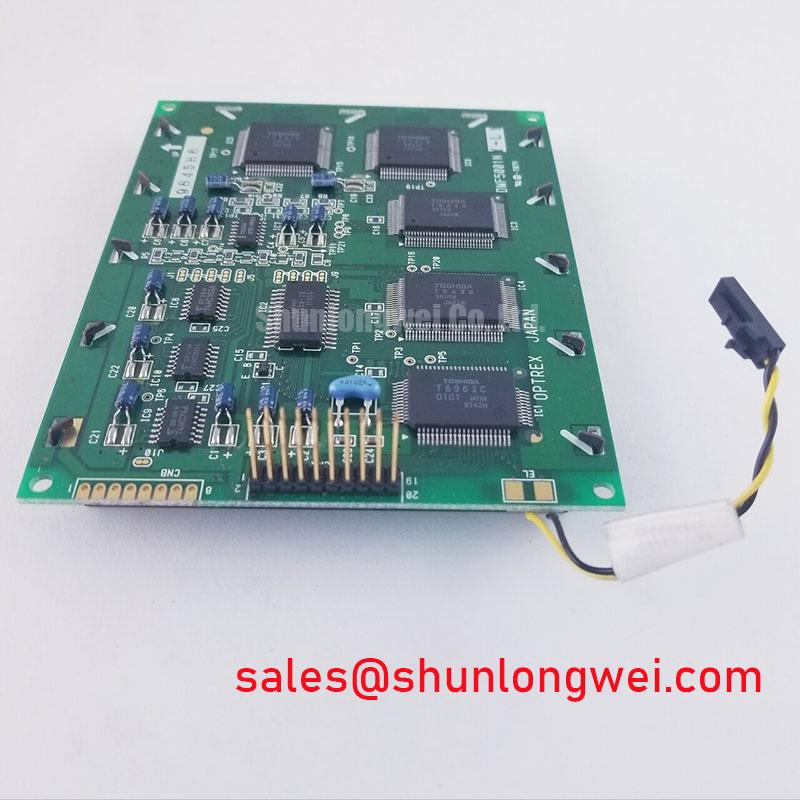
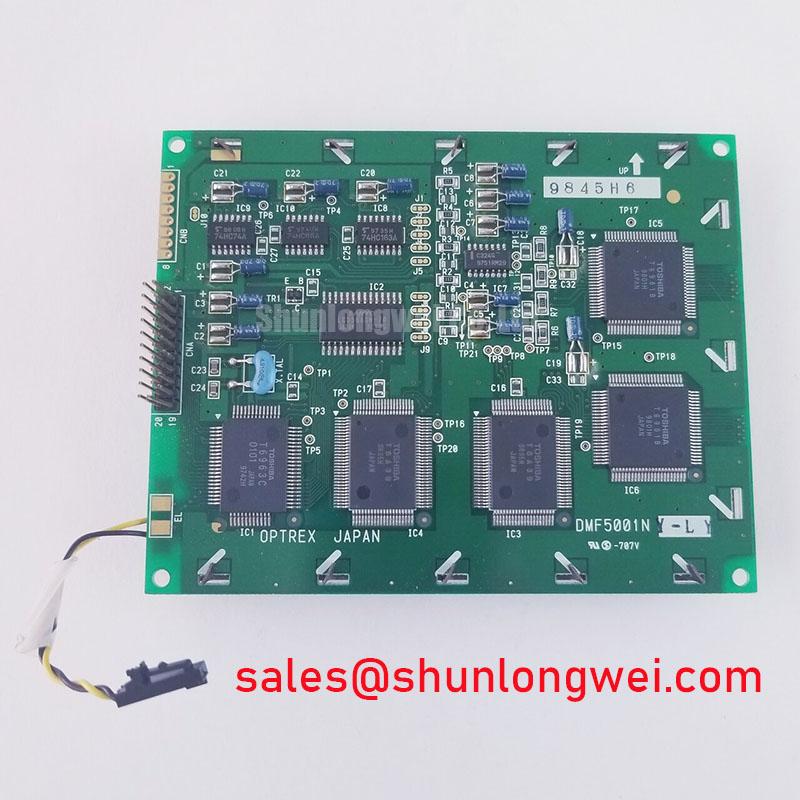
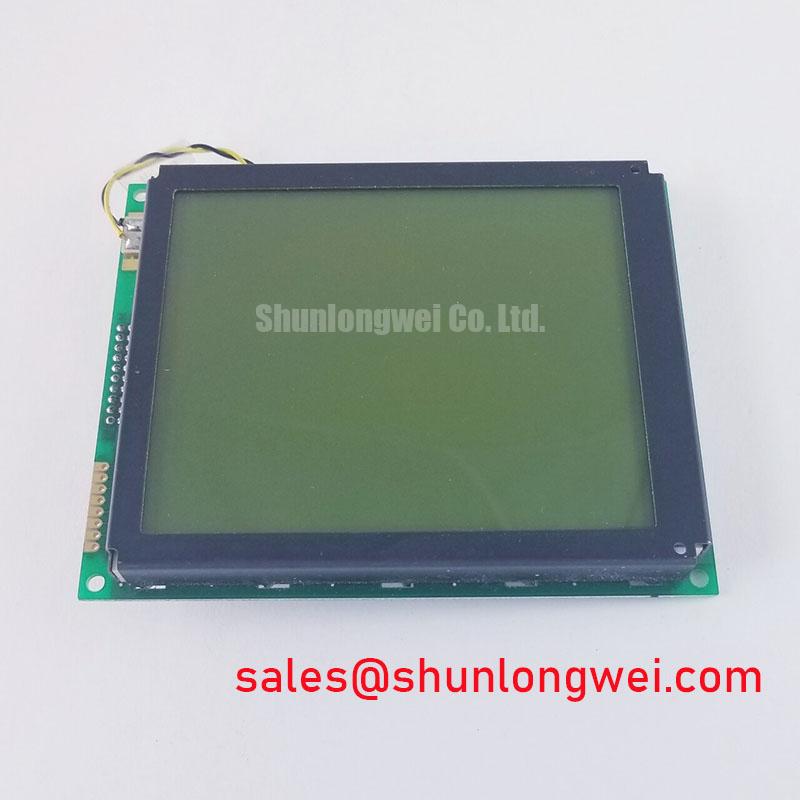
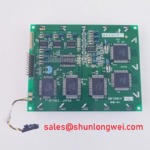
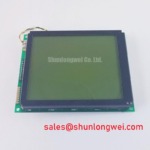
Inspect the connector seating and display surface of the DMF5001NY-LY-AIE before applying power, then compare its markings with the panel documentation for the equipment under repair. This Kyocera / OPTREX LCD display module is identified as an industrial LCD/HMI panel. Its model identity and product category are confirmed, but the supplied factory information does not establish its supply voltage, connector pinout, backlight type, optical ratings or mechanical dimensions. Those details must be checked against the original panel documentation before a replacement is energized or its fit is approved.
On an incoming-quality bench, photograph the inactive screen under even illumination, noting scratches, pressure marks and contamination before judging an illuminated image. Next, use the equipment’s documented power-up procedure and a known-good signal source to display a uniform field. Record brightness variation across the active area, and repeat the observation at the brightness settings the equipment actually uses. This gives a repair engineer evidence about the assembled display path without attributing every visible change to the panel.
The DMF5001NY-LY-AIE information provided here does not specify a backlight technology, driver circuit, dimming method or PWM frequency. High-voltage CCFL ignition values, LED driver ratios, acoustic behavior and backlight lifetime therefore cannot be treated as specifications for this model. Design Consideration: if the host equipment controls brightness with PWM, listen for audible noise while observing the screen for flicker, and compare any findings with the host driver documentation. A tone that changes with brightness may warrant investigation of the driver, its mounting and its power path; it does not, by itself, identify a defective LCD.
For a dim or uneven screen, compare a uniform illuminated field at the same viewing angle and camera exposure each time. Check the host supply at the relevant connector under load, using voltage limits from the original documentation rather than an assumed LCD value. If the image data remains present while illumination changes, investigate the backlight drive path separately. If both image and illumination disappear, examine the host power sequence and signal connection before assigning a cause. Keep optical measurements repeatable: room lighting, warm-up conditions and viewing position can change the apparent result.
Sunlight readability also requires an equipment-level test. No contrast ratio at a stated illuminance, anti-glare treatment or outdoor visibility rating is confirmed for this panel. For a proposed AGV or forklift telematics display, designers should assess the completed enclosure in its intended lighting, including reflections from its cover window. A cover lens, adhesive layer or surface treatment can alter the view even when the bare panel image appears acceptable on the bench. The same distinction applies to optical bonding: do not assume this module is bonded to a cover glass, or that the assembled display has a moisture or dust seal, without the assembly drawing and enclosure documentation.
Viewing Direction, Contrast and Image Readability Checks
Place a suitable contrast test image on the powered panel and observe it from the operator positions represented in the host equipment. Note where displayed details become difficult to distinguish or appear to reverse. Rotate the panel only within a safe bench fixture; changing the observer’s position is usually the clearer way to document a viewing-direction concern without stressing the module or its cable. Capture the same pattern from each position so the equipment team can distinguish an acceptable direct view from a poor off-axis view.
Neither a normally white TN mode nor an IPS or MVA mode is confirmed in the supplied DMF5001NY-LY-AIE specifications. A symmetric viewing cone, specified contrast ratio and anti-glare etching likewise must not be assigned to it. Design Consideration: if the original optical specification identifies an asymmetric viewing direction, the mechanical installation should be evaluated from the operator’s actual eye line. An image that appears inverted can reflect viewing geometry, image-source settings or a panel fault; comparison with the documented orientation and a known-good image path is more useful than relying on one photograph.
Static industrial HMI graphics deserve a separate check. Display a uniform field after the host has shown its normal fixed interface, and observe whether a residual pattern remains or fades. Document the duration and operating conditions of the observation without turning them into a lifetime prediction. The host interface team can consider shifting persistent graphics or using an idle-screen policy, subject to its usability requirements; the supplied factory information gives no model-specific image-retention limit.
Before treating a pale screen as an optical defect, verify the host’s documented power sequence. A blank or uniform image at startup may accompany missing image data, an incorrect connection or a sequencing fault. Similarly, a residual image during shutdown should prompt a review of how the host removes image signals and panel power. The system integrator should obtain the specified rail order and timing from the original panel and controller documentation rather than applying a generic sequence to this model.
Industrial EMI Noise Immunity, Chassis Shielding Continuity & Common-Mode Ferrite Chokes
For a screen with intermittent horizontal bands or pixel jitter, first establish whether the symptom follows the host equipment or the display assembly. Reseat the connection with power removed, inspect the cable’s contact area and locking features, and repeat the same test image with the cable in its intended routing. If the symptom changes when a nearby motor drive operates, record that correlation and inspect the host grounding and cable route. Correlation is a useful troubleshooting lead, not proof of an LCD immunity rating or a particular noise-entry path.
The interface type and pin assignment for the DMF5001NY-LY-AIE are not established by the supplied specifications. Do not select an LVDS cable, FFC shield termination or common-mode ferrite solely from the product category. Design Consideration: maintain the cable shielding and chassis connections required by the original equipment design, particularly where nearby switching equipment can introduce noise. The system engineer should assess any proposed routing or suppression change with the complete display assembly operating; a component-level inspection cannot establish equipment EMC compliance.
At the bench, compare the signal at an accessible host-side test point with the known-good signal path, using an oscilloscope and probing method appropriate to the documented interface. Inspect connectors for uneven insertion and cable strain before changing circuit parts. If pressure on the enclosure appears to alter the image, stop manipulating the powered assembly and check its mounting and cable retention under safe conditions. The broader equipment-level relationship between display wiring, grounding and enclosure design is covered in Industrial Display & HMI Solutions; the applicable connector and grounding details still come from the equipment drawings.
For an AGV or forklift telematics display evaluation, vibration exposure makes cable retention and enclosure clearance relevant compatibility checks. It does not establish that this panel has a particular ruggedness rating. Confirm the module outline, connector exit, mounting arrangement and environmental limits against the original documentation, then assess the installed display under the equipment’s operating conditions.
Mechanical Stress and Fixed-Line Display Fault Checks
Support the module evenly before running a display test. Show high-contrast patterns across the screen, recording fixed lines, isolated pixels and areas that change between patterns. A uniform illuminated field can then help expose brightness variation, while a dark field can make unwanted light or surface marks easier to see. Keep the image source, viewing angle and camera settings consistent. A line seen in one pattern should be documented by position and appearance rather than immediately assigned to a glass or driver failure.
With the panel powered under its documented conditions, an angled flashlight observation can help distinguish a visible but unlit image from a blank signal path. It is a qualitative check, not a diagnosis of a specific internal bond or fracture. The supplied factory information does not confirm this module’s internal driver attachment, glass construction or a permissible mechanical twist. Design Consideration: support the display at the mounting points defined by its drawing and check that the surrounding frame does not force the module to conform to a warped surface.
💡 Bench Tip: Disconnect power and use ESD protection before reseating the display cable, then confirm that it enters its connector squarely and the lock closes without force.
If a line defect remains at the same coordinates across the test patterns, compare the result with a known-good host signal path and inspect the external connection before making a panel-level assessment. If the defect changes when the enclosure is assembled, document the difference between the supported bench setup and the installed state; mounting pressure and cable movement both merit investigation. Do not press on the active area to reproduce the symptom.
Finally, repeat the display-pattern and uniform-field observations after the enclosure is closed and the host has completed its normal startup and shutdown cycles. Check for new shadows, connector movement and changes in illumination. Where a cover window is used, verify its cleanliness, clearance and sealing against the assembly documentation. Neither optical bonding nor an airtight or dustproof barrier is specified for the DMF5001NY-LY-AIE, so those properties must be evaluated on the finished equipment rather than inferred from the LCD module name.