




Content last revised on September 29, 2026
Checking Bezel Contacts and Vibration-Related Missing Lines
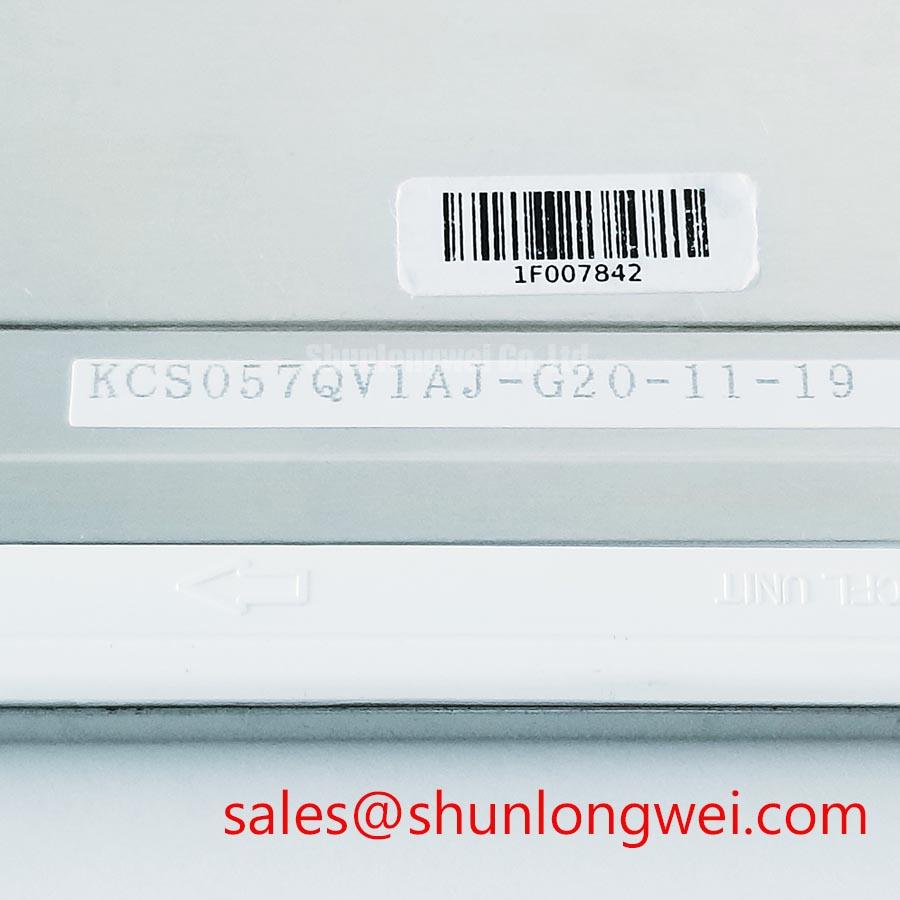
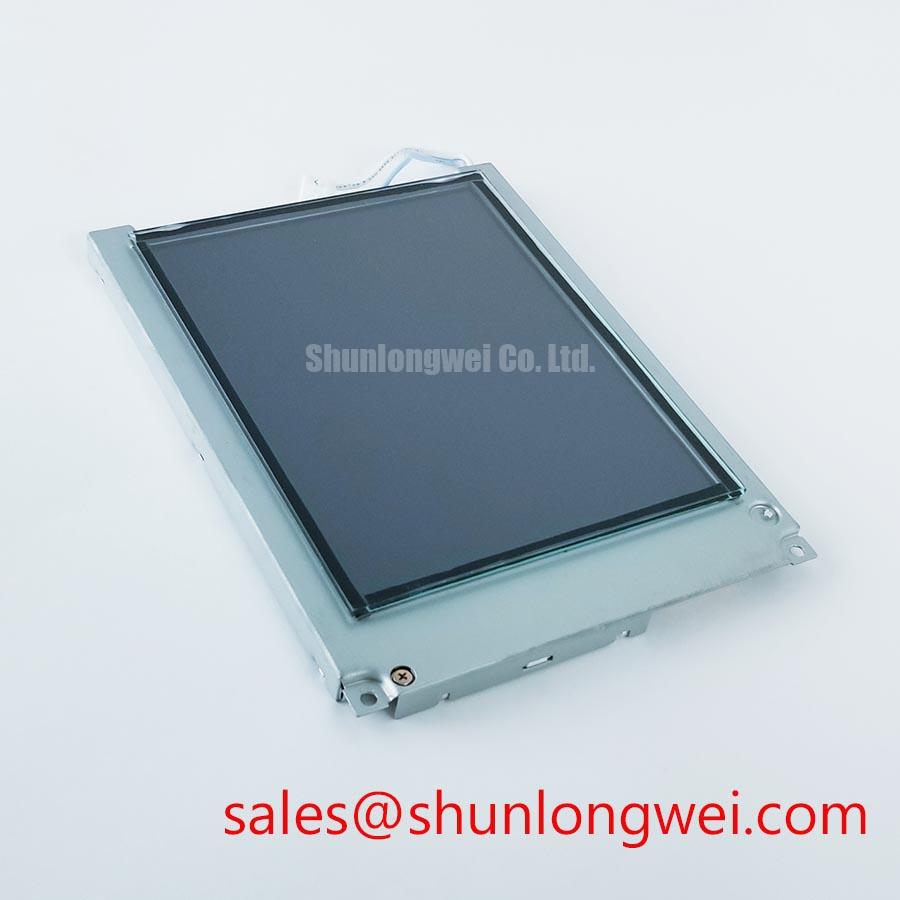
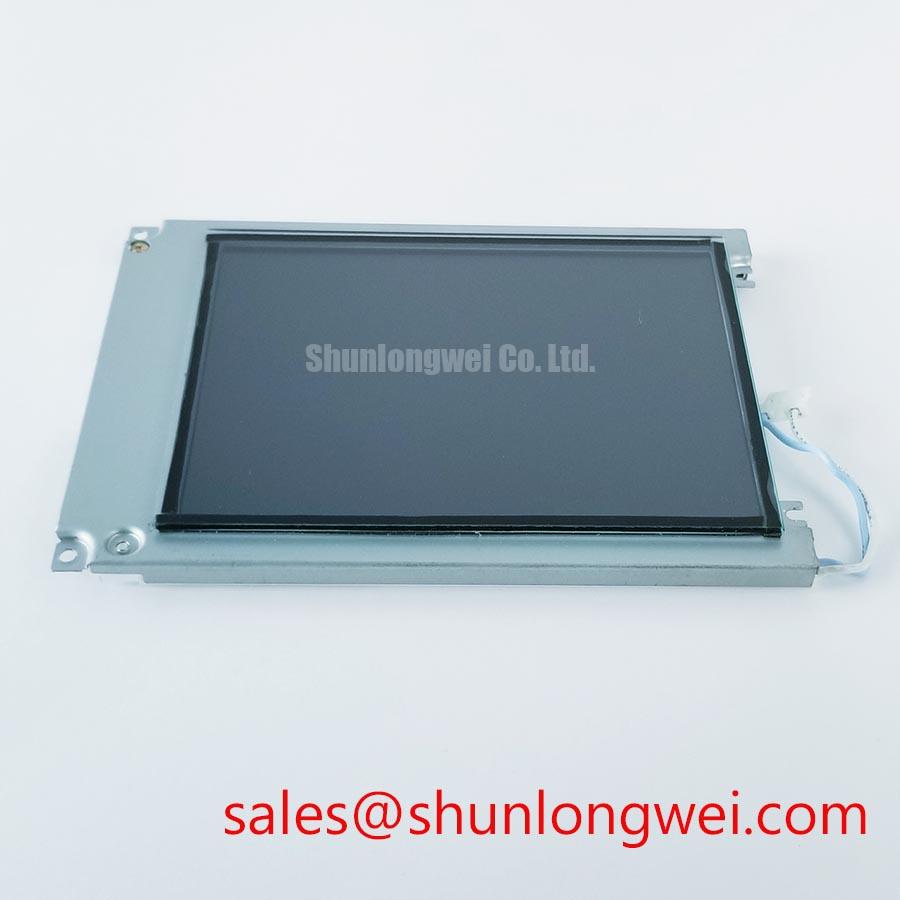
KCS057QV1AJ-G20 | Kyocera | Industrial LCD/HMI panel | FSTN/STN monochrome passive-matrix LCD (Official Factory Specification). The supplied factory specifications do not state a resolution, supply voltage, connector pinout, backlight type or mounting dimensions.
Display a full-screen test pattern and note whether a missing row or column changes when the enclosure is gently supported near the panel edge. A change with mechanical position can point toward an intermittent connection, but it does not establish which contact has failed. With power removed, inspect the accessible connector, cable seating, bezel alignment and signs of moisture or corrosion. Compare any suspect contact path with a known-good assembly where one is available.
The KCS057QV1AJ-G20 is identified as a passive-matrix monochrome panel, not an LVDS or TTL color TFT. Do not assign it a differential clock, a JEIDA or VESA pixel mapping, or a particular parallel-bus width on the basis of that category. An elastomeric connector, gold-plated contact fingers and a specified bezel clamping pressure are likewise not established by the supplied factory specifications. If the removed assembly exposes an elastomeric contact strip, a Design Consideration is to keep its mating surfaces clean and its compression even during reassembly; the enclosure design and original service instructions must determine the clamping method.
Measure the host logic supply and observe the display signals at the connector while the test pattern runs. If the original wiring diagram identifies frame, line and pixel-clock signals, compare their timing at the host output and panel input. A waveform that changes across the cable may indicate a connection or signal-integrity problem; a stable waveform does not, by itself, clear the panel. For vibration-prone equipment, inspect cable strain relief and mounting clearances without treating the panel as vibration-rated beyond its documented limits.
When assessing a replacement, compare the viewing area, mounting points, connector orientation, pin functions and drive requirements against the installed assembly. LM14X79 can be included in that comparison, but it should not be treated as a direct replacement until those interfaces match. This matters in a marine radar or navigation-bridge console evaluation: enclosure sealing and visible-area alignment belong to the equipment design, not to the LCD’s monochrome technology designation.
Tracing Contrast Bias and Temperature-Related Fade
Measure the contrast-control output and panel supply rails while displaying the same pattern at room temperature and at the temperature where fading occurs. Record the readings at the panel connector as well as at the supply board. A change along the cable can help separate a distribution fault from a bias-generator fault; contrast loss alone cannot identify either one.
Passive-matrix LCD appearance depends on the drive waveform and applied bias. A host control marked V0, for example, may influence contrast, but its function and permitted voltage must come from the equipment schematic and original panel documentation. The supplied factory specifications do not establish a negative rail value, ripple limit, potentiometer range or thermistor characteristic for KCS057QV1AJ-G20. Applying a commonly cited STN bias range as though it were this panel’s rating would make a repair test unsafe and inconclusive.
If the equipment has a contrast potentiometer, note its initial position before adjustment. Check that its wiper changes smoothly and that the observed bias responds as the host circuit intends. If a thermistor is present in the host bias circuit, compare its resistance and the resulting bias behavior with the equipment’s service data across the relevant temperature range. This is a Design Consideration for diagnosing the surrounding electronics, not a claim that the Kyocera panel contains a thermistor or automatic compensation circuit.
Inspect the displayed image for uniformity as well as readability. A uniformly pale image may direct attention to contrast drive, while a localized defect calls for closer inspection of contacts, optics or the panel itself. Neither observation proves a single cause. The system integrator should verify the required supply voltage, bias limits and power sequence from the original panel documentation before energizing a replacement. Any start-up or shutdown timing assessment should use measured host waveforms rather than an assumed rule for this model.
Assessing Polarizer Wear and Bright-Light Readability
View a fixed test pattern under diffuse light, then change the illumination angle and look for localized haze, bubbles, discoloration or loss of contrast. Photograph the same screen content under repeatable lighting so that an optical change is not confused with a shift in electrical bias. Inspect the cover window separately: residue, scratching or delamination on the enclosure can obscure a sound LCD.
FSTN/STN monochrome passive-matrix LCD describes the confirmed display technology; it does not establish whether this particular assembly is reflective or transflective, identify its polarizer chemistry, or specify an anti-glare or anti-reflective coating. Polarizer and adhesive deterioration are useful inspection possibilities for older equipment, not a material diagnosis for KCS057QV1AJ-G20. The general interaction of polarizers and ambient light is explained in Circular Polarizer Anti-Glare and Daylight Readability Technology; that discussion does not identify the optical stack fitted to this model.
For a possible navigation-bridge console installation, compare legibility at the operator’s actual viewing angles and through the installed window. Strong ambient light, reflections and the window’s surface treatment can change the result substantially. A Design Consideration is to test the complete enclosure under representative illumination, then let the equipment’s visibility requirements determine whether the panel is suitable. Do not assume that an optical treatment on the cover window is a factory feature of the LCD.
Kyocera’s industrial display technology information provides broader display context, but TFT descriptions should not be transferred to this passive-matrix model. In particular, no backlight technology, constant-current driver, dimming frequency, touch sensor or operating-life figure is established by the supplied specifications. If the host equipment has illumination or touch controls, evaluate those circuits and their documentation as separate interfaces rather than assigning their characteristics to the panel.
Checking Parallel Signal Reflections and Power-Up Behavior
Probe a suspect clock or control line at both ends of the display cable while the fault is visible, and compare the edge shape with a known-good signal path. Overshoot, ringing or a poorly defined transition may indicate a signal-integrity issue, but probe grounding and cable position can affect the observation. Repeat the measurement without changing the displayed pattern before altering the host circuit.
If the equipment schematic names FLM, LP and CP, use that schematic to identify frame synchronization, line timing and clocking at the connector. Those names are diagnostic leads, not a confirmed pinout for KCS057QV1AJ-G20. The supplied factory specifications also do not confirm a parallel-bus width. Do not attach an LVDS receiver or apply a JEIDA or VESA mapping to this monochrome passive-matrix panel without a documented interface specification.
Series damping can be considered when a measured host-driven line shows reflections. As a Design Consideration, place any proposed damping element according to the actual driver and cable topology, then verify that the change improves the waveform without violating the receiver’s timing requirements. The resistor value is a system test result, not an official panel parameter. Pro Tip: Keep the probe ground connection short when checking a fast display-clock edge so the measurement setup does not masquerade as cable ringing.
Capture the host rails and identified control signals during power-up and power-down if intermittent start-up or image retention is reported. Determine their permitted order from the original panel and equipment documentation; neither a VDD-before-Vee rule nor a particular negative-bias value is confirmed for this model. Avoid repeatedly cycling a panel while an unknown bias remains present, and investigate persistent DC offset through the documented drive circuit rather than inferring liquid-crystal damage from the image alone. For broader display integration and test context, consult The Ultimate Guide to Industrial TFT LCD Technology, while keeping its TFT-specific guidance distinct from this STN panel.