
Content last revised on September 29, 2026
Polarizer Delamination Bubble Mitigation and Optical Retardation Film Inspection under Workshop Lighting
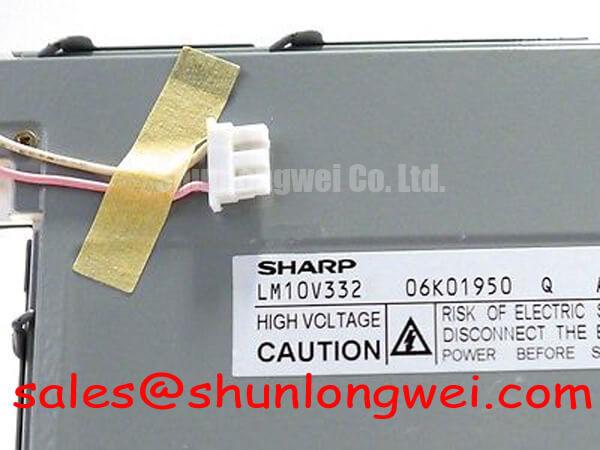
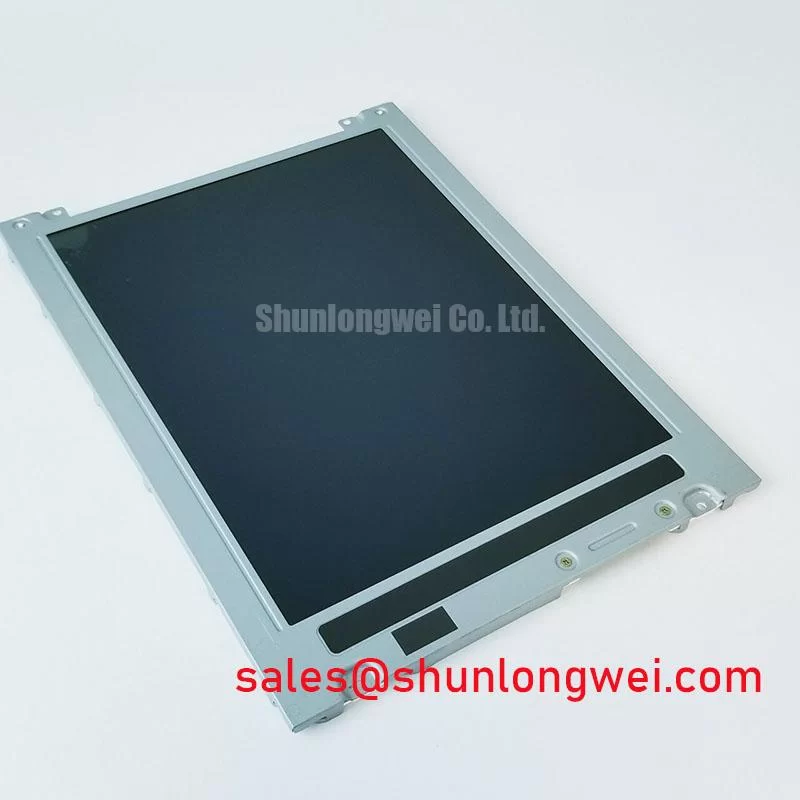
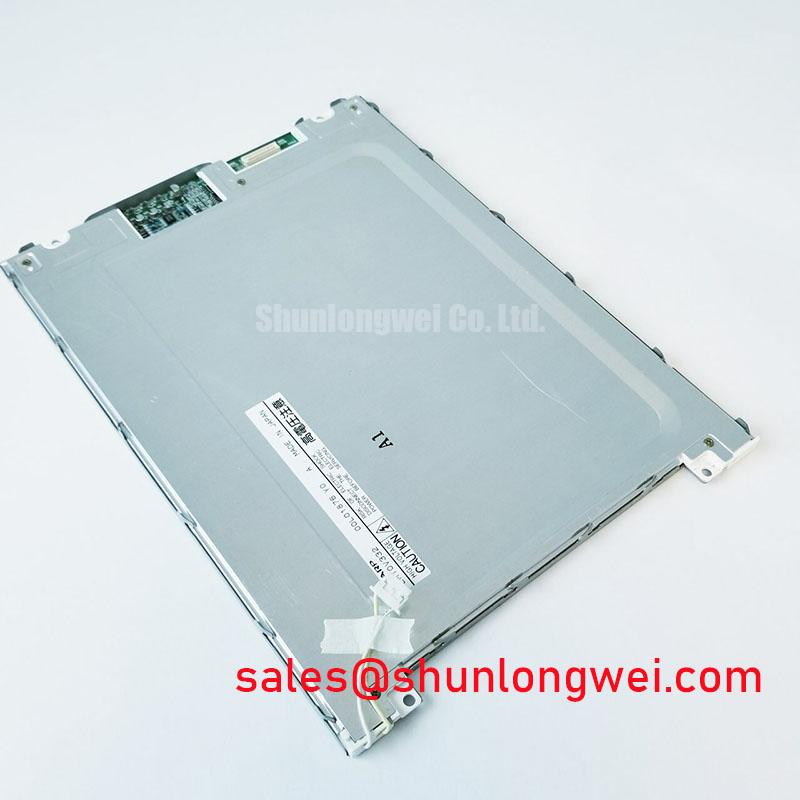
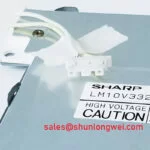
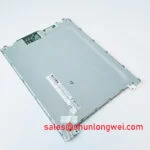
Angle a workshop lamp across the unpowered LM10V332 and mark any bubbles, lifting edges, scratches or cloudy patches before diagnosing an apparent loss of contrast. Repeat the inspection under the terminal’s normal lighting: glare on the front surface can conceal characters without indicating an electrical fault. Photograph the same test pattern from a fixed position when comparing the installed panel with a known working unit.
A surface bubble does not, by itself, establish which layer has separated. Do not assume a particular polarizer adhesive, optical film stack or transflective construction from the visible symptom. Compare the affected area with the display while it is operating. A blemish that stays fixed as the image changes points toward an optical or surface issue; weak characters across the full active area also warrant a contrast supply and drive check. This distinction helps avoid adjusting the electronics to compensate for damage that an electrical setting cannot remove.
For a panel exposed to strong ambient light, inspect the front window as well as the LCD. Reflections, accumulated residue and a changed viewing angle can alter perceived contrast. Clean only in accordance with the equipment’s approved service procedure, and assess visibility through the assembled enclosure rather than on a bare bench. Sharp’s official display portal provides manufacturer context on display technologies, but the equipment documentation remains the reference for this panel’s optical configuration and cleaning limits.
Cold operation deserves a separate observation. Slower image transitions after a cold start may reflect temperature-dependent LCD response, while a persistently faint image can also involve the bias circuit. Record the ambient condition, allow the equipment to reach its specified operating state, and compare the result with a known working signal path. A railway cab or passenger information terminal is a possible compatibility evaluation case, not evidence that LM10V332 has a railway approval or a specified cold-start rating.
4-Bit / 8-Bit Digital Parallel Bus Timing: Frame Sync (FLM), Line Pulse (LP) & Shift Clock (CP)
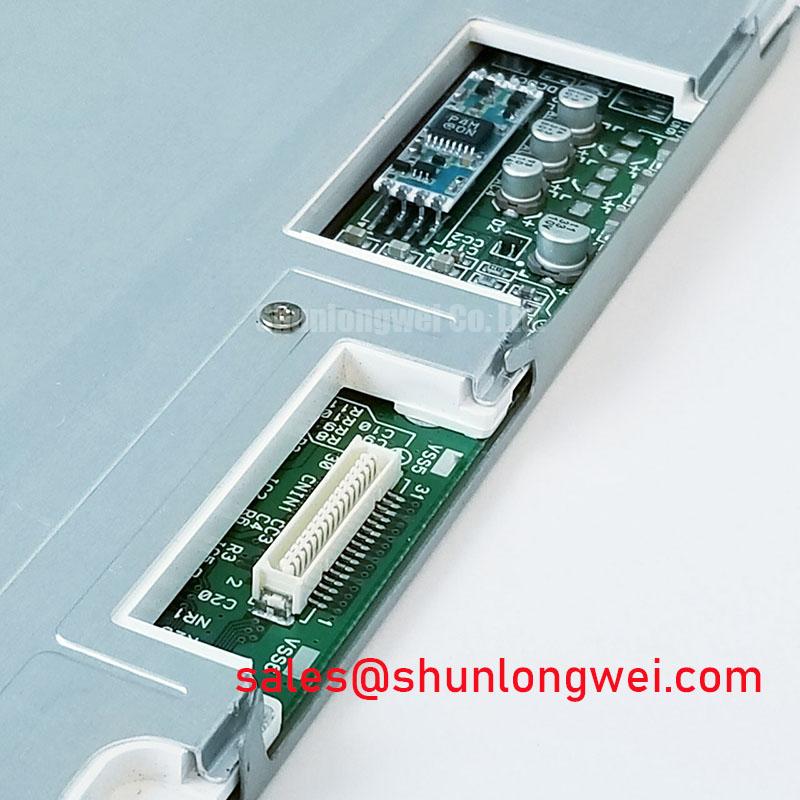
Probe the display connector for repeatable frame, line and shift-clock activity while the controller shows a stable test image. First identify each contact from the original equipment drawing. FLM, LP and CP are names used in some passive-matrix interfaces; neither those pin assignments nor a 4-bit or 8-bit bus configuration is established for LM10V332 by the physical specifications provided here.
If the equipment drawing identifies those signals, compare their timing at the controller and at the panel connector. A waveform present at the controller but distorted at the panel end calls for an inspection of cable seating, conductor continuity and connector condition. If the signals reach the panel cleanly, examine the data lines and contrast supply before attributing missing text to the LCD glass. Use a known working assembly or the equipment’s timing specification as the comparison point; an arbitrary oscilloscope trace is not a substitute for the specified timing relationship.
Observe the supply rails during both startup and shutdown when intermittent blanking follows a power cycle. The required logic and LCD-bias sequence is determined by the panel and equipment documentation; do not impose an assumed VDD-before-Vee sequence on an unidentified connector. As a Design Consideration, verify that the host’s sequencing does not leave drive signals active outside the documented supply conditions. Record what happens at the connector, not just at the power supply output, because cable and board faults can change what the panel receives.
Field Alert: Disconnect equipment power and allow its supplies to discharge before reseating the display cable.
For a replacement evaluation, compare the original connector assignment, active display area, mounting envelope, optical appearance and controller timing as separate requirements. The LM12S49 display comparison illustrates why another industrial panel is a comparison candidate rather than an automatic electrical or mechanical substitute. Resolution and bus width for LM10V332 have not been specified in the supplied physical data, so neither should be inferred from its model number.
Elastomeric Zebra Strip Connector Compression & Heat-Seal (HSC) Interconnect Integrity
Compare a missing row or column with the same fixed test pattern after checking that the external display cable is fully seated. If the defect changes when the equipment experiences normal vibration or temperature change, inspect accessible connector retention and mechanical support under the approved service procedure. Do not press on the glass to force a temporary recovery: that observation would not identify whether the fault lies in the host cable, an internal interconnect or the drive electronics.
The provided LM10V332 specification identifies an FSTN/STN monochrome passive matrix LCD panel; it does not establish whether this assembly uses an elastomeric zebra strip or a heat-seal interconnect. Treat either construction as conditional until the actual assembly can be examined. Likewise, no bezel pressure or compression target is established for this model. A generic clamping figure would risk damaging the glass or masking the underlying fault.
Inspect the accessible seating surfaces for contamination, corrosion and uneven retention. Where the equipment permits removal of the panel, document its orientation and cable routing before disturbing a connector. Reassemble using the equipment’s specified hardware and tightening procedure, then retest the same pattern across the full display area. A row defect that remains fixed after connector checks calls for further comparison with a known working controller and panel, rather than a single-cause diagnosis.
Mechanical fit is part of the electrical decision. A candidate display with a similar visible image may still differ in connector location, cable reach, mounting points or viewing direction. In equipment exposed to changing light and temperature, test the assembled window, enclosure and operating conditions together; the Industrial Display & HMI Solutions reference offers broader context for planning those checks. Suitability for a railway passenger information or cab display must be established against that equipment’s own requirements.
On-Board Charge Pump vs. External DC-DC Negative Bias Supply Ripple Suppression
Measure the contrast-bias rail at the panel connector while displaying text, then repeat the measurement as the image changes. If the text fades or appears uneven, compare the rail with its specified value and inspect it for switching ripple using an appropriately referenced oscilloscope measurement. The supplied LM10V332 physical specifications do not state a bias voltage, ripple limit or charge-pump arrangement; those values must come from the panel and host documentation.
Trace the bias supply backward through the equipment schematic before deciding whether its source is on the display assembly or on a separate host board. An external converter fault, a poor return connection and a disturbed contrast-control signal can produce similar visible symptoms. If the measured rail changes with display load, inspect its source and return path. If the rail remains within the documented limits, return to the timing and optical checks rather than increasing the bias to make the text darker.
Temperature compensation also belongs to the installed system. Where a thermistor or controlled contrast circuit is shown in the equipment drawing, compare its response with the documented behavior during a controlled temperature change. Do not assume that LM10V332 contains a thermistor or prescribe a compensation setting without that circuit information. The system integrator should verify the required supply voltage and bias arrangement from the original panel documentation.
Keep backlight troubleshooting separate from LCD-bias troubleshooting. A dark terminal can still be forming an image; inspect it under external illumination, then check the equipment’s illumination supply and driver against its schematic. The physical specification supplied for LM10V332 does not identify a backlight technology or driver. The LM240103 display page is a separate Sharp display reference, not evidence of a compatible driver or power component for this panel.