


Content last revised on September 24, 2026
Suppressing Acoustic Capacitor Buzz and EMI During PWM Backlight Dimming
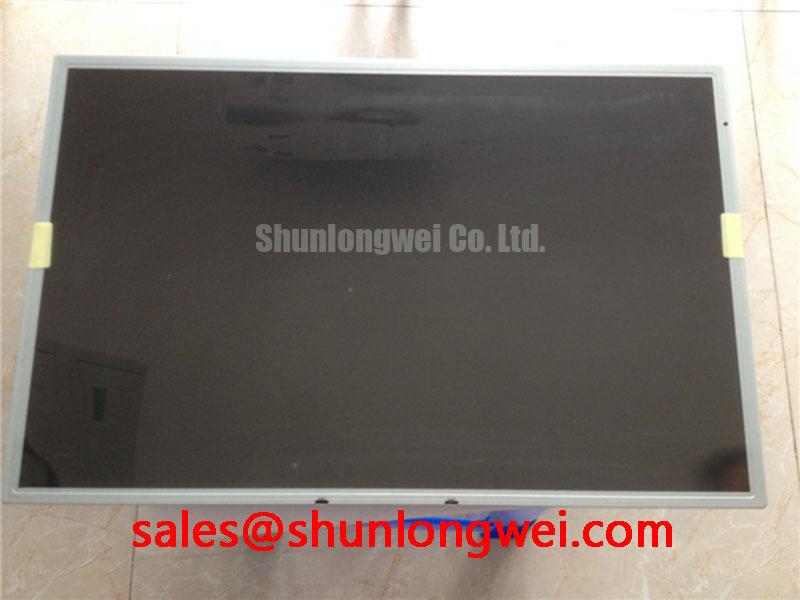
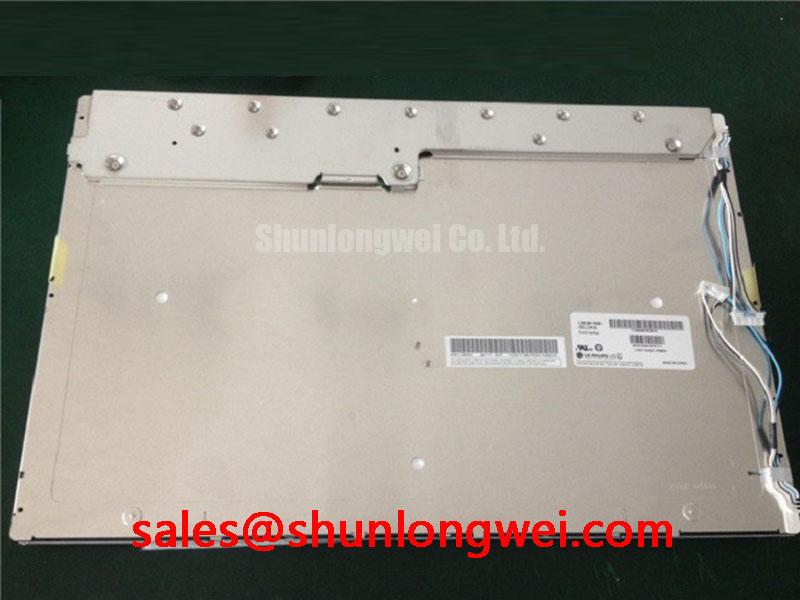
Acoustic noise near a display assembly is often traced to the power stage driving the backlight rather than to the LCD glass itself. Capacitors, magnetics, cable harnesses, and poorly restrained mechanical parts can respond to switching energy and produce an audible tone. When servicing equipment that uses LM201W01-SLA1, first establish whether the existing system uses a separate backlight driver, an integrated power board, or a controller assembly with backlight functions included.
The original system documentation should identify the panel backlight input arrangement and the permitted enable and dimming behavior. It is not appropriate to assume that this model uses a particular lamp technology, LED arrangement, dimming ratio, ignition voltage, or expected operating lifetime without the matching factory documentation. A backlight circuit intended for another panel family can create unstable startup behavior, brightness irregularity, audible noise, or protection trips even when the image interface appears compatible.
Design Consideration: where a display system uses pulse width modulation for dimming, the electrical and mechanical response of the driver assembly should be evaluated together. A frequency that is electrically workable can still excite audible vibration in a capacitor or magnetic component. The practical test is to observe brightness stability, listen for repeatable noise at different dimming commands, and compare the results with a known good equipment assembly. If the sound changes with dimming state, inspect the backlight driver mounting, cable routing, capacitor condition, and the controller’s dimming signal behavior before attributing the issue to the LCD module.
Pixel instability may also coincide with backlight noise when the display signal cable runs alongside switching power wiring. The image path and backlight power path should be treated as separate integration concerns. The panel documentation must be used to confirm whether the host uses LVDS, TTL, or another specified interface. A differential signal arrangement, when specified by the original panel and controller, depends on matched routing and correct receiver termination. The system integrator should validate signal quality at the installed cable length rather than transferring settings from an unrelated display assembly.
💡 Pro Tip: Keep high current backlight wiring physically separated from the display data cable where the enclosure layout permits, then verify the image during brightness transitions rather than only at full brightness.
For repair planning, record whether the symptom is audible noise only, image disturbance only, or both. A quiet but dark panel can indicate a different fault path from a bright panel with moving horizontal artifacts. This distinction helps prevent unnecessary replacement of a correctly operating display module when the actual issue is located in the driver board, cable harness, controller output, or enclosure grounding arrangement.
Industrial EMI Noise Immunity, Chassis Shielding Continuity and Common Mode Ferrite Chokes
Check shield continuity from the controller enclosure to the display cable termination before reconnecting LM201W01-SLA1. In industrial control cabinets, nearby motor drives, switching power supplies, contactors, and servo systems can inject common mode noise into long display harnesses. Symptoms may include intermittent pixel movement, horizontal noise bands, loss of image lock, random color changes, or behavior that appears only when other equipment switches state.
Design Consideration: a shielded display cable is useful only when its termination scheme is compatible with the equipment grounding architecture. A shield connected through a long pigtail can behave differently from a shield bonded close to the chassis entry point. The correct arrangement is determined by the original system design, safety requirements, and measured noise environment. During troubleshooting, inspect for loose shell hardware, corrosion at grounding points, damaged cable braid, pinched flat cable sections, and conductive contamination around the connector.
Common mode ferrite parts are sometimes evaluated when conducted or radiated noise is coupled onto a cable. They should not be treated as universal cures. Their suitability depends on the measured disturbance spectrum, cable construction, signal type, and the behavior of the complete equipment. If an added ferrite improves one operating condition but degrades image timing or cable fit, the system engineer should reassess the cable path and grounding continuity rather than forcing a single component level change.
For panels using a differential interface specified by the host system, transmitter clock quality, data alignment, receiver tolerance, cable length, and power sequencing are interdependent. A screen that is stable on a bench may show instability after installation because the chassis closes a new current return path or places the cable near a noise source. Observe the display with the final cover fitted, the normal cable dressing in place, and adjacent power equipment operating. This is a more representative validation than an open bench test.
The interface format also requires confirmation. JEIDA and VESA mapping conventions, where relevant to the original electronics, must align between the controller and panel. Incorrect mapping can create unusual colors or image content even where the panel powers correctly. Do not use visual output alone as evidence that the interface is fully compatible. Confirm the panel reference, controller configuration, connector pin assignment, and intended bit mapping from the equipment documentation.
Potential use in a radar or navigation bridge console should be evaluated as an equipment level integration case rather than a property assigned to the panel itself. Enclosure sealing, cable glands, chassis bonding, display controller immunity, and external power quality remain system determined. For broader integration guidance on enclosure and display reliability subjects, see Industrial Display & HMI Solutions.
Surface Anti Glare and Anti Reflective Coating for High Ambient Readability
Evaluate the existing front surface under the actual installation lighting before replacing the display. Bright ambient light, direct reflections, protective windows, touch overlays, polarizer orientation, and enclosure angle can all affect readability. The verified factory information for LM201W01-SLA1 identifies the unit as a TFT LCD display module but does not confirm an anti glare coating, anti reflective coating, viewing angle specification, contrast ratio, sunlight readability rating, or optical bonding construction. These must not be assumed from the model category alone.
Design Consideration: anti glare and anti reflective treatments solve different optical problems. Anti glare surfaces can diffuse strong reflections, while anti reflective treatments are intended to reduce reflected light at an interface. The apparent result depends on the complete stack of panel surface, protective lens, touch sensor where fitted, adhesive layer where fitted, and the operator’s viewing angle. A replacement panel can appear optically different even when its image data is accepted by the controller, especially if the original equipment used a front filter or a custom cover lens.
Before fitting a panel into an industrial HMI, inspect the enclosure aperture for pressure points, trapped debris, uneven gasket compression, and edge loading. Avoid using the display surface as a mounting reference. Frame mounting features and the original retention arrangement should carry the mechanical load. Any change to bezel geometry, front glass thickness, or applied touch overlay should be reviewed for its effect on viewing reflections and on the panel’s permitted mechanical installation conditions.
If the original assembly includes touch operation, glove use and wet surface behavior are properties of the installed touch technology and controller tuning, not automatically properties of the LM201W01-SLA1 LCD module. The system integrator should verify whether the existing product uses resistive touch, projected capacitive touch, another touch technology, or no touch layer at all. Check touch response only after the LCD image, enclosure fit, controller grounding, and display cable routing have been confirmed.
Natural text and fine navigation graphics are useful validation content because they reveal flicker, color mapping issues, pixel noise, and reflection patterns that may not be obvious on a static boot logo. Compare the installed assembly with the original display at the intended operating angle. If visible behavior changes when enclosure lighting or brightness control changes, investigate the optical stack and backlight controller together.
Where an alternate panel is being evaluated for the same equipment class, NL192108JC18-03ND can be reviewed as a separate reference model. It should not be considered a direct replacement without a documented comparison of mechanical dimensions, connector definition, interface timing, power requirements, optical characteristics, and firmware configuration.
Suppressing Localized Thermal Gradients to Prevent Chronic Optical Color Shift
Inspect the panel perimeter and the supporting enclosure surfaces for evidence of uneven heat exposure before installing LM201W01-SLA1. Localized thermal gradients can originate from adjacent power boards, restricted airflow, a heat source near one narrow panel edge, an incorrectly positioned gasket, or an enclosure that transfers heat unevenly into the display frame. The resulting visual effects may be gradual and can include nonuniform brightness, changed color appearance, or image behavior that varies with operating temperature.
The LCD module should be mounted according to the host equipment’s specified retention geometry. A display frame can be affected by uneven clamping, distorted brackets, or an aperture that applies force after the enclosure cover is tightened. These conditions should be addressed mechanically rather than compensated for with excessive force or unsupported packing materials. The relevant panel mechanical drawings and equipment service instructions should determine the permitted attachment points and installation process.
Design Consideration: heat spreading rails, thermal interfaces, and airflow paths are equipment level measures. Their suitability depends on the thermal path from nearby electronics, the enclosure material, ambient exposure, panel mounting method, and measured temperature distribution during actual duty. If an aluminum support rail is present in the original design, confirm that it is seated correctly and that no cable, foam strip, or fastener isolates it from its intended contact surface. Do not add thermal materials without checking whether they introduce panel stress or interfere with electrical isolation requirements.
Backlight behavior should be assessed independently from LCD image behavior. A dark area, delayed illumination, varying brightness, or a protection related shutdown can arise from several locations including the display module, driver output, cable assembly, power source, controller command sequence, or a thermal condition. A disciplined fault isolation process compares supply behavior, control signals, cable continuity, and the response of a known good assembly where available. This avoids turning a visual symptom into an unsupported single cause diagnosis.
For equipment exposed to high ambient illumination, final readability should be checked with the intended enclosure cover and any protective window installed. The optical result is affected by reflection control, display brightness behavior, surface cleanliness, enclosure angle, and the actual environment. No direct sunlight contrast figure, long term color stability value, or backlight life claim is assigned here because those parameters are not included in the verified factory information provided for this model.
When integrating or servicing LM201W01-SLA1, preserve the original controller sequencing and confirm the system’s required supply voltage from the original panel documentation. The verified product classification supports identification of the correct LCD/HMI product family, while physical interface compatibility, optical performance, touch behavior, backlight operation, and environmental suitability must be validated at the complete equipment level.

