Content last revised on October 8, 2026
Flush-Mount Bezel Integration and Perimeter Gasket Isolation
With the bridge console powered down, inspect the bezel opening and measure the available mounting depth before placing the Sharp LM64C353 against the chassis. This LCD display module is being evaluated for an industrial LCD/HMI installation, but the available information does not establish its outline dimensions, mounting-hole positions or fastener torque. Record those values from the original panel drawing and console assembly documentation rather than transferring measurements from a visually similar display.
For a flush-mounted marine radar or navigation console, check that the bezel contacts the panel evenly and that the perimeter gasket does not press on the active display area. Design Consideration: Uneven clamping can produce dark-field nonuniformity; compare a full-black image before and after final assembly to determine whether an observed patch follows the mounting pressure. Tighten fasteners in a balanced sequence using the torque specified for the actual enclosure hardware. Do not apply a generic torque figure to the LM64C353.
Run full-screen red, green, blue, white and black patterns during incoming inspection. Mark any fixed pixel defect by position, then repeat the patterns after the panel is mounted. A line that appears only after assembly calls for inspection of bezel pressure, cable seating and the source signal before attributing it to the display. At the edge of the image, inspect for intermittent vertical bright lines while gently checking the connector area without loading the glass. Such lines can have more than one cause; the external checks should come before any judgment about internal driver bonds.
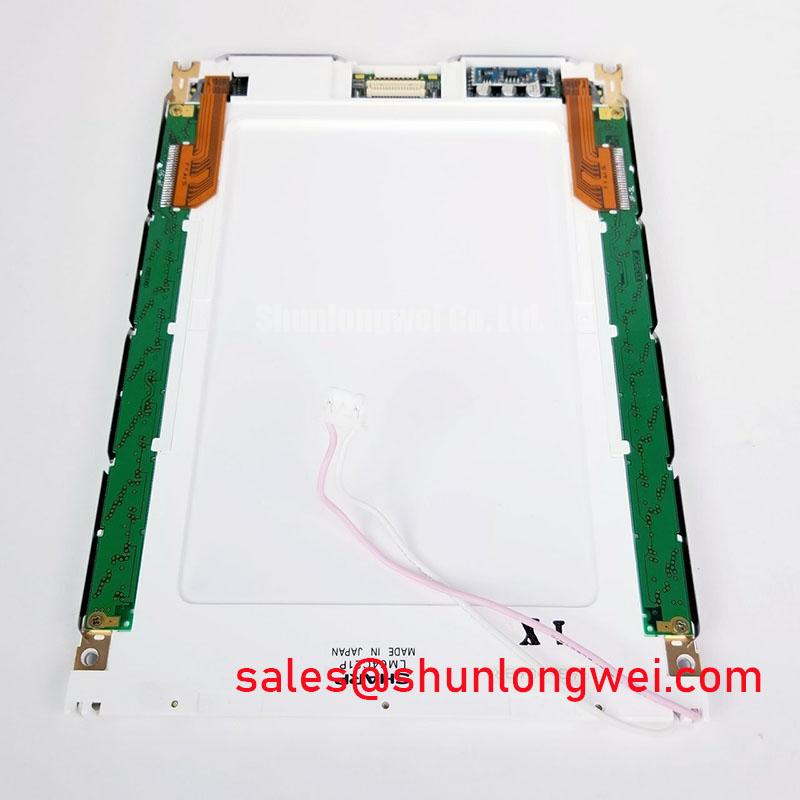
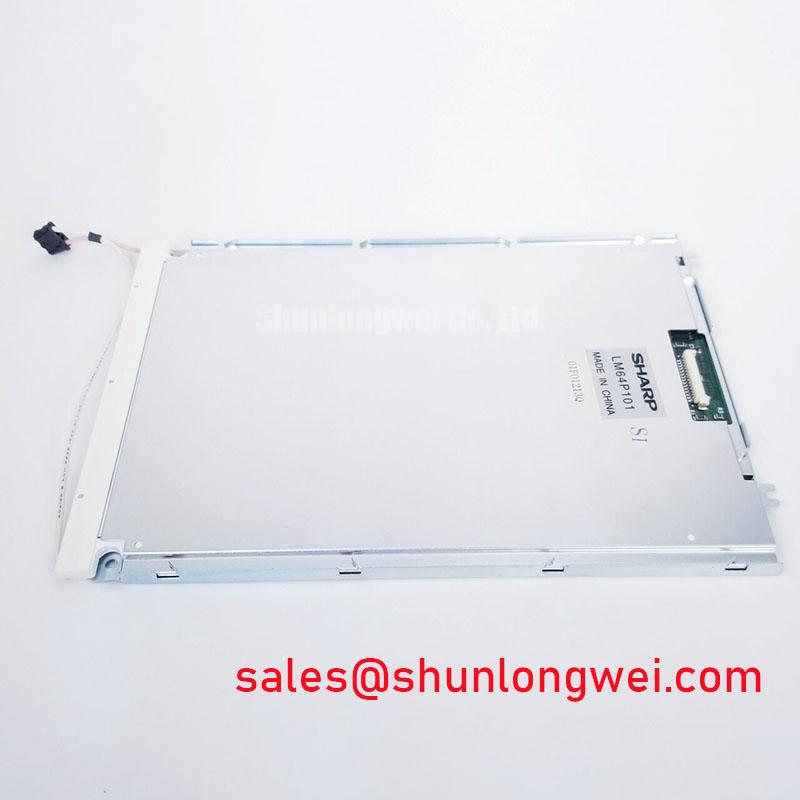
The LM64P10 can be included in a replacement-screen comparison, but its listing alone does not establish direct interchangeability with the LM64C353. Compare the original equipment documentation for active area, outline, connector orientation, pin assignment, mounting geometry and optical appearance before approving a substitution.
Logic Supply Sequencing and Display Signal Checks
Before connecting a replacement LM64C353, trace the console harness from the original display connector to the supply, image-data and backlight circuits. The available information does not state its logic voltage, connector pinout, interface standard or power-on timing. The system integrator should verify each of those requirements from the original panel documentation and the host schematic. A familiar-looking connector is not evidence that its pins carry the same signals.
On a controlled bench, capture the supply and image-enable behavior at startup and shutdown, first with the known-good system if one is available. If the screen is white at startup or retains an image briefly after shutdown, compare the captured sequence with the documented requirements before changing the host controller. Design Consideration: Incorrect sequencing can leave a display in an indeterminate state, but a white screen can also result from missing image data, a loose cable or an incompatible pinout.
Check whether the original host uses a differential display link or a parallel signal interface before evaluating cable routing. If it uses a differential link, preserve the cable construction and termination called for by the host and panel documentation, then inspect clock quality and data alignment with suitable test equipment. Data mapping must likewise be confirmed at both ends rather than inferred from the connector. Split-screen images, unstable colors and displaced text warrant checks of mapping, timing and cable continuity against a known-good signal path.
Backlight power deserves a separate measurement. Identify whether brightness is controlled within the host or by an external driver, and verify the required electrical interface before connecting either one. The LMS700KF01-001 is another display listing that may be useful when reviewing a system’s display options; it should not be treated as the LM64C353’s backlight driver or a compatible panel without documentation. To assess flicker, observe a stable test image across the console’s normal brightness settings and measure the control waveform if the host provides one.
Temperature, Sunlight and Optical Acceptance at the Bridge Console
Test the display under the lighting in which operators will read it. On a navigation bridge, a bright window behind the operator and direct light on the console can expose reflections, uneven backlight output and color shifts that are difficult to see at a repair bench. Record observations with the same test image and brightness setting each time. The available LM64C353 information does not specify operating temperature, contrast ratio, viewing-angle technology, anti-glare treatment or optical bonding, so none should be assumed for the installed assembly.
At reduced ambient temperature, compare motion and gray transitions with the same image at room temperature. Design Consideration: Liquid-crystal response can change with temperature; the meaningful acceptance limit is the one in the applicable panel and equipment documentation. If radar trails or moving symbols appear slow, confirm the source frame timing and inspect the panel’s response before assigning the effect to either one.
For backlight assessment, display uniform white and mid-gray fields after the unit has reached a stable operating condition. Look for localized bright areas, dim edges and changes in color across the screen; photograph the result with fixed camera exposure if it must be compared with another unit. Review ventilation, enclosure heat sources and the original backlight drive arrangement if nonuniformity changes as the console warms. Do not infer an internal light-guide construction or a rated backlight life from the visual pattern alone.
Moisture protection belongs to the completed console, not to an unverified panel feature. Inspect the enclosure gasket, cable entry and front cover for the sealing method documented by the equipment maker. If optical bonding is part of the original assembly, confirm whether the replacement scope covers the bonded stack or only the LCD module before dismantling it.
Tracing Pixel Jitter and Horizontal Lines Near Motor Drives
When horizontal white lines or pixel jitter appear near operating motor drives, begin with a repeatable comparison: hold the same test image on screen, record when the disturbance occurs, and check whether it remains when the display is operated from a known-good signal source. Inspect connector engagement, cable damage, shield termination and the routing shared with motor-power wiring. A disturbance correlated with drive operation is a useful clue, not proof that electromagnetic interference is the sole cause.
💡 Bench Tip: With the console isolated from power, wear an antistatic wrist strap and keep the display cable’s bend within the limits in its documentation while reseating it.
Design Consideration: Where the documented interface uses a shielded differential cable, preserve its specified shield connection and avoid unnecessary separation of paired conductors. Any ferrite or cable-layout change should be evaluated in the assembled console with the drive operating, while confirming that image timing and signal integrity remain acceptable. The Industrial Display & HMI Solutions engineering guide provides broader context for display integration and fault isolation; the LM64C353’s actual interface and limits still need to come from its panel documentation.
If the lines persist with the motor drive stopped, return to the color-field inspection and compare a second cable or source where available. Fixed lines, image-dependent noise and backlight flicker should be recorded as separate symptoms. That distinction gives the repair engineer a defensible basis for deciding whether to investigate the panel, its data path or the console’s power and backlight circuits.