
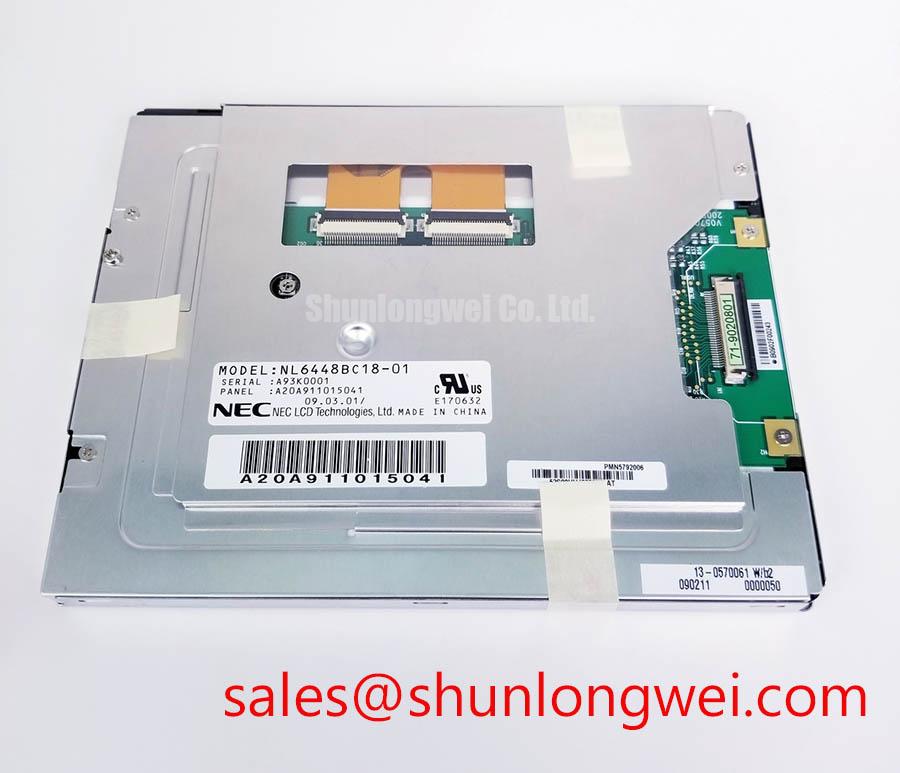


Content last revised on September 30, 2026
Constant Luminance Output Control and Backlight Life Verification
| Model | NL6448BC18-01 |
|---|---|
| Manufacturer | NEC |
| Product category | TFT-LCD display module |
| Module technology | TFT-LCD active matrix color display module |
Measure the display assembly’s power rails at the connector while the image is dim, then repeat the measurement as the equipment changes brightness. A dark workshop terminal can have an intact image path but insufficient illumination; it can also have a working light source behind a panel that is receiving no usable video. Separate those conditions before removing NL6448BC18-01. With the equipment operating under its service procedure, look for a faint image under an external light, record whether the brightness changes with the control setting, and compare the supply measurements with the equipment schematic.
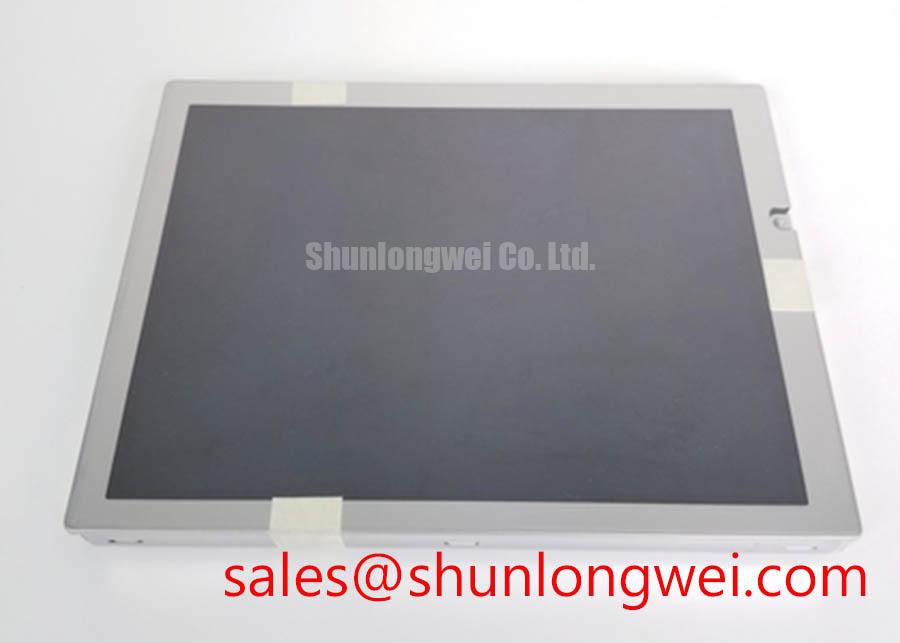
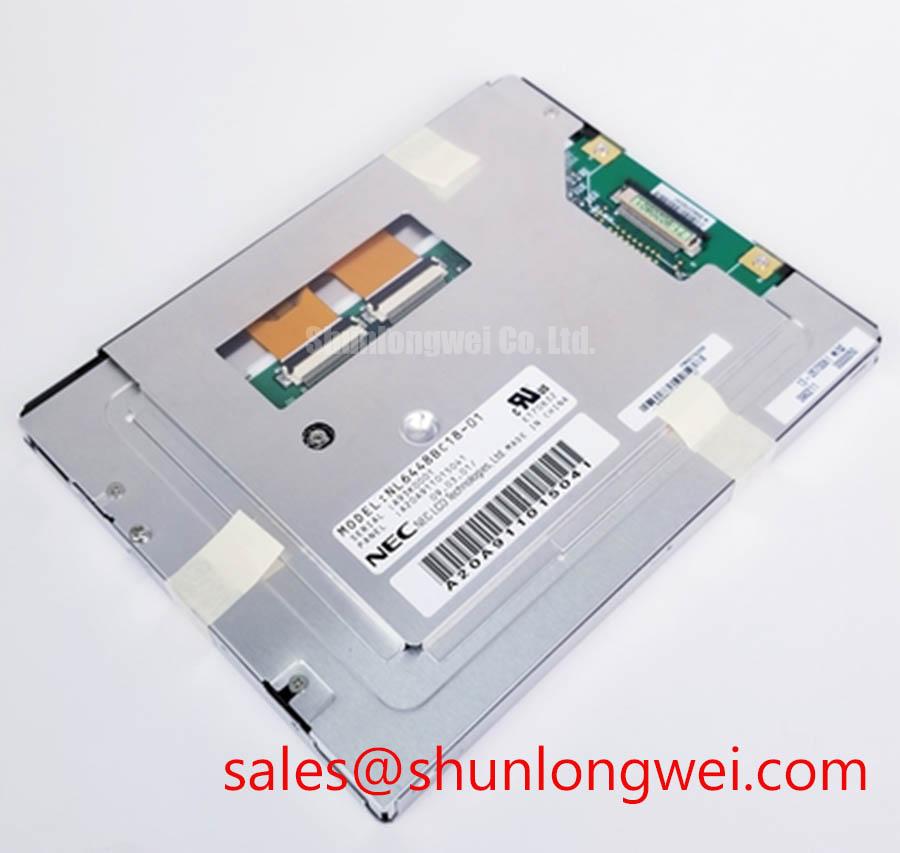
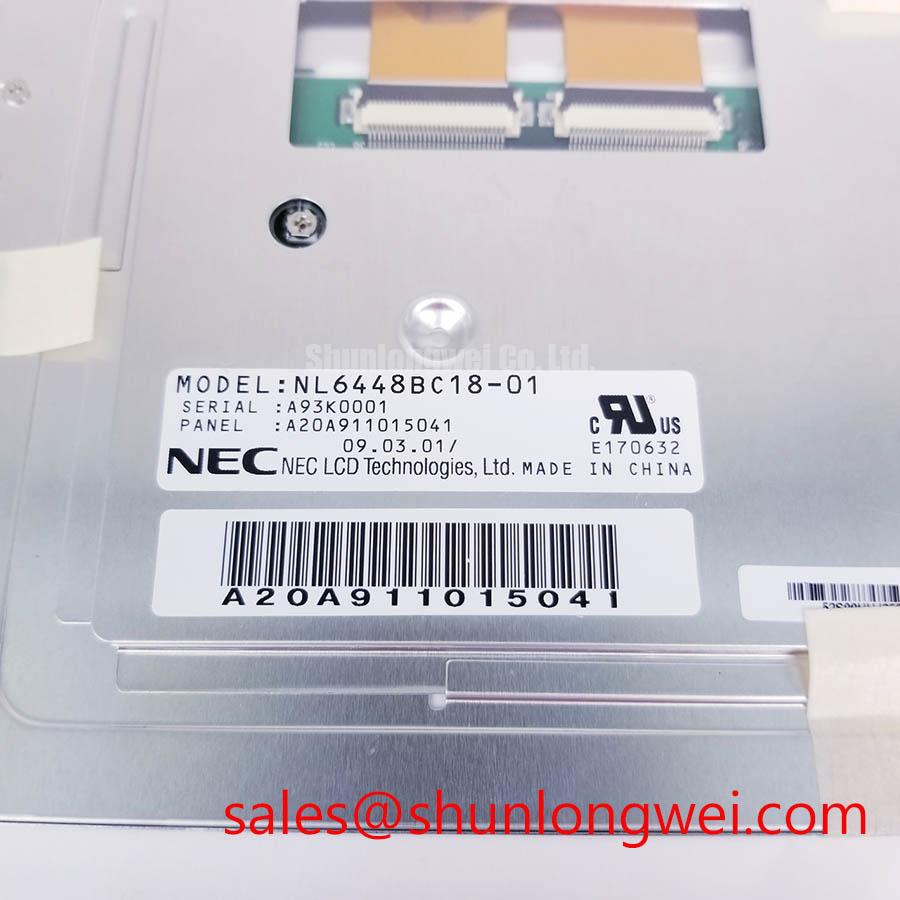
NL6448BC18-01 is identified as an NEC TFT-LCD active matrix color module. That identification does not, by itself, establish its backlight technology, driver topology, brightness rating, or rated operating life. Read the panel label, the equipment parts documentation, and the driver board markings together before selecting a test method. The system integrator should verify the required supply voltage and backlight connection from the original panel documentation. Applying a driver chosen only because its connector appears to fit risks turning an illumination fault into a panel fault.
For a screen that becomes dim after warm-up, log the brightness control state, driver supply, and visible output at cold start and after thermal stabilization. If the equipment provides a backlight-enable or dimming signal, inspect that signal at the driver input rather than inferring its condition from the front-panel setting. An intermittent connector, a changing control waveform, and a deteriorating light source can produce similar complaints. Testing the signal path against a known-good assembly or service waveform helps narrow the fault without assigning a single cause to the symptom.
Consistent luminance matters when an HMI carries fine text or grayscale imagery. In an ultrasound diagnostic display repair, for example, engineers should evaluate this module only after confirming the host’s optical, electrical, and mechanical requirements; its identification as an industrial LCD does not establish suitability for clinical use. If the equipment has a luminance calibration procedure, run it with the intended panel and backlight driver installed. Assess uniformity across the active area as well as the centre, since a brightness adjustment that improves one region may leave a separate optical defect untouched.
Backlight life figures require a specified source and test conditions. Neither an L70/B50 rating nor a lifetime claim follows from the model name or from a brief brightness check. Record the observed fault, operating conditions, and measurements instead of translating a dark area into a life prediction. For broader context on how industrial display optics and illumination are evaluated, see Tianma industrial display products; those general product descriptions are not specifications for this NEC module.
Interface Timing, Pixel Clock and Mapping Checks
Probe the host’s display supply and video activity during startup when NL6448BC18-01 stays black despite visible backlight operation. Establish whether the host enables the panel, whether its timing source starts, and whether activity reaches the display connector. A signal observed at the controller but absent at the panel end points the inspection toward the cable, its retention, or the intervening board. Activity at the connector still does not prove that its voltage levels, mapping, or timing are correct for this module.
Do not assign a connector pin count, LVDS mapping, or logic voltage to NL6448BC18-01 from the TFT-LCD category alone. Match the exact panel revision to the equipment wiring diagram and panel documentation, then trace each power, ground, control, and video connection. A physically similar cable can have a different contact assignment or orientation. Check connector seating under magnification, inspect contacts for damage or contamination, and confirm that the cable exits without pulling the plug sideways when the enclosure is closed.
Where the documented host interface uses differential signalling, inspect paired signals with a suitable probe and compare their behaviour at the transmitter and panel connector. Where it uses another signalling arrangement, follow that interface’s documented test points instead. Unstable pixel timing or incorrect data mapping can present as shifted colours, repeated image regions, or a picture that appears only during part of startup, but those appearances are clues rather than diagnoses. Verify the waveform and host configuration against the intended panel timing before changing firmware settings or ordering a replacement.
Power sequencing deserves the same attention as steady-state voltage. Capture the startup and shutdown waveforms at the assembled connector, including any enable and backlight-control lines shown in the equipment schematic. A rail that reaches its expected value after startup may still arrive in the wrong sequence or fall away during a display reset. The acceptable rise times and timing relationships must come from the applicable panel and host documentation; a generic LCD timing value is not a safe substitute.
For a cross-model comparison, NL6448BC26-26 is another NEC display model worth evaluating on its own documented attributes. Its model-number similarity does not establish connector, outline, optical, or timing interchangeability with NL6448BC18-01. Compare the complete mechanical drawing and electrical interface before considering it in a host that was built around the original panel.
Mechanical Stress Checks and Primary Color Pattern Diagnosis
Display solid red, green, and blue test fields when the powered screen shows a persistent line, patch, or colour error. Photograph each field under the same brightness setting and viewing angle. A defect that remains in the same physical location across patterns calls for a different investigation from an error that moves with image content. Add a neutral field if the equipment’s test menu provides one; it can expose uneven illumination that a saturated colour conceals.
Inspect the screen with an angled external light after recording the powered image. This can help distinguish a visible surface mark or dark optical area from an image-generation problem, but it does not identify an internal failure mechanism. Likewise, a line that appears during a gentle enclosure movement does not prove a fracture inside the panel. Check the display cable, connector latch, mounting points, and host video path before attributing the line to the glass assembly. Do not press on the active viewing area to reproduce a fault.
When refitting NL6448BC18-01, examine how the host chassis supports the module. A mounting surface that rocks, a cable routed tightly around an edge, or a bezel that bears on the viewing area can change the symptom when the cover is fastened. The practical design consideration is to support the module evenly and preserve cable slack under the equipment’s vibration and temperature conditions; the permitted fastening method and tolerances are determined by the panel drawing and host assembly instructions. Verify the image again with the enclosure fully assembled, not just while the panel rests loose on the bench.
Inspect a flexible display cable through its installed path rather than judging it solely while straight. Look for creasing near the connector, abrasion at a chassis opening, and a latch that no longer holds the cable squarely. Repeated service access can alter the routing, so compare it with the equipment’s original cable path. Field Alert: Disconnect equipment power and follow its discharge procedure before unplugging or reseating the display cable.
Cold-start complaints need a controlled comparison. Record ambient conditions, the time until an image appears, and whether the image changes as the equipment warms, then compare those observations with the specified operating range and response characteristics for the exact panel assembly. A slow-looking image in a cold enclosure does not establish a defective panel on its own; host timing, supply behaviour, and illumination may also change during startup. The Ultimate Guide to Industrial TFT LCD Technology provides background on display behaviour, while the equipment records remain the basis for this model’s acceptance limits.
Backlight Drive Identification and Flicker Suppression
Capture the backlight-driver input and brightness-control waveform while the screen flickers, then check whether the disturbance is present before it reaches the display assembly. A stable host command with changing driver output directs attention toward the driver, its supply, and its connections. A changing command calls for inspection upstream. Keep the observation tied to the actual circuit: NL6448BC18-01 being a TFT-LCD module does not verify whether its illumination uses a particular lamp or LED driver.
Identify the installed driver and its output connection from the equipment service documentation before making backlight measurements. If the documented system uses a high-voltage lamp inverter, use the test method and precautions specified for that inverter. If it uses a constant-current LED driver, verify its current-control and dimming behaviour against that driver’s documentation. Do not transfer an ignition voltage, current setting, or dimming ratio from one technology to the other. Those are system-dependent properties, not interchangeable specifications of the NEC panel.
If brightness is controlled by a pulse waveform, compare its frequency and duty-cycle behaviour at different commanded levels using an oscilloscope suited to the circuit. Check for missed pulses, an unstable enable signal, and changes when nearby loads switch. Flicker visible only through a camera may reflect interaction with the camera’s sampling rather than a defect visible to an operator, so confirm the complaint at the equipment’s normal viewing position. If an audible buzz accompanies dimming, localize it to the driver or surrounding hardware before changing settings. The acceptable waveform and any adjustment belong to the documented host design.
During a replacement assessment, keep the panel, cable, and backlight driver as separate items on the compatibility checklist. Confirm the display outline and mounting features, connector assignment, video timing, illumination connection, and the host’s control method from their respective drawings. NEC is the manufacturer identified for NL6448BC18-01; its corporate information should not be treated as a substitute for the exact module documentation. Finish the bench check by repeating the brightness and image-pattern tests with the enclosure closed, watching for a fault that returns when the cable and mounting hardware reach their installed positions.