


Content last revised on October 2, 2026
NEC NL6448BC20-09Y Industrial TFT LCD Display Module
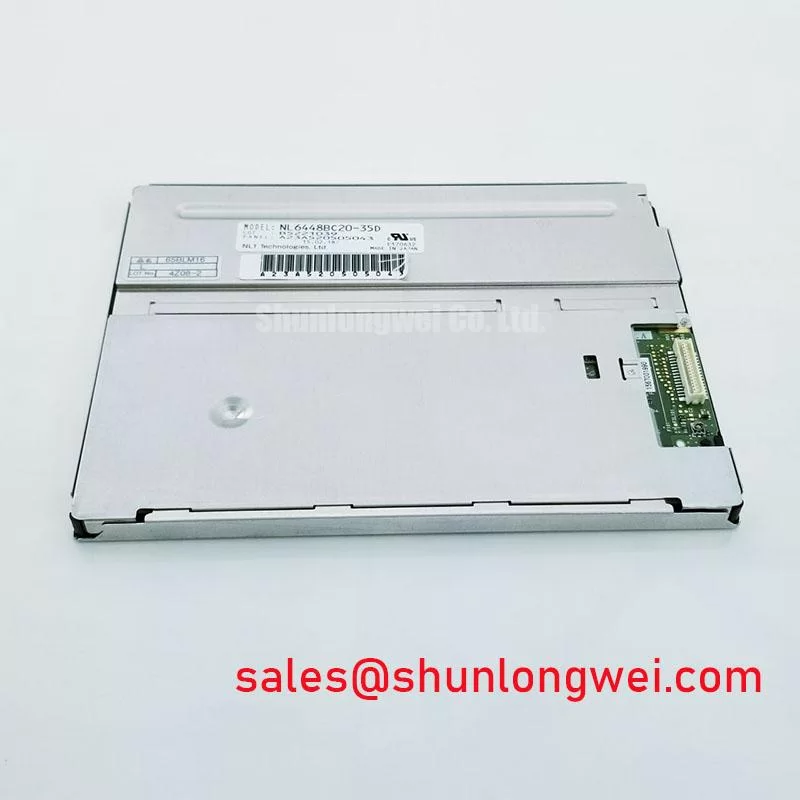
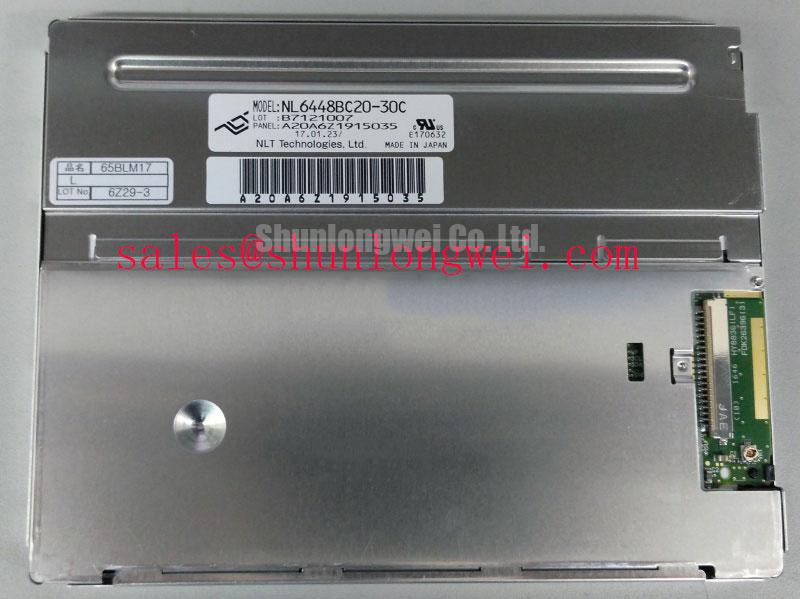
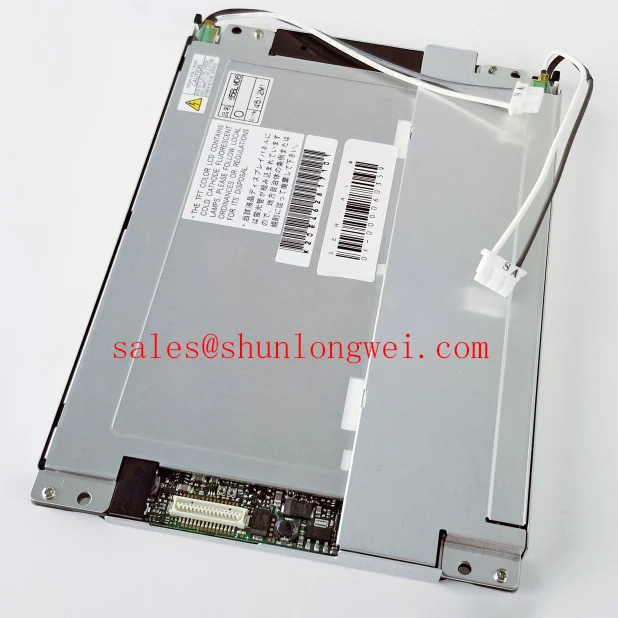
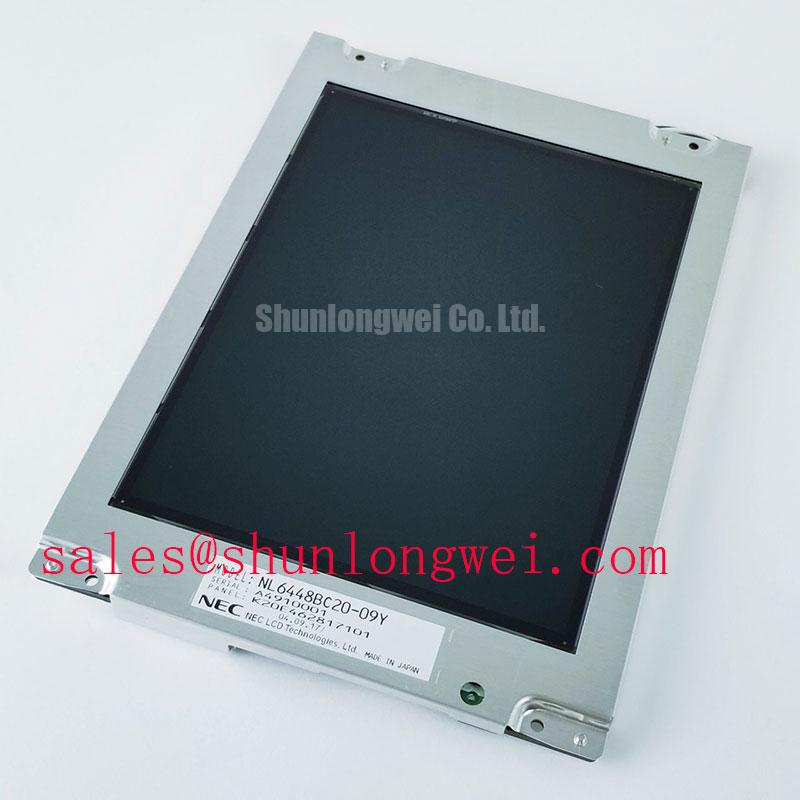
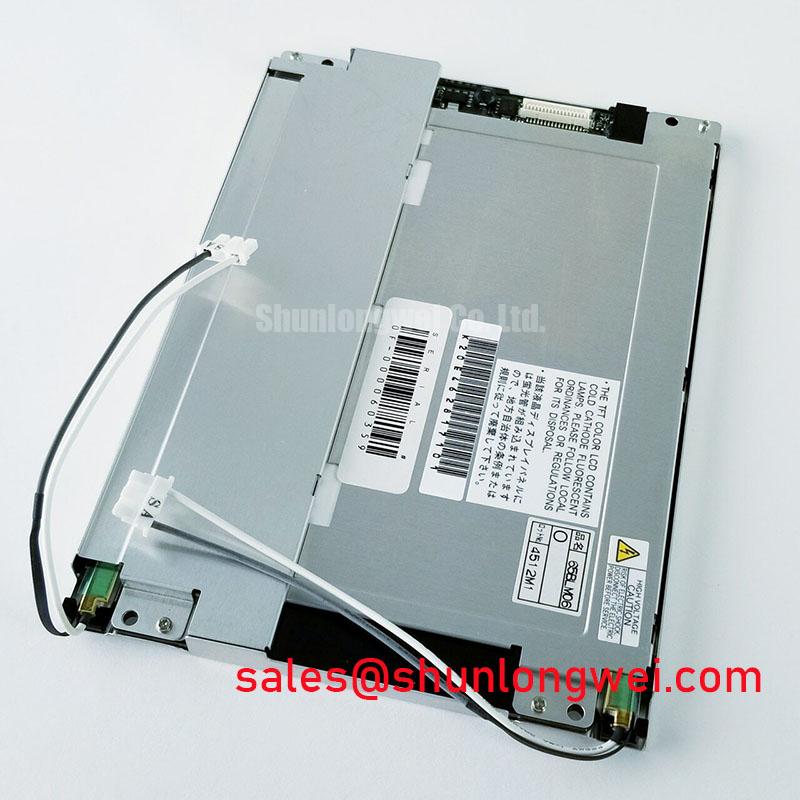
Disconnect the host equipment, inspect the panel connector and flexible cable for seating damage, then compare the replacement label with the original unit before applying power to the NEC NL6448BC20-09Y.
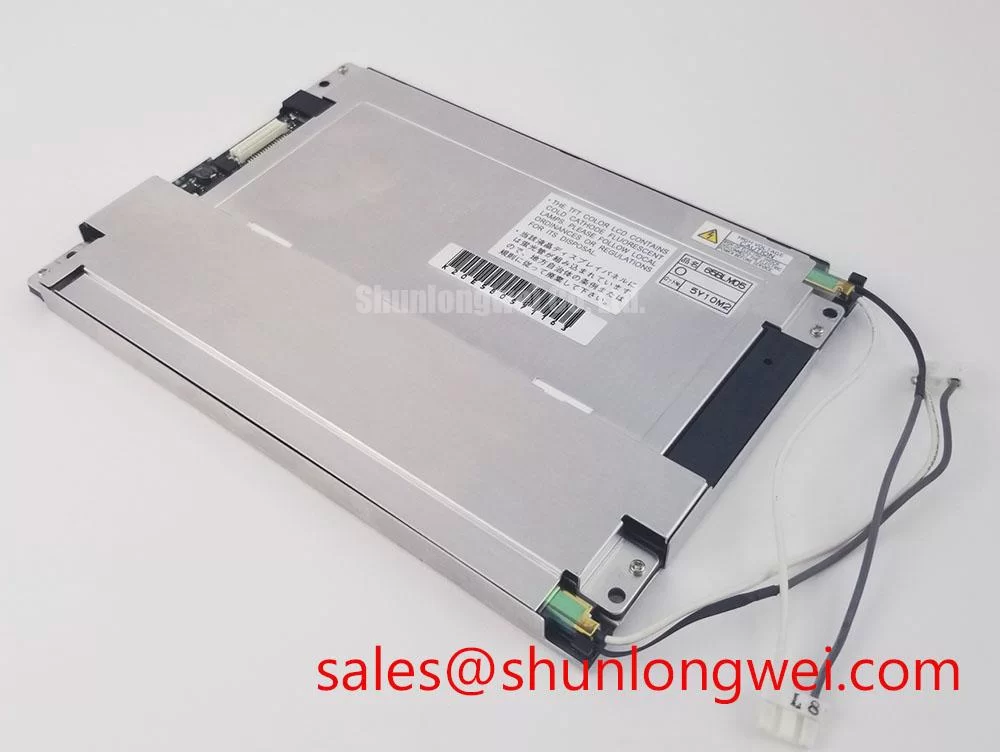
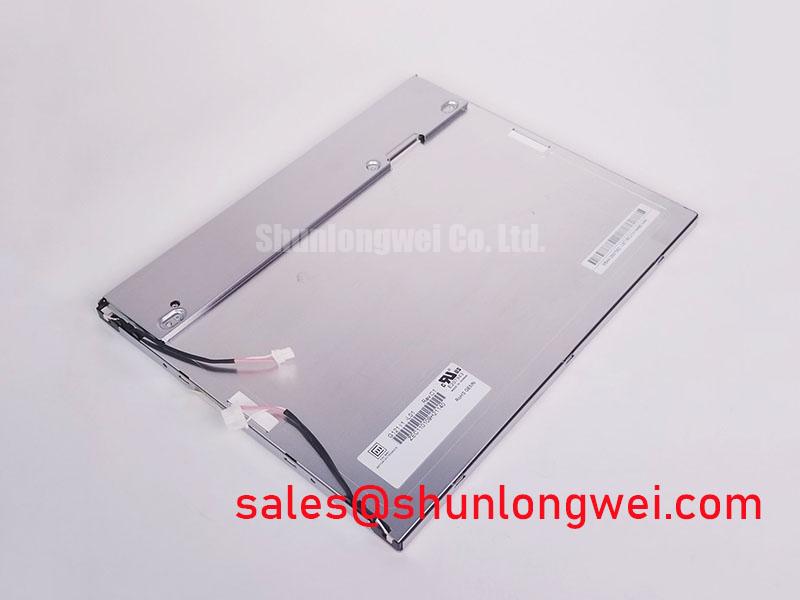
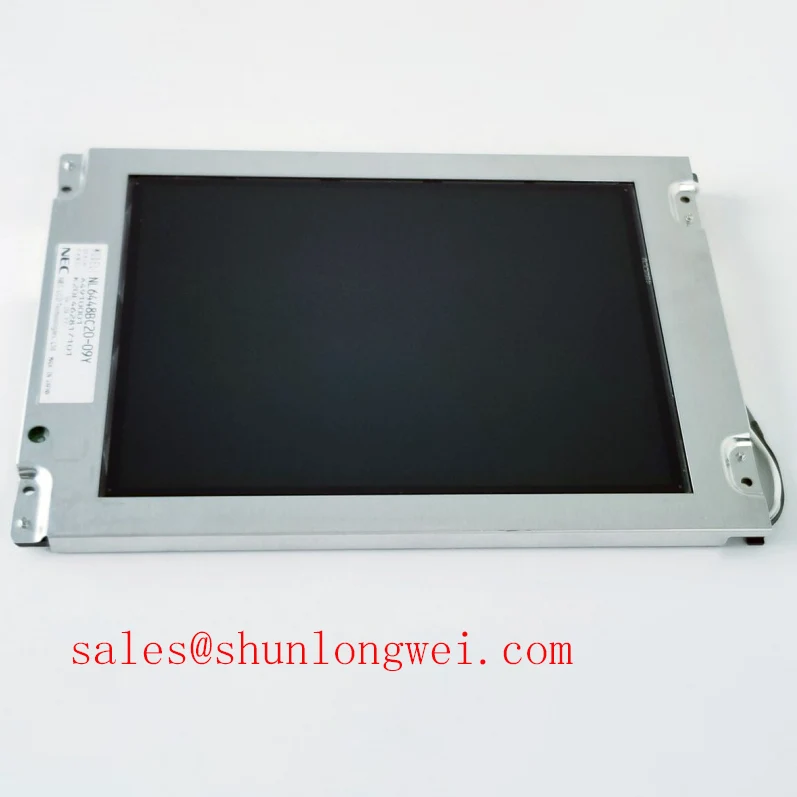
The NEC NL6448BC20-09Y is an industrial grade LCD and HMI panel supplied as a TFT LCD display module. The available factory information identifies NEC as the manufacturer and confirms the module category and construction type. Detailed electrical interface, optical, dimensional, timing, and environmental values must be verified against the original panel documentation and the equipment service manual before installation.
| Model | NL6448BC20-09Y |
| Manufacturer | NEC |
| Product category | Industrial Grade LCD/HMI Panel |
| Module type | TFT-LCD Display Module |
| Specification status | Verify against applicable factory documentation |
This distinction matters during emergency HMI repair. A TFT-LCD module is only one part of the display chain. The host controller, interface harness, backlight circuit, mechanical bezel, power supply, and enclosure all affect the final result. A panel that fits mechanically may still require interface, timing, connector, or backlight verification before it can be treated as a compatible replacement.
Industrial EMI Noise Immunity, Chassis Shielding Continuity and Common-Mode Ferrite Chokes
Begin an intermittent display investigation by separating panel faults from signal-path faults. With power removed, inspect the FPC or display cable for sharp folds, abrasion, contamination, partially released locking tabs, and uneven insertion depth. A cable can remain visually connected while individual contacts lose reliable pressure after repeated cabinet movement. Check the controller-side connector and the panel-side connector independently, then compare the signal path with a known-good unit where available.
Design Consideration: In equipment operating close to variable-frequency motor drives, contactors, or high-current switching wiring, cable routing and shield continuity should be reviewed as part of the display repair rather than treating the LCD module in isolation. The shield should follow the equipment grounding architecture specified by the system designer. A shield that is interrupted at the enclosure entry, folded into a poor termination, or routed beside noisy power conductors can allow common-mode interference to appear as pixel jitter, horizontal noise bands, unstable synchronization, or momentary image loss.
Common-mode ferrite components may be evaluated by the system engineer when the measured interference is coupled onto a differential or multi-conductor display link. Their selection is system-dependent and should be validated with the installed controller, cable length, connector arrangement, and switching environment. Adding a component without checking the signal waveform can change edge quality and timing margin, so an oscilloscope comparison with the known-good signal path is preferable to a visual-only diagnosis.
The interface format, voltage levels, clock behavior, data mapping, and hold-time requirements are not established by the general TFT-LCD category alone. Confirm the original documentation before connecting a controller. Do not assume that a cable pinout, signaling format, or transmitter voltage used by another NEC display is interchangeable with this model.
When a different panel is being evaluated for an older HMI, the NL10276BC16-06 may be reviewed as a separate engineering option. It should not be treated as a direct substitute until resolution, active area, connector assignment, timing, mounting pattern, power requirements, and backlight arrangement have all been checked against the host equipment.
⚠️ Field Alert: Remove power and allow the controller supply to discharge before inserting or removing the display cable, because live connector handling can expose signal contacts to electrical stress.
Thermal Expansion Clearance Sizing across Heavy Industrial Metal Enclosure Cutouts
During a replacement, inspect the metal cutout, bezel, mounting points, and cable exit before fastening the module. The LCD should sit evenly in the opening without being forced into position by a distorted frame or an offset bracket. If the enclosure has been exposed to vibration, impact, or repeated maintenance, compare the current opening with the original installation record rather than assuming that the chassis remains square.
Design Consideration: The mounting interface should hold the module securely while allowing the complete assembly to accommodate normal thermal expansion defined by the enclosure and the display documentation. Avoid using the bezel, glass edge, or connector area as a structural clamp. Excessive local pressure can create visible non-uniformity, optical stress, or intermittent contact, but the actual permissible fastening method and torque must come from the panel or equipment documentation.
For a heavy industrial cabinet, use a cross-pattern fastening sequence only when that method is compatible with the original mounting design. The previously specified fastener size or torque for another display must not be transferred automatically to the NL6448BC20-09Y. The system integrator should verify thread type, washer arrangement, bracket flatness, clearance, and allowable tightening force before final assembly.
FPC routing deserves the same attention as the visible panel surface. Maintain the bend path specified for the original cable and avoid folding directly over a connector body. Repeated door movement, cabinet vibration, or service access can load the connector latch and gradually change contact pressure. Secure the cable through the enclosure using a strain-relief method approved by the equipment designer, while keeping the cable free from sharp edges and hot surfaces.
Thermal cycling can also expose mechanical errors that are not visible during a room-temperature bench test. A panel may operate correctly on the workbench and show intermittent image behavior after the enclosure reaches its normal operating condition. Test the complete assembly with the actual bezel, cable routing, controller, and enclosure installed. If the equipment is proposed for a hazardous petrochemical Zone-2 operator station, the complete station must be assessed under the applicable equipment certification and enclosure requirements; the LCD module alone does not establish hazardous-area approval.
Logic Supply Voltage Sequencing to Eliminate Driver IC Latch-Up Risks
Confirm the required supply voltage from the original panel documentation and the host controller documentation before connecting the NL6448BC20-09Y. The general product category does not confirm whether a particular system uses one logic supply arrangement or another, and the replacement process should not rely on a guessed voltage. Verify connector polarity, enable signals, backlight power, ground arrangement, and the controller’s power-up and power-down behavior as separate items.
Engineering Recommendation: Observe the supply and display-control signals during startup and shutdown when the symptom involves a white screen, delayed image, retained image, or repeated controller reset. The relevant sequence is determined by the panel, controller, and backlight design together. A stable supply reading taken with a multimeter may not reveal a short transient, an early enable signal, or a discharge path that keeps one interface domain active after the main supply has been removed.
Use the original wiring records to confirm the interface mapping. Do not infer JEIDA or VESA mapping, differential polarity, connector orientation, or data-lane assignment from the model name. A mapping error can produce a split image, incorrect colors, unstable synchronization, or a blank display while leaving the backlight apparently operational. The system engineer should verify the waveform at the controller output and compare it with the panel’s documented requirements.
Backlight troubleshooting should proceed independently from image-data troubleshooting. First establish whether the panel is receiving the correct display signal and whether the image can be seen under controlled illumination. Then inspect the backlight supply, enable path, dimming control, and protection behavior according to the host equipment documentation. The required backlight technology and driving method must be confirmed from the original panel records rather than assumed from another display in the same cabinet.
Long-term static HMI screens also require system-level operating consideration. Fixed logos, alarm banners, or continuously displayed process graphics can create uneven visual aging in some display systems. Designers should evaluate screen rotation, controlled dimming, or an approved screen-management strategy when the application permits it. Such measures must not interfere with alarm visibility, operator response, or the safety function of the equipment.
For a controller and display installed as a matched system, the NL10276BC30-24D can be reviewed as a separate NEC display-related option. Its electrical and mechanical characteristics must be evaluated independently; a related model does not automatically share the same interface or mounting compatibility.
Wide Temperature Operational Margin and Sub-Zero Liquid Crystal Response
Do not assign a temperature range to the NL6448BC20-09Y unless that range is confirmed by the applicable factory documentation. For service work, record the actual cabinet temperature, airflow condition, heater operation, and display symptom at the time of failure. A slow image response, contrast change, startup delay, or temporary loss of display may involve the panel, controller, power supply, enclosure temperature, or cable connection, so the measurement should cover the complete display assembly.
Design Consideration: Liquid-crystal response can change as temperature changes, and mechanical parts can expand or contract at different rates. The practical evaluation should therefore include the installed bezel, mounting frame, FPC route, connector latch, and controller timing rather than testing the loose panel alone. If a heater strip or enclosure thermostat is used, verify its control behavior and clearance from the display assembly through the equipment design documentation.
At low temperature, allow the equipment to reach a stable condition before judging image quality. Record whether the symptom changes with warm-up, whether the backlight remains stable, and whether the controller continues transmitting valid data. Use an oscilloscope or approved diagnostic instrument when the issue appears to be synchronization or timing related. The expected clock margin and data hold behavior must be checked against the panel’s documented interface requirements; they cannot be established from the model number alone.
At elevated temperature, inspect the enclosure’s heat path and confirm that nearby drives, resistors, lamps, or power converters are not heating the panel locally. The complete station should be tested within the environmental limits specified for each component. For the linked Industrial Display and HMI Solutions reference, engineers can review broader integration topics while keeping the final acceptance criteria tied to the original equipment documentation and applicable enclosure requirements.
Before returning a repaired operator station to service, verify image stability during startup, normal operation, controlled shutdown, cable movement permitted by the machine design, and the expected temperature condition. Confirm that the bezel does not press on the active display area, that the FPC is not carrying mechanical load, and that the controller and backlight remain within their documented operating boundaries.