





Content last revised on September 30, 2026
Display Connector Timing, Pixel Clock and Data Mapping
Probe the panel supply at the display connector during startup while watching the screen for a brief white flash, a persistent white field or a delayed image. A voltage measured only at the power board can miss a drop across the harness or connector. For LQ150X1LG91, the system integrator should verify the required supply voltage, connector pinout and power sequence from the original panel documentation before interpreting any waveform. The confirmed product identity is a Sharp TFT-LCD active-matrix color display module; it does not, by itself, establish an LVDS connector, pin count or data format.
If the host documentation specifies a differential video interface, inspect its paired conductors and connector latch first. Compare clock and data activity at the host output with activity at the panel end using suitable probing. An intermittent connection can disturb a portion of the image without removing panel power. Split images, unstable colors and horizontal displacement also warrant a check of the host’s data mapping and pixel-clock settings against the documented panel interface. Treat JEIDA and VESA mapping as host-configuration possibilities to verify, not interchangeable settings to try without a pinout.
Capture the startup sequence across supply, display-enable and video activity when a panel remains white after power-up. Then capture shutdown if a residual image persists: video continuing after the panel supply falls can complicate fault isolation. As a Design Consideration, preserve the ordering required by the documented host-panel combination and verify it at the connector under load. A static diagnostic image can help distinguish missing video from a backlight or optical problem, but a lit screen alone does not prove that valid pixel data reached the module.
If the screen is dark rather than white, check whether an image is faintly visible under external illumination before working on the illumination circuit. Measure the backlight driver’s input and enable signals against the equipment schematic; do not infer the backlight technology or drive rating from the TFT-LCD designation. Where the host uses dimming, compare its control waveform with the documented driver requirements and observe whether changes in brightness coincide with flicker or audible noise. The appropriate control settings are determined by the actual driver and system testing, not by a generic display-module value.
Temperature Exposure, Image Response and Static HMI Content
Run a moving test image at the equipment’s actual cold-start temperature and compare transition behavior after the enclosure reaches its normal operating condition. Slow transitions at low temperature can arise from liquid-crystal response, but a lagging image also calls for checks of video timing, supply stability and the host graphics path. No operating-temperature limits or gray-to-gray response rating are established here for LQ150X1LG91; use the original panel documentation to decide whether a measured condition is within its specified range.
When a screen appears dim after startup, compare its appearance at a consistent brightness setting and ambient temperature before assigning the cause to the panel. Check driver output and control signals under load, then inspect the viewing surface for contamination or enclosure shadowing. Brightness-life figures cannot be inferred from the module category. Any service-life assessment needs the applicable backlight specification and operating conditions rather than a generic hour rating.
Hold a uniform test field on-screen to look for persistent patterns after prolonged static HMI use, then switch to varied content and reassess. Image retention should be recorded with the displayed pattern, operating conditions and recovery behavior; a retained outline alone does not identify a failed panel. As a Design Consideration, system designers can review static status bars, fixed warning icons and unattended screen states when persistent patterns interfere with inspection. Any content-management change should remain compatible with the equipment’s operational requirements.
Temperature and viewing requirements deserve separate checks when evaluating a panel for an ultrasound diagnostic display or surgical navigation terminal. Those are potential compatibility evaluations, not claimed applications or medical qualifications for this model. Confirm the equipment’s specified optical performance, environmental limits and approval requirements independently. For broader enclosure and environmental-test planning, Industrial Display & HMI Solutions provides additional engineering context; Sharp Devices Europe Industrial Display Solutions provides manufacturer-level display context without establishing model-specific ratings on this page.
Bezel Fit, Cable Routing and Connector Retention
Inspect the installed screen with a dark test field while gently checking the bezel for uneven pressure and the chassis for distortion. A bright patch, dark region or edge artifact that changes with mechanical load warrants inspection of the mounting arrangement before electrical parts are exchanged. Measure the original assembly’s mounting points, viewing aperture, cable exit and available depth against the documented mechanical drawing for LQ150X1LG91. The confirmed TFT-LCD construction supplies none of those dimensions or a fastener-torque limit.
Support the module evenly during removal and refitting. As a Design Consideration, use the equipment manufacturer’s fastening method and torque specification, then inspect a uniform image after the bezel is secured; an arbitrary screw setting could conceal an enclosure-fit problem. Keep brackets, seals and cable restraints in their intended positions so that a visual improvement with the bezel loose is not mistaken for a completed repair.
Trace the flexible cable from its fixed connector to the moving or service-access area. Look for a sharp fold, trapped section or tension at the connector when the enclosure closes. Check that the latch seats fully and that the cable enters squarely; where access permits, compare the result with a known-good signal path after reassembly. Cable bend-life claims require the actual cable specification and routing conditions. The practical objective is to prevent installation strain from changing the connection when the terminal is moved or serviced.
Field Alert: Disconnect equipment power before releasing or reseating a display connector to avoid applying unintended signals through partially engaged contacts.
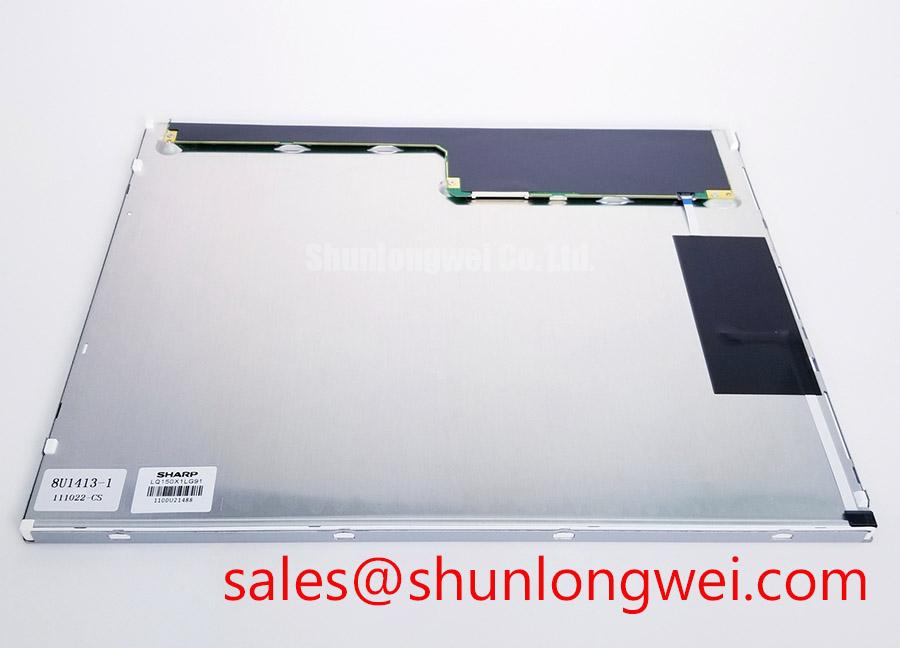
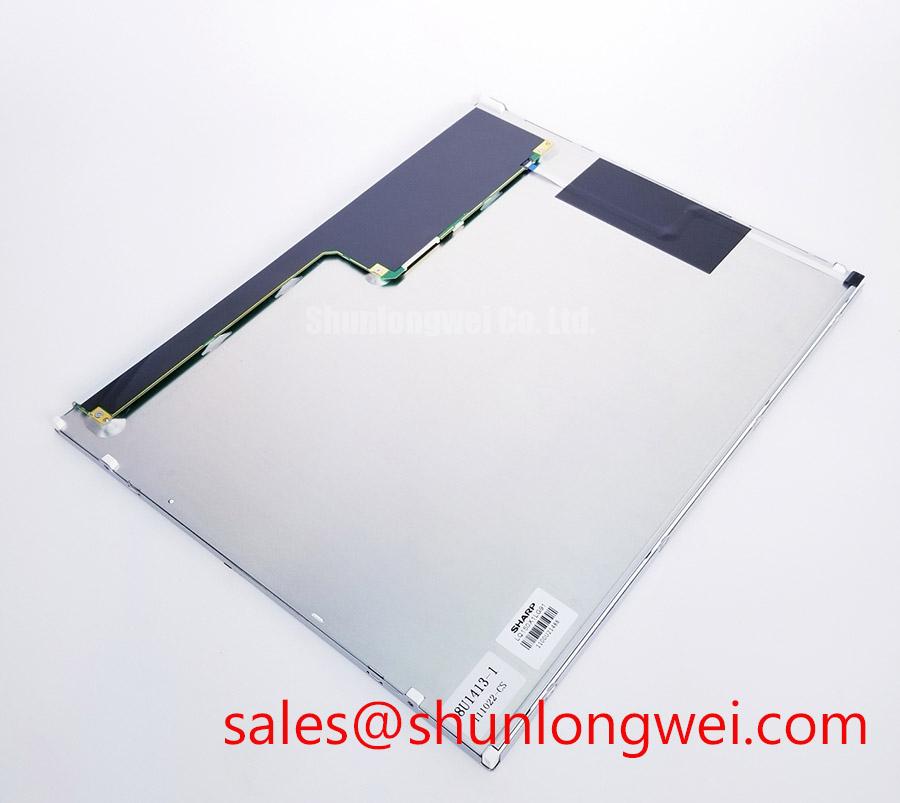
For a replacement assessment, compare the existing module’s label and drawings with the proposed part rather than relying on a similar-looking front surface. LQ150X1DWF1 is another Sharp model to evaluate during material selection, not a confirmed drop-in substitute for LQ150X1LG91. A purchasing check should cover the documented envelope, connector position, electrical interface, optical requirements and host firmware timing before either part is assigned to the repair.
Pixel Jitter and Horizontal Lines Near Motor Drives
Capture the display fault while the adjacent motor drive changes operating state, then repeat the observation with the drive inactive. Record whether jitter or horizontal white lines track motor activity, panel brightness changes or cable movement. Correlation helps direct the next measurement but does not prove electromagnetic interference: a marginal connector, unstable display supply or host video fault can produce a similar visible result.
Check supply ripple at the panel connector and inspect the video waveform at both ends of the cable using methods appropriate to the documented interface. Examine shield termination and the cable route through the enclosure, particularly where display wiring runs beside drive power wiring. As a Design Consideration, maintain the shielding and grounding scheme specified for the host equipment and separate sensitive signal routing from noisy conductors where the enclosure allows. Verify the result with the drive operating across the conditions that originally produced the artifact; neither a ferrite nor a revised ground connection should be treated as a guaranteed cure without that test.
If the lines remain when the motor drive is inactive, hold the display input to a stable test pattern and check for movement-sensitive changes at the connector. If the pattern is stable but the visible fault follows a brightness adjustment, inspect the backlight control and driver supply separately from the video path. This split test prevents a dimming artifact from being recorded as pixel-data corruption. Keep the final repair record tied to measured behavior at the connector and to the host’s documented interface limits, rather than assigning an unsupported electrical rating to the Sharp LQ150X1LG91 module.