
Content last revised on September 11, 2026
KCG057QV1DB-G66 Inspection and Specifications
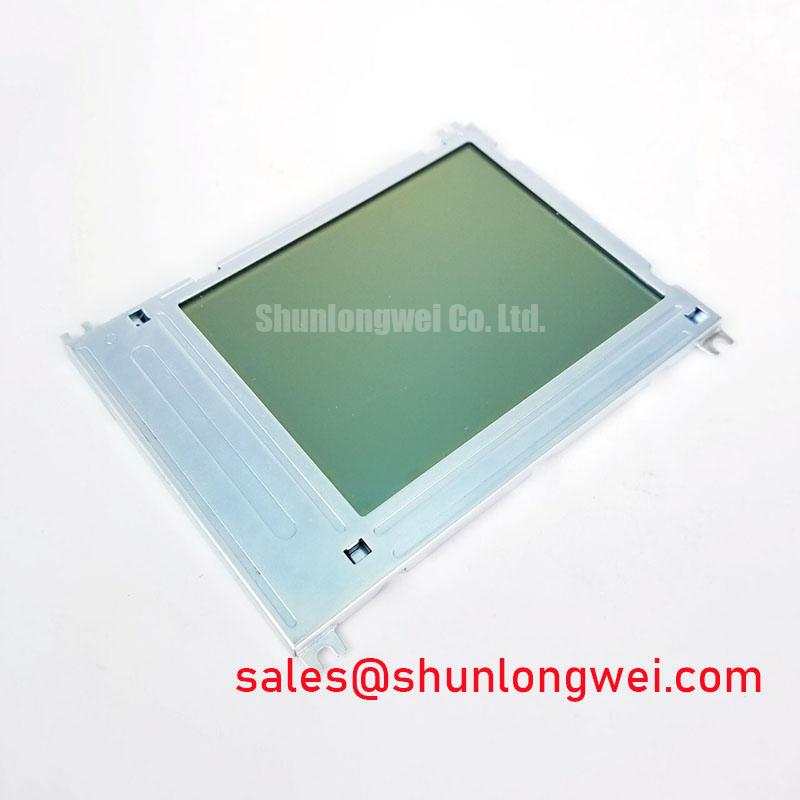
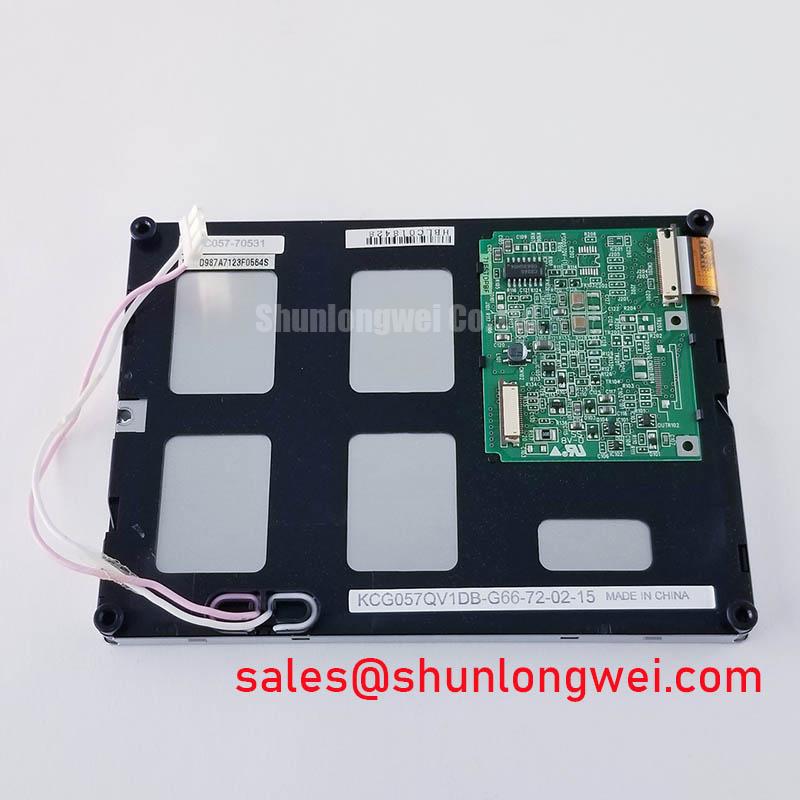
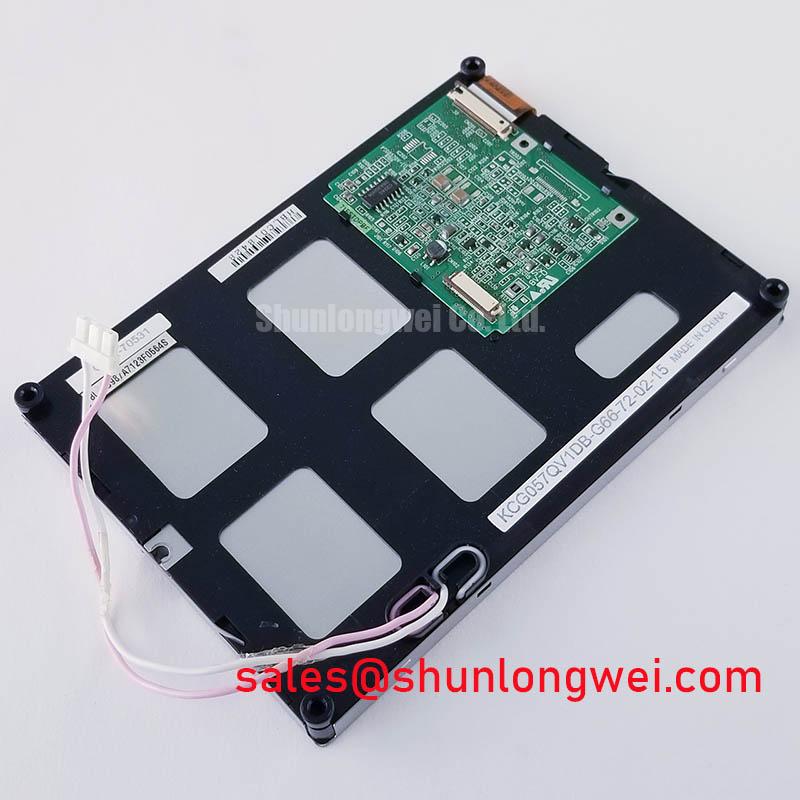
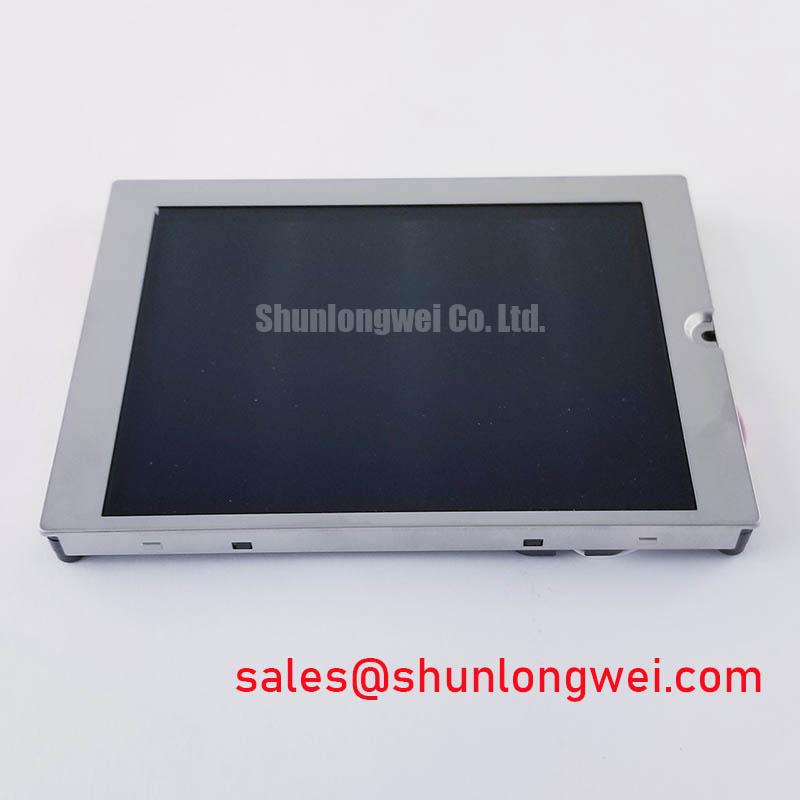
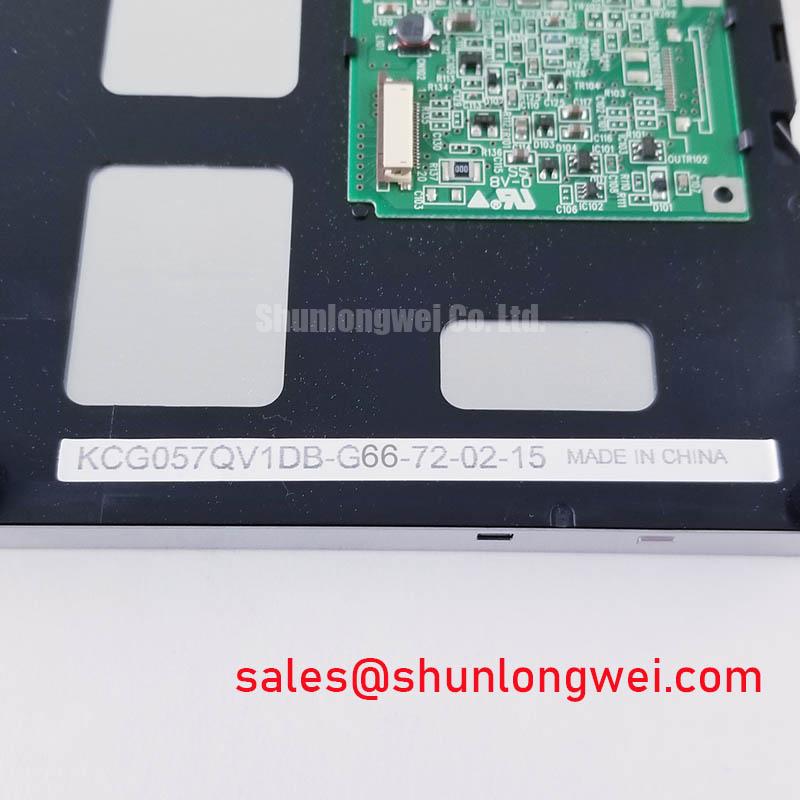
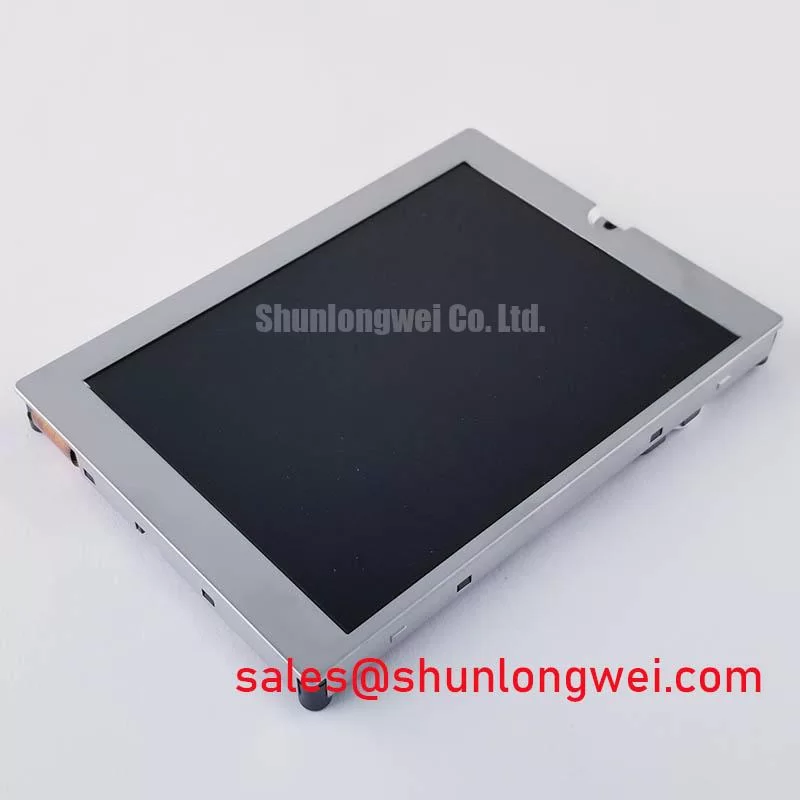
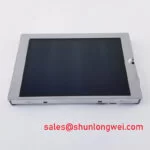
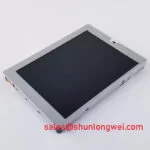
With the panel unpowered, inspect the display face, perimeter, connector area, and rear assembly under diffuse bench light before fitting KCG057QV1DB-G66 into a replacement console. Check for pressure marks, scratches, edge damage, contamination, or connector misalignment, then perform a full screen illumination test after controlled power up to identify visible pixel, line, contrast, or backlight-uniformity concerns before the panel is installed behind a front bezel.
KCG057QV1DB-G66 is a Kyocera 5.7 inch color STN LCD panel with a 320 × 240 QVGA resolution. Its CMOS, 1 channel, 4 bit interface, integrated white LED backlight with constant-current operation, 400 cd/m² luminance, and 40:1 typical contrast ratio are Official Datasheet Specifications. The specified operating-temperature range is −20°C to +70°C.
| Technical Specification | Official Datasheet Specification |
|---|---|
| Manufacturer | Kyocera |
| Display size | 5.7 inch diagonal |
| Resolution | 320 × 240 QVGA |
| Display type | Color STN LCD, passive matrix |
| Luminance | 400 cd/m² |
| Contrast ratio | 40:1 typical |
| Signal interface | CMOS, 1 channel, 4 bit |
| Backlight | White LED with integrated constant-current operation |
| Operating temperature | −20°C to +70°C |
High Voltage Console Context and LED Backlight Verification
For a high-voltage substation protection terminal or SCADA dispatch console, the display itself should be assessed as a low-voltage HMI assembly inside the equipment enclosure. KCG057QV1DB-G66 uses a white LED backlight with integrated constant-current operation, not a CCFL lamp. Therefore, CCFL cold-strike voltage testing, ignition-voltage assumptions, and CCFL inverter acoustic-noise checks do not describe this model’s specified backlight architecture.
The official information provided for this model does not state a PWM dimming ratio, a dimming frequency, a backlight half-life, an L50 value, an L70 value, or an MTBF figure. These values should not be inferred from the presence of a white LED backlight. When a console has a host-controlled dimming circuit, the system integrator should verify the permitted control method and electrical limits from the original panel documentation and the host equipment design.
Incoming inspection can instead focus on repeatable visible checks. Display a full white field, a near-black field, red, green, and blue test fields where the controller supports them, followed by a fine grid and alternating line pattern. Observe the panel at normal working distance and from modest off-axis positions. Record any persistent bright or dark points, horizontal or vertical line artifacts, local brightness variation, or unstable image behavior. A single visible condition can have several causes, including the panel, the interface cable, the controller output, the connector seating, or the power path, so comparison with a known-good signal path is preferable to assigning one cause from one symptom.
💡 Bench Tip: Disconnect power before handling the display cable, use ESD protection, and insert the flex connection squarely and fully before engaging its retention feature.
The 400 cd/m² luminance specification supports readability in well-lit indoor environments, while the 40:1 typical contrast ratio should be evaluated with the actual enclosure window, viewing angle, and ambient lighting of the protection or dispatch terminal. A dark smoked front filter, a deeply recessed bezel, or reflected overhead lighting can materially change perceived contrast even when the panel is operating normally.
Thermal Observation Along the Narrow Display Edges
The published specifications identify the display size, optical rating, interface, backlight type, and operating-temperature range, but they do not define an aluminum heat spreader, thermal-interface material, rail placement, or thermal-pad thickness for KCG057QV1DB-G66. Those mechanical and thermal decisions belong to the host equipment design rather than to the panel’s stated factory ratings.
Design Consideration: heat generated by nearby processors, isolated power supplies, relay banks, or enclosed front-panel electronics can raise the local temperature around a display assembly. In a compact HMI, engineers should examine the installed panel temperature under the equipment’s actual load and enclosure condition, particularly around narrow edges adjacent to other heat sources. The objective is to keep the complete display installation within the panel’s official −20°C to +70°C operating range, verified at the relevant locations rather than assumed from room temperature.
Do not attach conductive rails, plates, tapes, or clamps to the panel solely on the assumption that they will improve thermal performance. A mechanical part can alter stress distribution, block light, interfere with mounting clearances, or create an unintended electrical path. If a host chassis uses a heat-spreading element, verify its clearances, insulation strategy, fastening method, and service access against the original mechanical documentation for both the console and the panel.
The integrated constant-current backlight simplifies part of the backlight electrical arrangement, but it does not establish a host-system dimming frequency or duty-cycle characteristic. If brightness modulation is used in a replacement assembly, inspect the screen while displaying static text, fine grid patterns, and low-contrast menus. Visual instability can arise from several locations in the system. Capture the relevant control and supply waveforms at the known-good and suspect units before changing drive settings.
For long-duration console service, record baseline observations after installation: screen brightness appearance, white-field uniformity, color balance where applicable, and the clarity of small QVGA text. Periodic comparison against these baseline images is a practical maintenance record. It provides evidence of visible change without asserting an unsupported operating-life prediction for the LED assembly or the LCD cell.
Engineers comparing display formats can also review the KCG047QV1AA-G210 as a separate reference model. Its mechanical envelope, electrical interface, optical behavior, and original documentation must be checked independently; similarity in a product-family naming pattern does not establish drop-in compatibility.
Industrial EMI Noise Immunity and CMOS Interface Continuity
The official interface for KCG057QV1DB-G66 is CMOS, 1 channel, 4 bit. It should not be treated as an LVDS panel, and an LVDS differential-pair impedance or skew target cannot be assigned to this model from the stated interface information. The system integrator should verify the required supply voltages, connector pin assignment, timing, signal levels, power-up sequence, and cable orientation from the original panel documentation before connection.
In equipment containing contactors, switching supplies, or variable-frequency motor drives, display noise complaints should begin with observation rather than assumption. Watch for intermittent pixel disturbance, rolling bands, image jitter, random color corruption, loss of synchronization, or a complete blank screen while correlating the event with equipment switching states. Compare the panel behavior with a known-good display assembly when possible, then inspect the cable route, cable retention, chassis bonding path, supply stability, and controller output.
Design Consideration: maintain a short, well-supported signal route and preserve the connector’s intended strain relief to reduce susceptibility to intermittent contact and coupled noise. Shield continuity, chassis bonding, and common-mode suppression are host-system measures whose suitability depends on the enclosure, cable construction, emissions environment, and measured waveform behavior. A ferrite component should be evaluated through controlled testing rather than treated as a universal correction.
A flat cable that is partially inserted or tilted can produce display faults that resemble signal-integrity problems. Under magnification, inspect whether the cable is level across the connector width and whether the retention mechanism is fully engaged. Avoid pulling the cable at an angle during removal. If connector contact is suspected, power down the equipment, reseat the connection using proper ESD controls, and retest with the same image pattern and operating condition.
The panel’s passive-matrix color STN architecture is relevant during replacement assessment. It is specified for 320 × 240 QVGA information presentation, which is suited to text, status icons, menus, and straightforward process readouts. It is not appropriate to assume active-matrix TFT behavior, LVDS signaling, or an unlisted response-time specification. For broader context on display selection terminology and industrial integration checks, see The Ultimate Guide to Industrial TFT LCD Technology; interface and optical requirements remain model-specific.
Cold Start Image Response Within the Rated Temperature Range
The official operating range for KCG057QV1DB-G66 is −20°C to +70°C. A proposed installation that experiences ambient conditions below −20°C falls outside the stated operating range and requires system-level validation against the original equipment requirements. The supplied specifications do not provide gray-to-gray response time, heater-strip information, perimeter-seal construction, epoxy material data, or thermal-cycle qualification results, so such characteristics should not be presented as confirmed model properties.
At the low end of the rated range, an LCD can show visibly slower transitions or altered optical appearance during startup compared with room-temperature operation. This is a Design Consideration based on LCD behavior, not an official response-time rating for this panel. In a protection-console evaluation, allow the system to stabilize at the intended test temperature, then inspect menu changes, alarm pages, text scrolling, and static screen quality. Compare the result with the system’s display acceptance criteria and with a known-good assembly under the same conditions.
If the image is slow, faint, unstable, or incomplete at cold start, verify the panel’s actual environmental condition, connector seating, host supply behavior, and CMOS signal timing before replacing hardware. A fault may involve multiple interacting factors. Oscilloscope comparison against a known-good controller path can help identify whether the display is receiving a stable and correctly sequenced interface, while visual test patterns help separate localized optical issues from data-path corruption.
For replacement planning in high-voltage substation protection and SCADA dispatch equipment, preserve the original panel’s electrical and mechanical integration requirements. Confirm the QVGA resolution, CMOS interface format, backlight arrangement, mounting relationship, enclosure window, operating environment, and controller compatibility. The confirmed factory identity of this unit remains its 5.7 inch color STN LCD format, 320 × 240 resolution, 400 cd/m² luminance, white LED constant-current backlight, and −20°C to +70°C operating-temperature specification.