




Content last revised on September 30, 2026
Cold Start Response Time and Optical Stability in Sub Zero Equipment
| Model | KCS3224ASTT-X8 |
| Manufacturer | Kyocera |
| Product Category | Industrial Grade LCD/HMI Panel |
| Display Technology | FSTN/STN monochrome passive matrix LCD panel |
| Specification Status | Product identification provided; verify specifications against original documentation |
Measure the panel’s visible response immediately after a cold start while recording the display bias and logic supply behavior against the original equipment reference, because slow image formation, uneven contrast, or temporary ghosting can involve the panel, its drive circuit, or environmental conditions rather than one isolated fault.
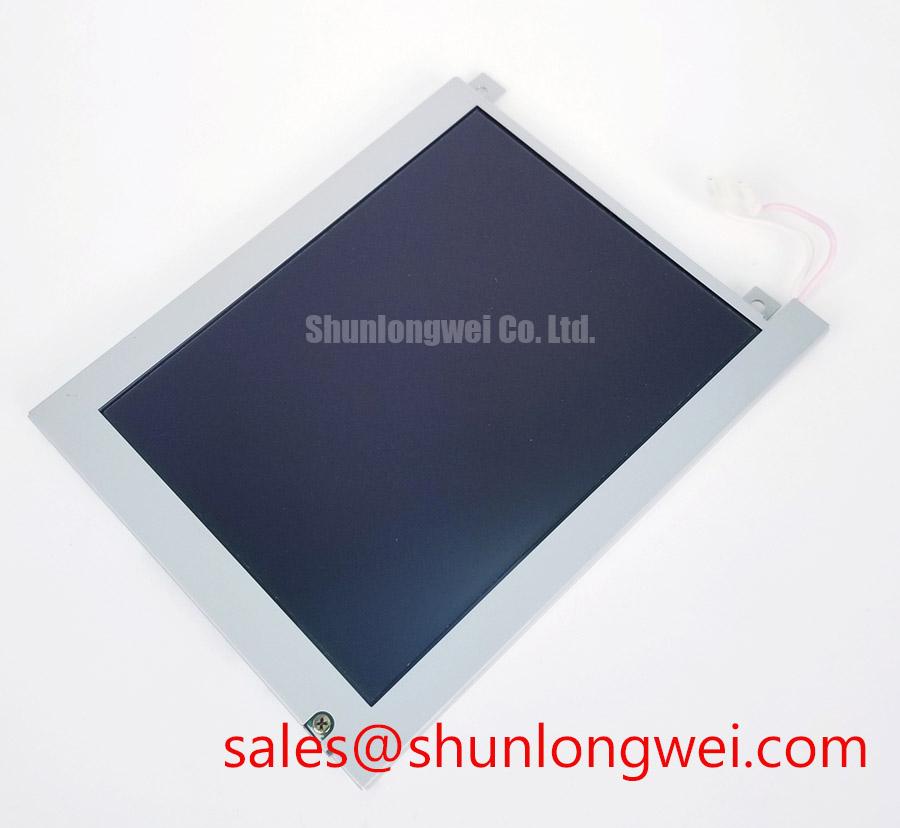
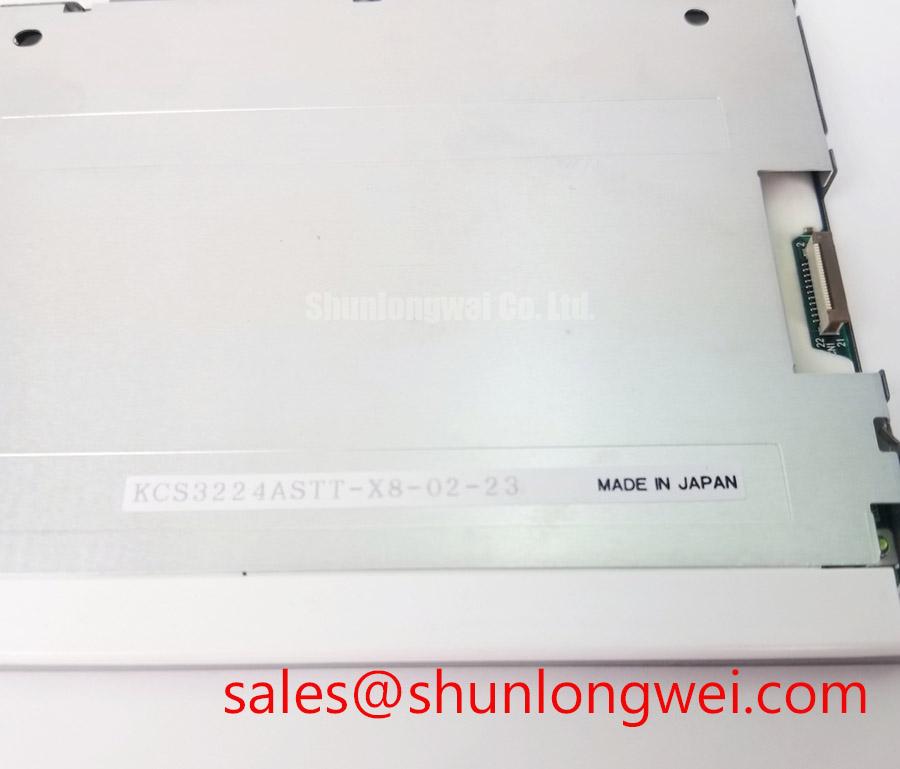
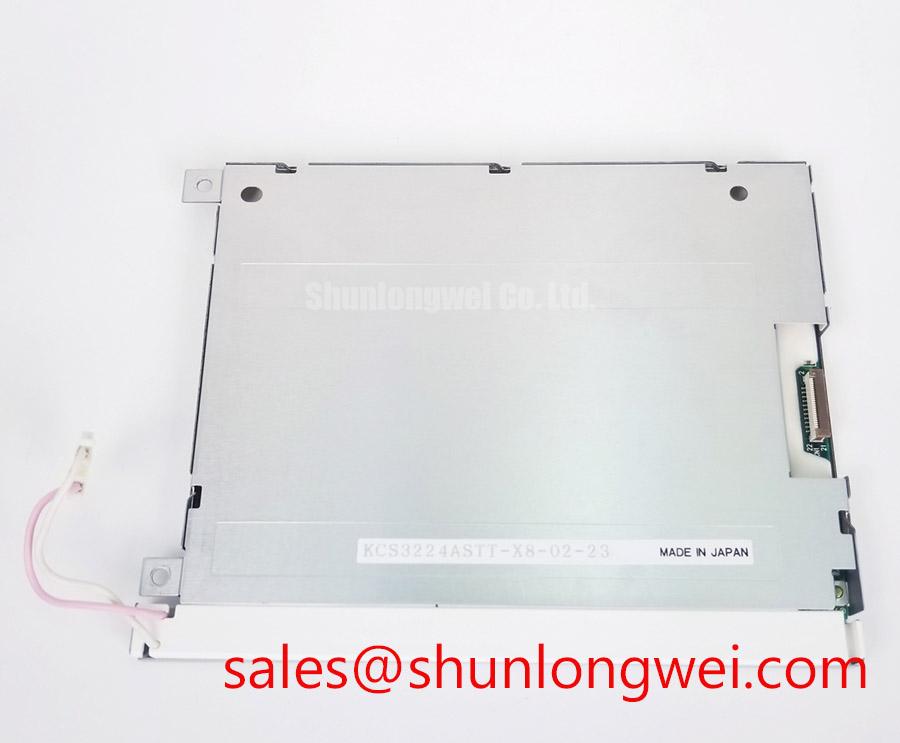
The KCS3224ASTT-X8 is identified as an FSTN/STN monochrome passive matrix LCD panel. This display technology should be evaluated differently from an active matrix TFT module. Cold-start behavior can be affected by the temperature-dependent characteristics of the liquid crystal system, the condition of the polarizer, the age of optical adhesives, and the stability of the external bias network. A maintenance engineer should record the appearance of characters or graphics during startup, after thermal stabilization, and during a controlled return to room temperature.
Legacy industrial terminals may show reduced reflective contrast after long exposure to ultraviolet light or strong ambient illumination. Bubbling, edge lifting, haze, and local discoloration around the viewing area require visual inspection under consistent lighting. These observations are service indicators, not proof of a particular internal failure mechanism. Kyocera’s industrial display technology resources provide useful background when comparing display construction and optical requirements across industrial equipment.
Do not assume that the KCS3224ASTT-X8 uses a particular logic voltage, backlight arrangement, or interface standard. The system integrator should verify the required supply voltage, bias conditions, and connector assignment from the original panel documentation and the host controller schematic. If the control board uses a parallel interface, inspect the clock, line pulse, frame synchronization, and data transitions with an oscilloscope while comparing a known-good terminal. A suspected timing problem should be judged from signal quality, edge consistency, and setup and hold margin rather than from the display symptom alone.
Power sequencing is also important for a passive matrix panel. Verify that the logic supply and display bias reach their documented states in the intended order, and check whether the host controller drives signal lines while the panel is unpowered. An incorrect sequence can create abnormal current paths or temporary image artifacts. The correction should be made at the system controller or power-management stage after measurement, not by applying an unverified substitute voltage to the panel.
For an AGV or forklift telematics display, high ambient light can reduce perceived contrast even when the electronic drive signals remain stable. When integrating this panel into a replacement bezel, designers should evaluate the window material, glare control, viewing angle, and enclosure shading as a complete optical system. AG or AR treatment may be considered at the cover-window level, but it should not be described as a factory feature of this Kyocera panel unless the original documentation confirms it.
High Voltage Lead Insulation and Legacy Backlight Screening
Inspect the backlight harness, transformer area, connector body, and nearby grounded metalwork for carbon tracking, brittle insulation, discoloration, or audible discharge before energizing a legacy terminal with a separate high voltage inverter.
The supplied product information identifies the KCS3224ASTT-X8 as an FSTN/STN monochrome passive matrix LCD panel, but it does not establish a specific backlight type, ignition voltage, operating current, or inverter specification. A repair team should therefore treat any high voltage backlight circuit as an equipment-level subsystem. Do not assign CCFL striking voltage, sustained current, creepage distance, or transformer performance to this model without the original display and inverter documentation.
Where the installed terminal contains a fluorescent backlight inverter, use the equipment service procedure to isolate the high voltage output before removing the panel. Inspect the lead routing for contact with sharp chassis edges and verify that the insulation is not compressed by the bezel. A corona-like sound, intermittent illumination, or localized darkening may result from several conditions, including aged lamp components, inverter regulation, contamination, connector wear, or insulation damage. Confirm the source with controlled measurement and visual inspection rather than replacing the LCD panel automatically.
High voltage screening should be planned around the actual inverter output and the enclosure geometry. Clearance and creepage are system design considerations governed by working voltage, pollution level, material properties, altitude, and applicable safety requirements. The machine designer must establish the required spacing and insulation system from the applicable equipment standard. A distributor should not present a generic clearance or ignition-current value as an official KCS3224ASTT-X8 rating.
Check the return path and chassis bonding while the inverter is disconnected from the display. Poor routing can increase radiated noise and may couple switching energy into the panel control wiring. The same inspection should cover the metal bezel, conductive shielding, cable clamp, and protective earth arrangement. The panel itself cannot independently claim compliance with an entire machine’s EMC or electrical safety certification; those results depend on the complete assembly, cable layout, inverter, controller, and enclosure.
When the display is installed in an AGV or forklift telematics enclosure, sealing materials should be checked for compression uniformity and contamination. Dust or moisture near a high voltage harness can change surface leakage behavior, while condensation during a cold-to-warm transition can create temporary insulation concerns. The enclosure designer should provide an appropriate environmental control strategy and validate it under the intended operating conditions.
Data Setup and Hold Time Checks on Flat Ribbon Connections
Probe the controller output and the panel-side connector during a missing-character or unstable-image event, comparing clock, frame, line, and data activity with a verified working unit before changing the display assembly.
The KCS3224ASTT-X8 is a passive matrix LCD panel, so its signal path must be matched to the original host electronics. Do not convert an assumed LVDS interface, TTL interface, or parallel bus without confirming the panel pinout and controller architecture. A flat ribbon cable with high capacitance, contamination, poor contact, or excessive mechanical movement can distort signal edges and reduce the available timing margin. The correct diagnostic approach is to observe the signal at the controller and again at the panel connector.
For a documented parallel bus, the engineer may need to examine the dot clock, line pulse, frame marker, and data transitions. A display that loses rows, columns, or individual character segments can reflect signal integrity issues, connector alignment, bias generation, controller timing, or panel damage. The symptom alone does not identify the failed element. Use a short ground connection at the oscilloscope probe, compare the known-good waveform, and check whether the fault follows the cable, controller channel, or display assembly.
Ribbon routing should avoid sharp folds, high-current motor wiring, contactor coils, and inverter leads. Servo drives and traction systems can produce strong transient fields that couple into unshielded display wiring. EMC control is a design consideration involving cable separation, return-current control, shielding termination, chassis bonding, and filtering selected for the complete machine. A separate LCD panel cannot independently claim compliance with CISPR, EN 55011, or another system-level EMC requirement.
For a replacement installation, inspect the connector housing and contact surfaces under magnification. Remove loose contamination using a method compatible with the connector materials, and allow the assembly to dry before reconnection. Do not scrape contact surfaces aggressively or apply an unapproved chemical that could damage plating or elastomeric material. Zebra-strip or elastomeric connector compression must remain even across the active contact area; the required mechanical condition is determined by the original bezel and connector construction.
Touch functionality should not be assumed from the LCD panel description. If the host equipment includes a separate resistive or capacitive touch overlay, test that overlay independently for glove operation, moisture response, calibration stability, and cable noise. The KCS3224ASTT-X8 should be evaluated as the display panel identified by its factory category, while the touch sensor, cover window, controller, and HMI software remain separate integration items.
For protocol-driven equipment, the display controller may exchange data through a host system using a fieldbus such as Modbus. The Modbus protocol reference is relevant to the control network, but it does not define the electrical interface or timing of the LCD panel. Separate network faults from panel signal faults by checking the controller’s local display output and its communication status independently.
Contact Resistance and Bezel Stability under Machine Vibration
Check for missing rows, columns, or intermittent segments while applying controlled mechanical observation to the bezel and ribbon interface, then compare the result with connector alignment and panel seating rather than assuming oxidation is the sole cause.
Industrial mobile equipment can expose a display assembly to vibration, repeated temperature changes, dust, and maintenance handling. The KCS3224ASTT-X8 should be clamped evenly within the original mechanical structure so that the glass, connector, and bezel are not subjected to localized stress. Excessive pressure can create optical nonuniformity or visible Mura, while insufficient retention can permit contact movement during operation. The correct clamping condition is determined by the original mechanical drawing and connector construction.
Inspect the bezel for distortion, loose fasteners, displaced cushioning, and uneven contact around the viewing aperture. A gasket should seal consistently without folding into the active viewing area. In a forklift or AGV enclosure, the sealing interface also affects dust and moisture exposure. Designers should verify the gasket material, compression behavior, and enclosure service conditions rather than treating a general-purpose foam strip as an interchangeable part.
Contact resistance changes can arise from connector contamination, loss of compression, cable strain, misalignment, or a damaged controller trace. Measure continuity and resistance only with the panel disconnected and with test conditions appropriate to the connector. Do not inject arbitrary voltage into a passive matrix panel to locate a suspected open circuit. If cleaning is permitted by the equipment documentation, use a compatible lint-free method and inspect the result under magnification before reassembly.
⚠️ Maintenance Note: Inspect the cabinet cooling path and bezel sealing materials during scheduled service so dust accumulation and gasket deterioration do not combine with vibration to increase display faults.
Thermal cycling deserves the same attention as vibration. A cold machine moved into a warm, humid area may develop condensation on the cover window, bezel, cable interface, or nearby electronics. Allow the equipment to reach a safe stabilized condition under the site procedure before applying power, and investigate recurring condensation through enclosure ventilation, drainage, and environmental control. This is a design consideration for the complete HMI assembly, not an official environmental rating for the KCS3224ASTT-X8.
When a direct replacement is unavailable, the engineer should compare outline dimensions, viewing area, connector position, electrical interface, bias requirements, optical behavior, and mounting constraints before evaluating another panel. The LM64P11 may be reviewed as a separate compatible-device candidate during a maintenance assessment, but final interchangeability must be established by the equipment designer. Broader guidance on enclosure sealing, display wiring, and harsh-environment HMI integration is available in Industrial Display & HMI Solutions.