

Content last revised on October 3, 2026
Industrial EMI Noise Immunity, Chassis Shielding Continuity & Common-Mode Ferrite Chokes
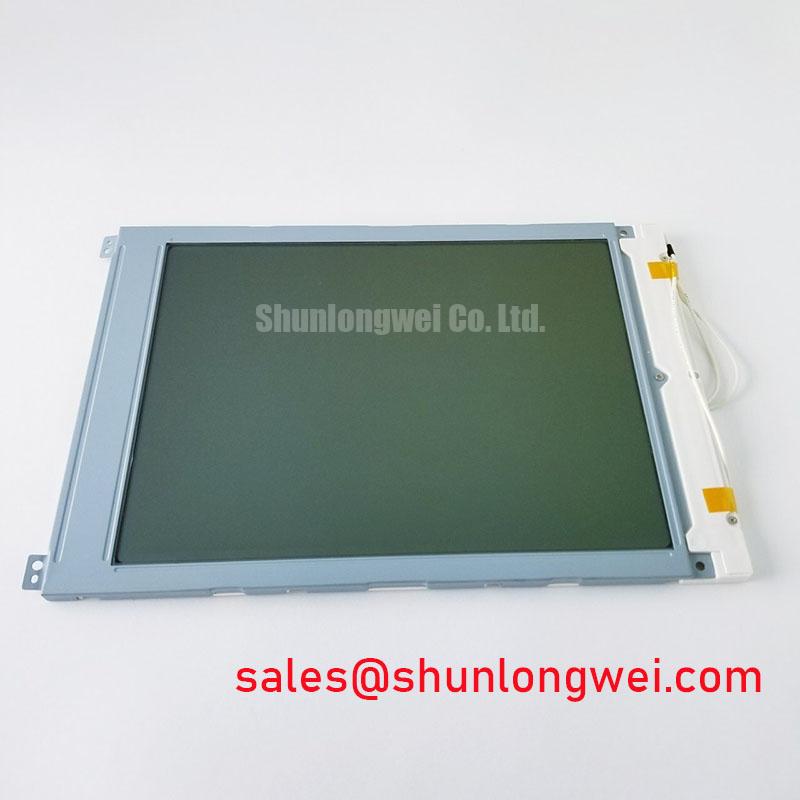
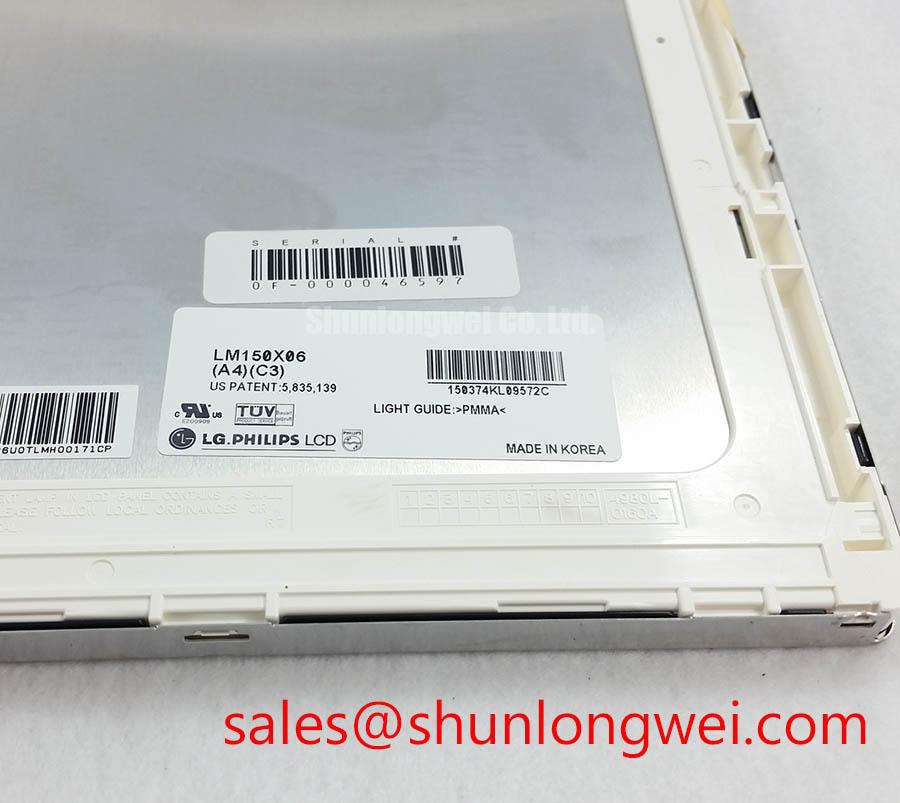
Check the LM150X06 label against the removed display, then inspect the TFT-LCD display module and its connector area before connecting it to a test fixture. The available product identification names LG Display as the manufacturer and identifies the unit as an industrial LCD/HMI panel. It does not establish the panel revision, dimensions, supply voltage, signal interface, backlight type, or operating temperature limits needed to approve a replacement. Record those details from the original panel documentation and the equipment drawing before applying power.
If an operator display develops moving horizontal bands or intermittent pixel disturbance while a nearby variable-frequency drive runs, compare the screen with the drive stopped and operating. That observation can help locate a disturbance, but it does not establish whether the source is radiated interference, conducted noise, a cable fault, or the host graphics circuit. Inspect the display cable seating, shield terminations, chassis bonds, and the routing shared with motor or drive wiring. Preserve the equipment’s documented grounding arrangement rather than adding a new bond without assessing the complete enclosure.
Design Consideration: A continuous shield path can reduce coupling into a display link when the cable, connector, and chassis were designed to work together. If the original equipment uses a shielded cable, examine its termination at both ends for damage or looseness. A ferrite choke is a system-level suppression option only after measurements identify common-mode noise; its material, placement, and suitability depend on the cable and interference spectrum. Neither a ferrite nor a chassis connection establishes EMC compliance for the panel or the finished machine.
The LM150X06 identification supplied here does not confirm an LVDS or TTL interface. Before checking pair routing or clock behavior, obtain the connector pinout and timing specification for the exact panel revision. If the documented link is differential, compare its measured waveform and cable construction with a known-good installation under the same operating conditions. If the link is not differential, applying an assumed differential-pair termination could disrupt it. Treat visible jitter as a prompt to test the signal path, not as proof of a particular interface fault.
Backlight control needs the same separation between panel data and host settings. PWM frequency, duty-cycle behavior, and audible-noise performance cannot be assigned to this module without its backlight and driver documentation. Where the host uses PWM control, check that the driver, wiring, and display respond consistently across the intended brightness range. The equipment designer should determine acceptable flicker and noise through testing in the installed enclosure.
Dynamic Contrast Ratio Stabilization & Liquid Crystal Birefringence Temperature Tracking
Assess contrast on the assembled HMI from the operator’s actual viewing position, not solely from a straight-on bench view. Look at dark and mid-gray patterns as well as the normal application screen. Changes in apparent grayscale can come from viewing angle, temperature, illumination, graphics settings, or the panel drive path. A shift that appears only after the enclosure warms up deserves a temperature-controlled comparison before any adjustment to the host electronics.
The information available for LM150X06 does not identify its liquid-crystal mode, viewing-angle ratings, surface treatment, or contrast specification. Do not assume TN behavior, an IPS or MVA viewing cone, or an anti-glare finish from the product category alone. For a replacement evaluation, compare the original module’s documented optical characteristics with the viewing position and ambient light at the machine. Glare on a protective window may also affect legibility even when the panel itself operates normally.
Gamma and grayscale behavior depend on the documented relationship between the incoming video signal and the panel drive electronics. If a uniform grayscale ramp shows banding or inversion, first confirm that the host is sending the specified format and timing for the exact revision. Compare the result with a known-good host or panel where available. Avoid changing controller settings to compensate for an unverified cable, supply, or configuration mismatch.
Brightness loss should be assessed with controlled measurements at comparable warm-up times and settings. The supplied identification does not establish the LM150X06 backlight technology or a lifetime-to-brightness rating, so an LED decay curve or operating-hour figure would not be a product specification here. Inspect the equipment’s brightness control and driver documentation before attributing a dim image to the display module. Where a front seal or protective window is fitted, check for haze, dust, and gasket displacement that could alter the apparent image without changing panel output.
Incoming Benchtop Inspection: COG/TAB Anisotropic Conductive Film (ACF) Integrity
Begin the incoming inspection with the module unpowered. Check the label and revision markings, connector condition, frame, exposed cable areas, and viewing surface against the removed unit and the equipment record. Photograph visible defects before mounting. A straightedge or the original mounting drawing can help reveal an obviously distorted support surface; do not force the panel frame flat with fasteners.
Once the correct supply, pinout, and power sequence have been confirmed from the original documentation, run a uniform red, green, and blue image in turn. Then inspect a dark image and a mid-gray image at the intended viewing angle. Note whether a line defect stays in the same position across colors, changes with image content, or disappears when the source cable is reseated. These observations narrow the next test, but they do not independently identify a failed bond, driver, or controller.
A flashlight held obliquely to a dark screen can help distinguish an image that is being formed but poorly illuminated from a screen with no discernible image. Reflections from the cover glass or protective window can complicate that check, so repeat it with the module positioned consistently and compare it with a known-good unit if one is available. Do not press on the active display area or exposed edge connections to make an intermittent line appear: pressure can change several faults at once and may damage the assembly.
The heading’s COG, TAB, and ACF terms describe possible display-assembly technologies, not a verified internal construction for LM150X06. A persistent fixed line warrants inspection of the complete signal path and reference images before assigning an internal failure mechanism. Likewise, a differential trace-impedance or skew target must come from the documented host-to-panel interface; neither value can be prescribed from this model name alone. For broader enclosure-level inspection practices, see Industrial Display & HMI Solutions.
Mitigating Gray-to-Gray (GTG) Response Time Escalation during Cold-Start Machine Power-Up
When an HMI looks slow immediately after a cold start, record the enclosure temperature and compare the same moving test pattern as the equipment reaches its normal operating condition. Liquid-crystal response can vary with temperature, but the LM150X06 temperature limits and gray-to-gray response ratings are not established by the information provided here. Do not infer permission to start or operate the module below freezing from a successful brief image test.
Check the host timing and power sequence against the documentation for the installed revision before investigating motion smear. A delayed or unstable supply, graphics output, or backlight control can complicate the apparent symptom. If the equipment includes an enclosure heater, verify its control and temperature sensing against the equipment design; a heater strip must not be added on the assumption that this panel requires one. The system integrator should determine whether warm-up behavior is acceptable using the specified operating limits and observations from the installed assembly.
Mechanical fit and moisture control matter during that assessment. Inspect the perimeter gasket for an even contact pattern and check that mounting hardware supports the frame without concentrating force near one edge. Uneven clamping can make brightness nonuniformity harder to evaluate and can compromise the enclosure seal. After a cold machine enters warmer, more humid air, allow the assembly to reach a suitable condition for inspection before energizing it if condensation is visible. An enclosure’s hazardous-area suitability, including a petrochemical operator station under consideration for replacement, must be assessed from its own approvals and integration documentation; the LCD module identification alone does not establish that suitability.
Maintenance Note: Inspect the enclosure airflow path and gasket condition during scheduled service, and disconnect power before reseating the display cable.