Content last revised on October 20, 2026
Flush-Mount Open-Frame Bezel Integration and Perimeter Gasket Shock Isolation
- Confirm the installed panel marking against LQ150X1LW96 before removing the replacement unit.
- Record the existing bezel opening, fixing pattern, gasket contact area, and cable routing before loosening the chassis.
- Verify the original panel documentation for supply voltage, interface type, pin assignment, timing, and backlight driver requirements.
- Inspect the display cable lock, connector seating, grounding path, and driver board for contamination or mechanical stress.
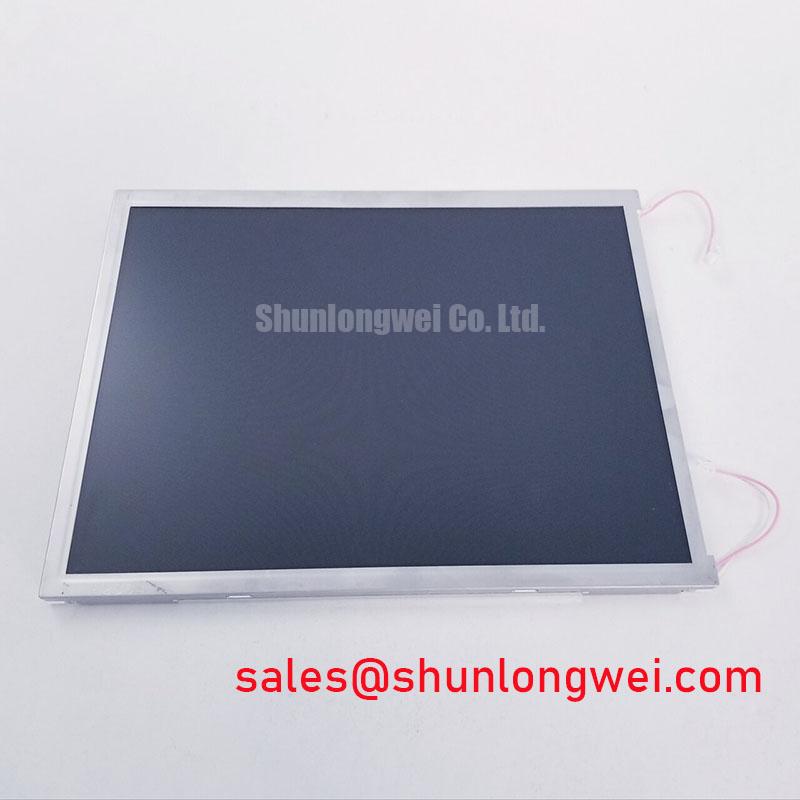
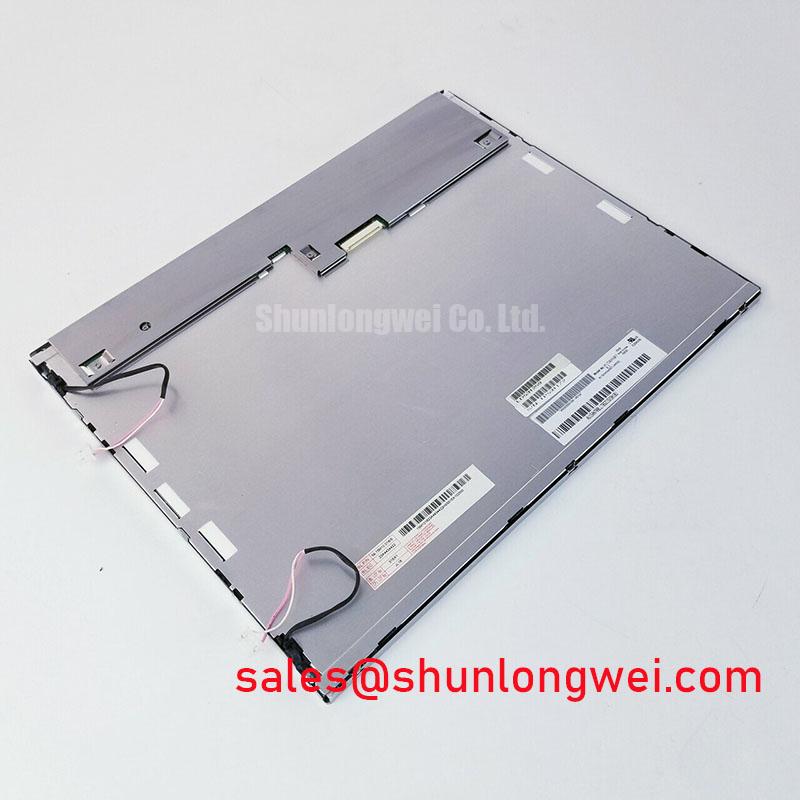
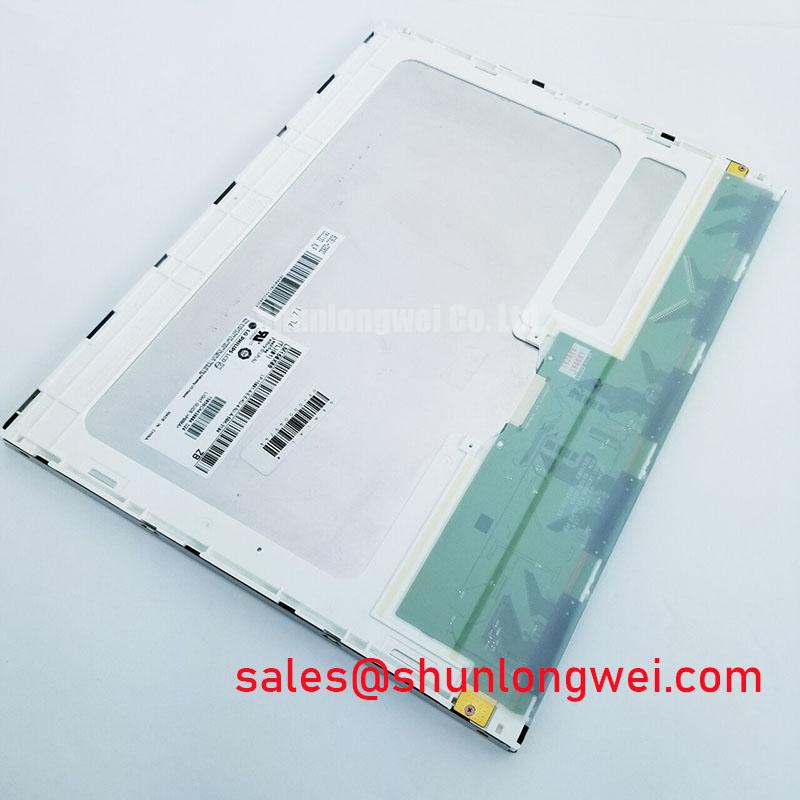
At the workbench, isolate the machine control power, photograph the existing cable orientation, and compare the replacement marking with the failed panel. LQ150X1LW96 is a Sharp Industrial Grade LCD/HMI Panel identified as a TFT-LCD active matrix color display module in a decoded baseline, standard form factor. The available product identity does not establish the host voltage, resolution, interface protocol, backlight architecture, or dimensional drawing, so those values must be matched to the original equipment documentation before energizing the panel.
| Item | Confirmed product information |
|---|---|
| Model | LQ150X1LW96 |
| Manufacturer | Sharp |
| Product category | Industrial Grade LCD/HMI Panel |
| Display construction | TFT-LCD Active Matrix Color Display Module |
| Specification status | Decoded Baseline / Standard Form Factor |
| Supply, signal, backlight, and timing data | Consult the original panel documentation before system integration |
Mechanical alignment should be completed before any signal cable is connected. A flush-mounted industrial HMI panel needs an even bezel contact pattern so the enclosure does not load one corner or press unevenly against the display perimeter. Measure the chassis opening and compare it with the original panel installation rather than relying on the model number alone. The mounting envelope, fixing-hole position, gasket compression area, and cable exit direction are system-level fit variables.
For a replacement in a machine tool operator terminal, use the original fastener size and the equipment manufacturer’s documented torque. If the equipment documentation specifies M3 fasteners, a cross-pattern tightening method can reduce local frame distortion; the exact torque remains an installation requirement of the enclosure and panel assembly, not a confirmed Sharp specification for this listing. Excessive localized pressure can produce uneven optical appearance, edge shadowing, or intermittent behavior after vibration.
Perimeter isolation should accommodate normal cabinet vibration without allowing the panel to move inside the bezel. The gasket should contact continuously, while the display face remains free from point loading. Check that cable bend radius is not being created by the bezel clamp and that the connector latch is accessible for service. Field Alert: Disconnect machine power before inserting or removing the display cable, because live connector movement can expose signal and supply contacts to transient stress.
Clock quality and data hold timing also depend on the host controller, cable construction, grounding, and routing. When the original assembly uses a digital panel link, identify whether the transmitter and receiver are TTL or LVDS from the equipment documentation; do not interchange protocols based on connector appearance. Confirm setup and hold timing across the machine’s specified operating range with the known-good signal path. For a same-size or same-resolution replacement assessment, engineers can review LQ10D421, but connector, timing, mounting, and backlight compatibility still require comparison.
Suppressing Acoustic Capacitor Buzz and EMI Emissions across 200 Hz to 1 kHz PWM Frequencies
Backlight noise should be traced through the complete power path rather than attributed to the LCD glass immediately. Listen with the enclosure installed and removed, then compare the sound while the backlight command, supply load, and cabinet grounding remain controlled. Acoustic buzz can originate in a driver magnetic component, capacitor, mounting bracket, or enclosure panel excited by the switching waveform.
The panel identity supplied here does not confirm a CCFL cold-start voltage, LED current rating, PWM frequency range, dimming ratio, or driver topology. The system integrator should verify the required backlight supply and control method from the original panel documentation. A driver intended for one backlight architecture should not be connected to another solely because the connector can be adapted.
For PWM operation between 200 Hz and 1 kHz, observe the backlight control waveform at the driver input and inspect the optical result at low brightness, full brightness, and rapid command changes. The design objective is to limit visible modulation, audible excitation, conducted noise, and radiated coupling into the touch or display signal path. The suitable frequency and dimming strategy are determined by the driver, host controller, enclosure resonance, and required visual performance.
Ambient light testing should be performed with the actual front cover, viewing angle, and machine-room lighting. Do not assign a contrast ratio or anti-glare performance to LQ150X1LW96 without the applicable Sharp optical data. Sharp’s industrial display resources at Sharp Devices Europe Industrial Display Solutions and the Sharp Display Solutions Official Portal provide useful manufacturer context for display evaluation, while the installed system remains the reference for electrical and optical acceptance.
Mitigating Gray-to-Gray Response Time Escalation during Cold-Start Machine Power-Up
Cold-start evaluation should begin with the complete operator terminal, not the panel in isolation. Record the first usable image, the time required for stable backlight operation, and the response of moving graphics after the cabinet reaches its specified environmental condition. Liquid-crystal response can change with temperature, while controller initialization, backlight start behavior, and image-source timing can also affect the perceived delay.
LQ150X1LW96 is identified here as an industrial TFT-LCD module, but no verified operating-temperature range, gray-to-gray specification, sealant qualification, or backlight lifetime figure is provided in the supplied product data. These values should not be presented as confirmed characteristics. For equipment expected to operate below room temperature, the system designer should evaluate warm-up behavior, image readability, touch response if applicable, and mechanical expansion at the bezel interface.
Use a repeatable cold-start sequence with the same supply ramp, image pattern, cable arrangement, and controller firmware. Compare gray transitions, scrolling text, alarm graphics, and static screens rather than judging response from a single color change. If the image appears delayed or unstable, inspect the host timing, cable integrity, backlight state, and panel temperature together. This avoids assigning one symptom to one component without measurement.
Flexible cable reliability deserves particular attention during service replacement. Route the FPC without twisting at the connector, keep the locking mechanism fully engaged, and prevent the cabinet cover from pressing on the flex during reassembly. Long-term static HMI pages should also be reviewed at the system level through brightness management, screen rotation where acceptable, and controlled idle behavior; these are application practices, not confirmed panel specifications.
Display Edge Thermal Management and Optical Surface Preservation
Thermal inspection should focus on the display edge, driver board, connector zone, and adjacent enclosure metalwork after the HMI has operated under its highest normal brightness. The panel listing confirms a TFT-LCD active matrix color module, but it does not confirm an LED light guide material, optical rail construction, brightness rating, L70 value, or B50 lifetime. Do not attach those properties to this model without the relevant manufacturer document.
A practical integration method is to provide a stable mechanical support path for the driver and maintain a clear thermal route to the cabinet structure where the equipment design permits it. Avoid clamping the display edge against a sharp chassis feature or trapping the cable beneath a heat-generating board. Local thermal expansion can shift bezel pressure and create optical non-uniformity even when the electrical image remains present.
For digital video links, verify the host transmitter configuration, receiver compatibility, clock quality, data hold timing, and cable routing over the full environmental range specified for the machine. Keep high-current backlight wiring separated from sensitive display data where the enclosure layout allows, and validate the result with the installed grounding scheme. The companion LQ9D011 can be reviewed as a related display solution during topology assessment, without treating it as an automatic substitute.
When diagnosing intermittent dark areas, compare the symptom before and after bezel release, cable reseating, and controlled temperature change. Inspect the mounting interface for uneven compression and examine the optical surface under consistent illumination. The practical installation principles and display technology background are also covered in The Ultimate Guide to Industrial TFT-LCD Technology.