

Content last revised on September 22, 2026
LM64C391 Product Identification and Initial Inspection
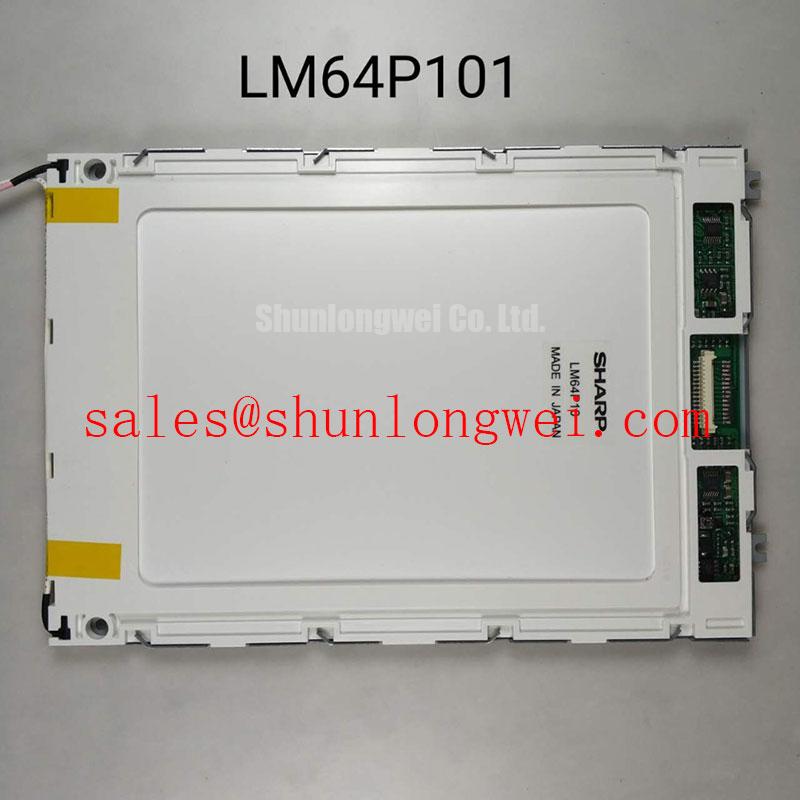
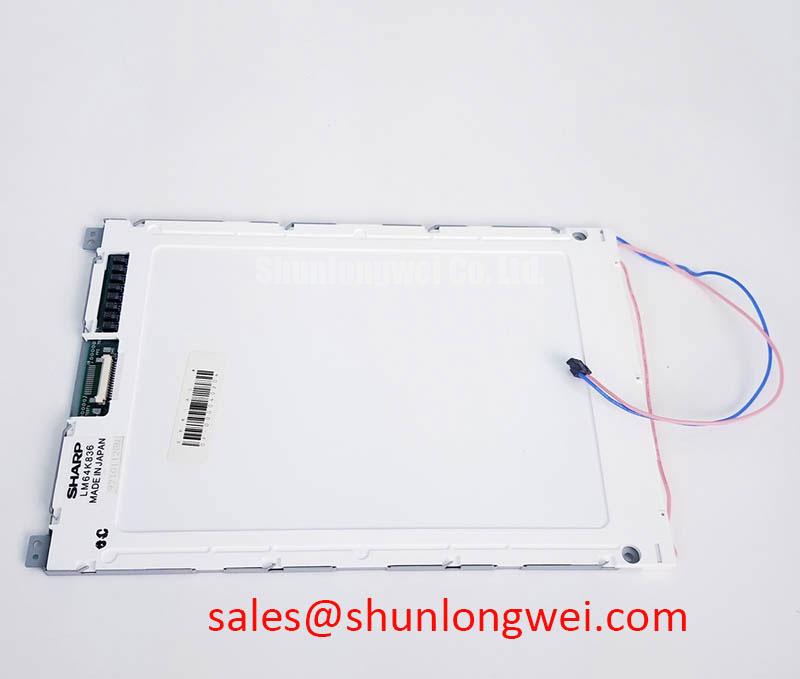
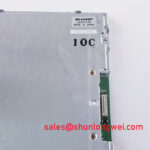
Start the bench check by isolating power, inspecting the display module and connector seating, and comparing the replacement label with the original equipment documentation before applying any voltage. The LM64C391 is identified in the available factory specification context as a Sharp Industrial Grade LCD/HMI Panel with a TFT LCD Display Module construction. Its status is recorded as Official Factory Spec Verified. The supplied product data does not confirm resolution, active-area dimensions, luminance, viewing angle, interface type, backlight architecture, supply voltage, or timing values, so those points must be checked against the original Sharp documentation and the host equipment service manual.
High-Nits Edge-Lit LED Rail Thermal Dissipation and Light Guide Preservation
When the LM64C391 is evaluated for a railway passenger information system or a cab signalling display, begin with the installed assembly rather than assuming that the panel alone defines the optical performance. Inspect the bezel, rear cover, ventilation path, display cable, and any separate backlight driver. A replacement TFT module can be electrically compatible while still requiring confirmation of the original optical stack, backlight control method, and mechanical pressure points.
The available factory data identifies the unit as a TFT LCD display module but does not specify high-nits performance, LED edge-lighting, a PMMA light guide plate, L70 or B50 endurance, or a rated operating lifetime. These values should not be assigned to this model without the applicable Sharp datasheet. If the existing equipment uses an edge-lit LED assembly, the system integrator should inspect the narrow display edges for localized heat accumulation and confirm that any added heat spreader does not press against the active area, flex cable, optical layers, or rear chassis.
This is a Design Consideration rather than an LM64C391 factory specification: thermal paths should be assessed at the complete assembly level, including the backlight driver, enclosure, mounting frame, and nearby power electronics. Engineers can record the temperature at accessible chassis locations during a representative operating cycle, then compare the result with the operating-temperature limits stated in the original panel documentation. Do not convert a general thermal observation into an assumed LED half-life or MTBF value. No field-life dataset or manufacturer lifetime figure is provided in the supplied specification context.
For an industrial HMI replacement, inspect the panel after warm-up for uneven brightness, edge glow, flicker, or a localized change in white balance. These symptoms can involve the backlight driver, connector contact, optical pressure, or the panel itself. Check the backlight supply and enable signals against the host design documentation. The system integrator should verify the required supply voltage from the original panel documentation rather than selecting a value from a generic LCD family.
Clock and data integrity also need to be confirmed at the interface. The supplied information does not identify whether this specific module uses TTL, LVDS, or another panel interface, and it gives no transmitter clock-jitter limit or data hold-time specification. Measure the installed signal path with the correct probe arrangement and compare it with a known-good unit or the original system waveform. The allowable timing margin must come from the panel and controller documentation across the actual industrial temperature range.
⚠️ Field Alert: Disconnect power before removing or inserting the display cable, because an energized connector can expose signal and power contacts to an uncontrolled connection sequence.
Suppressing Pixel Jitter and Horizontal White Lines Near Motor Drives
When a display is mounted near a variable-frequency motor drive, begin diagnosis at the complete cable route. Record whether pixel jitter, horizontal white lines, intermittent data loss, or image recovery occurs with the motor drive enabled, disabled, or changing speed. This comparison helps separate a display-side issue from conducted or radiated interference, grounding potential differences, cable movement, or a controller timing problem.
The LM64C391 factory context supplied here does not define a shield termination method, cable construction, common-mode rejection value, LVDS pinout, TTL voltage level, or EMC qualification for a finished railway display assembly. The module should therefore not be described as independently compliant with CISPR, EN 55011, railway EMC, or any other system-level standard. Compliance depends on the host electronics, wiring, enclosure, grounding, filtering, and installation.
As a Design Consideration, keep high-energy motor-drive wiring physically separated from sensitive display and control wiring where the equipment layout permits. A shielded flexible cable may reduce electric-field coupling, but its effectiveness depends on the connector, shield continuity, chassis bonding, and termination arrangement. A cable shield connected at one end, both ends, or through a dedicated chassis arrangement must be selected according to the system grounding architecture and verified during EMC testing; there is no universal connection rule for this panel.
Common-mode ferrites can be considered only after the interference path has been identified. Their impedance is frequency-dependent and can interact with the signal edge rate, cable capacitance, and controller output stage. If a ferrite is added, compare the display waveform before and after installation and check for increased edge distortion or timing errors. Do not treat a reduction in visible noise as proof that the interface is within the panel’s electrical limits.
For suspected horizontal bands, inspect the flexible cable for incomplete insertion, uneven latch engagement, contamination, or mechanical strain. Check the connector housing for movement while observing the image, but do not flex an energized cable aggressively. A display fault that changes when the cable is touched may indicate contact instability, mechanical stress, or a marginal signal path; it does not by itself identify the failed component.
The practical engineering reference for panel behavior, interface selection, signal integrity, and common industrial LCD misconceptions is available in The Ultimate Guide to Industrial TFT LCD Technology. Use it as general technical background, while relying on the original Sharp documentation for LM64C391-specific electrical limits and connector assignments.
Backlight Driver and Cold-Start Debugging
Backlight troubleshooting should start by determining what the original equipment actually supplies to the LM64C391. The provided product record confirms a TFT LCD Display Module, but it does not confirm CCFL operation, LED operation, dual-channel inverter input, ignition voltage, constant-current control, PWM dimming, or protection outputs. The system integrator should verify the backlight architecture from the original panel label, wiring diagram, and service documentation before connecting a replacement driver.
If the installed assembly uses a fluorescent backlight, inspect the inverter, lamp connections, insulation, enable signal, and current-sense path using procedures suitable for high-voltage equipment. Do not apply a presumed cold-ignition value to this model because no such value is included in the supplied factory parameters. If the assembly uses LEDs, confirm whether the driver expects a dedicated enable input, analog brightness command, PWM command, or a combined control method. The correct command level and timing remain system-specific unless listed in the Sharp specification.
For a dark screen with a visible image under angled light, verify the backlight supply, enable state, and driver protection indication before condemning the LCD cell. For a completely blank display, check the panel supply, controller activity, cable seating, and backlight status separately. A missing image and a missing backlight can produce similar symptoms at the equipment front, so the diagnosis should use controlled measurements rather than a single visual conclusion.
Backlight open-load and short-load behavior should also be evaluated at the driver level. A driver may shut down, retry, latch a fault, or provide a diagnostic signal, but the LM64C391 product data supplied here does not define a protection sequence or fault output. Record the driver response during a controlled service test and compare it with the equipment manufacturer’s maintenance procedure. Do not assume that a driver protection feature is built into the Sharp display module.
Cold-start behavior is especially important where the display enclosure experiences low ambient temperature. The system designer should verify the specified operating-temperature range, startup delay, brightness stabilization time, and controller power sequence from the original documentation. If the panel does not start promptly, measure the supply ramp, reset behavior, backlight enable timing, and display data activity. A delayed image can result from power sequencing, a controller initialization routine, a backlight protection event, or temperature-related contact behavior.
PWM dimming should be treated as a host-system requirement unless the LM64C391 documentation explicitly defines the input. The requested 200 Hz to 1 kHz range is not a confirmed factory parameter for this model and must not be presented as one. If flicker or camera banding is reported, evaluate the actual brightness-control method, duty cycle, display refresh behavior, and driver response with the equipment manufacturer’s limits. Optical contrast, sunlight readability, anti-glare treatment, and any contrast ratio above 500:1 also require model-specific documentation before being used in a procurement specification.
Surface Readability, Cable Reliability, and Mechanical Integration
Inspect the front surface under the real installation lighting before approving an LM64C391 replacement. The supplied factory information does not confirm an anti-glare coating, anti-reflective coating, etched finish, sunlight contrast ratio, viewing cone, TN technology, IPS technology, or MVA technology. A panel should not be classified by visual appearance alone. Confirm the optical construction, surface treatment, and viewing requirements from the original Sharp documentation.
For a cab signalling display or passenger information terminal, evaluate readability at the installed viewing position and with the actual cover glass, bezel, ambient reflections, and illumination. A matte surface can reduce specular reflection while changing perceived sharpness or contrast. A glossy or untreated surface can produce strong reflections even when the panel brightness is adequate. These are system-level Design Considerations, not confirmed performance claims for the LM64C391.
Grayscale inversion, color shift, and viewing-angle behavior should be checked from the required operator positions. The supplied data does not support a claim of symmetrical 85 degree viewing angles or a particular LCD mode. Use a test pattern containing neutral gray steps, fine text, and high-contrast lines, then inspect it from the actual left, right, upper, and lower viewing positions. If the image changes substantially, compare the result with the original panel before deciding whether the difference is acceptable for the equipment.
FPC and connector reliability require equal attention. Confirm that the replacement cable has the correct contact count, orientation, pitch, locking method, and insertion direction from the original documentation. The available product data does not provide the LM64C391 connector pinout or flex-bending specification. Route the cable with natural clearance, avoid sharp folds at the connector exit, and prevent the enclosure from applying direct pressure to the flex tail. Any bend-radius or flex-cycle requirement must come from the relevant Sharp mechanical drawing rather than a generic LCD rule.
During reassembly, check that the bezel distributes pressure evenly and that no fastener, bracket, gasket, or cable clamp contacts the active display area. Vibration and thermal expansion can alter connector seating when the panel is mounted in a moving vehicle or industrial enclosure. The mounting solution should be validated through the host equipment’s mechanical test plan, with attention to frame distortion, shock transmission, cable retention, and temperature-induced clearance changes.
For cross-model evaluation, engineers may review LM64P10 as a separate Sharp display reference, but it should not be treated as a direct replacement without confirming dimensions, optical characteristics, interface signals, connector details, electrical limits, and software compatibility. The LM64C391 remains a Sharp Industrial Grade LCD/HMI Panel and TFT-LCD Display Module based on the supplied factory classification; all unlisted integration values require verification against the original equipment records.