



Content last revised on October 16, 2026
CCFL Resonant Inverter Striking Potential and Ignition Arc Fault Prevention
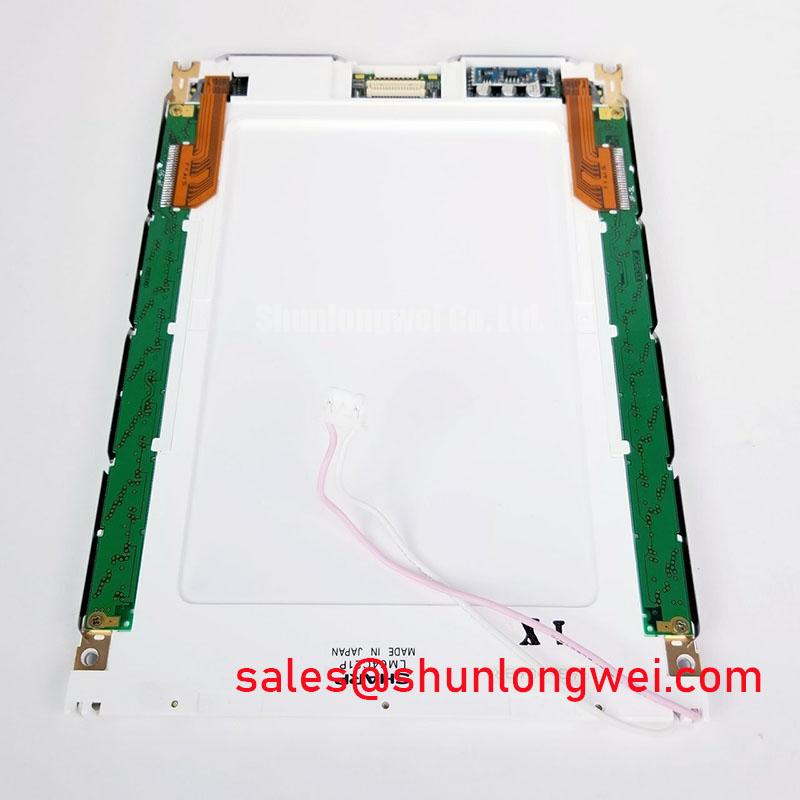
Identify the installed illumination circuit from the equipment schematic before connecting a probe or substituting an inverter. Where the host equipment has a documented CCFL assembly, evaluate its startup behavior separately from the LCD logic supply. Lamp ignition and sustained operation impose different demands on the inverter, so a brief startup flash does not establish stable operation.
Use measurement equipment rated for the inverter waveform and follow the equipment manufacturer’s isolation procedure. Inspect accessible high-voltage wiring for damaged insulation, displaced sleeving, contamination, and loose terminations. Required clearances depend on the assembly’s insulation design and operating conditions; neither a generic striking-voltage range nor a nominal lamp current is an LM64K104 acceptance limit.
Observe illumination during both initial startup and a subsequent restart under the equipment’s permitted conditions. Flickering, delayed illumination, and uneven brightness justify checking the inverter supply, control signals, lamp connections, and protection response together. Avoid diagnosing a panel defect from illumination behavior alone. Keep optical observations separate from electrical measurements in the inspection record.
For interference checks, compare display behavior with nearby switching equipment inactive and operating under controlled conditions. Route the illumination harness and display signal cable according to the original assembly layout, preserving documented grounding and shielding connections. Correlate visible disturbances with supply and signal measurements rather than adding suppression components without a measured reason. This is a system integration assessment, not a claim of component-level EMC certification.
Silvering and Backlight Reflector Mylar Discoloration Inspection in Legacy Machine Terminals
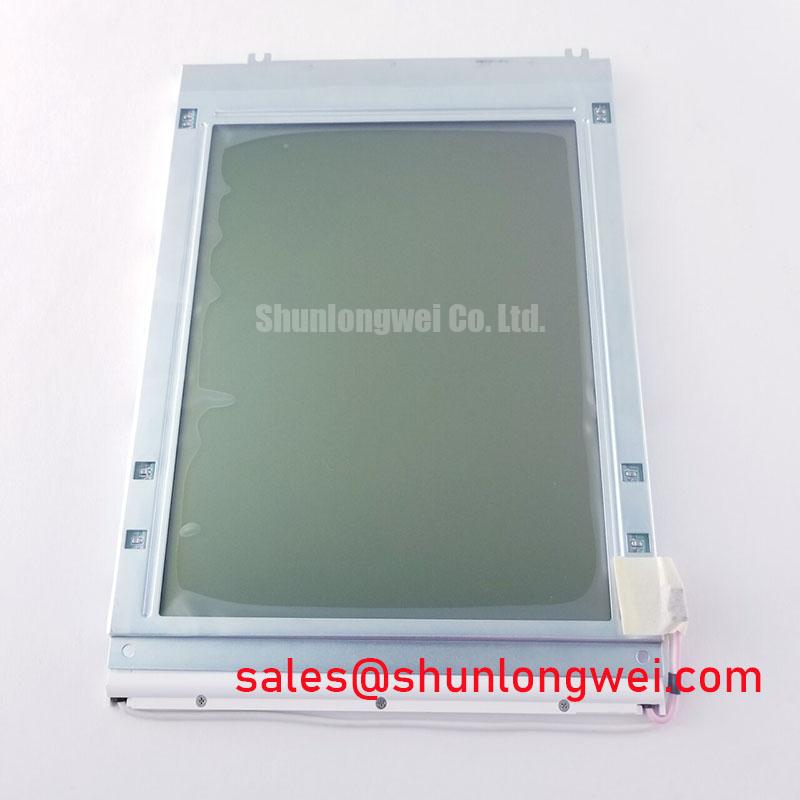
Display uniform light and dark fields, followed by alternating patterns, to distinguish fixed surface blemishes from image-dependent artifacts. Record the viewing direction, ambient illumination, and warm-up condition. On a monochrome panel, these patterns help reveal persistent spots, missing image regions, background shading, and illumination gradients without relying on a photograph of a single screen.
Inspect the viewing surface with the display powered off, then repeat the observation while displaying a uniform field. A mark visible in both conditions deserves a different investigation from shading that appears only with illumination enabled. Silver-looking patches, yellowing, or apparent bubbles should be documented by location and viewing angle; appearance alone does not identify a particular adhesive, polarizer chemistry, or reflector material.
Assess brightness and apparent tint consistency across the visible area using repeatable instrument placement and exposure settings. Automatic camera correction can conceal gradients or exaggerate discoloration. Where an optical acceptance specification exists, use its measurement geometry and limits. Do not turn an informal visual comparison into a factory luminance or color-temperature rating.
Evaluate readability through the actual enclosure window under representative ambient lighting. Anti-glare and anti-reflection treatments belong to the documented optical stack, not automatically to this panel. Keep any protective window or touch overlay in place during the final comparison because reflections and contamination can change perceived contrast. The Sharp Display Solutions Official Portal provides manufacturer context for display technologies; model-specific optical construction still requires the corresponding documentation.
Contrast Ratio Potentiometer Calibration and Automated Thermistor Feedback Regulation
Mark the existing contrast adjustment position before changing it, then display a pattern containing both filled and unfilled regions. Adjust only the control identified in the equipment service procedure. Judge character visibility, background darkening, and uniformity together; maximizing darkness in one region can obscure information elsewhere.
Trace the contrast reference and any bias supply through the host schematic before measuring them. If a temperature-compensation circuit is documented, check its sensor connection and compare the control response with the equipment’s specified behavior. A negative bias range, ripple ceiling, or thermistor characteristic must not be assigned to the LM64K104 simply because it appears in another passive-matrix display circuit.
When contrast varies with machine activity, examine the bias rail and logic supply while reproducing the disturbance. Use an appropriate measurement reference and probe arrangement so that pickup is not mistaken for supply ripple. Compare the timing of the electrical disturbance with the visible change. Filtering or routing changes should follow that evidence and remain within the original controller’s operating requirements.
Temperature evaluation should remain inside the documented operating envelope and allow the assembly to stabilize before comparison. The The Ultimate Guide to Industrial TFT LCD Technology offers broader selection and integration context, but TFT operating assumptions should not be transferred to a passive-matrix panel. If evaluating LM64C350 alongside LM64K104, compare mechanical drawings, image format, controller compatibility, connector assignments, and illumination requirements independently; a related model designation does not establish interchangeability.
Cleaning Zebra Rubber Strips and PCB Gold Contact Pads with Anhydrous Isopropyl Alcohol (IPA)
Confirm that the documented assembly actually contains serviceable elastomeric connectors before releasing its bezel. Missing rows or columns can involve the external cable, controller signals, board connections, or panel assembly; they do not independently prove displaced zebra strips. Preserve the original orientation and fastening arrangement if authorized disassembly is necessary.
Use anhydrous IPA only on accessible contact surfaces for which the service procedure permits it. Keep solvent away from optical films, adhesive edges, and unapproved elastomer materials. Apply the approved cleaning method without abrasive scraping, allow the surfaces to dry fully, and avoid touching the cleaned contact area. Contact plating and connector construction should be identified rather than inferred from color.
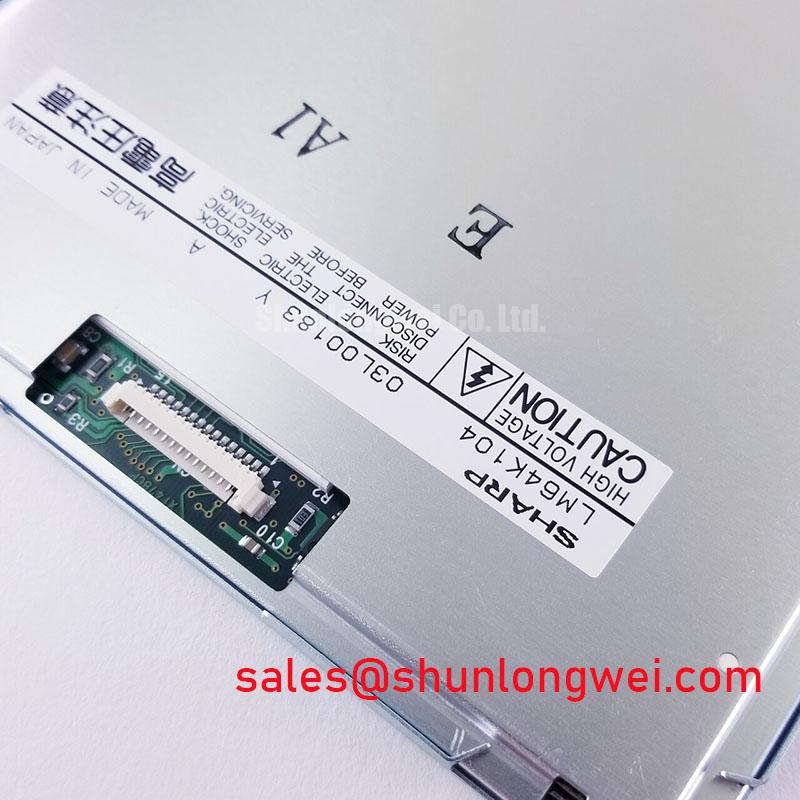
💡 Bench Tip: With power isolated and ESD precautions in place, seat the display cable squarely and engage its retention mechanism evenly before restoring power.
Reassemble using the specified fastening sequence and mechanical limits rather than an assumed clamping pressure. Repeat the full-field and alternating-pattern checks after mounting, since enclosure stress can change the observed result. If the terminal includes a touch overlay, test its documented glove and moisture behavior separately from LCD image quality, then record any remaining defects by position, pattern, and operating condition.