
Content last revised on September 14, 2026
Sharp LQ104S1LG61 Inspection and Mechanical Stress Assessment
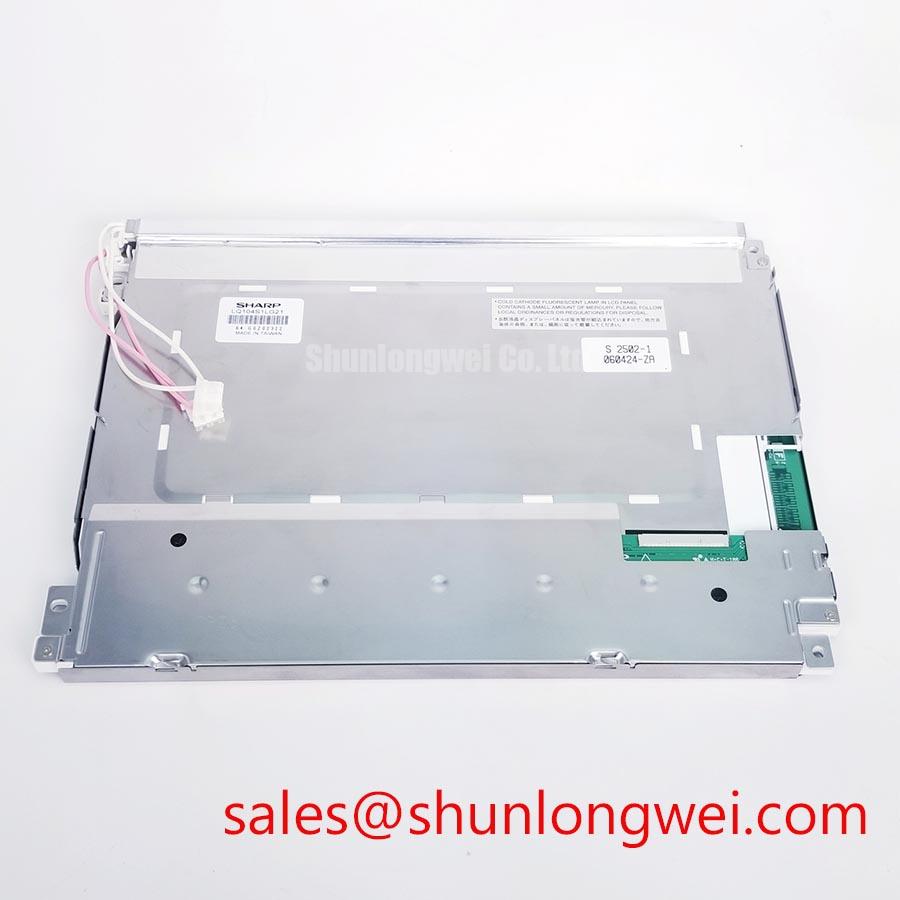
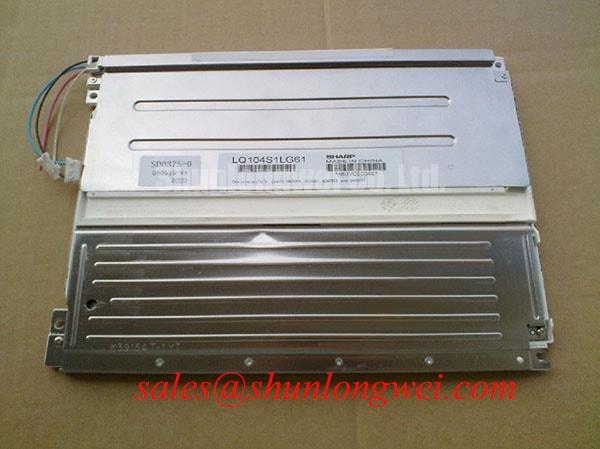
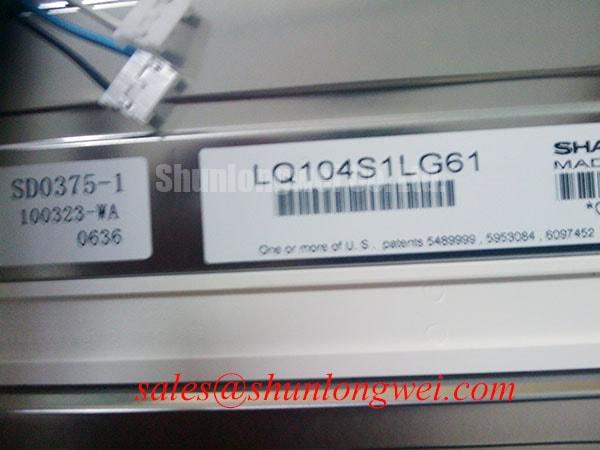
Begin incoming inspection of the Sharp LQ104S1LG61 by checking the TFT LCD display module perimeter, viewing surface, connector area, and rear enclosure under diffuse light before applying power. This handling sequence helps isolate transport related mechanical concerns from electrical or optical faults already present in the host equipment. The available identification records list the LQ104S1LG61 as an Industrial Grade LCD/HMI Panel in a TFT LCD Display Module format.
| Item | Available Product Information |
|---|---|
| Model | LQ104S1LG61 |
| Manufacturer | Sharp |
| Product Category | Industrial Grade LCD/HMI Panel |
| Module Format | TFT LCD Display Module |
| Available Data Status | Detailed specifications require verification |
For repair evaluation, retain the original panel documentation, original cable assembly, controller settings, and mechanical mounting references. The available official identification data confirms the model category and module format, but does not confirm the electrical input rail, connector pin count, signal mapping, backlight architecture, brightness, resolution, response time, optical treatment, touch construction, or environmental ratings. The system integrator should verify these requirements from the original panel documentation before connection or replacement.
Mechanical Stress and Glass Substrate Fracture Prevention
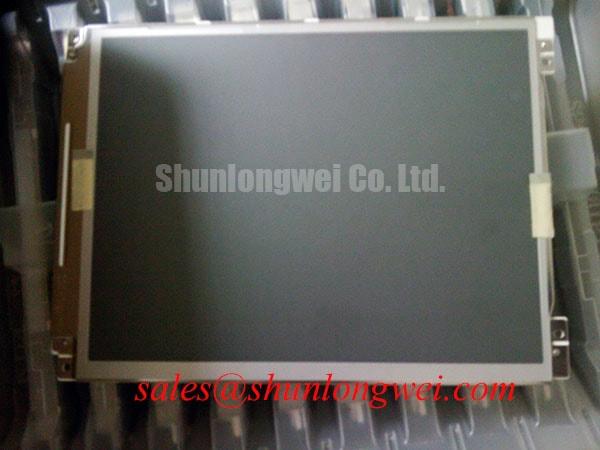
Lay the Sharp LQ104S1LG61 on a clean, flat, ESD controlled inspection surface and inspect the display area before the module is retained by any frame, clamp, bezel, or custom bracket. Mechanical distortion often becomes visible only after a panel has been tightened into an enclosure. A rigid bezel can impose uneven edge loading, while a distorted carrier can transfer a twisting force through the panel perimeter. Neither condition should be assessed only by whether the display initially powers up.
A practical bench routine is to display full red, green, and blue fields in sequence, then observe solid black, white, and mid gray images. This reveals isolated pixels, column or row irregularities, localized brightness variation, and image regions that respond differently as the panel is gently supported at its intended mounting points. Avoid pressing on the active display surface to force a symptom to appear. If an artifact changes while the mechanical condition changes, document the observation and inspect the host frame, gasket placement, cable path, and fastener loading before assuming an internal module fault.
An oblique flashlight inspection with a dark image on screen can help distinguish a reflection or surface mark from an image generating issue. A nonuniform dark region may be related to the optical path, a local pressure condition, an input image issue, or another assembly factor. It should be compared against known good video content and, where possible, a known good system connection. This is a diagnostic observation, not a determination of a single failure mechanism.
💡 Bench Tip: Disconnect system power and use ESD controls before reseating any display cable, then engage the connector evenly without forcing one side ahead of the other.
Design Consideration: if the host uses PWM dimming, the dimming behavior, audible noise, and perceived text flicker should be evaluated with the actual backlight driver and the final enclosure. No PWM frequency, duty cycle characteristic, or backlight control behavior is confirmed here as an official specification for the LQ104S1LG61. A stable test image should be observed at multiple brightness commands while the technician listens for driver related noise and checks for unstable low brightness behavior.
Mitigating Gray to Gray Response Time Escalation during Cold Start Machine Power Up
Cold start visual checks should use moving gray patterns, scrolling text, alternating tonal blocks, and the same video source used in the equipment under service. Liquid crystal response can change with temperature, and a panel that appears acceptable on a static white screen can show trailing, uneven transitions, or temporary tonal behavior once moving content begins. The response time of the LQ104S1LG61 is not provided in the available official factory information, so no gray to gray response value or cold temperature performance claim should be assigned to this model without its original Sharp documentation.
When a display is evaluated after cold storage or field exposure, allow the module and connected electronics to stabilize under controlled conditions before making a replacement decision. Compare the observation with a known good signal path where possible. A delayed image transition may involve panel temperature, controller timing, source image processing, cable integrity, supply sequencing, or backlight behavior. The test record should identify the displayed pattern, the host hardware, the observed condition, and whether the symptom changes after stabilization.
The available official data does not establish an operating temperature range, thermal cycle rating, sealant construction, or perimeter material details for this exact model. For that reason, it is not appropriate to claim subzero operation, high temperature endurance, epoxy stability, or any specific thermal cycle capability for the LQ104S1LG61. Design Consideration: equipment builders should check the complete panel documentation and assess enclosure sealing, condensation exposure, vibration, and thermal gradients as a system level validation task.
For potential railway passenger information systems or cab signalling displays, the module should be evaluated as a possible replacement only after the existing panel identifier, optical requirements, host controller interface, and enclosure constraints have been matched. The application itself does not establish compatibility. Engineers reviewing environmental margin and display integration practices can consult Industrial Display & HMI Solutions as a broader technical reference.
Connector and Differential LVDS Timing, Pixel Clock, and Skew Compensation
The connector count, signaling protocol, logic voltage, pixel clock, timing requirements, and data mapping of the LQ104S1LG61 are not confirmed by the official information supplied for this product page. The wording in this section describes a verification workflow for equipment that may employ differential display signaling; it does not identify the interface of this specific Sharp module. The system integrator should verify the required supply voltage from the original panel documentation.
Before connecting a replacement panel, compare the original module label, connector keying, cable orientation, controller board designation, and original panel data sheet. A connector that physically mates is not evidence that its pin assignment, power arrangement, or video format is compatible. Incorrect assumptions at this point can produce no image, unstable image behavior, abnormal heating, or damage to connected equipment.
Where the verified host architecture uses LVDS, Design Consideration calls for controlled differential routing and confirmation of the correct data mapping at the controller and panel ends. JEIDA and VESA mapping must not be treated as interchangeable without documentation. Split imagery, unexpected colors, intermittent vertical regions, or image instability can indicate a signal path issue, but they may also originate in the host controller, cable assembly, grounding arrangement, or source configuration. An oscilloscope comparison against a known good signal path can support diagnosis when performed by qualified personnel.
Power sequencing must likewise follow the original module requirements rather than generic values. The panel data sheet should define the permitted relationship between logic supply, data activity, and backlight enable. No rise time requirement is stated here as an official parameter for the LQ104S1LG61. When integrating, designers should validate power up and power down behavior in the installed system while observing the display for image corruption, residual illumination, or inconsistent restart behavior.
Backlight service should remain separate from interface diagnosis. The available official data does not specify an LED backlight, lamp backlight, constant current requirement, protection output, brightness decay curve, or lifetime figure for this product. Do not infer a backlight technology from a similar looking panel. If the host includes backlight fault reporting, assess that signal according to the host schematic and original panel documentation.
For a separate display module comparison during a controlled qualification process, LMS700KF01-001 can be reviewed as an independent product reference. Its mechanical dimensions, interface, optical characteristics, and electrical requirements must be checked independently; it is not presented as a direct substitute for the LQ104S1LG61.
Optical Uniformity and Thermal Behavior under Continuous Full Duty Operation
Inspect perceived luminance uniformity using full white, gray, and low level images after the panel has remained active in its intended orientation. Look for localized bright areas, dim regions, shadowing, color shift, or changes that appear after the enclosure has warmed. These observations should be recorded alongside the source pattern and host brightness command. Without the original optical and thermal specifications, they cannot be assigned to a particular internal layer or material of the LQ104S1LG61.
The official information available for this model does not confirm diffuser construction, prism sheet construction, light guide material, anti glare coating, anti reflective coating, contrast ratio, sunlight readability, or a continuous duty temperature limit. Claims regarding optical yellowing, direct sunlight contrast, LED L70 or B50 behavior, or a rated illumination lifetime would require a relevant official data sheet or a cited test report. No such performance figure is stated here.
Design Consideration: the equipment enclosure should avoid concentrated heating near the narrow edges of the display and should permit the complete assembly to reject heat according to its verified thermal design. Aluminum rails, conductive interface materials, rear supports, and ventilation arrangements are system dependent. Their placement should be assessed against the actual panel mounting drawing and verified by system level temperature testing, rather than selected from a generic display module rule.
If the display is installed behind a protective window, evaluate reflections, glare, haze, and readability with the final cover lens in place. The cover lens, adhesives, bezel depth, ambient illumination, and panel viewing direction can all affect the image perceived by the operator. A touchscreen overlay, if present in the equipment, must also be treated as a separate assembly. The official information provided for LQ104S1LG61 does not confirm a capacitive touch screen, resistive touch screen, glove operation, wet touch behavior, or touch controller interface.
For continuous service diagnostics, separate the video signal check from the illumination check. Confirm that the host generates a stable image signal, inspect the cable and connector retention, and then assess the light output using controlled test images. A black screen can result from several conditions, including absent image data, incorrect sequencing, a disabled illumination path, a disconnected cable, or host controller behavior. Measured evidence from the original system remains more reliable than a single visual symptom.