



Content last revised on October 18, 2026
Logic Supply Sequencing and Parallel TTL Interface Verification
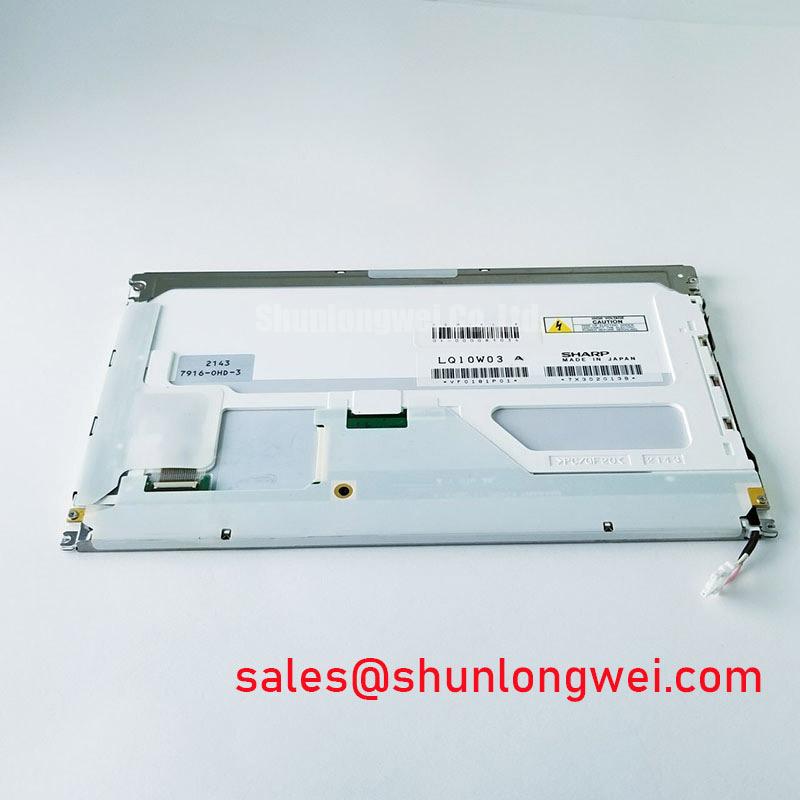
With power removed, inspect the LQ10W03A interface connector for displaced contacts and confirm cable orientation before connecting a display controller. A connector that appears seated can still leave a signal or return contact unreliable, so record its condition before disturbing the assembly. For incoming inspection, separate image generation, illumination, and mechanical fit into distinct checks rather than treating every dark screen as a failed LCD.
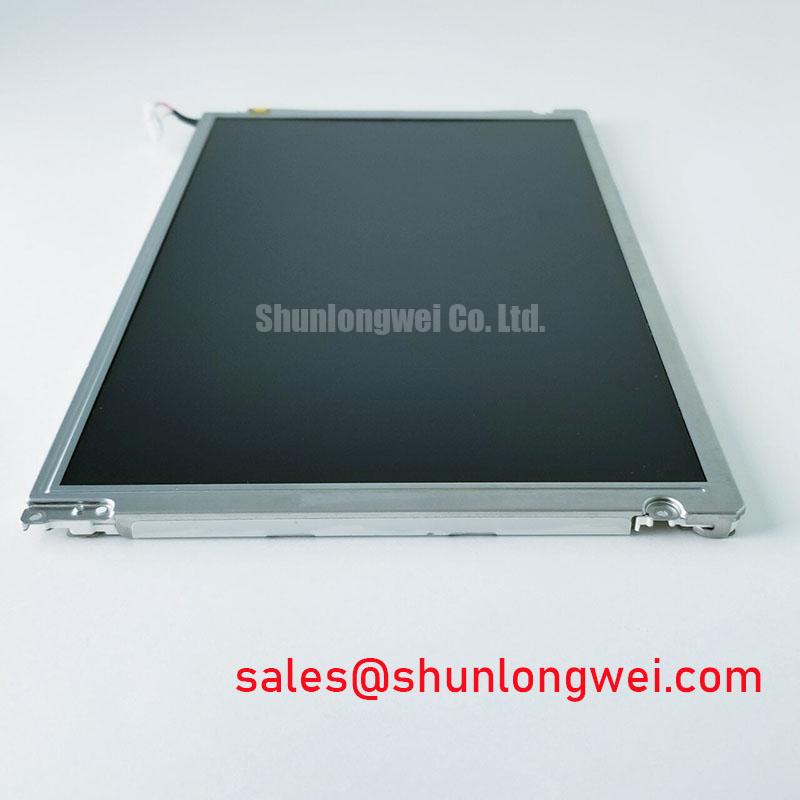
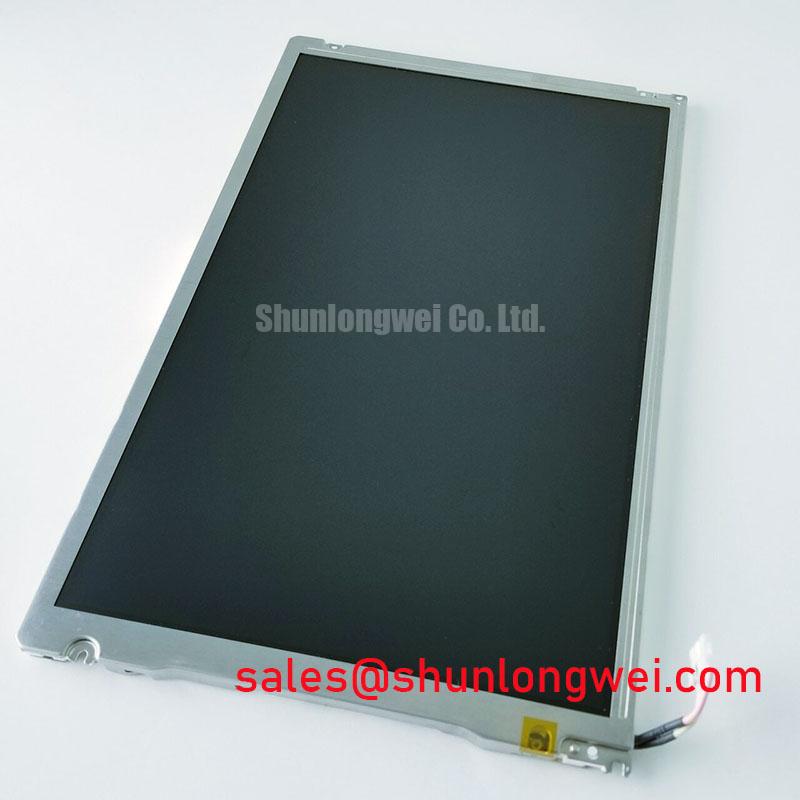
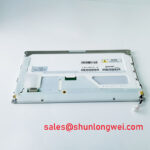
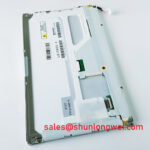
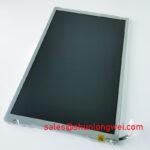
The Sharp LQ10W03A is a 10.4-inch LCD display specified with 640 × 480 VGA resolution, a 31-pin parallel TTL interface, and CCFL backlighting. Its specified active area is 211.2 × 158.4 mm, with a typical contrast ratio of 350:1. These are the relevant product specifications for initial matching; they do not establish controller compatibility, viewing-angle performance, or backlight inverter requirements by themselves.
Identify the panel supply, signal returns, and controller outputs on the equipment schematic before energizing the interface. Design Consideration: power sequencing should prevent active controller signals from feeding an unpowered panel through its input structures. The system integrator should verify the required supply voltage and sequencing limits from the original panel documentation, then compare those requirements with measured startup and shutdown waveforms.
The LQ10W03A uses parallel TTL, not an LVDS connection. Differential-pair impedance prescriptions and JEIDA/VESA LVDS mapping are therefore not appropriate panel-interface acceptance criteria. Trace the actual parallel data assignments, clock, and control signals through the harness. Matching connector contact count alone does not establish matching pin functions, signal levels, or timing.
Engineering Recommendation: capture the panel supply and relevant interface activity during the same startup event. Look for data activity arriving before the intended supply sequence, interruptions during controller reset, and supply disturbances when illumination starts. Compare observations with the panel timing requirements and a known-good equipment configuration. A visually stable supply trace alone does not demonstrate adequate data setup and hold timing.
When checking pixel corruption, use a repeatable test image containing fine vertical edges, alternating pixel patterns, and clearly separated color regions. Inspect clock quality and data transitions at the receiving connector with suitable probing techniques. Excessive probe loading can change the fault being investigated, so retain a consistent measurement arrangement when comparing cables or controller boards.
The illumination circuit requires a separate compatibility check because this panel has CCFL backlighting. Assess the external inverter, its control connections, lamp connections, and documented protection behavior independently of the TTL image path. The LQ64D343 is another display model that can enter a broader system assessment, but its presence in the same equipment family would not establish shared inverter requirements or interchangeable wiring.
During a dark-screen investigation, determine whether the controller is producing an image before replacing illumination hardware. Inverter shutdown can involve lamp loading, connector condition, supply behavior, or the inverter itself; it is not a unique diagnosis of panel failure. Any work on the energized CCFL circuit should follow the equipment service procedure and use appropriately rated measurement equipment.
Mechanical Stress Control and Full-Screen Pixel Inspection
Support the panel frame on a flat fixture before tightening mounting hardware or inserting the signal cable. Design Consideration: uneven supports, displaced brackets, and cable tension can transfer stress into the display assembly. Check the enclosure mounting surfaces and clearances rather than assuming that fastening the panel more tightly will correct an intermittent image.
Bench Tip: With power removed and ESD precautions in place, insert the ribbon cable squarely and engage its retention mechanism without pulling against the panel connector.
Run full-screen red, green, and blue patterns, followed by white, black, and a grayscale ramp. Record the position and appearance of persistent bright points, dark points, lines, and patches under consistent viewing conditions. Apply the equipment owner’s pixel acceptance criteria; the supplied specifications do not define a permissible defect count. A repeatable defect map is more useful than an informal description such as “a few bad pixels.”
For a dim or apparently blank display, an oblique inspection light can help reveal whether a faint image remains visible. This observation helps separate image-path investigation from illumination-path investigation, but it does not independently identify the failed part. Keep inspection-light reflections distinct from actual luminance variation and avoid pressing the display surface to provoke a response.
Assess backlight uniformity with a white field after the illumination has stabilized under a consistent test condition. Record edge darkening, localized discoloration, and changes in apparent color temperature across the screen. Hold the camera exposure and white balance constant if photographs form part of the inspection record. Automatic camera adjustments can conceal brightness differences or exaggerate color shifts between samples.
The following comparison keeps the known LQ10W03A specifications separate from the evidence needed for a cross-model assessment. The LQ150X1DG44 is a comparison candidate only, not an established same-size replacement or direct substitute.
| Assessment item | Sharp LQ10W03A specification | LQ150X1DG44 comparison requirement |
|---|---|---|
| Screen diagonal | 10.4 inches | Consult datasheet; compare enclosure fit |
| Resolution | 640 × 480 pixels | Consult datasheet; compare controller timing |
| Active area | 211.2 × 158.4 mm | Consult mechanical drawing |
| Signal interface | Parallel TTL, 31-pin | Compare pin assignments and electrical requirements |
| Backlight | CCFL | Compare illumination and driver requirements |
| Typical contrast ratio | 350:1 | Compare values under equivalent measurement conditions |
| Operating temperature | −10°C to +65°C | Compare specified operating limits |
| Storage temperature | −25°C to +70°C | Compare specified storage limits |
Do not use installation pressure as a diagnostic method for suspected internal connection damage. A line that changes when the assembly moves can involve the harness, controller, mounting stress, or the display itself. Inspect accessible connections and repeat the test with controlled support before assigning the fault to an unverified internal structure.
Viewing-Angle, Contrast, and Console Fit Assessment
Move the viewing position above, below, and to either side of the display while keeping the grayscale pattern and ambient lighting unchanged. Design Consideration: this reveals practical changes in readability, dark-tone separation, and apparent color without assuming a particular liquid-crystal mode. The specified data does not establish IPS, MVA, symmetric viewing angles, or a particular anti-glare surface treatment.
The 350:1 typical contrast ratio is not a sunlight-readability guarantee. Ambient reflections raise the apparent black level and can reduce usable contrast even when the display is functioning correctly. As explained in Contrast Ratio Measurement, measurement method and conditions matter when comparing contrast figures. Static panel contrast should not be compared directly with a system-level dynamic contrast claim.
Inspect the display through the intended enclosure window as well as without it. Reflections, surface contamination, window spacing, and viewing direction can change the operator’s result. If an external protective window or optical treatment is being considered, assess its effect on text clarity and reflected light in the actual assembly rather than attributing those properties to the bare panel.
The VGA pixel dimensions and specified active area both correspond to a conventional 4:3 image format. The background discussion in Display Aspect Ratio and Standard Screen Form Factors helps distinguish image shape from diagonal size. For replacement work, check the visible opening, mounting arrangement, connector access, and image scaling separately; diagonal size does not define the complete mechanical envelope.
When evaluating the panel for a CNC operator panel or robot teach pendant, designers should check viewing position, text size, enclosure fit, and controller compatibility in the intended equipment. Touch operation is a separate subsystem assessment: glove response, wet-surface behavior, and touch-controller compatibility are not established by the LCD specifications. Test an existing touch overlay independently before assigning an input fault to the display.
The specified operating range is −10°C to +65°C, while storage is specified at −25°C to +70°C. Storage limits do not authorize powered operation across the same range. For repeat inspections, record temperature, warm-up condition, test image, and brightness setting. The Ultimate Guide to Industrial TFT LCD Technology provides broader selection context; these temperature limits alone do not establish backlight life or a guaranteed service interval.
Tracing Pixel Jitter and Horizontal Lines Near Motor Drives
Correlate image disturbances with drive activity while leaving the display pattern and measurement setup unchanged. Design Consideration: repeatable timing between motor switching and visible noise supports an interference investigation, but does not identify whether the disturbance enters through the supply, signal harness, return path, or illumination circuit.
Because the LQ10W03A has a parallel TTL interface, investigate its actual clock, data, and return conductors rather than applying LVDS cable rules. Inspect harness routing relative to power wiring, connector retention, return continuity, and the equipment’s intended shield terminations. Cable changes should preserve the documented pinout and be evaluated against signal timing at the receiving end.
Compare supply behavior and interface waveforms during quiet operation and during the repeatable disturbance. Distinguish image-content corruption from changes in overall brightness: they lead to different measurement priorities, although shared supply interference can affect both. A horizontal line or jittering edge is not sufficient evidence to condemn the panel.
If shielding changes or ferrite components are evaluated, treat them as system-level engineering trials rather than standard LQ10W03A accessories. Their suitability depends on the interference path, harness arrangement, and grounding architecture. Confirm that any apparent improvement remains repeatable and does not introduce signal degradation under other operating conditions.
After a corrective change, repeat the original image pattern and operating event, then check startup, shutdown, and cable retention again. Record what changed and what was measured. A cleaner display is useful troubleshooting evidence, but it does not establish complete-equipment EMC compliance; that requires assessment of the assembled system under its applicable test requirements.