
Content last revised on October 18, 2026
Sharp LQ150X1DG14 Display Inspection and Replacement Checks
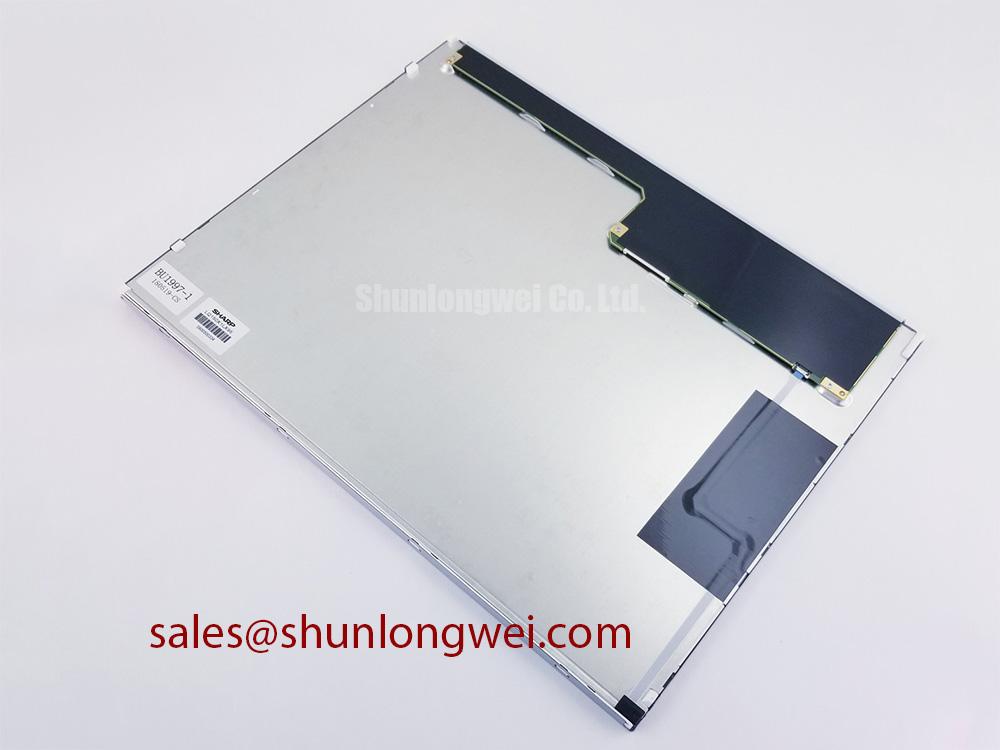
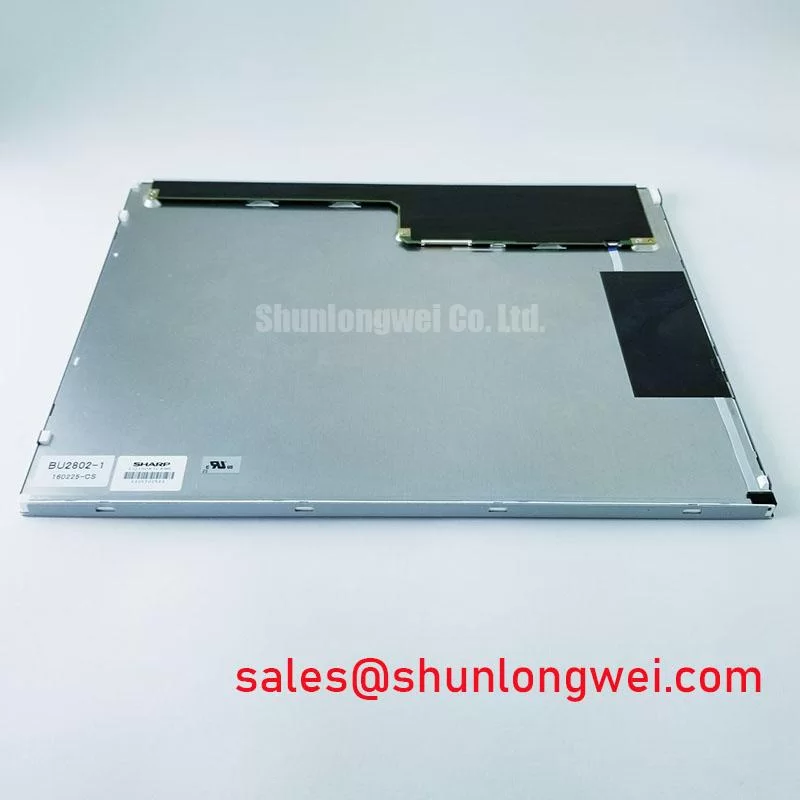
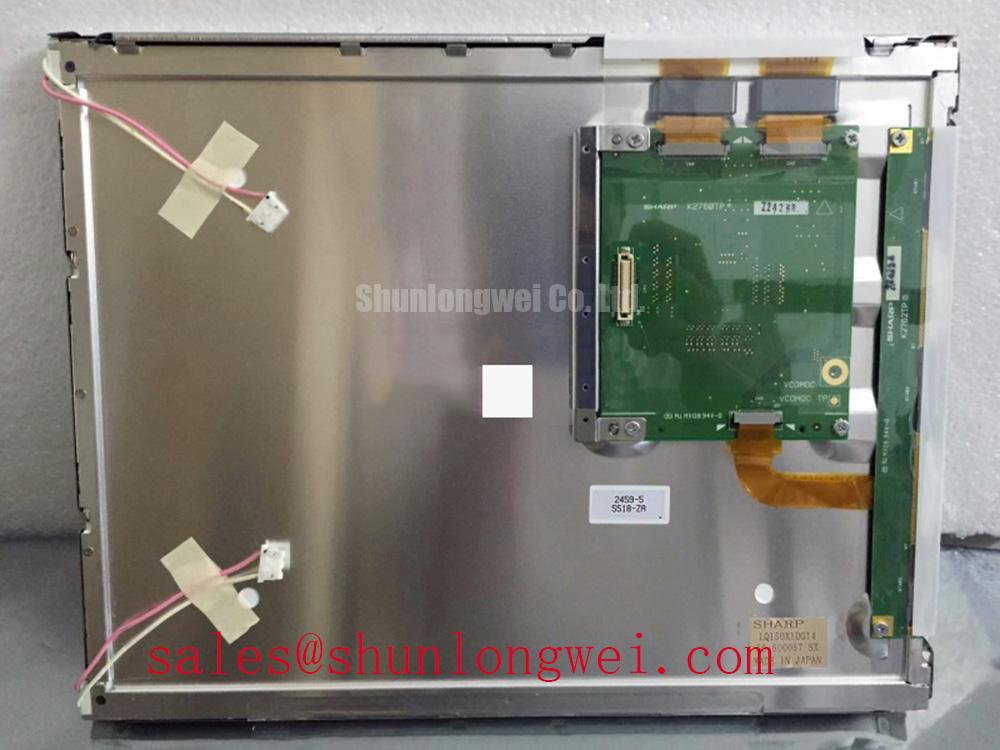
When a high-voltage substation SCADA console shows a washed field, residual image, or an intermittent operator display, isolate the panel from the control electronics before judging the fault. Check the connector seating, inspect the bezel for uneven pressure, and compare the active display area with a known-good signal path. The replacement reference is LQ150X1DG14, a Sharp TFT-LCD active matrix color display module.
The system supply voltage, interface pinout, backlight drive method, viewing angle, contrast ratio, and response-time rating must remain tied to the original panel documentation and the host equipment design rather than being inferred from the model number. For maintenance teams assessing a protection relay display or SCADA dispatch terminal, mechanical envelope, connector orientation, controller compatibility, and backlight architecture are the first replacement checks.
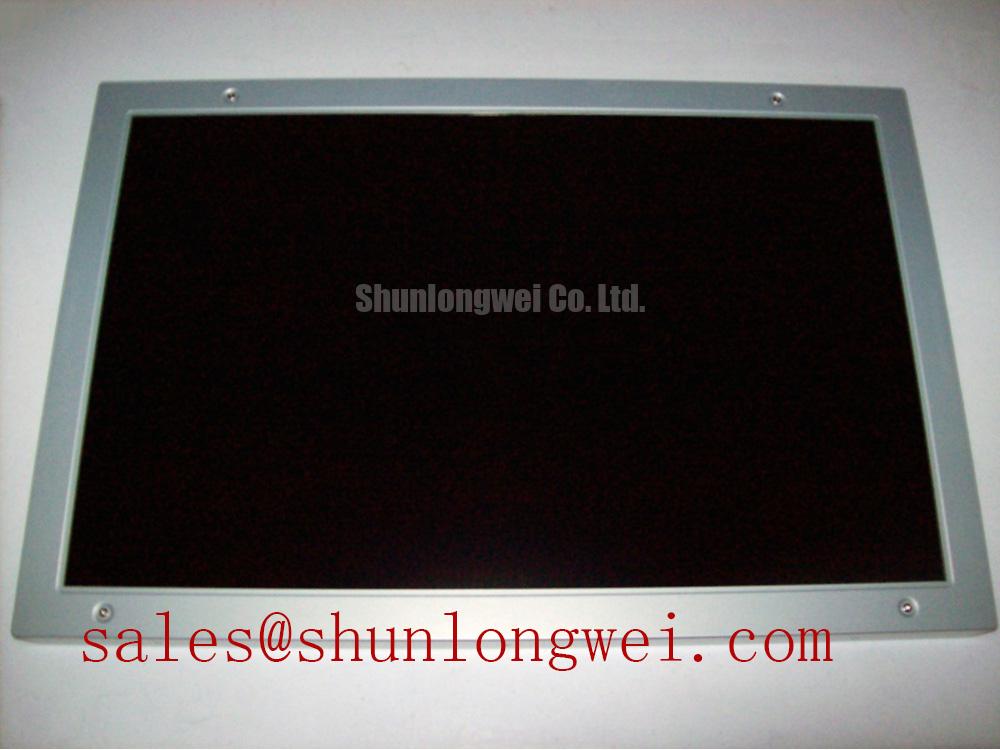
For a same-size or same-resolution comparison workflow, engineers may review NLB150XG02L-02 as a separate reference model. A cross-reference is not a confirmation of electrical or mechanical interchangeability; the system integrator should compare the original drawings, signal assignments, mounting points, and display timing before approving any substitution.
Mitigating Gray-to-Gray Response Time Escalation during Cold-Start Machine Power-Up
Cold-start evaluation should begin with the first usable image after power-up, not with a visual judgment made while the panel is still stabilizing. Liquid-crystal viscosity can increase at low temperature, making gray-to-gray transitions appear slower and producing smearing on moving alarm graphics. In a substation console, this can be noticed when a scrolling event list or changing numerical trend remains visually behind the controller output.
Use a repeatable test image containing dark, intermediate, and bright gray blocks. Record the display behavior at the actual enclosure temperature and compare it with the panel after thermal stabilization. A slow transition alone does not identify a defective panel; it may also reflect controller timing, interface configuration, or the host system’s image refresh behavior. Engineers should verify the original LQ150X1DG14 interface requirements before applying a timing profile from another Sharp display.
The perimeter seal deserves equal attention during thermal cycling. A sealant edge that lifts, cracks, or loses compression can allow moisture ingress and create later optical contamination. If the equipment specification requires operation across a sub-zero to high-temperature cycle, the enclosure, gasket, adhesive system, and panel assembly should be tested together. The temperature range should not be treated as an LQ150X1DG14 product rating unless it is explicitly stated in the applicable Sharp documentation.
Sunlit control rooms create a second response problem: a slow transition may be confused with low contrast. Check the image with controlled ambient illumination and inspect the panel surface for glare, haze, or contamination. Sharp’s industrial display resources at Sharp Devices Europe Industrial Display Solutions provide useful context for evaluating industrial display optics, but the specific optical performance of this model remains a model-level documentation issue.
Preventing Localized Light Guide Plate Compression Warp on Dark Screen Fields
Dark-field mura is best assessed with the panel mounted in its intended chassis, because uneven frame pressure can change the appearance of the display. A bezel that contacts the active assembly at one corner may create a localized bright or dark region, while excessive cross-pattern fastening can distort the optical stack. Check the chassis opening, support lands, gasket placement, and screw alignment before attributing the defect to the display module.
Any fastener torque value must come from the panel mechanical drawing or the equipment manufacturer’s assembly specification. A controlled cross-pattern tightening sequence can help distribute pressure, but the final method should be validated by checking a powered black field with the backlight on and a uniform mid-gray image after assembly.
Backlight aging also changes dark-field perception. A constant-current driver may maintain current while the optical output gradually declines, and the visible result can vary with temperature, diffuser condition, and operating duty. Do not transfer a 50,000-hour half-brightness claim to this model without a source tied specifically to its backlight assembly. When a maintenance plan requires lifetime estimation, use the actual backlight specification and measured luminance trend from the installed system.
⚠️ Maintenance Note: Inspect the cabinet airflow path and panel gasket condition during scheduled service so dust loading and uneven compression are not allowed to develop unnoticed.
Polarizer Durability & Optical Film Inspection under Direct Industrial Lighting
Direct industrial lighting can expose polarizer wear that is not visible during a normal indoor inspection. View the LQ150X1DG14 from the operator’s normal position and from practical side angles while displaying alarm text, gray ramps, and a full-white field. Look for color shift, uneven brightness, surface abrasion, and reflections that obscure characters rather than assuming a particular TN, IPS, or MVA optical structure.
Viewing-angle behavior must be taken from the model’s optical data. A symmetrical 85°/85°/85°/85° viewing specification, TN grayscale performance, or IPS/MVA classification should not be assigned to this panel without documentary support. If the console is viewed by several operators at different heights, test the installed assembly at those positions and evaluate whether the interface remains legible under the actual lighting geometry.
Anti-glare treatment is a practical inspection point, not proof of a specific coating type. Cleaning chemicals, abrasive cloths, and repeated contact with a hard stylus can change surface reflection and damage exposed optical films. Use the cleaning process permitted by the panel or equipment manufacturer and compare the display against an approved reference image. For a broader explanation of industrial TFT display principles and selection factors, see The Ultimate Guide to Industrial TFT-LCD Technology.
Backlight Driver Identification, Dimming & Flicker Suppression
Backlight replacement work must first establish whether the installed assembly uses a CCFL inverter or an LED driver. A CCFL system can involve high-voltage ignition circuitry, while a WLED assembly normally depends on regulated current and a defined dimming input. These are different electrical architectures, so a technician should not connect a replacement driver until the original connector functions, current path, enable signal, and dimming method are identified.
Claims of 1000:1 PWM dimming, a 200 Hz to 1 kHz control frequency, or a half-brightness life exceeding 50,000 hours should not be treated as LQ150X1DG14 specifications without model-specific documentation. Treat them as evaluation targets only when the system design or original backlight datasheet requires them. During commissioning, observe the backlight output with a suitable photometric instrument or a photodetector connected to an oscilloscope and check for visible flicker, audible driver noise, unstable brightness, and residual illumination after shutdown.
Power sequencing is especially important in a protection or dispatch console. The display enable signal, video stream, and backlight control should be coordinated according to the panel and host controller documentation to reduce white-screen events, incomplete image initialization, and power-down ghosting. Optical bonding, enclosure sealing, and anti-condensation measures may improve system robustness, but they are integration decisions rather than confirmed construction features of this Sharp module.