




Content last revised on September 30, 2026
Controlled 100-Ohm Differential Impedance Flex Routing to Suppress High-Frequency Jitter
| Specification | Factory Information |
|---|---|
| Model | LT121S1-103 |
| Manufacturer | Toshiba / Samsung |
| Product category | Industrial Grade LCD/HMI Panel |
| Display construction | TFT-LCD Active Matrix Color Display Module |
| Specification status | Official Factory Spec Verified |
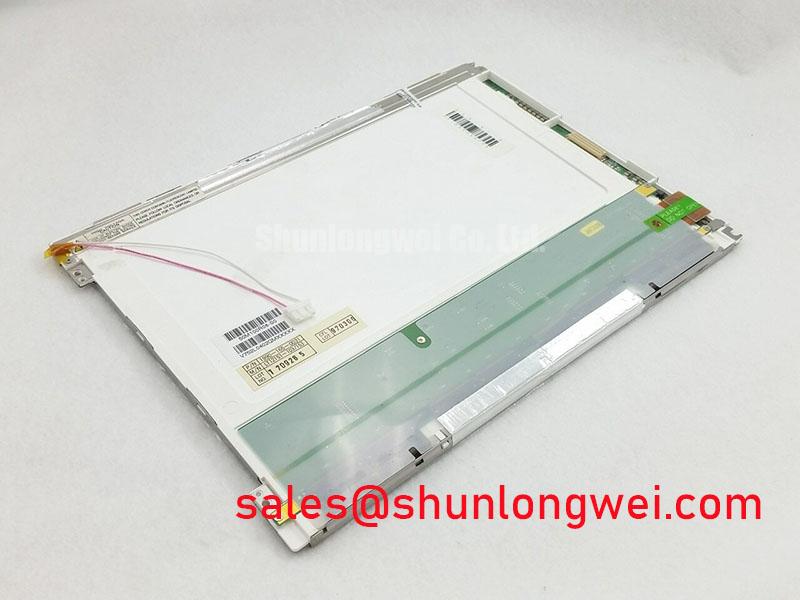
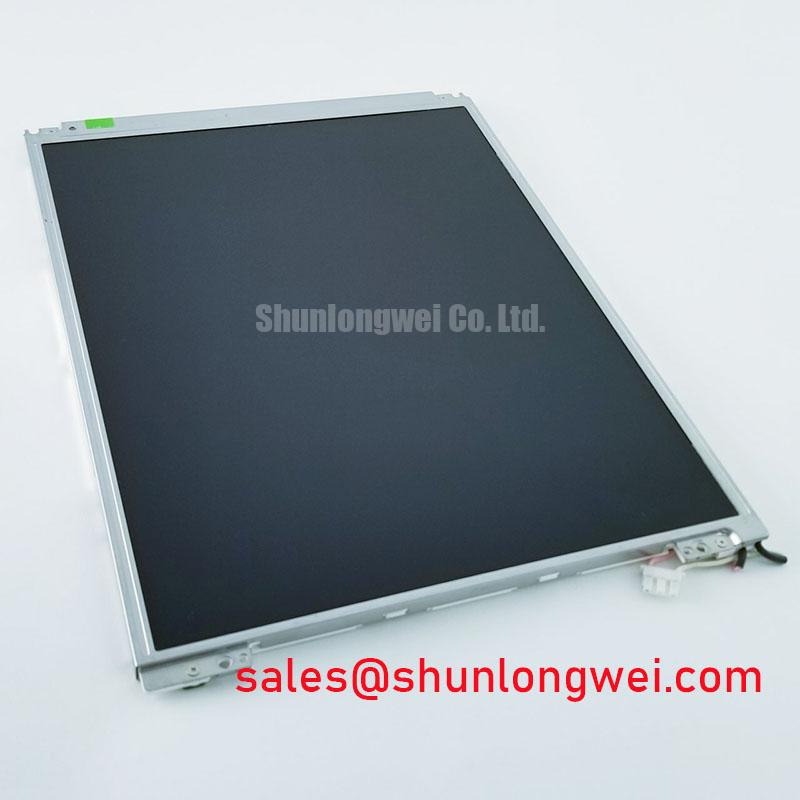
Measure the display supply at the panel connector during power-up, then probe the incoming display data at the transmitter and receiver to identify whether a black screen, split image, or intermittent pixel pattern begins with the power rail or the signal path. The LT121S1-103 is identified as a TFT-LCD Active Matrix Color Display Module, but the available factory information does not establish its interface voltage, pin assignment, resolution, timing table, or data mapping. Those values must remain tied to the original panel documentation and the host equipment service file.
For an AGV or forklift telematics display, inspect the flex routing first at the hinge, bezel entry, and controller-board connector. A cable that passes a static continuity check can still produce data errors when the vehicle vibrates or the display enclosure moves. Check connector retention, contact alignment, shield termination, and any signs of fretting or uneven insertion. Compare the clock and data waveforms with a known-good signal path while the system is operating under the same load.
Design Consideration: A high-speed differential link should be routed with a controlled characteristic impedance selected by the system designer, with the commonly used 100-ohm target verified against the actual transmitter, receiver, flex cable, connector, and board stack-up. It should not be treated as an independently confirmed specification of this LCD module. Discontinuities at a connector transition, abrupt changes in reference plane, or long unshielded sections can increase ringing and timing uncertainty. The correct corrective action depends on measured eye quality, common-mode behavior, and the interface requirements of the controller.
Do not assume that a replacement controller uses the same JEIDA or VESA data mapping as the original system. Confirm the mapping from the panel interface documentation before changing the display board or cable. A mapping error may produce swapped color channels, incorrect grayscale, a divided image, or no usable picture even when the supply and backlight are present. Oscilloscope checks should compare clock polarity, data activity, enable behavior, and timing relationships at the panel connector rather than relying only on a software display setting.
Power-on behavior also requires system-level verification. The logic supply voltage and permissible rise-time window are not provided in the supplied factory parameter set, so the integrator should verify the required voltage and sequencing from the original panel documentation. Check the rail at the module connector, not only at the power supply output, because flex resistance, connector contact quality, and local decoupling can alter the waveform seen by the panel. When PWM backlight control is present, verify the required frequency, duty-cycle behavior, and enable polarity from the backlight driver documentation; do not transfer a generic PWM range to this model without evidence.
For a same-size or same-resolution comparison, engineers may review NL6448AC33-17 as a separate reference product. It should be evaluated by its own interface, mechanical, optical, and timing documentation rather than assumed to be a direct substitute for the LT121S1-103.
Industrial EMI Noise Immunity, Chassis Shielding Continuity & Common-Mode Ferrite Chokes
Capture the display data and supply rails while the vehicle drive, steering motor, or nearby variable-frequency equipment changes state; correlate any horizontal bands, pixel jitter, or momentary image loss with the disturbance waveform. This separates a display-side signal-integrity issue from an upstream controller, grounding, or power-conversion problem without assigning a single cause to the symptom.
In an industrial vehicle, inspect the complete cable route from controller to panel. Look for parallel runs beside motor conductors, exposed connector backshells, incomplete chassis bonding, and shield pigtails that have loosened under vibration. Shield continuity should be measured with the equipment de-energized, while the actual noise response should be checked with the equipment operating. A cable shield that appears connected at one end may still have a high-frequency discontinuity at a connector, mounting bracket, or enclosure penetration.
Design Consideration: A 360-degree shield termination can reduce unwanted coupling when the enclosure, cable construction, connector, and grounding architecture support it. Common-mode ferrite components can also be evaluated where measured common-mode current is coupling into the display link. Their impedance and current behavior must be selected from the complete system test, because an unsuitable component can affect signal quality or create a new resonance. The LCD module itself must not be represented as independently compliant with complete-equipment EMC standards such as CISPR or EN 55011.
When the display is installed close to a high-current motor inverter, route the signal cable away from switching nodes and use the shortest practical connection consistent with service access. Separate the display logic return from noisy power returns where the equipment topology permits, while preserving the grounding method required by the controller and enclosure. Verify the result with repeatable operating states, including motor acceleration, regenerative braking, contactor operation, and charger activity where applicable.
Optical complaints under sunlight require a different test path. Measure the image in the installed enclosure under the actual viewing direction and ambient illumination. Contrast performance, surface reflection, anti-glare treatment, and viewing-angle behavior are panel-specific characteristics and are not stated in the supplied factory data for the LT121S1-103. Do not claim a contrast ratio, sunlight rating, or anti-glare construction without the applicable original datasheet.
The optical stack affects how the operator interprets noise. Surface reflection can make a stable image appear washed out, while electrical interference may create moving lines or localized flicker. Inspect the display with a uniform test image and then with the normal HMI screen. The LCD polarizer and optical glass reference provides useful background on how the optical path influences the visible result, but it does not establish the specific optical performance of this model.
For systems that use a separate backlight or display-control assembly, the NL8060BC31-41 may be reviewed as a related display solution reference. Compatibility still depends on connector definition, electrical timing, mounting envelope, backlight control, and the host system architecture.
Industrial Bezel Mechanical Envelope Tolerances & Mounting Screw Torque Optimization
Remove power and inspect the bezel, rear chassis, mounting points, and panel seating whenever dark regions, pressure marks, image nonuniformity, or intermittent operation changes after enclosure service. Check whether the module is being twisted by the frame, whether a cable is trapped under the bezel, and whether mounting hardware is pulling one corner lower than the others.
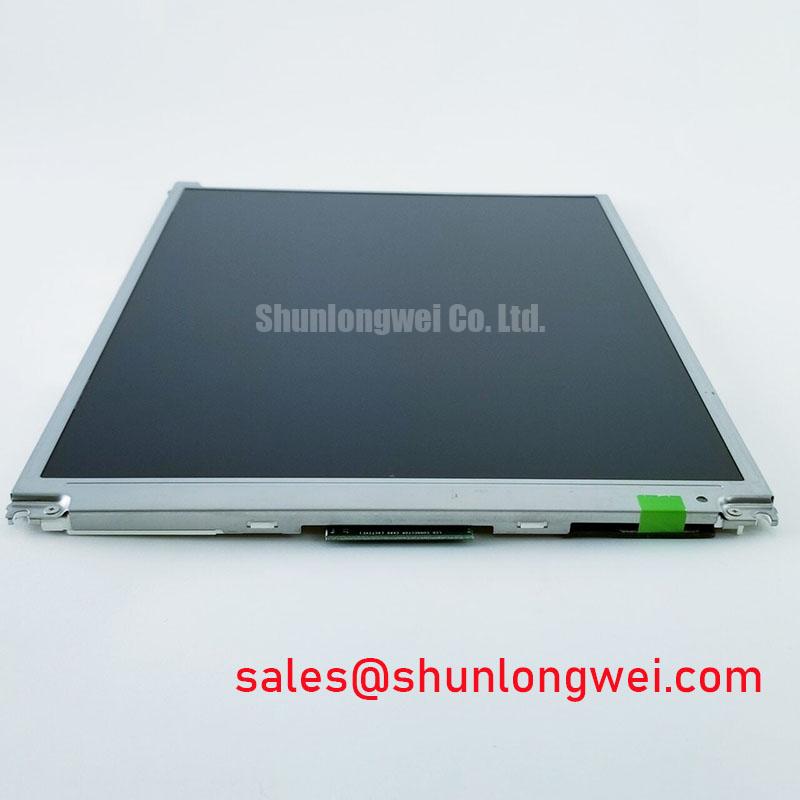
The supplied factory information identifies the LT121S1-103 as a TFT-LCD Active Matrix Color Display Module, but it does not provide the external dimensions, active-area dimensions, hole pattern, screw specification, or allowable mounting load. Measure the existing equipment opening and compare it with the original service drawing before planning a replacement. A visually similar panel can fail mechanical integration if its connector position, bezel depth, viewing window, or cable exit differs.
Design Consideration: Fasteners should be tightened in a controlled cross pattern using the torque defined by the panel and enclosure documentation. A generic M3 torque value must not be presented as an LT121S1-103 factory limit. Excessive or uneven clamping can distort the module assembly and create localized optical nonuniformity; insufficient retention can allow movement and connector stress during vehicle vibration. The correct torque is determined by the fastener, insert, frame construction, gasket, and panel manufacturer requirements.
Use a flat reference surface when checking the mounting frame. Confirm that seals, spacers, and protective windows are not forcing the LCD into a non-planar position. If the equipment requires dust or moisture resistance, evaluate the complete enclosure sealing method, including cable glands, bezel compression, service doors, and pressure equalization. Industrial-grade product classification alone does not prove a finished AGV or forklift enclosure has a particular ingress-protection rating.
Timing faults can also appear after a mechanical service because the connector may be partially seated or the flex cable may be bent beyond its intended route. Verify transmitter clock activity, data stability, enable timing, and the known-good signal path across the operating temperature conditions required by the equipment. The LT121S1-103 factory data supplied here does not specify TTL or LVDS electrical levels, clock-jitter limits, data hold times, or temperature timing margins, so those values must be obtained from the original interface documentation.
Keep the service diagnosis separated into three observations: mechanical stability, electrical continuity, and displayed optical behavior. A panel that works on a bench but fails after installation may be responding to enclosure strain, cable routing, grounding, or thermal conditions rather than a change in the LCD itself.
⚠️ Field Alert: Disconnect equipment power before inserting or removing the display cable to prevent connector-contact transients from reaching the panel interface.
Normally White TN Grayscale Inversion Mitigation & Optimal Viewing Direction Alignment
Display a neutral grayscale test pattern from the operator’s normal seated and standing positions, then rotate the viewing angle vertically and horizontally while checking for contrast reversal, color shift, or loss of detail. This practical test distinguishes a viewing-direction limitation from a backlight, signal-mapping, or image-processing problem.
The supplied specifications do not identify the LT121S1-103 panel mode as TN, IPS, or MVA, and they do not provide viewing-angle values, grayscale response data, contrast ratio, surface treatment, or optical compensation details. Do not assign a normally white characteristic or an 85-degree viewing cone to this model without the applicable factory documentation. Those values belong to the specific panel construction and should be confirmed before an HMI enclosure or mounting direction is finalized.
For a forklift or AGV display, evaluate the operator’s real eye position rather than relying only on a front-facing bench inspection. A panel mounted above the steering column may be viewed from below, while a side-mounted terminal may be read obliquely during vehicle operation. If grayscale inversion or color change is visible, the system designer can assess viewing-angle alignment, display tilt, font contrast, and the suitability of the selected panel technology. The display should be judged with the application’s actual warning colors and low-contrast status indicators.
Backlight behavior should be checked separately from LCD viewing performance. Monitor the backlight enable signal, driver output, and image brightness while the panel is cold and after the enclosure reaches its normal operating condition. Uneven brightness can involve the driver, connector, thermal path, optical assembly, or supply stability. The supplied factory parameters do not confirm an LED or CCFL backlight type, so the system integrator should verify the required backlight technology and drive method from the original panel documentation.
Where PWM dimming is used, verify the required frequency and duty-cycle linearity against the installed driver and the operator’s visual response. A generic frequency range should not be treated as an official LT121S1-103 parameter. Check for visible flicker through the camera used by the maintenance team, audible interaction from the driver, and brightness steps that become non-linear at low duty settings. Corrective changes should be validated with the actual panel, driver, controller, and enclosure together.
For additional system-level background on TFT display selection, optical behavior, and interface considerations, consult The Ultimate Guide to Industrial TFT-LCD Technology. The relevant decision for this panel remains document-based: match the verified electrical interface, mechanical envelope, optical direction, and backlight architecture before placing it into an AGV or rugged forklift telematics display.