
Content last revised on October 2, 2026
Suppressing Localized Thermal Gradients to Prevent Chronic Optical Yellowing (Color Shift)
With the display assembly isolated from power, inspect the bezel, gasket contact line and connectors before removing the NEC NL8060BC31-41 from its mounting frame. Record where pressure marks or uneven illumination appear; those observations help distinguish an enclosure problem from a fault within the display assembly.
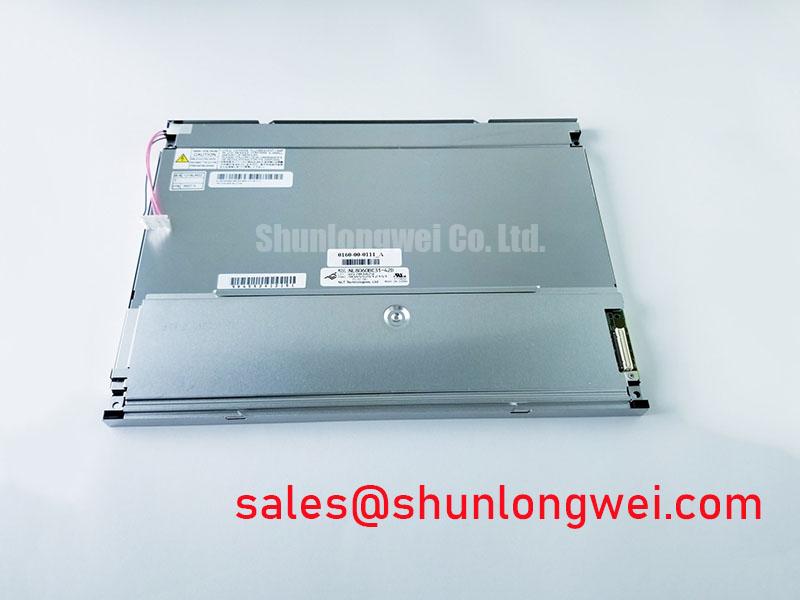
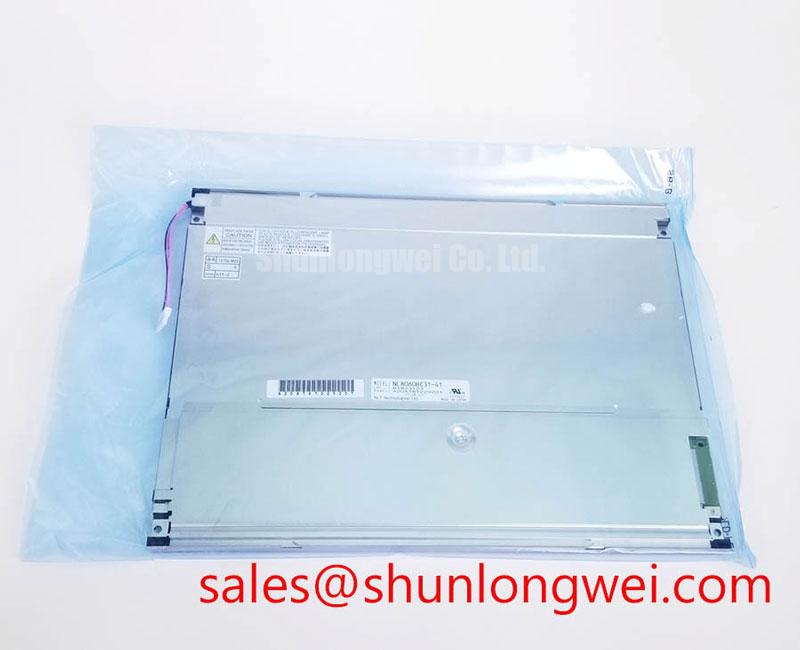
Official Specification: The NL8060BC31-41 is an NEC TFT-LCD display module in the industrial-grade LCD/HMI panel category. The supplied factory specification information does not establish its dimensions, resolution, electrical interface, supply voltage, backlight type or operating temperature limits. Those details must be checked against the original panel documentation and the equipment wiring record before a repair or integration decision is made.
Start a thermal inspection with the display operating in its normal enclosure, rather than judging the module on an open bench. Compare the appearance of the center and narrow edges after the assembly has reached a stable operating condition. If discoloration is concentrated beside a warm enclosure feature, examine airflow restrictions, nearby electronics and contact between the display frame and its mounting surfaces. A color change alone does not identify which layer or component has aged.
Design Consideration: A heat-spreading rail should be evaluated only after its contact area, electrical clearances and effect on mounting stress have been reviewed. It may help distribute heat from an enclosure edge, but an oversized or unevenly seated rail can introduce pressure into the display assembly. The equipment designer should verify the resulting temperature distribution and image uniformity in the completed enclosure. No rail dimensions or optical-material composition are established by the supplied specification information for this model.
Keep the cooling path separate from the sealing decision. A dust gasket needs continuous contact with the enclosure to perform its intended function, while obstructed vents or contaminated filters can raise local temperatures. Inspect both conditions during preventive maintenance, particularly when an HMI cabinet has been opened for other work. Document any change in gasket compression or airflow before attributing a recurring color shift to the panel.
The video link also deserves a measured check when an image changes with temperature. The original panel documentation must establish whether the NL8060BC31-41 uses TTL, LVDS or another interface, together with its timing requirements. At the verified interface, compare clock and data behavior at the source and panel connector across the equipment’s specified temperature range. Marginal timing can cause visible image faults, but it should not be confused with a persistent physical discoloration visible on a uniform test image.
Polarizer Durability & Optical Retardation Film Inspection under Direct Industrial Lighting
Examine the unpowered front surface under oblique light, then display a uniform image and inspect it from the viewing positions used by the operator. This separates reflections, surface marks and enclosure-window effects from image changes that appear only while the panel is driven. Avoid identifying the liquid-crystal mode or a particular optical film from appearance alone: the supplied specifications do not confirm a TN, IPS or MVA construction for this model.
Design Consideration: If readability falls at an off-axis viewing position, first compare the installed panel angle with the operator’s actual sight line and the original equipment arrangement. A cover window, protective overlay or strong overhead lighting can change perceived contrast without changing the panel itself. Any anti-glare treatment, film replacement or enclosure revision should be assessed against the optical and cleaning requirements documented for the equipment, not assumed to be an NEC factory feature.
Cold-condition checks require similar restraint. Liquid-crystal response can slow as temperature falls, making moving text or graphics appear less distinct. That observation does not establish an approved cold-start limit for the NL8060BC31-41. Verify the permitted operating range in the original documentation, record the panel temperature during a controlled test, and compare the image with its behavior after the enclosure has stabilized. If the host equipment includes a heater, inspect its control and sensing arrangement against the equipment schematic before changing its operation.
Condensation is a separate concern when a cold assembly enters warmer, humid air. Check the enclosure seal, drain or vent strategy, and evidence of moisture near the display connector before energizing equipment that has undergone a rapid temperature change. Maintenance Note: Keep power isolated while inspecting a damp display connector, and allow the assembly to dry under the equipment’s approved maintenance procedure before reconnecting it.
Preventing Mounting-Pressure Artifacts on Dark Screen Fields
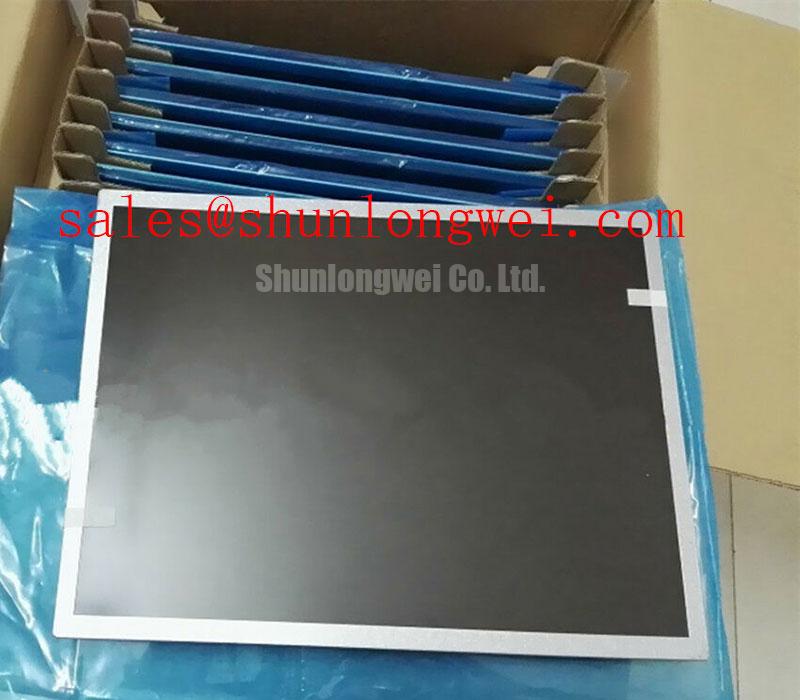
Display a dark, uniform test field and note whether bright patches follow bezel corners, fastener positions or gasket joints. Repeat the observation with the unit seated as it would be in service; a loose panel on a bench does not reproduce enclosure pressure. If the pattern changes when mounting loads are relieved under an approved service procedure, inspect frame flatness, gasket placement and the order in which the fasteners were tightened. The observation supports further mechanical investigation, not a diagnosis of a particular internal light-guide material.
Design Consideration: The outer bezel should locate the module without forcing its display area into the chassis. Check the original equipment drawing for envelope clearances and the approved fastener torque; neither a bezel tolerance nor an M3 torque limit is provided in the supplied panel specification information. Tighten mounting points evenly according to the equipment procedure, then inspect both the seal contact line and the dark-field image. A tighter fastener is not a substitute for correcting a misaligned frame.
Before treating another display as a fit-compatible option, compare the full mechanical drawing, active image area, connector orientation, interface, supply and backlight requirements. The NL10276BC16-06 can be reviewed as a separate reference model, but its listing does not establish interchangeability with the NL8060BC31-41. A matching opening in the cabinet is only one part of the assessment.
If a dark-field defect appears only at certain brightness settings, check the host’s dimming command and the backlight drive path before adjusting the mounting frame again. The supplied information does not specify a PWM frequency, duty-cycle transfer function or even the backlight control method for this panel. Measure the installed system against its original documentation; an audible sound or visible flicker may originate elsewhere in the enclosure.
Backlight Startup, Protection and Interface Fault Checks
When the screen remains dark, first determine whether image data is present while illumination is absent. Use the equipment’s approved test procedure to inspect the video source, display supply and backlight-control path independently. Do not apply a presumed CCFL striking voltage or substitute an LED constant-current driver: the supplied factory information does not identify the NL8060BC31-41 backlight technology, inverter arrangement or electrical ratings.
The original panel and host documentation should identify the applicable supply rails, connector pin assignments, enable sequence and any fault indication. Compare those records with the installed harness before probing an energized assembly. If the host includes backlight open-load or short-circuit protection, record the fault signal and input conditions, then inspect the cable and driver according to the host schematic. A protection event is evidence to investigate, not proof that the panel is the failed part.
Where the verified interface provides separate clock and data signals, inspect their integrity at the panel connector as well as at the transmitter. Check connector seating and cable routing before interpreting a temperature-dependent image dropout as a timing failure. The permissible clock jitter and data hold times must come from the relevant panel and transmitter documents; they cannot be assigned from the model name alone.
For an enclosure exposed to vibration or dust, such as a heavy mining shovel telematics display, compatibility assessment should include harness restraint, gasket condition and the actual mounting geometry. This is an equipment-level evaluation, not an application rating established for the module. The Industrial Display & HMI Solutions engineering guide provides broader context for enclosure checks; the final electrical and mechanical limits still need to come from the panel and equipment documentation.