
Content last revised on September 24, 2026
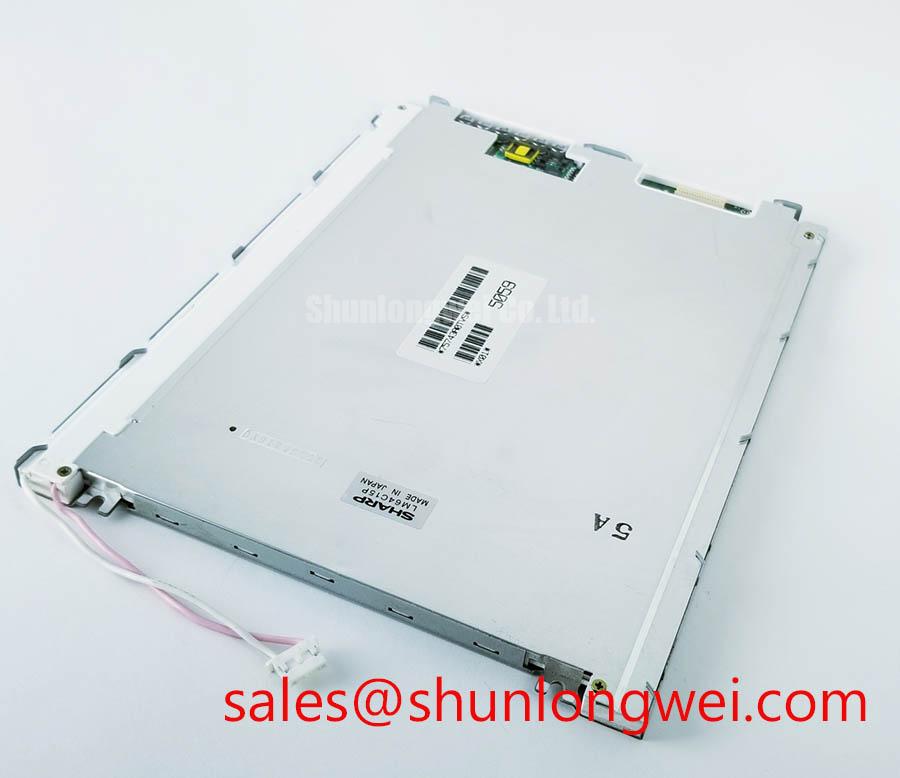
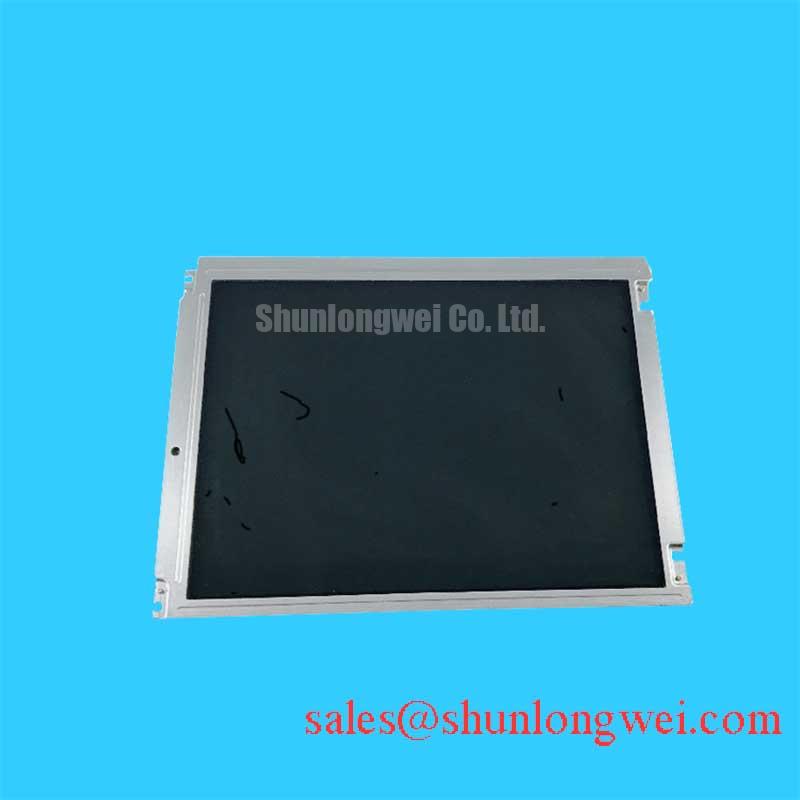
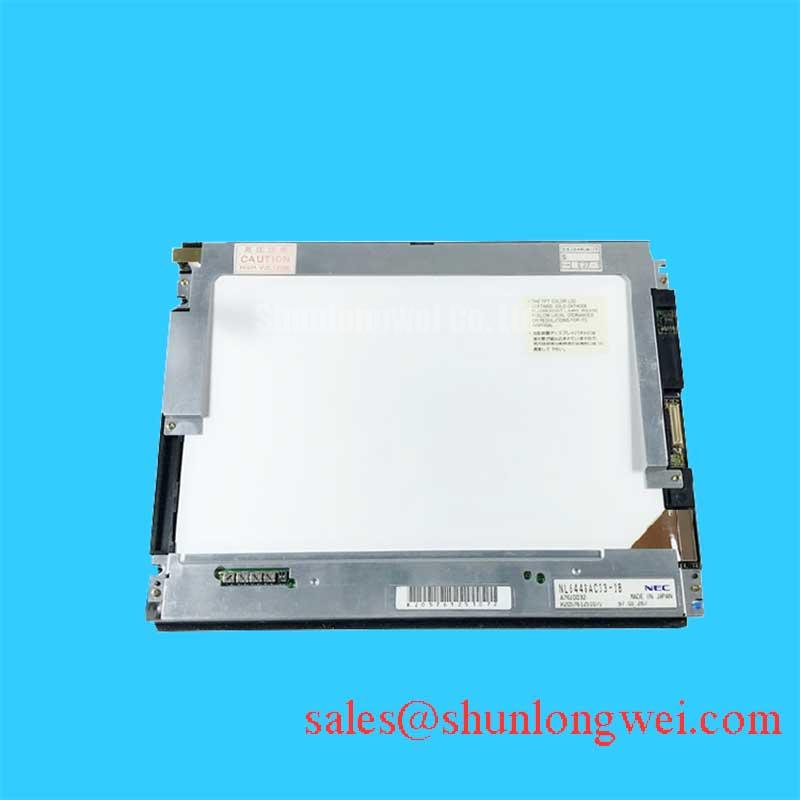
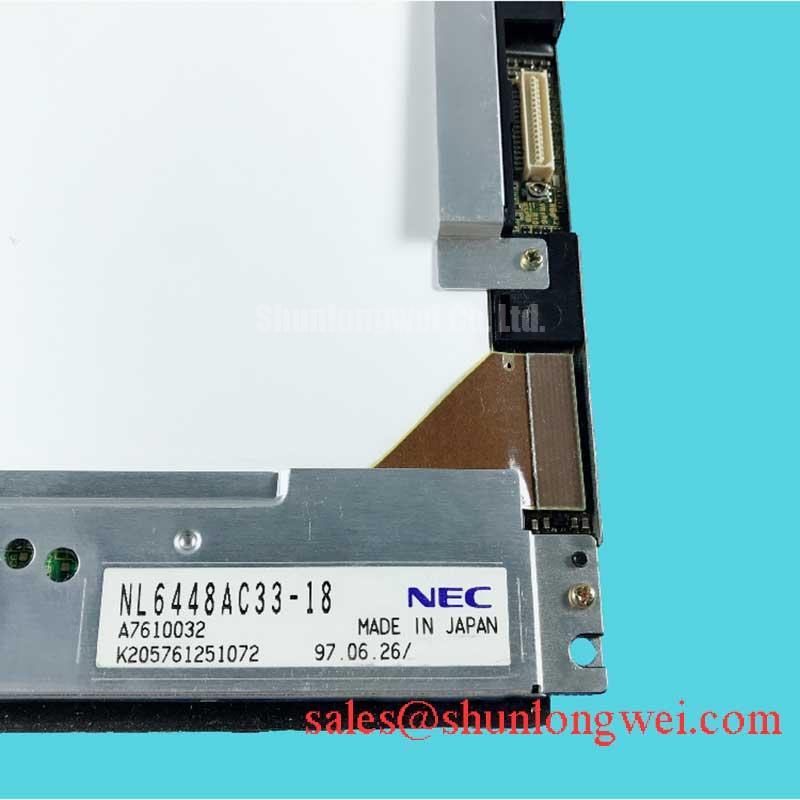
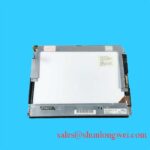
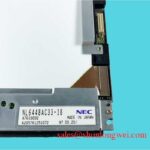
NL6448AC33-18K NEC Industrial LCD HMI Display Module
Begin incoming inspection by comparing the NL6448AC33-18K identification against the equipment service record, then check the panel frame, visible glass, connector area, and mounting points for transport damage before applying power. The supplied factory information identifies this unit as an NEC TFT LCD Display Module for industrial LCD and HMI applications. The available information does not establish the panel resolution, active area, supply voltage, interface pinout, backlight architecture, luminance, or operating temperature range, so those values should be confirmed from the original panel documentation before installation.
This distinction matters when the display is being evaluated for a high precision surgical navigation console or an ultrasound diagnostic display terminal. A mechanically compatible panel can still require different electrical timing, connector assignment, backlight control, or power sequencing. Treat the existing display assembly as the reference configuration and record its cable routing, shielding, mounting pressure, and controller settings before removing the failed unit.
High Humidity Storage Margins and Delamination Prevention Protocols
Inspect panels that have been stored in humid conditions for edge haze, perimeter lifting, localized optical marks, and signs of condensation before connecting the display electronics. The supplied product data confirms the product category and package form, but does not publish a verified humidity limit, storage profile, thermal cycling qualification, sealant construction, or delamination performance for this specific model. These conditions therefore remain a Design Consideration, not an official rating for the NL6448AC33-18K.
For a medical imaging monitor or HMI cabinet, the enclosure should be assessed for temperature transitions that can create condensation on the panel surface and electrical contacts. Allow a cold assembly to reach a stable, dry condition before energizing it. Engineers should also check whether the cabinet has a controlled air path, whether warm air is directed toward the display window, and whether the front gasket remains evenly seated around the bezel. A compressed or displaced gasket can permit dust and moisture ingress, while uneven frame pressure can create visible nonuniformity.
Liquid crystal viscosity generally increases as temperature falls, so image transitions may appear slower during a cold start. This is a general display behavior and should not be treated as a measured response specification for this model. When cold operation is required, the system integrator should verify startup behavior using the original controller and the actual enclosure. Any heater, fan, or staged startup function should be validated against the panel manufacturer’s documentation rather than selected from an assumed voltage or power value.
High speed digital connections also require system-level verification. If the host uses LVDS or another differential display interface, the design team should confirm the actual signaling standard, pair assignment, termination, cable construction, and controller timing from the original equipment documentation. A commonly used differential impedance target such as 100 Ω with a controlled skew budget may be relevant to a particular system, but it is a Design Consideration and not an official NL6448AC33-18K specification. Validate eye opening, common-mode behavior, and image stability at the selected cable length and operating temperature.
For storage and installation records, document the panel condition before power is applied, including edge appearance, visible haze, connector cleanliness, and the condition of the sealing gasket. This creates a useful maintenance baseline without assigning unsupported lifetime or humidity claims to the display module.
Incoming Benchtop Inspection: COG and TAB ACF Integrity
Keep the module unpowered while checking the glass edge, flexible circuit attachment area, connector reinforcement, and bezel for marks that could indicate mechanical stress. The available factory data does not specify the internal chip on glass, TAB, or anisotropic conductive film construction of the NL6448AC33-18K. These areas can therefore be inspected for observable symptoms, but internal construction should not be inferred as a model-specific specification.
A practical bench sequence starts with a known compatible controller and the original signal configuration. Display a neutral white field, then primary red, green, and blue fields while observing the complete image at normal viewing distance. Follow this with a dark field to reveal nonuniform illumination, intermittent lines, or edge shadows. If a defect changes when the cable is repositioned, stop applying mechanical force and inspect the connector and harness path instead of pressing on the glass.
A flashlight held at approximately 45 degrees can help separate a surface or illumination issue from an active image-drive defect. A dark shadow that remains fixed relative to the front surface may point toward an optical or backlight-area concern, while a line or column that follows the displayed image data may require signal-path and controller checks. This method is a qualitative diagnostic aid, not a pass or fail limit for the NEC module.
When a display is specified for PWM brightness control by the host system, the system integrator should verify the controller’s supported dimming method and frequency. A range such as 200 Hz to 1 kHz may be used as a Typical Starting Point for system-level evaluation, but it is not confirmed as an official parameter for this model. Check visual flicker through a camera assessment, photometric measurement where required, and observation of moving grayscale content. Duty-cycle linearity should be calibrated in the complete display assembly because the panel, backlight driver, controller firmware, and optical stack all influence the result.
Do not assign a 50,000-hour backlight life or an LED constant-current architecture to this product unless the original factory documentation confirms it. The supplied data identifies a TFT LCD display module but does not publish a backlight lifetime, drive current, protection threshold, or dimming interface. If the equipment reports a backlight open or short condition, measure the driver output and inspect the harness using the equipment service procedure. A reported fault may originate in the driver, cable, connector, or module and should be verified rather than attributed to one internal cause.
Industrial EMI Noise Immunity, Chassis Shielding Continuity and Common-Mode Ferrite Chokes
When image jitter or horizontal noise appears near variable frequency motor drives, first compare the display signal with a known-good cable arrangement and inspect the cabinet bonding path. The NL6448AC33-18K factory information supplied here does not declare an EMC certification, immunity level, connector shield method, or approved ferrite component. EMC performance must therefore be evaluated as part of the complete HMI or medical display assembly.
Keep high speed display cables physically separated from motor power conductors and switching nodes where the enclosure layout permits. The shield termination strategy should be selected according to the host equipment’s grounding architecture. A 360-degree shield connection can be considered where the cable and chassis are designed for it, but the correct implementation depends on connector construction, ground reference, creepage requirements, and enclosure bonding. Do not present the display module itself as independently compliant with CISPR, EN 55011, or any other complete equipment standard.
Common-mode ferrite components may be evaluated when conducted or radiated interference couples into the display cable. Their impedance behavior depends on frequency, current, cable geometry, and the selected part. Adding a ferrite without checking the differential signal waveform can increase loss or alter signal integrity. Use an oscilloscope or suitable differential probe to compare clock quality, data transitions, and reset behavior at the display connector. If the host uses TTL rather than LVDS, confirm that interface choice from the original system documentation; the supplied product information does not authorize a particular signaling format.
Timing margins should be checked across the actual temperature range and cable arrangement. Clock jitter, data hold time, receiver threshold behavior, and power sequencing are properties of the complete controller and display link, not values that can be safely inferred from the model number. If noise is intermittent, record whether it correlates with motor acceleration, cabinet fan switching, backlight changes, or cable movement. This pattern often provides more useful direction than replacing parts at random.
For systems used in demanding industrial or diagnostic environments, the practical test reference should include enclosure bonding, cable routing, display grounding, and image observation under representative loads. The engineering discussion in Industrial Display and HMI Solutions can be used as a broader integration reference, while the final acceptance limits must come from the equipment specification and applicable compliance plan.
Chassis M3 Fastener Torque Sizing and Optical Mura Control
Install the panel on a clean, flat support and tighten fasteners progressively in a cross pattern so that frame pressure is distributed rather than concentrated at one corner. The supplied factory information does not publish the NL6448AC33-18K bezel envelope, hole pattern, M3 torque specification, flatness tolerance, or optical uniformity limit. Any mechanical values used during service must therefore be confirmed against the original equipment drawing.
A torque range of 0.35 to 0.45 N·m can be treated only as a Typical Starting Point for an M3 display-frame evaluation when the equipment manufacturer provides no value, not as an NEC factory requirement. The correct setting depends on the screw material, threaded insert, bracket stiffness, gasket compression, and panel frame design. Tighten gradually while checking the active image at white, gray, and dark fields. If a localized bright or dark region changes after tightening, release the load and inspect the bracket alignment rather than increasing torque.
Optical mura can be influenced by uneven mechanical loading, but the visible symptom does not prove a particular internal cause. Check whether the mark follows the frame, remains fixed on the image, or changes with viewing angle and cabinet temperature. Keep the display window free from point loading, and ensure that the gasket does not fold into the visible aperture. The outer bezel should be controlled by the chassis drawing; do not assume that a replacement panel has identical envelope dimensions simply because the model appears mechanically similar.
Cold-start evaluation should be performed with the complete enclosure, controller, and backlight system. Response-time elongation at sub-zero temperatures is a general LCD design consideration, not a published NL6448AC33-18K performance claim in the information provided. If the application requires operation near or below freezing, the equipment designer should verify image response, condensation control, startup sequencing, and heater control using measured data. Heater strips should not be connected to an assumed supply voltage or control signal without confirming the original display assembly documentation.
Where a cross-reference is being considered, the NL10276BC16-06 may be reviewed as a separate display option, but electrical, mechanical, optical, and firmware compatibility must be evaluated independently. It should not be treated as a direct replacement solely from product category or appearance.
Maintenance Note: Inspect the cabinet airflow path and front sealing gasket during scheduled service, and disconnect power before removing or reconnecting the display cable.