



Content last revised on September 29, 2026
Mechanical Stress and Glass-Panel Intermittent Fault Prevention
Check the displayed red, green, and blue fields separately while observing the panel surface and connector area for intermittent lines, missing columns, or localized image changes during a controlled mechanical inspection. This three color bench check helps distinguish a display data path problem from a backlight or optical uniformity issue without treating one visual symptom as proof of a single failure cause.
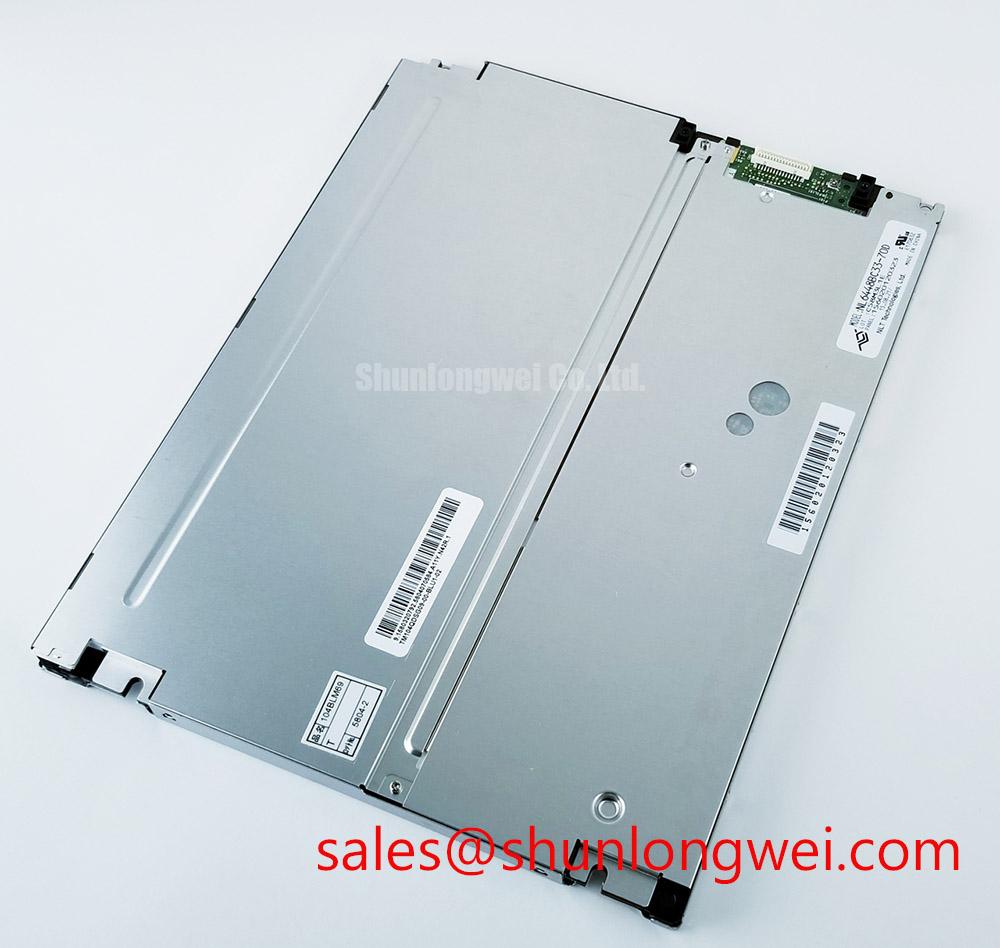
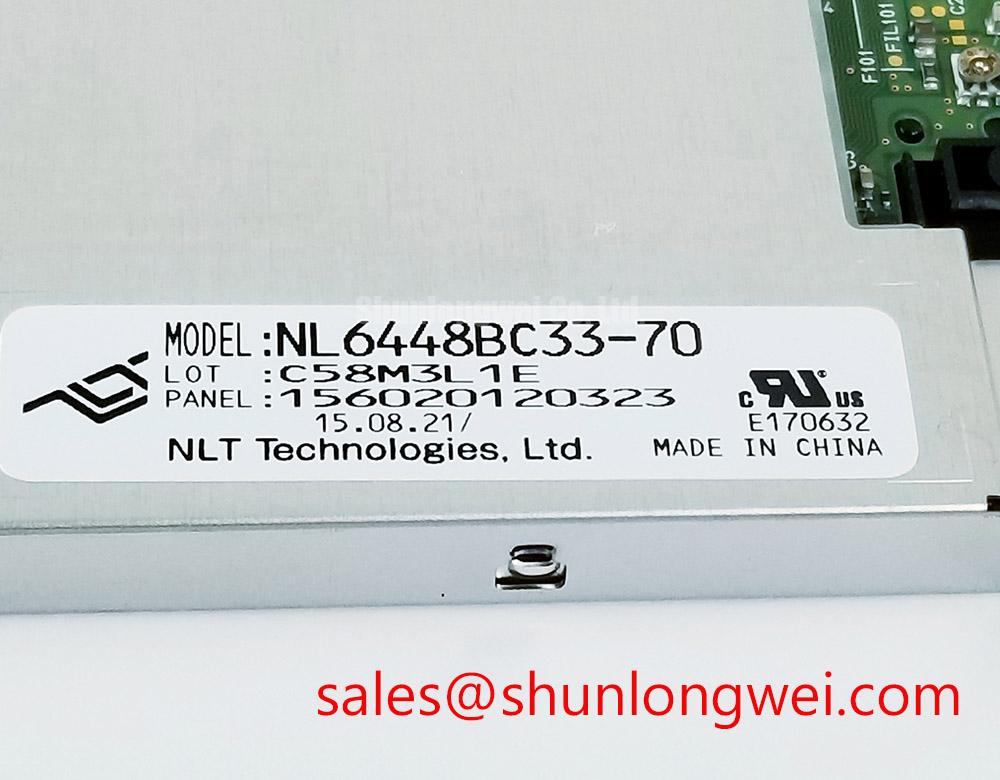
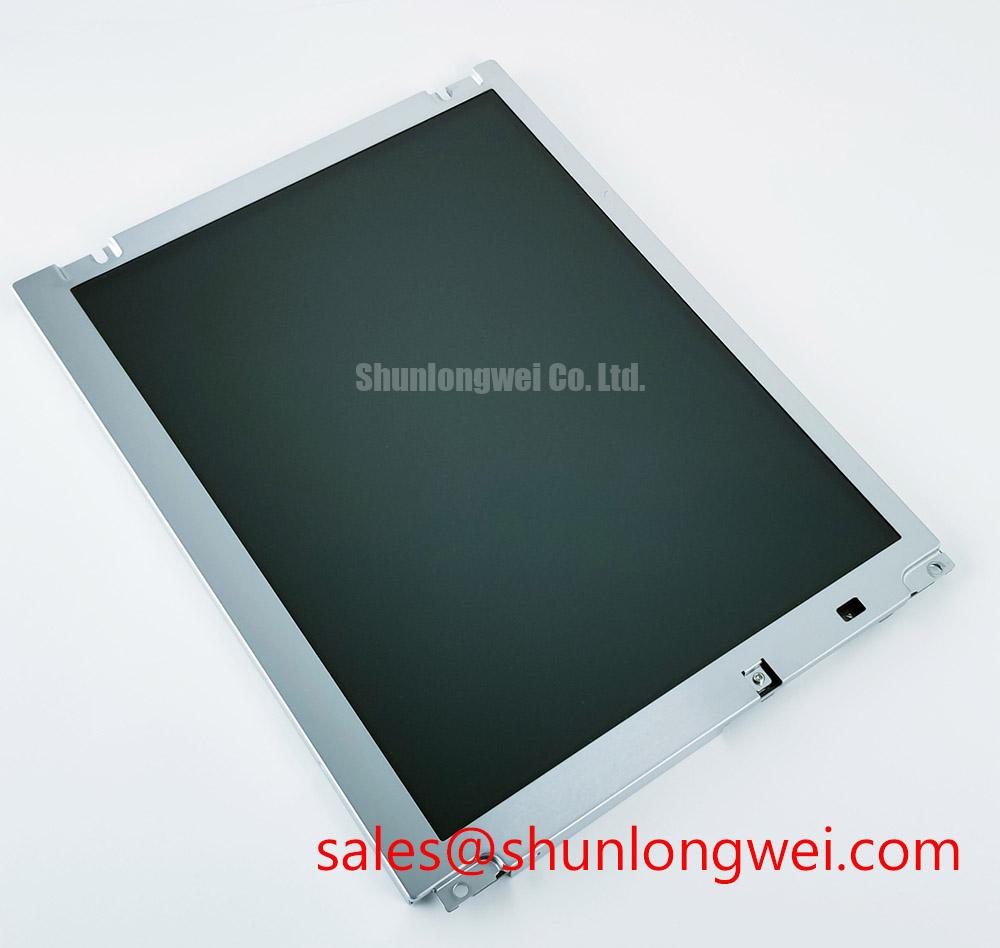
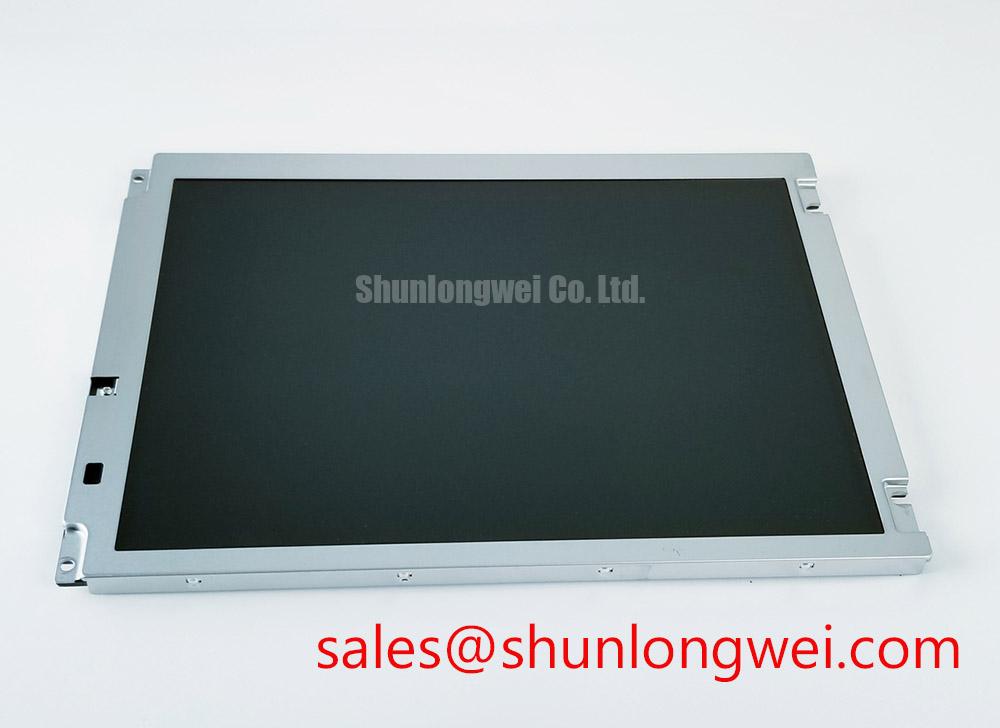
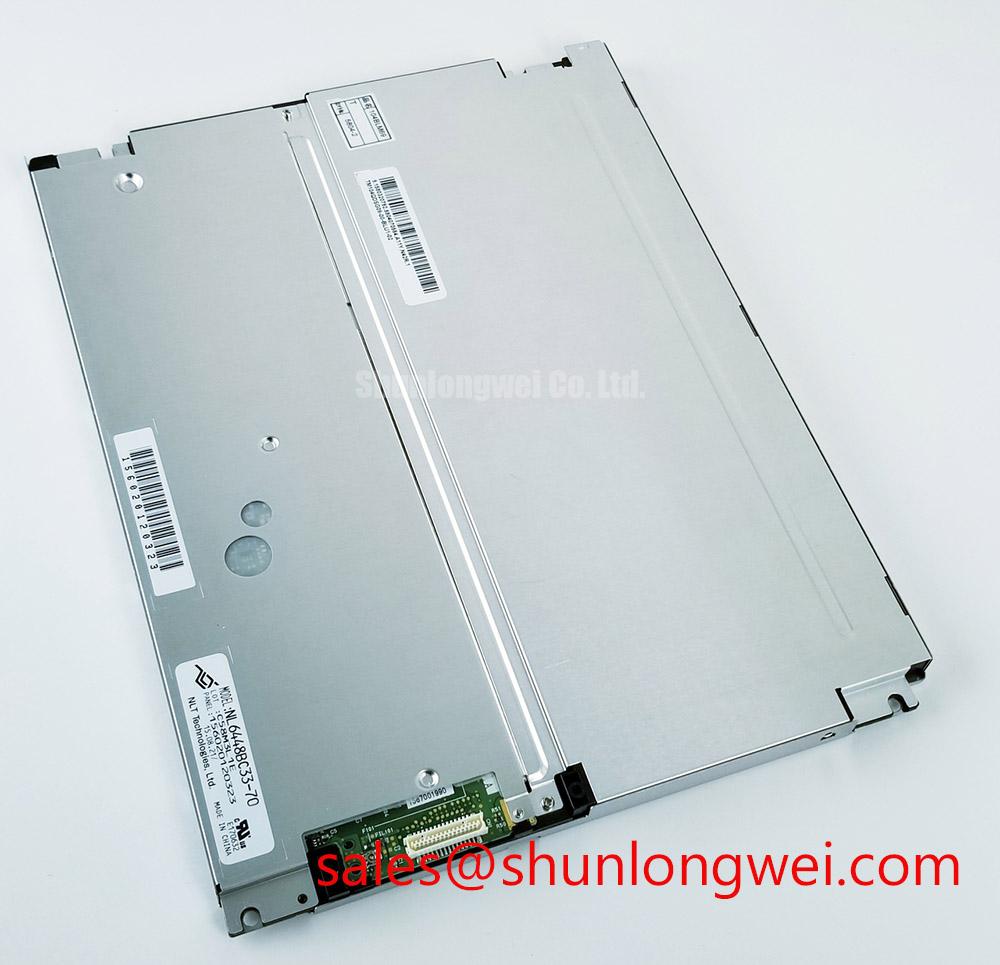
For the NEC NL6448BC33-70, the confirmed product identity is a TFT LCD active matrix color display module. The available factory information does not establish the module resolution, interface voltage, connector pin assignment, timing table, viewing angle, contrast ratio, or backlight architecture. Those values must come from the original panel documentation and the equipment service drawing before a replacement is connected.
A flashlight inspection can be useful when the screen appears dark but faint image information remains visible. Hold the light at an oblique angle across the front surface and compare the illuminated area with a known good signal condition. A visible image under this check may direct attention toward the illumination path, while missing image information across selected rows or columns requires inspection of the source signal, connector seating, flexible cable routing, and panel driver region. The test is qualitative and should not be converted into a fixed pass or fail voltage threshold.
Mechanical stress deserves particular attention in industrial HMI installations. Uneven bezel pressure, a distorted mounting frame, or a harness pulling sideways on the display connector can transfer localized force into the glass assembly. During service, remove the panel from the enclosure before checking whether the chassis is flat and whether the mounting points release evenly. Designers should minimize twisting forces and allow the display frame to sit naturally against its intended support surfaces.
When the equipment uses TTL or LVDS transmission, verify the actual interface type from the original electronics rather than assuming compatibility from the display category. Use an oscilloscope at the source and receiver side to compare clock quality, data stability, enable timing, and signal behavior over the equipment temperature range. The transmitter clock relationship and data hold margin are system properties unless explicitly stated in the panel documentation. A stable picture at room temperature does not by itself establish reliable operation during thermal cycling.
Flexible printed cable routing should maintain a smooth bend path and avoid contact with sharp sheet metal edges. Do not fold the cable directly at the connector exit or use the cable as a restraint for the panel. Inspect the locking mechanism for full engagement, then repeat the image test after the equipment cover and cable clamps have been refitted. This catches installation related intermittent faults that may not appear when the panel is tested outside the cabinet.
For engineers comparing display assemblies with related mechanical or electrical requirements, NL8060BC31-42 can be reviewed as a separate model. It should be treated as an independent selection candidate, not as an automatic substitute, until size, resolution, interface, optical characteristics, connector position, and system timing have been checked.
⚠️ Maintenance Note: Disconnect power before inserting or removing the display cable, and inspect the connector lock and enclosure sealing condition during scheduled service.
Backlight Inverter and Illumination Fault Debugging
Measure the display supply and inspect the illumination harness at the moment the screen is commanded on, while keeping the high voltage section isolated and following the equipment manufacturer’s service procedure. Flicker, delayed illumination, acoustic noise, or a completely dark screen can originate in the inverter, lamp circuit, power sequencing, connector assembly, or the display module itself.
The supplied official information identifies the NL6448BC33-70 as a TFT LCD active matrix color display module, but it does not confirm whether the individual unit uses CCFL, LED, or a particular backlight driver arrangement. Do not apply a generic CCFL striking voltage, LED current value, PWM dimming ratio, or inverter waveform to this model without an original technical drawing. The system integrator should verify the required supply voltage and backlight interface from the panel documentation used in the equipment.
For a suspected illumination fault, begin with the controller’s enable command and supply behavior, then compare the output of the installed driver with a known good assembly where safe measurement access is available. Look for a start attempt followed by shutdown, repeated restart behavior, unstable brightness, or a signal that is absent from the driver input. These observations narrow the inspection path, but they do not prove that the LCD glass or its driver circuitry has failed.
High voltage lamp circuits require suitable probes, controlled access, and discharge procedures. The panel should not be powered with an unverified inverter simply because the connector appears mechanically compatible. Different backlight systems can use different current regulation, feedback, ignition, and protection arrangements. A mismatch may stress the illumination assembly or create an unsafe operating condition.
When a display is used near surgical navigation equipment or an ultrasound diagnostic console, optical evaluation should be performed under the actual enclosure lighting and viewing geometry. Check brightness stability, uniformity, reflections, and image readability at the operator position. A direct sunlight contrast claim, anti glare performance value, or PWM dimming capability is not an official characteristic here unless it appears in the original NEC documentation for the exact unit.
Acoustic buzz should be investigated by comparing the sound with the driver operating state, mounting structure, and cable position. A vibrating cover or loose bracket can amplify normal electrical activity, while an audible change during ignition may warrant driver and lamp circuit testing. Avoid using sound alone as a component diagnosis. Record the display command state, supply behavior, illumination response, and image content together.
The related NL6448BC21-09 may be reviewed as a separate display solution when the equipment architecture requires comparison with another panel family. Its electrical and optical requirements must be matched independently. A replacement decision should include the controller interface, backlight control method, mechanical opening, connector orientation, and the host system’s power sequencing.
Backlight Luminance and Reliability Verification
Record luminance at several representative image areas while the display is operating in its installed enclosure, then compare the result with the same areas after the equipment reaches its normal thermal condition. This check can reveal whether brightness variation follows the backlight path, the optical stack, the display data content, or local mechanical pressure.
No official LED half life, L70 or B50 value, 50,000 hour rating, constant current specification, or thermal spreader dimension has been supplied for the NL6448BC33-70. These values must not be assigned to the model by analogy with another TFT module. If the original equipment uses a separate LED driver, evaluate that driver and the panel as a matched system, including enable timing, dimming control, current regulation, and thermal behavior.
Static industrial HMI screens can show persistent image retention or uneven aging when the same icons, menus, alarm bars, or measurement zones remain continuously displayed. The visible result can also be influenced by temperature, brightness setting, optical contamination, and panel age. A practical maintenance program should rotate noncritical fixed graphics where the equipment function permits, use the approved brightness setting, and document any persistent pattern before replacing the display.
Edge hot spots require an enclosure level inspection rather than an assumed internal construction diagnosis. Check whether the rear housing blocks ventilation, whether a metal rail presses against the panel frame, and whether heat from a nearby power device reaches one side of the display. Designers should provide an even support arrangement and verify the temperature distribution under actual operating load. The correct spreader geometry remains system determined unless the display manufacturer specifies it.
Long term reliability verification should use repeatable operating conditions and a defined luminance measurement method. Record the image pattern, brightness command, ambient condition, enclosure state, and driver operating mode. Without a manufacturer test report or recognized qualification source, field measurements should be presented as equipment specific observations rather than a guaranteed service life or failure rate.
Display cleanliness also affects perceived luminance. Use the cleaning method approved for the installed panel surface and avoid excessive pressure near the glass edge or flexible cable region. A liquid entering the bezel can create an optical or electrical problem that resembles panel aging. In sealed HMI equipment, inspect the gasket contact path and enclosure joints during the same service visit.
For broader environmental integration guidance covering industrial displays and HMI assemblies, engineers can consult Industrial Display and HMI Solutions. The guide should support design review, while the exact electrical and optical limits for this NEC model remain tied to its original documentation.
Contrast and Liquid-Crystal Temperature Tracking
Compare grayscale steps and dark image areas at cold start, normal operating temperature, and after thermal stabilization while monitoring the display supply and video signal. Look for grayscale inversion, slow transitions, loss of dark detail, uneven contrast, or localized changes near the frame, then correlate each observation with temperature and mechanical condition instead of assigning a single cause.
The NL6448BC33-70 is officially identified here as a TFT LCD active matrix color display module. The supplied factory data does not confirm whether its liquid crystal mode is TN, IPS, MVA, or another structure. It also does not provide a symmetric viewing cone, guaranteed contrast ratio, GTG response time, anti glare treatment, heater requirement, or operating temperature range. Those characteristics must be verified from the exact panel specification before an optical or thermal design is finalized.
Viewing angle testing should be performed from the actual operator position and from the side positions that matter to the equipment. In a medical imaging console, the user may observe the screen while standing, seated, or leaning beside the main display. Check grayscale separation rather than relying only on a full white or full black screen. Ambient reflections, protective windows, and bezel geometry can materially change the perceived result.
Cold environment behavior should be evaluated with a controlled temperature transition and a stabilized measurement process. Designers should verify whether the equipment requires enclosure heating, controlled startup, or a display specific warm up sequence. Do not add a heater strip or impose a temperature limit without checking the panel documentation, power budget, condensation risk, and mechanical effect on the bezel and optical assembly.
Condensation prevention is especially important when a cabinet moves between a cold storage area and a warmer clinical or production room. Keep the enclosure sealed according to its intended design, allow the assembly to reach a safe condition before energizing it, and inspect for moisture tracks around the connector, bezel, and gasket interface. The correct acclimatization process belongs to the equipment manufacturer’s service procedure.
Static image retention and temperature related contrast changes should be recorded separately. Display a controlled test pattern, note the time and operating condition, then return to normal content and observe whether the pattern fades or remains. If the symptom changes after cable movement, thermal stabilization, or brightness adjustment, repeat the test with the signal path and mechanical mounting held constant. This produces more useful evidence than replacing the panel on the basis of one visual observation.
Industry display information is also available through industrial TFT display solutions, which can provide general context for display integration and optical evaluation. It should not be used to infer unlisted specifications for the NEC NL6448BC33-70.