



Content last revised on September 30, 2026
Chassis Fastener Fit and Dark-Field Mura Checks
| Hardware specification | NL8048BC19-02 |
|---|---|
| Manufacturer and category | NEC LCD display |
| Diagonal and resolution | 8.4 inches; 800 × 480 pixels (WVGA). Official Specification. |
| Typical luminance and contrast | 1000 cd/m² typical; 600:1 contrast ratio. Official Specification. |
| Operating temperature | −30°C to +80°C. Official Specification. |
| Video interface | Single-channel LVDS, 6-bit or 8-bit. Official Specification. |
| Backlight | LED; specified backlight life of 70,000 hours. Official Specification, not a prediction of installed service life. |
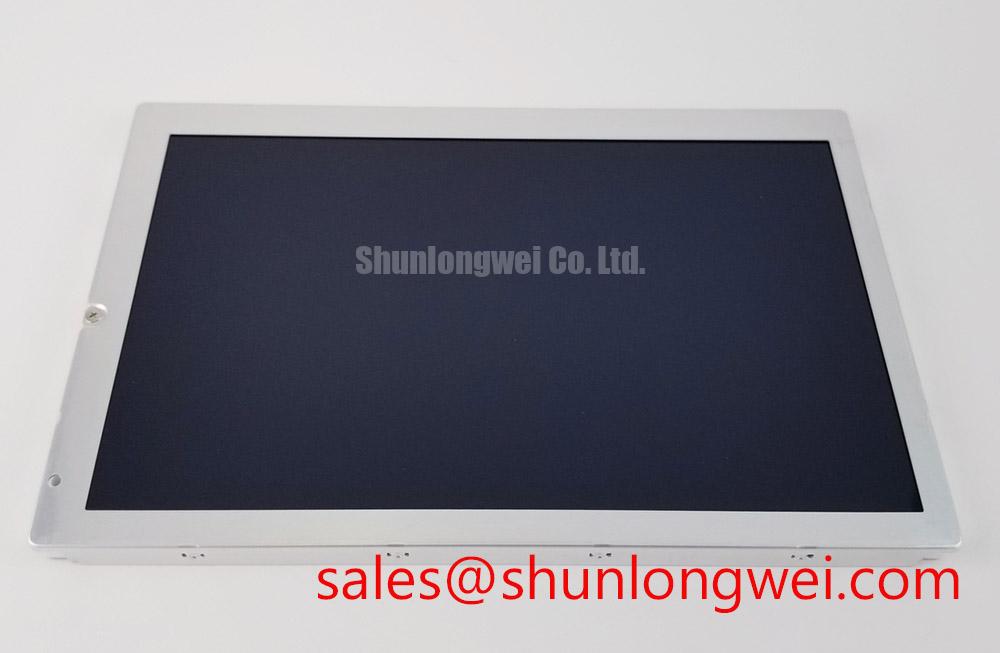
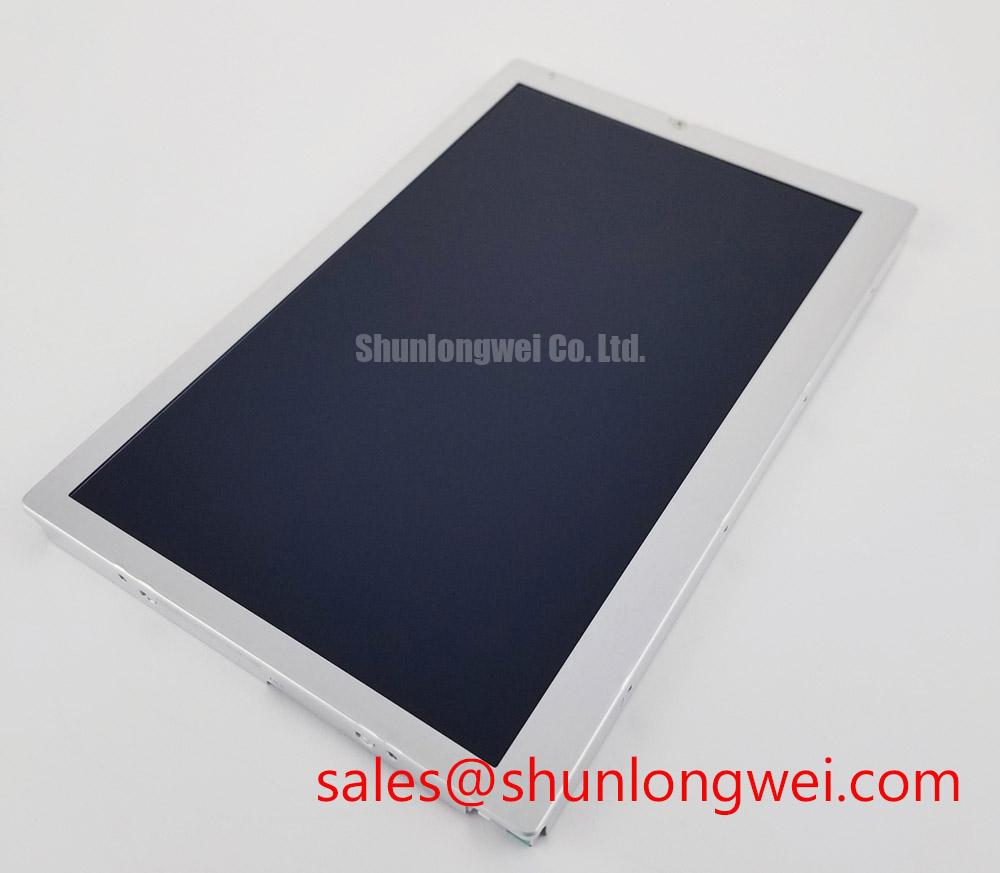
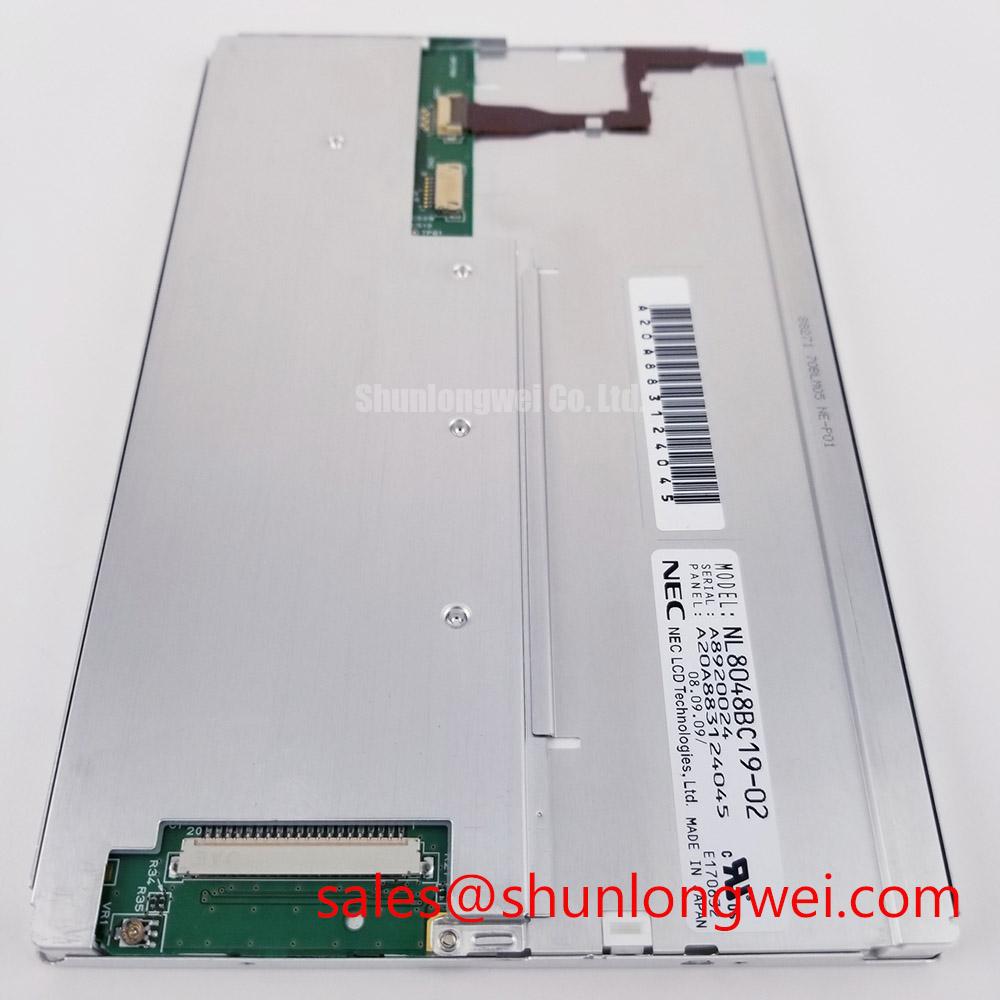
Display a uniform dark image on the NL8048BC19-02 and note whether a bright patch changes as the surrounding bezel is gently relieved. A patch that follows chassis pressure calls for a mechanical fit check before anyone adjusts video timing or replaces the backlight driver. Inspect the bezel opening, gasket placement, mounting faces, and any points where the enclosure bears on the display. A flat panel can still show localized mura when the assembled housing loads one edge unevenly.
Set fastener torque from the approved equipment drawing and the actual fastener and chassis materials, not from a generic display torque figure. As a Design Consideration, tighten evenly in a cross-pattern where the mounting arrangement permits it, then repeat the dark-field test with the enclosure fully assembled. Check the clearance around the active viewing area throughout the enclosure’s temperature range. The panel’s −30°C to +80°C operating range is an Official Specification; it does not establish the thermal expansion allowance or mounting torque for a particular machine.
If the image instead breaks into unstable lines or misplaced pixels, inspect the connector seating and compare LVDS clock and data waveforms with a known-good signal path. The specified interface is single-channel, 6-bit or 8-bit LVDS, but the host board determines transmitter timing and cable behavior. A Design Consideration is to assess clock jitter and data hold margin at both temperature extremes of the finished assembly, using the applicable panel timing documentation and measured waveforms rather than assuming a cable that works at room temperature has adequate margin everywhere.
⚠️ Field Alert: Disconnect power and allow the display supply to discharge before reseating the LVDS connector.
Frame Lag and Image Smearing at Low Temperature
Run a moving test image after the display reaches its low-temperature operating condition, then compare the trailing edges with the same image at room temperature. Liquid-crystal response can slow as temperature falls, so visible smearing does not by itself prove that the video source is dropping frames. Watch a frame counter or another time-varying on-screen element while probing the incoming clock. If updates arrive regularly but transitions remain slow, investigate optical response and panel temperature; if updates are irregular, work back through the source, cable, and connector.
The −30°C lower operating limit is an Official Specification, not a specified gray-to-gray response time at that temperature. A heater strip should therefore be treated as a system-level Design Consideration, subject to enclosure space, thermal sensing, power budget, and verification that the display remains within its stated operating range. The +80°C upper limit also matters when evaluating a heated enclosure; extending a thermal test beyond that limit would not be justified by this panel specification.
For a black or white screen during startup, measure the display supply at its connector while observing the host’s LVDS activity and backlight-control behavior. The system integrator should verify the required supply voltage and power sequence from the original panel documentation and equipment schematic. A supply that dips as the backlight starts, an unlocked cable connector, and video enabled at the wrong point in the host sequence warrant separate checks; none should be inferred from screen color alone. During shutdown, compare the host’s signal-disable sequence with the fading image. Any change intended to reduce a residual image must be validated on the complete host and display assembly.
When comparing repair candidates, the NL6448BC20-30D is a separate display to assess, not an assumed drop-in replacement. Match the mechanical drawing, connector pinout, supply requirements, LVDS timing, and backlight arrangement before changing the installed part.
Viewing-Angle and Glare Checks for Multi-Operator Consoles
View a grayscale ramp and fine text from each operator position while keeping the display at its intended mounting angle. Record where contrast falls, colors shift, or dark shades become difficult to distinguish. The 600:1 contrast ratio and 1000 cd/m² typical luminance are Official Specifications, but they do not establish a symmetric viewing-angle rating, identify an IPS or MVA mode, or specify an anti-glare surface treatment. Judge those characteristics on the actual optical assembly rather than assigning them from appearance.
Repeat the check under the lighting that the equipment will face. Luminance is expressed in candela per square meter; a high typical panel luminance does not remove reflections from a cover window. If an enclosure uses a protective window or optical bonding, evaluate reflections, edge sealing, cleaning compatibility, and touch-stack thickness as properties of that finished assembly. Do not treat the display’s operating-temperature specification as a moisture or salt-exposure rating for the console.
A marine radar or navigation bridge console is one possible compatibility evaluation, especially where operators view the screen from different positions under strong ambient light. The equipment designer should check viewing geometry, enclosure sealing, and the complete unit’s environmental requirements before approving it for that use. For manufacturer-level display information, consult NEC alongside the equipment documentation.
When text appears to flicker at reduced brightness, compare the backlight-control signal, LED-driver output, and camera-observed image at several settings. PWM frequency and duty-cycle behavior belong to the host and driver implementation unless specified for the installed assembly; a fixed frequency cannot be prescribed from the panel’s brightness rating. The NL6448BC26-27D is another display product that may be considered during system-level display and backlight comparisons, subject to its own electrical and mechanical requirements.
Edge Heat Flow, Backlight Checks, and Connector Reliability
Measure enclosure temperature near each display edge after the HMI has reached a steady operating condition, and compare any unusually warm area with the backlight behavior. An edge hot spot calls for inspection of nearby electronics, airflow, mechanical contact, and the enclosure’s heat path. If a heat spreader is being considered, size and place it through assembly-level thermal tests: it must relieve the observed hot area without pressing on the viewing area, restricting cable movement, or taking the panel outside its −30°C to +80°C operating specification.
For a screen that is readable under a flashlight but appears dark in normal use, first check the backlight supply and its control path under load. For a completely blank screen, check the panel supply and LVDS path as well; the same outward symptom can have different electrical causes. The specified LED backlight life of 70,000 hours is an Official Specification, not a guarantee of operating hours in a particular enclosure. Actual service conditions depend on the host drive arrangement and thermal environment, so log the measured operating conditions rather than projecting a replacement date from that figure alone.
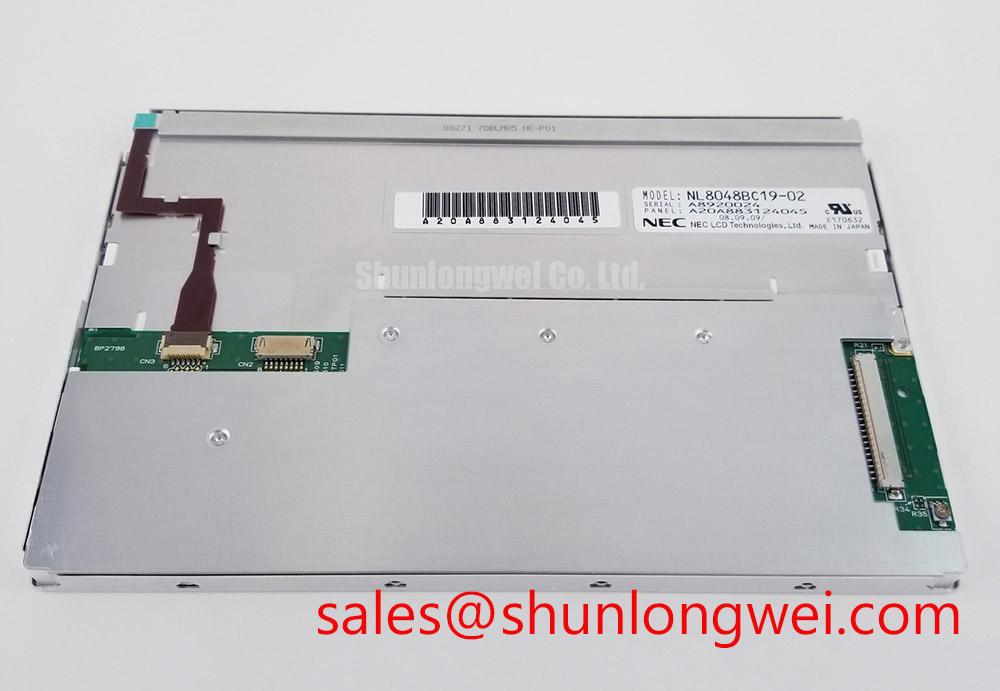
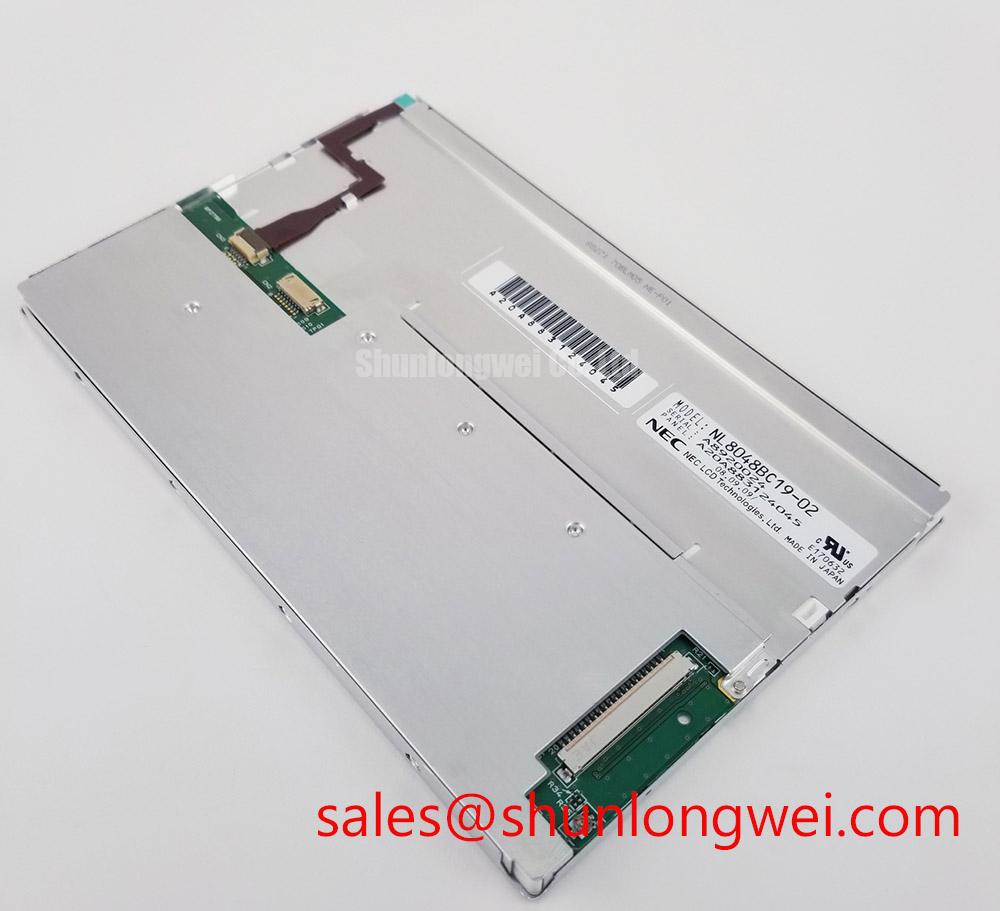
Inspect the cable path before closing the housing. Leave the flexible cable clear of sharp edges and moving hardware, preserve the intended bend route, and confirm that the connector latch is fully engaged. As a Design Consideration, strain relief should accommodate enclosure vibration and thermal movement without pulling on the panel connector; its geometry must be settled by the equipment’s mechanical design and checked after assembly. If a fault changes when the cable is gently supported, examine connector retention and contact condition before changing display settings.
Long-running HMIs also deserve an image-retention check. Cycle from the equipment’s usual static screen to a uniform test image and observe whether a residual pattern clears; compare the result at normal brightness and after the display has thermally stabilized. An interface schedule that periodically changes static content is a system-level Design Consideration, not a specified prevention interval for this model. For enclosure-level troubleshooting and environmental integration context, see Industrial Display & HMI Solutions.