Content last revised on October 26, 2026
Constant Luminance Output Control & L70/B50 LED Lifetime Reliability Verification
Measure screen luminance at fixed positions while logging the brightness command, backlight supply behavior, and enclosure temperature. As a Design Consideration, repeat the observations after thermal stabilization: a changing brightness command, unstable driver output, and temperature-dependent optical change require different corrective actions.
Inspect the enclosure’s existing thermal contact paths before proposing additional heat spreaders. Narrow-edge metal rails can redistribute heat in some display assemblies, but their contact location, expansion allowance, and electrical clearances belong to the enclosure design. Avoid loading the panel edge or obstructing connectors. Neither a particular internal optical material nor compatibility with added rails is established by the module designation.
For cold-start assessment, compare image transitions and illumination startup separately. Liquid-crystal response generally slows as temperature falls, so visible trailing does not by itself establish a signal fault. The general operating principles described in Thin-Film-Transistor Liquid-Crystal Display technology help distinguish pixel modulation from backlight operation. Any chamber test should remain within the panel’s documented operating limits.
Where the host equipment already incorporates controlled heating, evaluate its regulation and temperature sensing as part of that system, not as an assumed panel feature. L70 describes lumen maintenance at a defined threshold, while B50 describes a population fraction under a stated methodology; neither is interchangeable with half-life or MTBF. A model-specific lifetime claim requires the applicable backlight specification and test conditions.
Full-Screen Primary Color AOI Screening: Stuck Sub-Pixels & Background Uniformity Audit
Display full-screen red, green, and blue patterns from a stable source, then inspect neutral bright and dark backgrounds for localized defects and uneven illumination. As an Engineering Recommendation, keep the viewing position, ambient illumination, and brightness setting consistent so that photographs and inspection records remain comparable.
If the screen appears black, oblique flashlight illumination can help reveal whether a faint image remains. A visible image supports investigating the illumination path, but it does not identify the failed component. Persistent lines also require comparison of the source image, cable behavior, and panel response; their appearance alone cannot establish an internal driver fracture.
Field Alert: Isolate panel and backlight power before reseating display cables, and follow the host equipment’s discharge procedure.
For unstable images, identify the documented interface before selecting probes or interpreting waveforms. Check connector orientation, signal mapping, receiver timing requirements, and transmitter behavior at the receiving end. Clock jitter and setup or hold margin should be assessed against the actual interface specification across the equipment’s intended temperature range, rather than against a generic display-interface target.
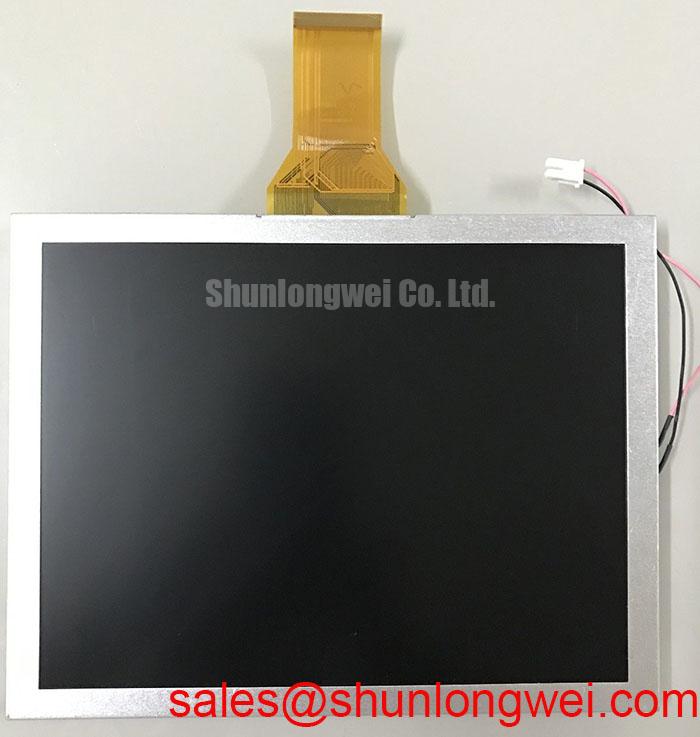
The TX23D201VM0BPA can be included in a comparison exercise, but it should not be treated as a verified direct replacement without matching documentation. The following checkpoints keep that evaluation focused on installation compatibility.
| Selection checkpoint | TX20D208VM0BAA | TX23D201VM0BPA comparison requirement |
|---|---|---|
| Product identity | KOE / Hitachi active matrix color TFT-LCD module | Check complete manufacturer designation and revision |
| Resolution and active area | Consult datasheet | Match controller output and visible aperture |
| Supply, interface, and connector | Consult datasheet | Compare ratings, pin assignments, and mating connector |
| Backlight and brightness control | Consult datasheet | Compare driver requirements and control behavior |
| Mechanical and temperature limits | Consult datasheet | Compare drawings and operating conditions |
Suppressing Acoustic Capacitor Buzz & EMI Emissions across 200 Hz to 1 kHz PWM Frequencies
Correlate audible noise with the host equipment’s brightness command while observing the driver supply and illumination output. The frequency range in this heading is an investigation topic, not a specified TX20D208VM0BAA dimming range. Acoustic noise can arise from components in the surrounding power circuitry; locating its source is more useful than assuming the panel itself generates it.
As a Design Consideration, evaluate brightness modulation, driver stability, and visible artifacts together when adjusting an existing dimming control. A control frequency alone does not establish flicker-free performance. Check the actual light output and image behavior under representative operating conditions, with any changes constrained by the installed driver’s supported control method.
Keep backlight identification separate from troubleshooting assumptions. Apply only the documented driver and connection arrangement; generic lamp ignition voltages, dimming ratios, and lifetime figures do not establish this module’s requirements. The Winstar industrial TFT-LCD module range provides broader display context, not electrical specifications for this KOE / Hitachi part.
Where the verified interface uses differential signaling, preserve its specified routing geometry and return path through cable transitions. Assess interference with the complete controller, harness, enclosure, and driver operating together. Trace impedance and timing skew must follow that interface’s requirements; the display module alone does not establish equipment-level EMC compliance.
Thermal Expansion Clearance Sizing across Heavy Industrial Metal Enclosure Cutouts
Check the enclosure aperture, mounting datums, and cable exit against the module drawing before tightening the assembly. As an Engineering Recommendation, distinguish locating features from clamping features so that enclosure expansion does not transfer concentrated force into the display perimeter.
Compare dark-background uniformity before installation and after the enclosure is secured. A mounting-dependent change can indicate assembly stress, but it should be checked alongside temperature and illumination stability. Use the documented fastener arrangement and torque limits rather than selecting torque from screw diameter alone. Allow harness movement without connector strain or contact with sharp enclosure edges.
When evaluating compatibility for an AGV or forklift telematics display, assess vibration restraint, thermal movement, cable retention, and readability within the complete enclosure. The Industrial Display & HMI Solutions reference provides additional integration context; it does not replace the panel drawing or equipment acceptance criteria.
Evaluate outdoor readability with the actual cover window and viewing geometry. Ambient reflections can obscure an image despite acceptable dark-room contrast, while surface treatments can alter glare and perceived sharpness. Record the assembled display’s readability under representative illumination and accept the installation against the equipment’s defined optical requirements.