Content last revised on October 20, 2026
A101VW01 V0 Product Overview
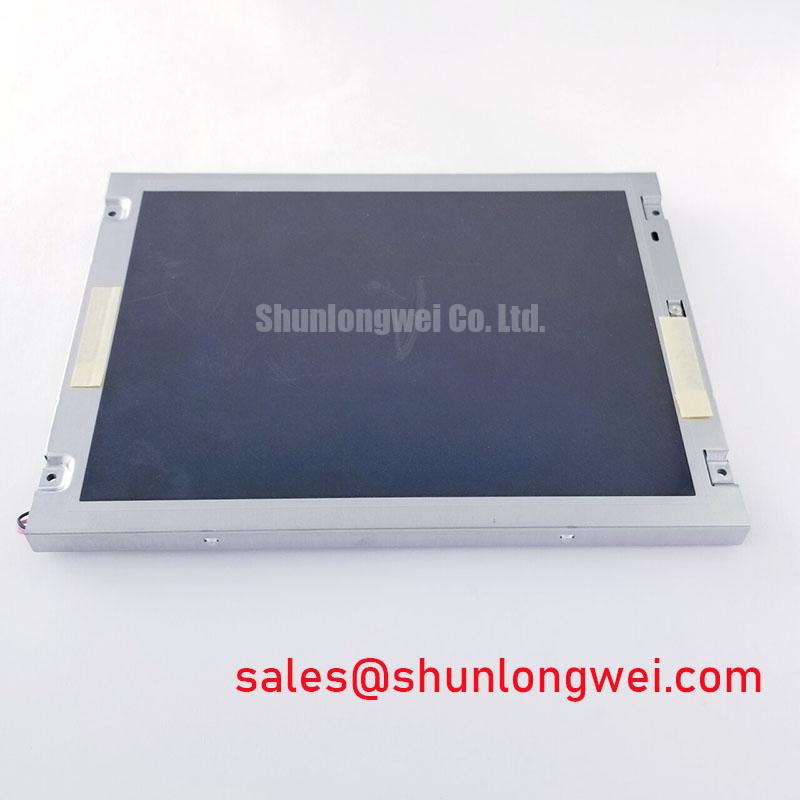
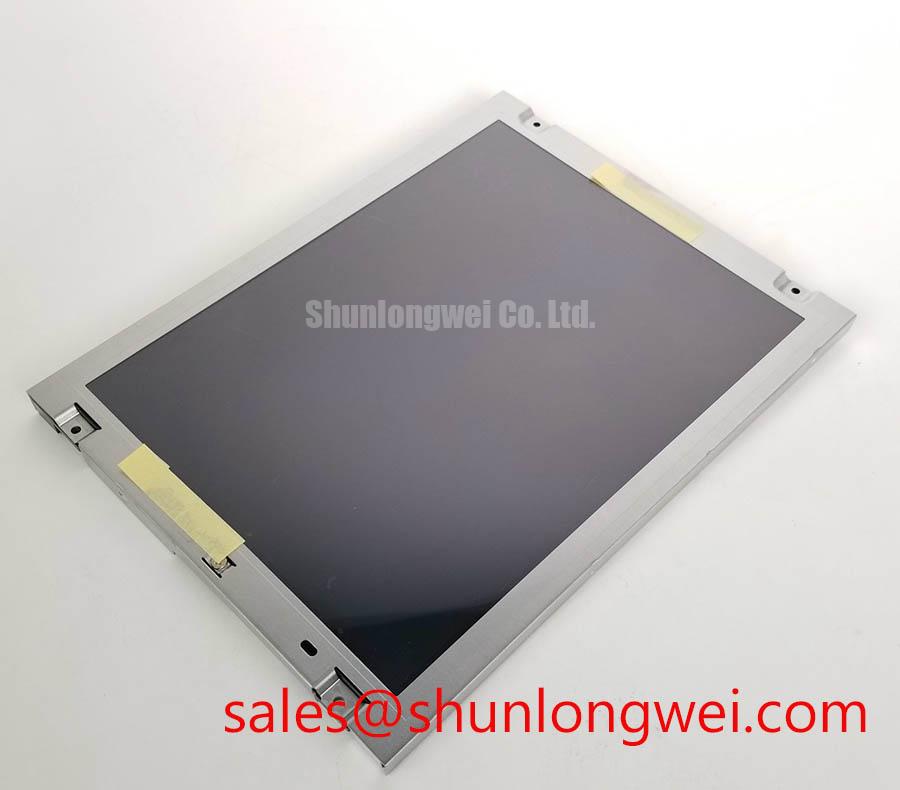
A101VW01 V0 is an AUO industrial grade LCD/HMI panel identified as a TFT LCD active matrix color display module in a decoded baseline, standard form factor. The supplied product information does not assign an unverified resolution, diagonal size, interface voltage, connector pinout, backlight technology, or luminance value to this model. Those values should be matched against the original panel documentation and the equipment service record before replacement.
| Parameter | Product Information |
|---|---|
| Model | A101VW01 V0 |
| Manufacturer | AUO |
| Product category | Industrial Grade LCD/HMI Panel |
| Construction description | TFT LCD Active Matrix Color Display Module |
| Specification status | Decoded Baseline / Standard Form Factor |
| Application reference | Industrial HMI, monitoring, and control equipment subject to interface verification |
- Measure the unpowered interface condition and compare connector orientation with the removed panel before applying power.
- Check the mounting frame, bezel opening, cable bend path, and rear clearance for mechanical interference.
- Confirm the original system documentation for supply voltage, display timing, video format, and backlight driver requirements.
- Inspect the display cable shielding and chassis bonding before diagnosing intermittent image noise.
Industrial EMI Noise Immunity, Chassis Shielding Continuity and Common Mode Ferrite Chokes
Pixel jitter and horizontal noise bands should first be assessed as a complete signal path rather than as an isolated panel defect. In a high voltage substation protection or SCADA dispatch console, the LVDS or other display cable can pass close to switching supplies, relay wiring, servo equipment, or variable frequency motor drive conductors. A 360 degree cable shield termination at the enclosure entry can reduce the exposed pigtail length and improve the continuity of the chassis reference, provided that the cabinet bonding method is suitable for the equipment design.
The cable route should maintain physical separation from high di/dt power conductors, while the return path between the display controller, panel frame, and cabinet should remain deliberate and low impedance. A common mode ferrite choke is a system level suppression component, not a confirmed internal feature of the A101VW01 V0. When evaluating one, engineers should compare its impedance behavior across the actual disturbance spectrum and check that it does not compromise the required differential signal eye opening.
For a suspected noise event, observe the image while changing only one condition at a time: cabinet door position, cable routing, drive enable state, and display ground bonding. An oscilloscope comparison between the affected channel and a known good signal path can help separate common mode coupling from timing or termination problems. A nominal 100 Ω differential environment is a common design consideration for LVDS links, but the controller, cable, connector, and panel documentation must define the applicable implementation.
Backlight aging should be treated separately from video noise. A constant current driver can be evaluated against its specified luminance maintenance curve, thermal conditions, and operating duty. A curve showing a reduction to 50 percent brightness after a stated operating period belongs to the selected backlight system and its test method; it should not be presented as a factory life rating for this AUO panel without supporting documentation. The industrial display integration methods discussed in Industrial Display & HMI Solutions provide a useful reference for enclosure, grounding, and environmental review.
💡 Pro Tip: Keep the differential pair routing symmetrical and preserve the controller manufacturer’s spacing and termination guidance so pixel clock disturbance is assessed with the complete cable assembly installed.
Flashlight Dark Shadow Optical Diagnostic to Isolate Logic and Backlight Fault Modes
A three stage primary color test can quickly divide an image processing problem from an illumination problem. Display solid red, green, and blue fields from the host controller, then inspect whether the color fields remain uniform across the active area. Next, display white and black fields to identify localized shading, stuck pixels, line defects, or nonuniform illumination. Finally, use a flashlight at approximately 45 degrees against the screen surface while the panel is commanded to display an image.
If faint image content remains visible under the flashlight while the screen appears dark, the timing controller, video link, and liquid crystal layer may still be producing an image while the backlight path is inactive. If no recognizable image appears, investigation should move toward the controller output, cable continuity, power sequencing, or panel logic section. A line-shaped defect that remains fixed during color changes requires a different diagnostic path from broad-area dimming or an uneven light field.
COG driver line damage or localized interconnect stress can present as persistent vertical or horizontal artifacts, but a visual symptom alone does not identify the failed element. Compare the fault at different image patterns, check whether it follows the panel or the controller, and avoid pressing the glass or edge connections during testing. Mechanical pressure can change the symptom and make the diagnosis less reliable.
PWM dimming behavior is controlled by the selected backlight driver. A system designer may evaluate a driver operating in the commonly used 200 Hz to 1 kHz region when audible noise, camera banding, and visible flicker are concerns, while confirming duty cycle linearity over the intended brightness range. These values are design considerations for the driver architecture and are not an assigned specification for the A101VW01 V0.
Grayscale Inversion Mitigation and Viewing Direction Alignment
Viewing direction must be established from the original panel record rather than inferred from the model number. If the installed panel is identified as a normally white TN design, grayscale inversion can appear when the operator views the screen away from its preferred vertical or horizontal direction. A replacement evaluation should therefore use the actual operator position, representative gray ramps, and the intended bezel orientation rather than relying on a front view with high contrast test images.
IPS and MVA panels are not interchangeable with a TN panel simply because the mounting outline appears similar. Their optical response, viewing behavior, timing requirements, connector assignment, and backlight arrangement can differ. A stated viewing cone such as 85 degrees in four directions must come from the applicable panel specification and measurement convention; it should not be transferred between technologies as a general assumption.
Surface treatment also affects field readability. An anti glare surface can reduce reflected hot spots under strong ambient illumination, while an anti reflective treatment may influence contrast, haze, and apparent sharpness. Engineers evaluating a replacement for a protection console should inspect the screen under the actual cabinet lighting and verify that status colors and grayscale alarms remain distinguishable.
Low temperature operation can lengthen liquid crystal response and alter the appearance of gray transitions. Where equipment must start in subzero conditions, the enclosure thermal design, warm up sequence, and display controller timing should be evaluated together. A heater strip is an external system accessory and is not identified here as a standard feature of the AUO module. The system integrator should verify the required supply voltage, startup sequence, and operating temperature limits from the original panel documentation.
Optical Luminance Degradation and CCFL-to-LED Modernization Retrofit Pathways
Before selecting a retrofit, identify whether the installed assembly uses a CCFL inverter, an LED constant current driver, or another backlight arrangement. The A101VW01 V0 product identity supplied here does not establish a CCFL or LED configuration. Connector pinout, enable polarity, dimming method, current regulation, lamp ignition behavior, and mechanical light coupling must be checked against the original assembly.
CCFL systems can involve high voltage ignition and require a compatible inverter, insulation layout, and shutdown behavior. LED modernization can reduce dependence on lamp ignition hardware, but the replacement driver must match the panel’s optical and electrical interface. A claimed cold ignition voltage, PWM ratio, or half brightness operating period is meaningful only when tied to the specific lamp, LED array, driver, thermal condition, and test standard. It should not be used as an unqualified rating for this panel.
For a proposed LED conversion, inspect the brightness uniformity across the full screen, not only the center point. Check the driver response during enable and disable transitions, observe any audible behavior from the switching stage, and confirm that the host controller’s dimming command is interpreted correctly. A 1000:1 dimming claim belongs to the selected driver and its control method; it does not confirm native support by the display module.
In a substation protection or SCADA console, the practical acceptance test should combine text readability, alarm color recognition, viewing angle, backlight stability, and cable clearance inside the enclosure. The original display timing and power sequencing should be preserved unless the complete controller and backlight architecture are being redesigned.
⚠️ Field Alert: Disconnect power and allow the display system to discharge before removing the cable or working near any external backlight inverter.