

Content last revised on September 13, 2026
Physical Inspection Before Power Application
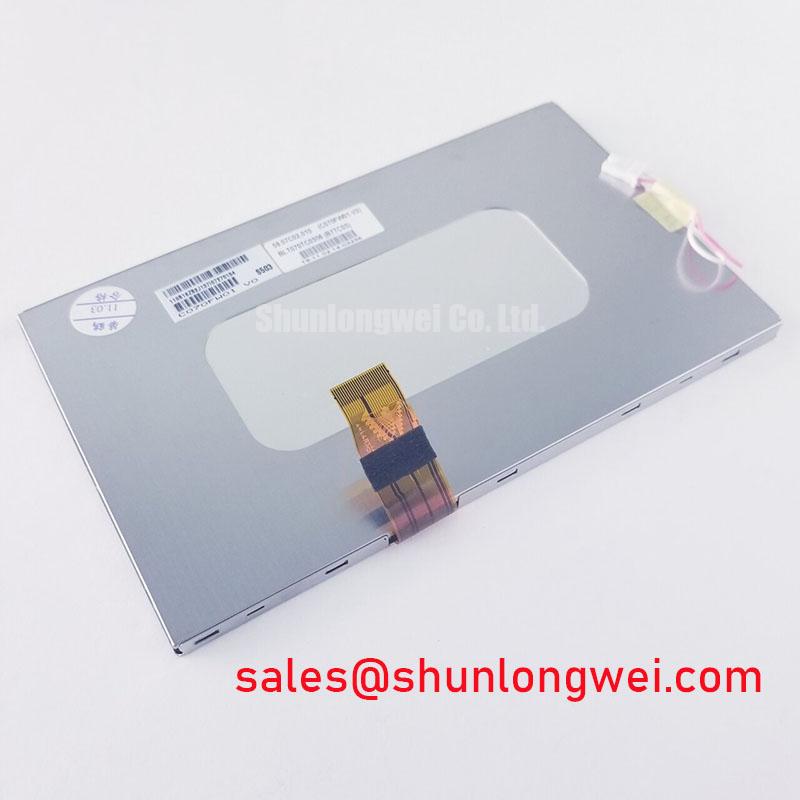
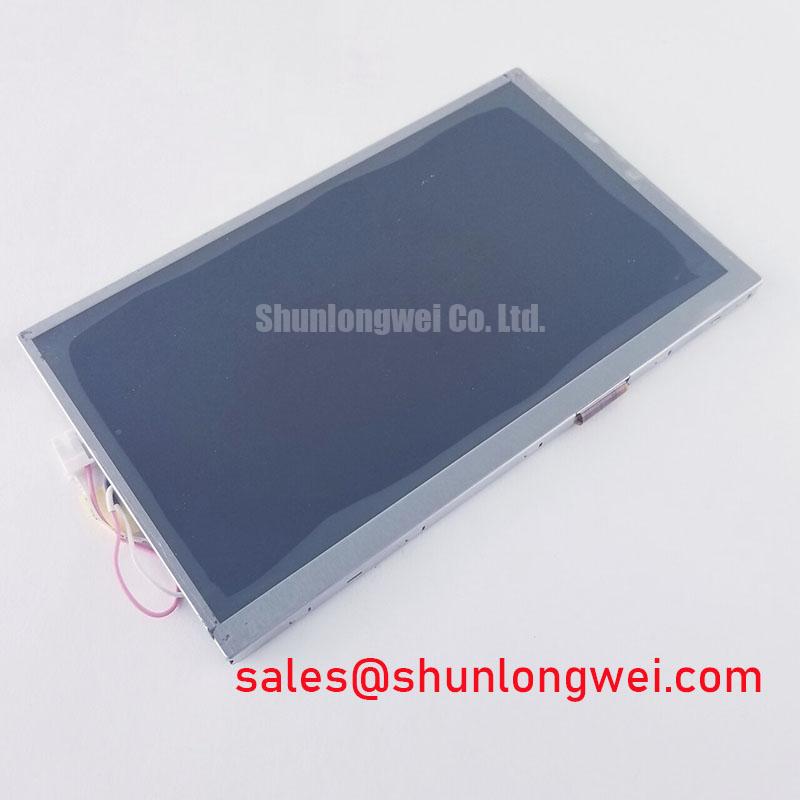
Use the original panel as the mechanical reference. Check the overall mounting envelope, viewing area, connector orientation, cable exit direction, and fixing points against the removed unit. The available product information confirms the module category and manufacturer, but it does not provide a complete mechanical drawing, connector pinout, active-area dimension, thickness, or mounting-hole tolerance. Those values should therefore be verified from the original panel documentation or the equipment service drawing rather than inferred from the model name.
During receiving inspection, look for cracked glass, pressure marks, bezel distortion, damaged flex tails, contaminated contacts, and signs that the cable has been folded beyond the equipment manufacturer’s routing path. A panel can remain visually intact while a flex connection has been stressed. If the replacement is installed in a marine radar or navigation bridge console, the enclosure gasket, front bezel compression, and external sealing method also require system-level verification. The C070FW01 V0 product record does not establish an ingress rating, salt-fog rating, shock rating, or sunlight readability certification for the complete assembly.
Mechanical fasteners should secure the module without bending the chassis or pressing directly against the active display area. The correct torque is determined by the panel frame, fastener size, threaded insert construction, and equipment drawing. Do not treat a general fastener value as an AUO factory specification for this model. A cross-pattern tightening method may help distribute mechanical loading, but the service engineer should confirm the procedure on a known-good assembly and inspect the display for uniformity after installation.
Optical non-uniformity should be assessed after the panel has reached a stable operating condition and under controlled viewing conditions. Dark areas, edge shadows, pressure-related mura, or uneven brightness can originate in the panel, bezel loading, diffuser alignment, backlight drive, cable connection, or the controller’s image settings. This is why a visual symptom should be recorded together with the test image, supply condition, backlight command, ambient light, and mechanical state.
Backlight, Supply, and Cable Fault Isolation
A black screen does not by itself identify a failed LCD module. First determine whether the host system is running by checking its status indicators, communication response, fan operation, or diagnostic output. Then separate the image path from the illumination path. A display may have valid image data with no visible picture when its backlight circuit is disabled, while a failed video link can leave the backlight visibly active without usable content.
The supplied factory data for C070FW01 V0 does not state the required logic supply voltage, backlight technology, backlight current, backlight voltage, dimming method, connector pin assignment, or power sequencing limits. The system integrator should verify the required supply voltage from the original panel documentation. Do not apply an assumed 3.3 V or 5 V rail, and do not assume that a replacement backlight driver is compatible without confirming its electrical interface and protection behavior.
Measure the supply at the panel connector while the system is attempting to start, not only at the power supply output. Compare the idle and active readings with the equipment service documentation. Observe whether the rail collapses when the panel is connected, whether the ground reference moves relative to the controller, and whether the backlight enable signal changes at startup. Any abnormal result should be checked against the cable, connector, fuse, load switch, and host board before assigning the fault to the display module.
For the video cable, inspect both ends under magnification and confirm that the locking mechanism is fully engaged. Oxidation, incomplete insertion, excessive bend radius, and cable tension can produce intermittent lines, missing colors, unstable images, or a complete loss of synchronization. If the interface type is not printed in the equipment documentation, identify it from the original controller and panel records. The model information supplied here does not authorize a particular LVDS, TTL RGB, eDP, or other signal assignment.
Field Alert: Disconnect power and wait for the equipment discharge procedure to finish before inserting or removing the panel cable, because live connector handling can expose signal and supply contacts to unintended electrical stress.
When a scope is available, compare the suspect panel path with the known-good signal path at the controller side first. Check for stable data activity, clock presence where applicable, reset behavior, and changes that coincide with the visible fault. Avoid assigning a single cause from one waveform observation; impedance, grounding, termination, cable routing, controller configuration, and panel compatibility can interact.
For a broader explanation of panel interfaces, optical behavior, and industrial display selection factors, engineers can consult The Ultimate Guide to Industrial TFT LCD Technology. It should be used as technical background, while the original AUO documentation and the equipment manufacturer’s service records remain the controlling references for this specific installation.
EMI Control in Industrial and Marine Console Installations
In a control cabinet or navigation console, the display cable often runs near switching supplies, motor-drive wiring, relays, radio equipment, or other high-current conductors. Pixel jitter, horizontal bands, intermittent color changes, and loss of synchronization can be associated with electromagnetic interference, but the visible symptom is not proof of a particular noise source. Confirm the result by changing cable routing, improving the documented shield termination, or testing with a known-good cable while keeping the panel and controller unchanged.
Shield continuity should be checked from the cable shield to the intended chassis reference according to the equipment design. A shield that is bonded only through a loose connector shell may behave differently from one bonded through a properly designed chassis interface. The correct termination method depends on the host controller, cable construction, enclosure grounding, and applicable system requirements. The C070FW01 V0 product description does not claim independent compliance with CISPR, EN 55011, marine equipment EMC, or any complete-system certification.
Common-mode ferrites can be considered when conducted or radiated noise has been demonstrated through controlled testing. Their suitability depends on the cable impedance, signal frequency content, current, mechanical clearance, and the desired attenuation band. Adding a ferrite without checking the signal margin can alter edge behavior or create a new intermittent fault. Designers should validate the complete cable assembly with the selected controller and display rather than treating a ferrite as a guaranteed remedy.
For installations exposed to strong ambient light, assess the finished console rather than assuming a contrast result from the panel model alone. Front cover glass, anti-glare treatment, viewing angle, optical bonding, backlight setting, shading, and sunlight direction all affect legibility. The supplied C070FW01 V0 factory information does not specify a contrast ratio under a stated lux level, anti-glare coating, luminance value, or sunlight readability threshold. Such claims should not be assigned to this model without the applicable AUO datasheet or test report.
A marine bridge console also introduces enclosure and maintenance questions. Salt-laden air, condensation, cleaning chemicals, vibration, and repeated connector service can influence the complete HMI assembly. Engineers evaluating this panel for such equipment should verify the enclosure sealing strategy, environmental qualification, mounting support, and cable strain relief at system level. These are integration conditions, not confirmed standalone ratings of the LCD module.
External references may help explain adjacent display and sensor technologies, but they should not be used to infer specifications for this AUO module. For example, MicroLED flat panel display technology describes a different display architecture, while a fluxgate magnetometer sensor concerns magnetic sensing rather than LCD image transport. Neither reference establishes the construction, interface, optical performance, or EMC behavior of C070FW01 V0.
Interface Documentation and Replacement Acceptance Testing
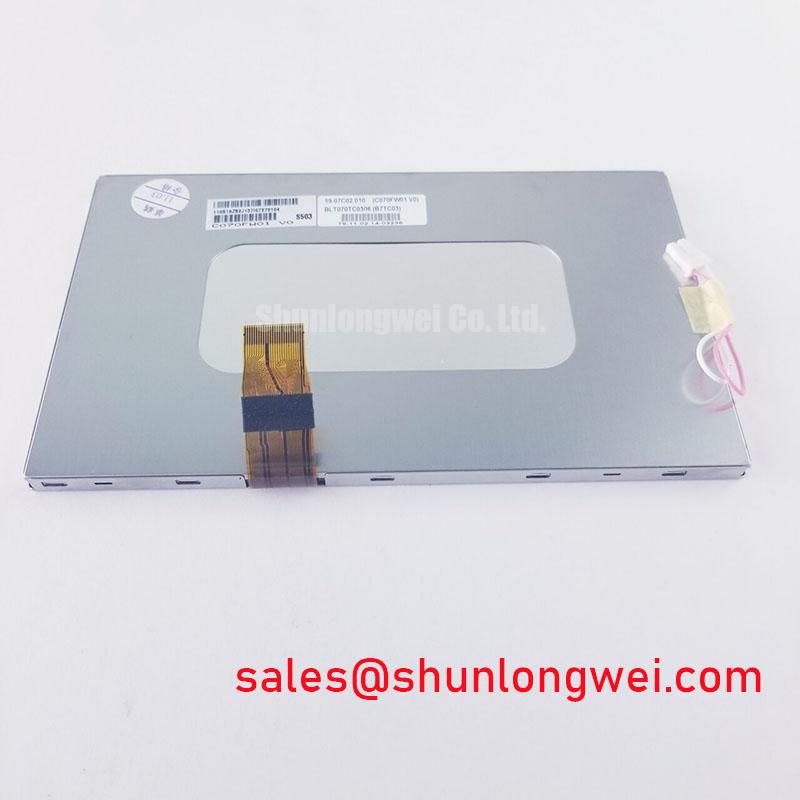
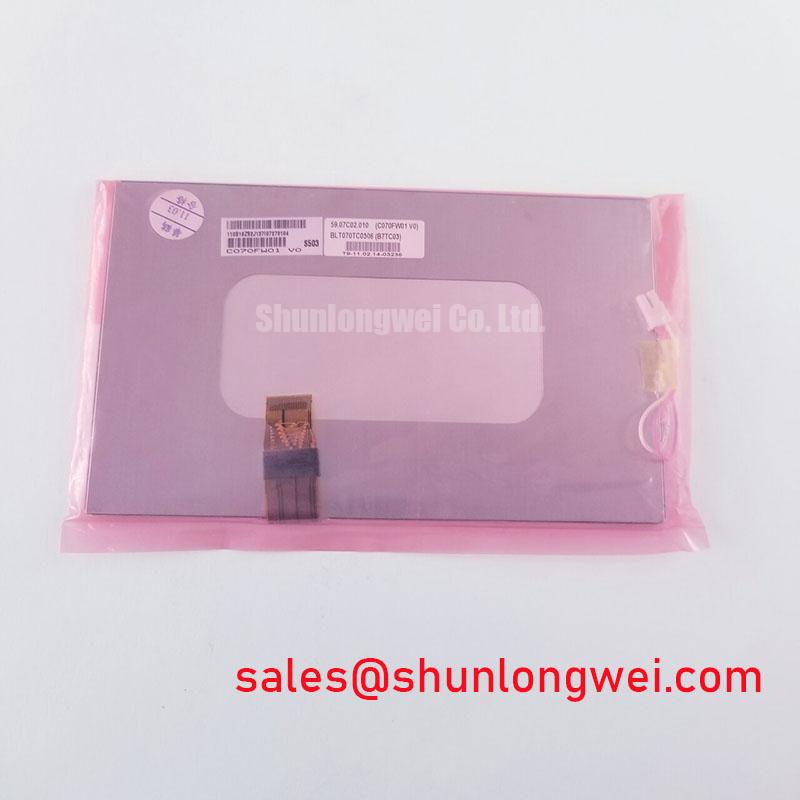
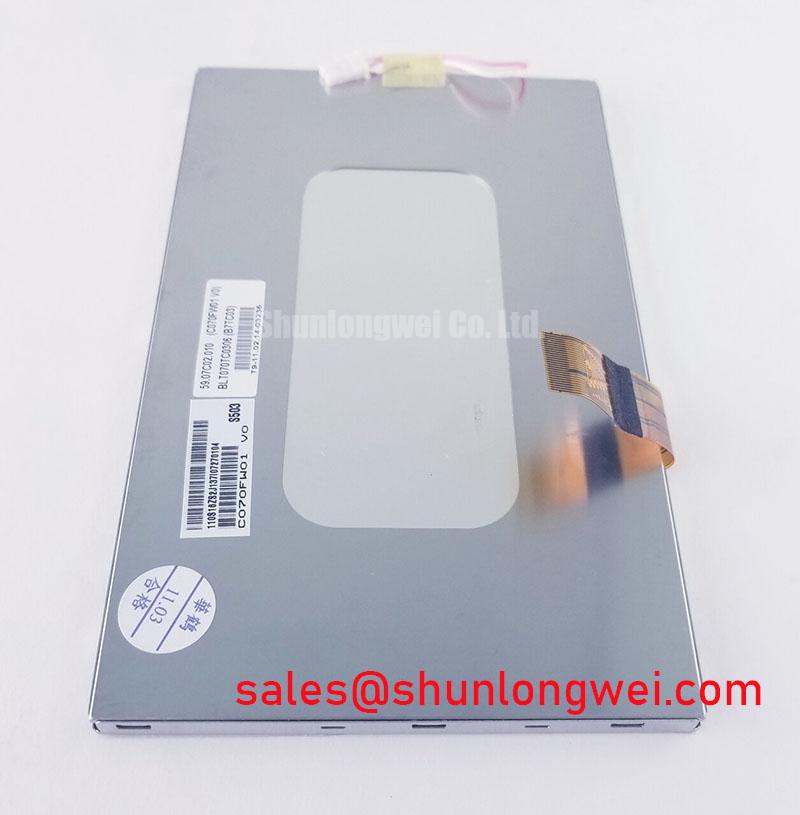
Before approving the replacement, create a compatibility record containing the original panel model, manufacturer marking, revision, connector photographs, cable part number, controller board reference, supply information, backlight control method, and the equipment’s startup sequence. The supplied identity for this product is AUO C070FW01 V0, with the category Industrial Grade LCD/HMI Panel and the package description TFT-LCD Display Module. The record should distinguish confirmed factory data from measurements taken on the host machine.
Do not infer a TTL 24-bit RGB bus, JEIDA mapping, VESA mapping, LVDS differential assignment, PWM input, or analog dimming interface from the fact that the product is a TFT-LCD module. These details must come from the AUO panel documentation, the original equipment drawings, or a validated controller configuration. If the documentation is unavailable, identify the interface by comparing the original panel’s connector and controller design, then confirm the mapping with controlled measurements before full installation.
Power-up testing should be performed with current limiting or the equipment’s approved protected supply method. Record the behavior of the logic rail, reset line, display enable signal, backlight command, and image output in the order specified by the system documentation. A delayed image may reflect controller initialization, firmware timing, cable contact, backlight protection, or panel compatibility. A split image or incorrect color order may point toward mapping or timing configuration, but the conclusion should be verified against the known-good panel and the controller’s documented settings.
Acceptance testing should include a full-screen white image, dark image, primary colors, grayscale steps, character patterns, and moving content where the equipment normally displays it. Inspect for persistent lines, missing columns, flicker, uneven illumination, image retention, and changes when the cable is gently stabilized without applying force to the glass. Record the result at the intended viewing angle and with the actual front cover or bezel installed. Any abnormality should be repeatable before it is classified as a panel defect.
For procurement and service control, retain photographs of the received label, the connector area, the packing condition, and the installed assembly. Confirm that the shipping documentation identifies the same model and revision requested by the equipment owner. The appropriate replacement decision remains dependent on mechanical fit, interface compatibility, optical requirements, environmental conditions, and the system integrator’s test results. Product information and technical records for evaluation are available through the C070FW01 V0 product page.