


Content last revised on October 12, 2026
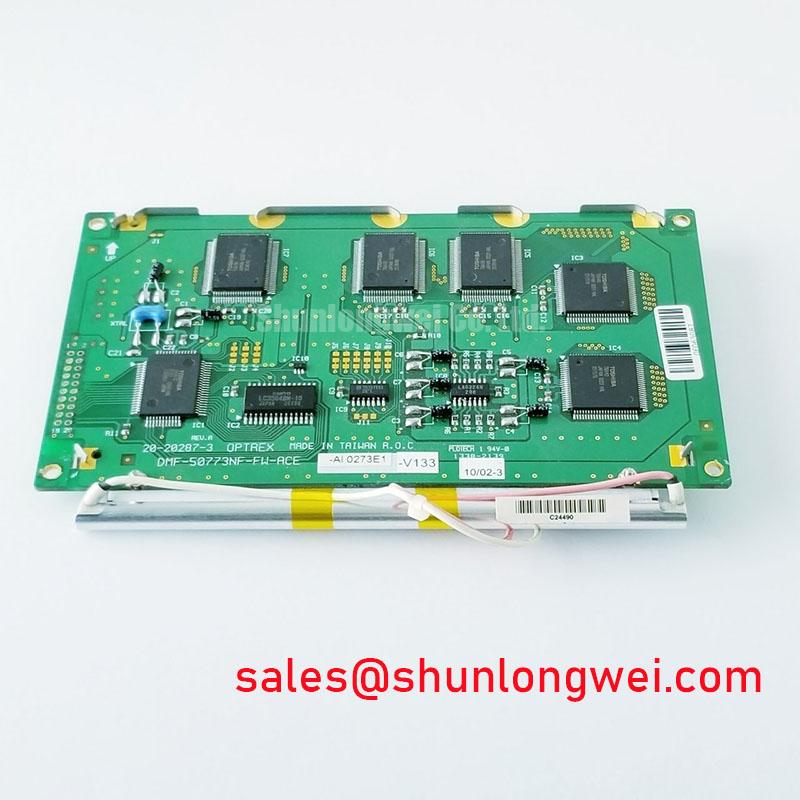
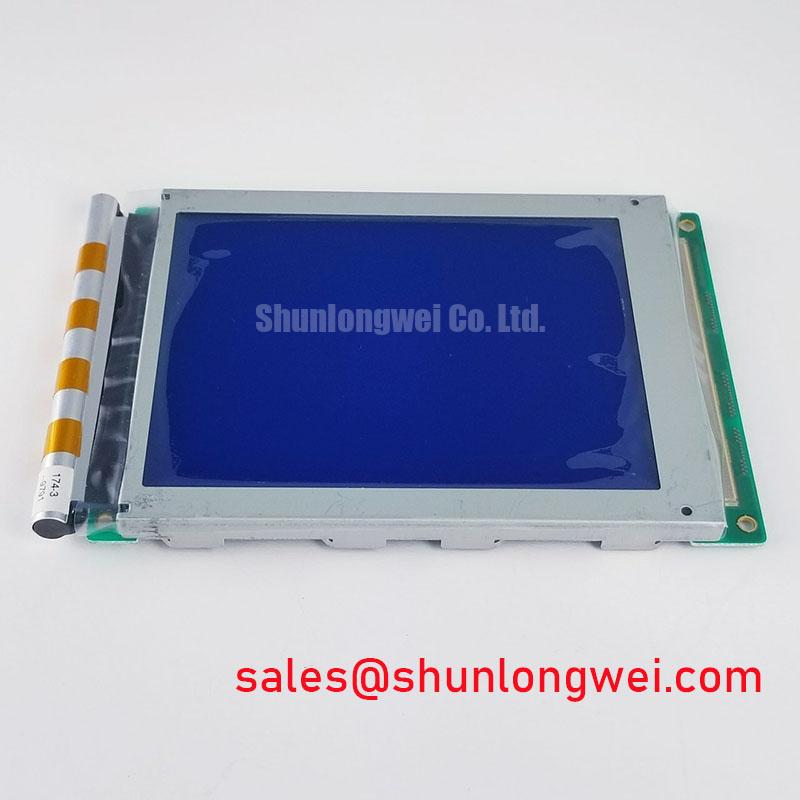
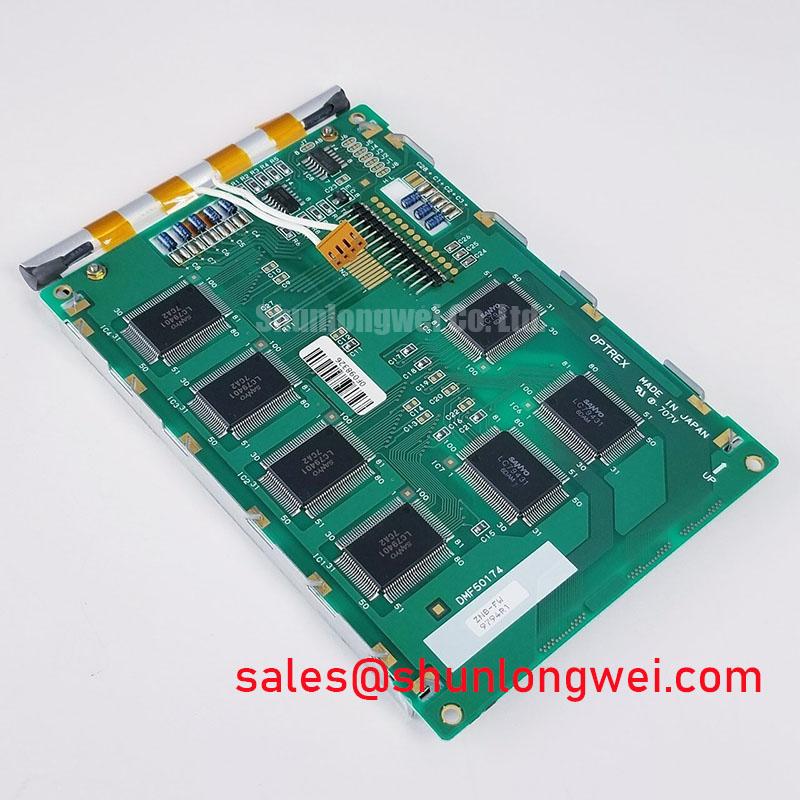
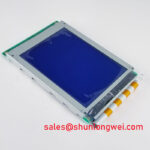
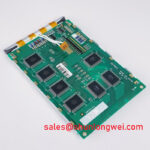
DMF-50174ZNF-FW Kyocera OPTREX FSTN STN Monochrome LCD Panel
When a legacy surgical navigation or ultrasound display shows contrast washout, unstable illumination, or intermittent image data, isolate the panel power, bias, backlight, and controller interface before applying replacement power. The DMF-50174ZNF-FW is identified as a Kyocera / OPTREX LCD panel using an FSTN / STN monochrome passive-matrix LCD format.
A confirmed supply voltage, resolution, viewing area, connector pinout, backlight type, contrast ratio, and digital timing table are not provided here. Those values should be matched against the manufacturer’s documentation, equipment service documentation, and the removed panel before installation. This distinction is important when evaluating a display for surgical navigation consoles, ultrasound diagnostic terminals, CNC operator pendants, or industrial HMI equipment; suitability for a particular system must be established separately.
Contrast Ratio Potentiometer Calibration and Automated Thermistor Feedback Regulation
Contrast calibration should begin with the display’s bias path and its adjustment range rather than with the potentiometer position. Legacy monochrome panels can exhibit a usable image over a narrow bias window, so record the original contrast setting, inspect the bias rail under load, and compare the waveform at startup and after thermal stabilization. The commonly discussed Vee or V0 range of −15 V to −24 V and ripple target below 20 mVpp are system-level engineering considerations for a controller design, not confirmed factory specifications for this panel. Verify the required bias polarity and range before applying power.
Thermistor feedback should be assessed as part of the host display electronics. A temperature-compensated circuit may adjust the LCD bias as the enclosure warms or cools, but the correct coefficient, sensor location, and compensation curve depend on the controller board. A technician can monitor contrast at cold start, normal operating temperature, and after prolonged illumination, then compare the observed bias movement with the controller’s compensation signal. If contrast changes while the bias remains stable, inspect the panel interface, optical stack, and illumination conditions rather than increasing the bias without limit.
For systems using a cold-cathode fluorescent backlight, the inverter section requires separate high-voltage handling. A cold-strike voltage in the 1200 V to 1600 V RMS class is a design consideration for CCFL circuitry and must not be treated as a confirmed rating of the DMF-50174ZNF-FW. Creepage, clearance, insulation, transformer construction, and corona control belong to the inverter assembly. The system integrator should verify the original backlight architecture before selecting a replacement panel or inverter.
Photometric checks should be made at the same contrast setting and viewing angle used by the equipment. Brightness readings expressed in candela per square metre, commonly called nits, should be interpreted with the optical environment and meter geometry documented. The principles of photometry are outlined in Photometry and Candela per Square Meter.
CCFL Resonant Inverter Striking Potential and Ignition Arc Fault Prevention
When a replacement assembly uses a CCFL inverter, separate the ignition event from the sustained lamp operating condition during troubleshooting. The engineering ranges of 1200 V to 1600 V RMS for ignition and 300 V to 600 V RMS during sustained operation, with a lamp-current design point around 5.0 mA ± 0.5 mA, are illustrative circuit-design references, not verified ratings for the LCD panel itself. Actual requirements depend on the lamp and inverter specifications.
Arc marks, darkened lamp ends, audible corona, or repeated inverter shutdown should be examined at the lamp connector, transformer insulation, cable routing, and enclosure barriers. Do not place high-voltage probes near the panel interface while the assembly is energized unless the probe, fixture, and measurement method are rated for the circuit. A controlled current waveform is more useful than simply confirming that the lamp illuminates, because excessive current can accelerate optical non-uniformity and stress the inverter.
Where a negative bias rail is used, it deserves attention at the same time. Ripple filtering, grounding, and the thermistor compensation path should be checked for interaction with the inverter switching frequency. A noisy bias rail can appear as flicker or contrast movement, while a failing inverter can create similar visual symptoms through changing illumination. Separate the two observations by checking the LCD bias and backlight output independently.
| Evaluation item | DMF-50174ZNF-FW identification | Replacement assessment |
|---|---|---|
| Manufacturer | Kyocera / OPTREX | Match marking and equipment documentation |
| Panel category | Monochrome LCD panel | Confirm mechanical and electrical compatibility |
| Display format | FSTN / STN monochrome passive matrix | Do not substitute a TFT interface without controller review |
| Form factor | Dimensions and mounting details not confirmed here | Confirm dimensions, mounting points, and connector position |
| Backlight and inverter values | Not confirmed here | Verify from the original display assembly and manufacturer documentation |
For a repair review, engineers may also compare the mechanical envelope and controller requirements of LM64K837. This is a comparison reference, not a prescriptive substitute recommendation. Connector orientation, bus protocol, bias generation, and optical geometry must be checked before any interchange decision.
Polarizer Delamination Bubble Mitigation and Optical Retardation Film Inspection under Workshop Lighting
Inspect the active area under controlled, oblique workshop lighting before removing the panel from its bezel. A bubble, rainbow patch, haze region, or uneven reflective field may originate from polarizer aging, adhesive separation, surface contamination, pressure from the bezel, or illumination geometry. The display is identified as an FSTN / STN monochrome passive-matrix panel, but a particular polarizer formulation, adhesive construction, or optical retardation-film specification is not established here.
For a transflective display used in a bright diagnostic room, compare the image with the backlight off and on. Reflective contrast can change substantially with ambient angle, surface reflections, and the condition of the front optical layers. Do not polish the viewing surface or apply an aftermarket film until the original surface treatment has been documented. Anti-glare and anti-reflection performance are assembly-level characteristics; a replacement film can alter readability, touch response, and contrast calibration.
Thermal cycling is a useful observation method when a defect is intermittent, but it should remain within the panel’s and host equipment’s approved environmental limits. Watch whether a bubble expands, contracts, or changes visibility as the panel reaches operating temperature. That behavior can guide inspection of mechanical compression and optical-layer aging, but it does not by itself identify a single failure mechanism.
Backlight uniformity should be recorded across the usable image area rather than judged from the centre alone. For a CCFL-equipped system, inspect the lamp reflector, diffuser position, cable strain, and inverter current regulation. For an assembly with an alternative backlight architecture, confirm the actual design from the original equipment documentation instead of assuming interchangeability.
4-Bit / 8-Bit Digital Parallel Bus Timing: Frame Sync, Line Pulse and Shift Clock
Controller timing must be verified at the panel connector before changing the display module. In legacy passive-matrix systems, FLM establishes frame timing, LP identifies line transfer, and CP shifts display data; the panel may be driven through a 4-bit or 8-bit parallel arrangement depending on the panel interface and controller design. These interface assignments are not confirmed here as model-specific pin definitions, so the manufacturer’s documentation, original harness, and service schematic remain the references for connection.
Use a known-good controller waveform as the comparison point. Check that frame and line events remain stable during power-up, that the shift clock is free from excessive ringing, and that data transitions are settled before the receiving edge. If the host instead uses LVDS or another serial display path, do not apply parallel-bus assumptions. Differential pairs require controlled routing, appropriate termination, and system-level impedance verification; a commonly used 100 ohm differential target applies only when specified by the actual interface design.
Power sequencing also matters for passive-matrix glass. Enable the controller supply, bias generation, and display data in the order required by the panel and original electronics, then observe whether a stable image appears without persistent rows, columns, or grey-level offsets. Long-term DC imbalance across liquid-crystal cells is a design concern, so the system engineer should validate waveform polarity and frame balance during integration rather than infer compatibility from connector fit alone.
Sub-zero operation can slow liquid-crystal response and alter the apparent contrast or grey transition. Allow the assembly to reach the approved operating condition before judging timing or optical performance. For broader background on industrial display interfaces, optics, and panel selection, consult The Ultimate Guide to Industrial TFT LCD Technology.
💡 Bench Tip: Use ESD protection and keep the flexible connector level during insertion and locking; an angled latch can create intermittent data lines that resemble a timing fault.