

Content last revised on September 18, 2026
Initial Inspection and Product Record
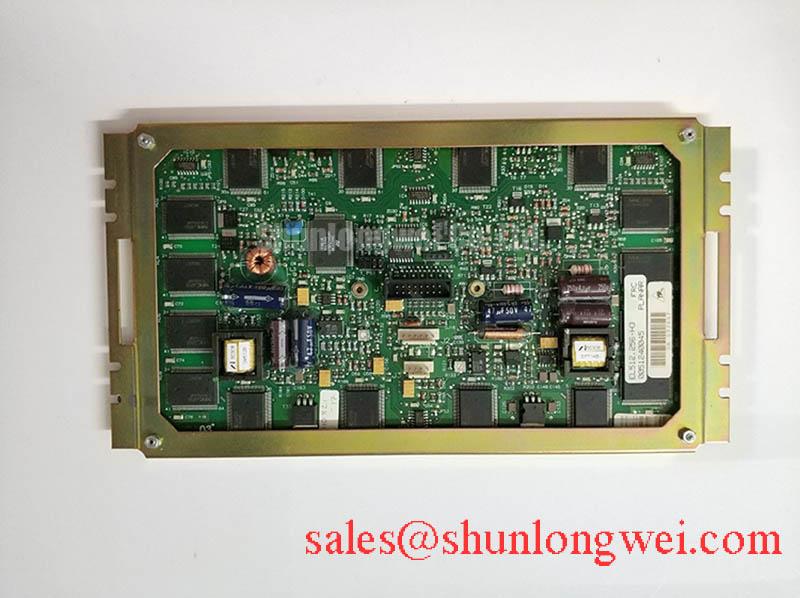
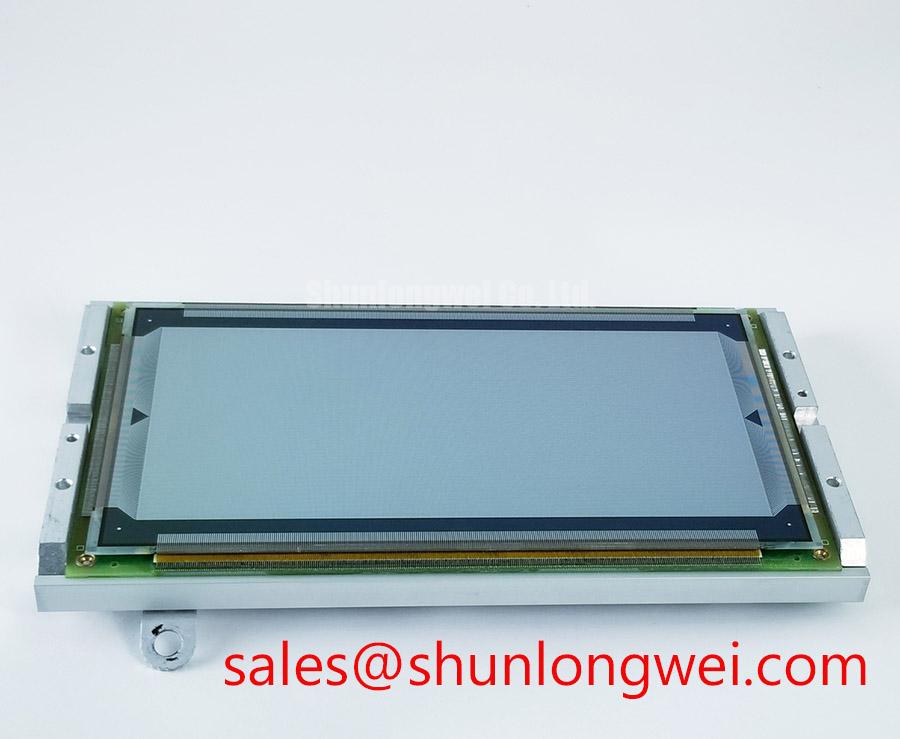
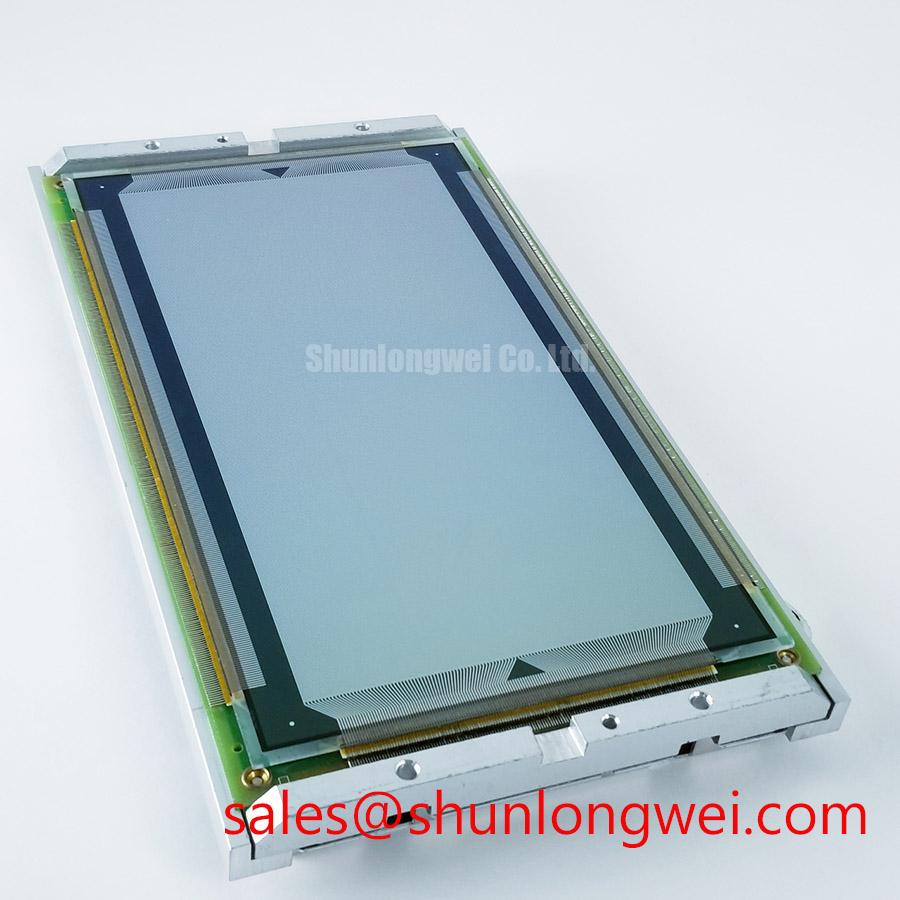
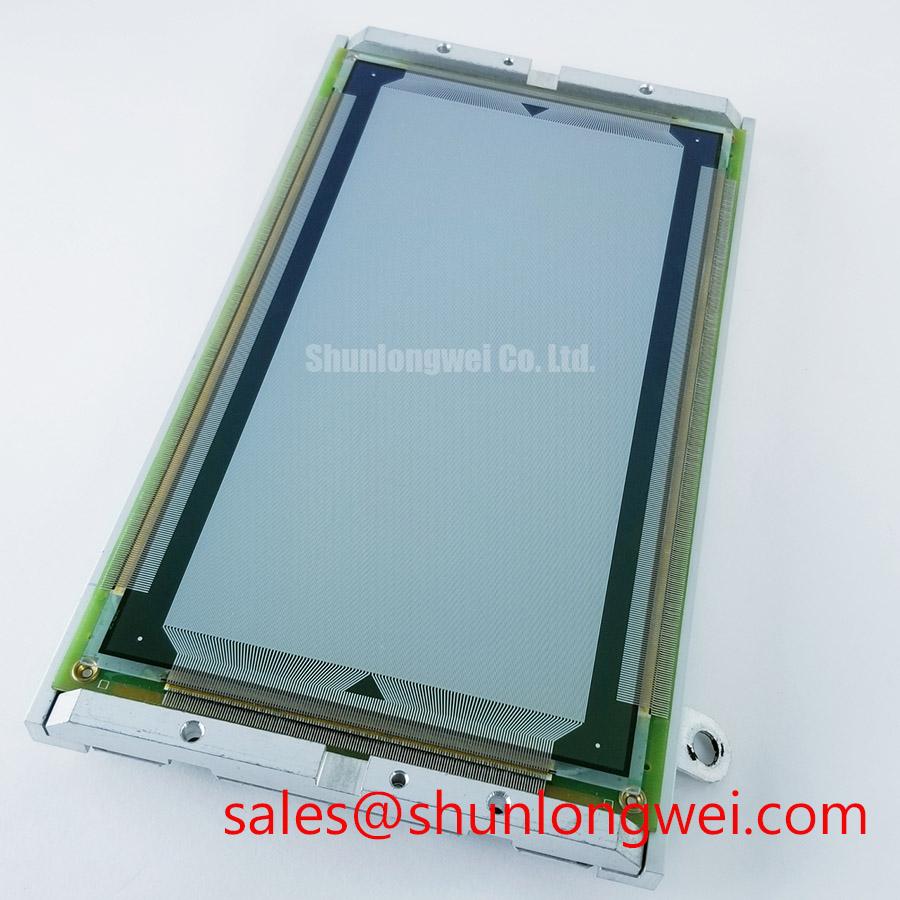
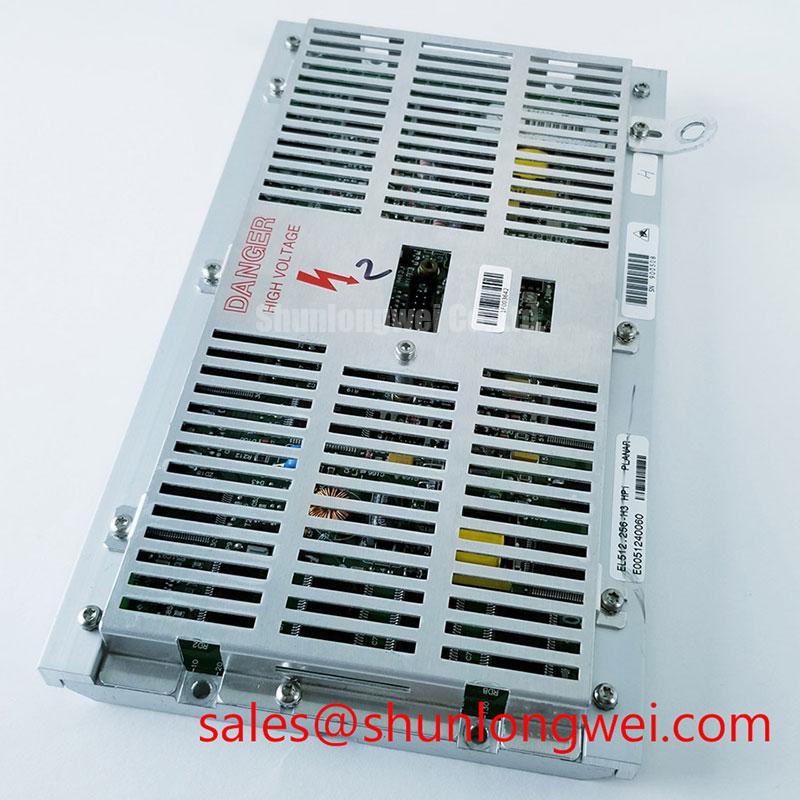
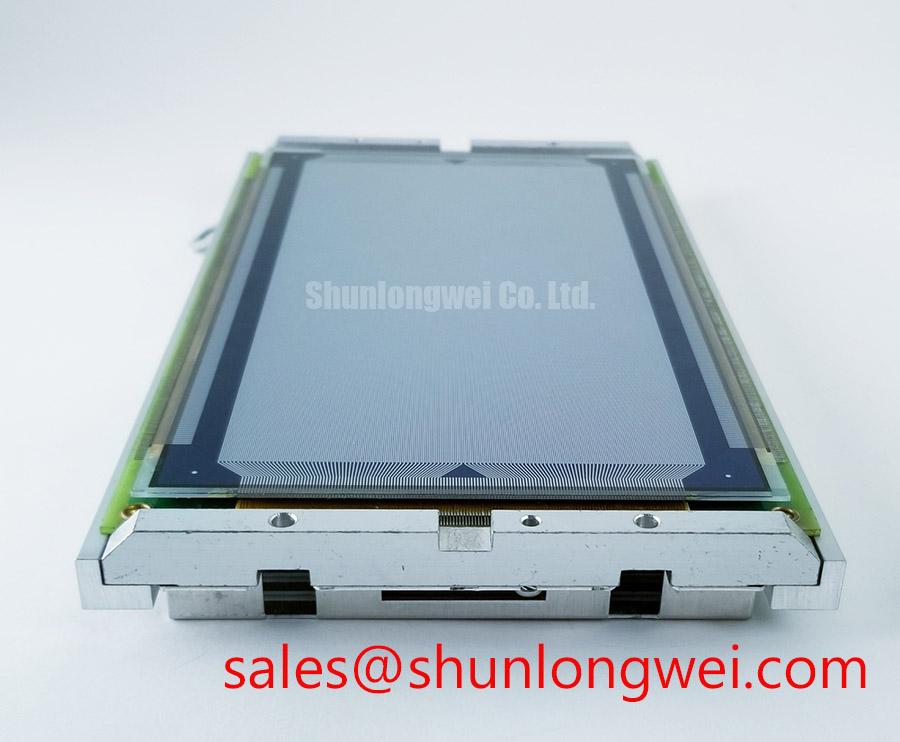
Start the bench check with the display disconnected from system power: inspect the connector housing, flex cable seating, front surface, rear label, and mounting points before applying voltage. For the Planar EL512.256-H3, the supplied factory record identifies the unit as an Industrial Grade LCD/HMI Panel with a TFT-LCD Display Module construction. The record also marks its specification status as Official Factory Spec Verified. No unverified electrical, optical, timing, backlight, or mechanical values should be assigned to this model during a replacement assessment.
| Parameter | Recorded information |
| Model | EL512.256-H3 |
| Manufacturer | Planar |
| Product category | Industrial Grade LCD/HMI Panel |
| Package or enclosure | TFT-LCD Display Module |
| Specification status | Official Factory Spec Verified |
For an AGV or forklift telematics replacement, the integrator should compare the original panel documentation and the host controller before connection. Confirm the display interface, logic supply requirement, backlight architecture, connector keying, mounting geometry, and cable orientation from the equipment service documentation. The available factory record does not confirm a specific LVDS, JEIDA, VESA, CCFL, LED, PWM, or high voltage interface for this model, so those characteristics must be verified from the original system documentation rather than inferred from the model designation.
Display Thermal Management and Mechanical Stress Prevention
During a continuous-duty black-screen or dim-image complaint, first separate the display image path from the illumination path. A uniform dark panel, uneven brightness, or localized bright area can require different checks, including the host video signal, backlight supply, connector seating, and enclosure heat flow. Do not attribute a suspected diffuser, prism sheet, PMMA layer, L70 value, or B50 value to the EL512.256-H3 unless the applicable Planar documentation confirms it.
Design Consideration: The enclosure should provide a mechanically stable mounting surface and a controlled thermal path around the display perimeter without forcing the panel frame to carry unintended chassis stress. Designers evaluating a rugged AGV or forklift display should check for heat concentration near narrow edges, blocked ventilation, and pressure points created by replacement brackets. Any aluminum spreader rail or heat transfer feature should be validated against the actual panel frame, insulation clearances, and service access. The correct dimensions and thermal limits remain system determined.
When image data is suspected, use a known-good controller or a verified signal probe at the host side. Differential impedance, pair skew, and EMI performance are interface-level design properties; they are not confirmed factory specifications in the supplied record for this display. The engineer should compare the signal path against the original harness and verify waveform quality under the installed cable routing, enclosure bonding, and drive conditions. The Industrial Display & HMI Solutions resource can provide broader background for evaluating display integration in demanding equipment.
Field Alert: Disconnect system power before removing or inserting the display cable, because an energized connector can expose signal and supply contacts to avoidable electrical stress.
Backlight Inverter and Ignition Debugging
The supplied factory information does not identify the EL512.256-H3 backlight type, inverter topology, ignition voltage, dimming method, contrast ratio, acoustic behavior, or service life. A dark screen therefore should not be diagnosed as a CCFL ignition failure or an LED driver fault without first confirming the original panel architecture. Check whether the host system reports a display fault, whether the backlight enable line is present, and whether the illumination system is receiving the supply specified by the equipment manufacturer.
For a suspected backlight problem, compare the failed unit with a known-good assembly using the same controller, harness, and power source. Inspect the connector for pushed-back contacts and look for intermittent operation during controlled mechanical observation of the cable, without applying force to the glass or flex circuit. If high voltage is present in the equipment, measurement requires the appropriate probe, isolation method, and service procedure. The model record supplied here does not authorize a specific ignition voltage or a guaranteed half-life.
References covering power semiconductor behavior, such as STMicroelectronics Silicon Carbide MOSFETs, should not be treated as specifications for this LCD module. Likewise, general discussions of hot-carrier injection concern semiconductor reliability mechanisms and do not establish an operating limit, failure rate, or lifetime value for the Planar display.
Display Interface Mapping and Signal Integrity
Split-screen images, incorrect colors, missing columns, or unstable graphics require an interface comparison rather than a single-cause assumption. Confirm the host controller output format, cable pinout, connector orientation, and panel documentation before changing data mapping. The available factory record does not confirm VESA or JEIDA mapping, a particular differential impedance, logic supply voltage, power-on rise time, or a fixed timing window for this model.
When integrating the panel into an AGV or forklift telematics console, designers should verify the original supply voltage from the panel documentation and measure the supply at the display connector during startup. Observe the enable and video signals with suitable instrumentation, comparing them with a known-good unit where possible. If the image is divided, color channels are exchanged, or one side is inactive, inspect the cable routing and contact condition before modifying controller settings.
Cold-environment behavior also remains system dependent. A change in response time or image uniformity at low temperature should be evaluated against the confirmed operating specification for the exact panel and enclosure. Do not assign a heater strip, timing value, or temperature range to the EL512.256-H3 without an applicable factory document. Any enclosure heater, power sequencing circuit, and condensation control method must be selected and validated by the system designer.
Viewing-Angle and Console Readability Evaluation
The supplied specification record does not identify the panel technology as Super IPS, IPS, MVA, or TN, and it does not provide a viewing-angle figure, contrast ratio, anti-glare treatment, response time, or PWM frequency. These values should therefore be taken from the original Planar panel documentation or the equipment manufacturer’s approved service data. Visual inspection alone cannot establish a formal viewing-cone rating.
For a multi-angle operator console, evaluate the replacement in the installed viewing position rather than only on a workbench. Check text legibility from the normal left, right, upper, and lower operator positions, then repeat the check under the actual enclosure lighting. Reflections may arise from the cover window, panel surface, or surrounding structure, so the review should include the complete display stack and not only the LCD module.
If visible flicker, brightness pulsing, or camera banding is reported, verify the backlight control method and host drive configuration using the original service documentation. A stated PWM frequency or duty-cycle linearity cannot be assumed for this model from the supplied data. The final acceptance test should cover image stability, connector retention, mechanical fit, startup behavior, and operator readability in the completed AGV or forklift display assembly.