Content last revised on October 19, 2026
Viewing-Angle Contrast Variation and Optimal Viewing Direction Alignment
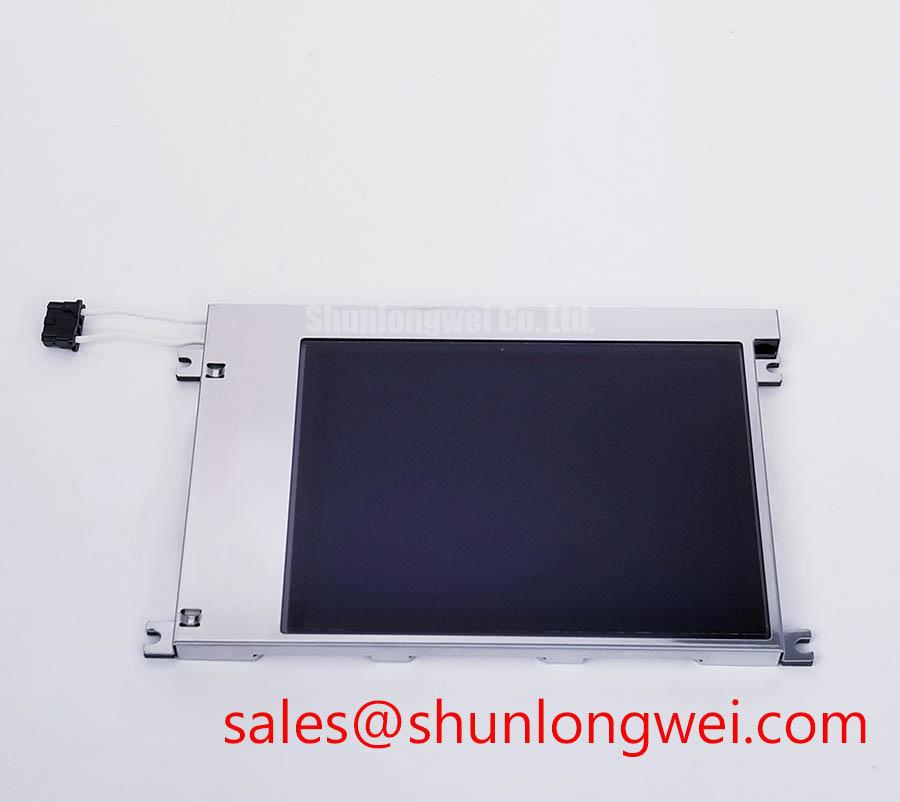
The Kyocera KCG057QV1DB-G870 is a color STN passive-matrix LCD module, not a TFT active-matrix display. When a bridge-console display shows a dark image, unstable contrast, or a split raster, I first isolate the panel from the host controller, inspect the display harness, and compare the installed interface and optical stack with the replacement record. Interface matching, viewing direction, backlight requirements, and enclosure fit are practical checkpoints before installation.
A color STN panel must be assessed from the actual operator position rather than from a flat bench view. Its viewing-angle-dependent optical behavior can produce color shifts or contrast loss outside the preferred viewing cone. This is different from the broad, more symmetrical viewing behavior often associated with IPS or MVA technologies, so an apparently healthy panel can still appear unsuitable after installation if the bridge console is angled toward the operator.
For a harsh marine radar or navigation bridge console, place a known test image on the panel and inspect black, gray, and white transitions from the intended seated and standing positions. Check the upper and lower viewing directions separately because the perceived gray order can change asymmetrically. Kyocera’s display information provides general background, but model-specific optical characteristics should be checked against the original documentation.
Surface treatment also matters under sunlight and overhead cabin lighting. An anti-glare surface can reduce mirror-like reflections, while anti-reflective treatment can improve contrast by reducing reflected ambient light. These are optical integration considerations, not confirmed construction details for this exact model. Inspect the panel surface under the final cover glass, bezel, and lighting conditions rather than judging it from a bare sample. The general relationship between viewing angle and image appearance is described in this viewing angle reference.
If the display uses a PWM-controlled backlight in the host system, evaluate the selected dimming frequency and duty-cycle behavior during low-brightness operation. A practical engineering evaluation may include a frequency range of approximately 200 Hz to 1 kHz, but the correct setting remains system-dependent and must be checked for visible flicker, camera banding, acoustic noise, and brightness linearity. Do not treat this range as a Kyocera specification for the KCG057QV1DB-G870.
Display Interface Synchronization and Power Rail Verification
Raster faults should be separated into panel-interface problems and source-controller problems before the replacement is approved. Confirm the original panel documentation for the logic supply, any required LCD bias supplies, signal order, enable behavior, clock polarity, and synchronization timing. Do not assume that this passive-matrix module uses a 24-bit TFT RGB interface. The system integrator should verify the interface and pinout against the module documentation, equipment service documentation, and original harness.
On a parallel display-data path, a single loose contact or incorrect bit mapping can create color shifts, vertical bands, repeated blocks, or an apparently divided screen. Capture the data clock and synchronization signals at the panel connector with the system in its normal operating state. Compare the timing relationship with a known-good assembly and inspect connector retention, ground continuity, and cable strain near the hinge or enclosure entry.
Routing should preserve a controlled return path and minimize unnecessary loop area. Where the host design specifies differential clock or auxiliary links, the board designer should maintain the required characteristic impedance through the complete route, connector, and cable transition. A frequently used 100 ohm differential target applies only where the relevant interface standard and host design call for it; it is not an official electrical rating established here for this LCD module.
Power sequencing deserves the same attention as data mapping. Observe the required supply rails and control signals, including reset, display enable, and backlight enable where present, with an oscilloscope. A host design may define a power-rise interval such as 0.5 ms to 10 ms, yet that interval must come from the applicable module or original equipment documentation. If a replacement remains white, unstable, or unresponsive, compare the complete sequence rather than assigning the symptom to the panel alone.
For a display-system redesign, engineers can also review TCG057QV1AA-G10 as a separate evaluation candidate. It should be treated as an independent compatibility assessment, not as an automatic substitute for the Kyocera unit. A change from passive-matrix STN to TFT may require a different controller, interface, power arrangement, and mechanical integration.
Backlight Luminance Control and Lifetime Verification
Backlight troubleshooting starts by separating image generation from illumination. A visible raster with weak brightness points toward the optical or backlight chain, while a completely absent raster requires the controller, supply rails, and panel interface to be checked as well. Inspect the backlight connector for open contacts, intermittent crimp pressure, and cable damage, then measure the driver output using the equipment maker’s approved procedure. Confirm the installed backlight type before testing; a CCFL inverter requires high-voltage measurement precautions and is not interchangeable with an LED driver.
Overvoltage and open-load protection belong to the backlight driver circuitry unless the original documentation states otherwise. When the driver reports an open load, short condition, or protection shutdown, record the diagnostic state and check the harness before repeatedly cycling power. Repeated restart attempts can obscure the original fault and may stress the driver. The KCG057QV1DB-G870 should not be credited with a specific protection threshold without a model-specific source.
Appropriate lamp-current regulation can improve brightness consistency, but the current level, thermal path, and dimming method depend on the backlight technology and complete display assembly. Evaluate luminance at the intended operating temperature and at several dimming levels. If an LED retrofit or another LED-equipped assembly is being assessed, confirm the applicable reliability report and its test conditions: L70 denotes maintenance of 70 percent of initial luminous output, while B50 describes a population criterion, not a half-brightness threshold. A generic claim such as 50,000 hours to 50 percent brightness must not be assigned to this Kyocera module without supporting manufacturer data.
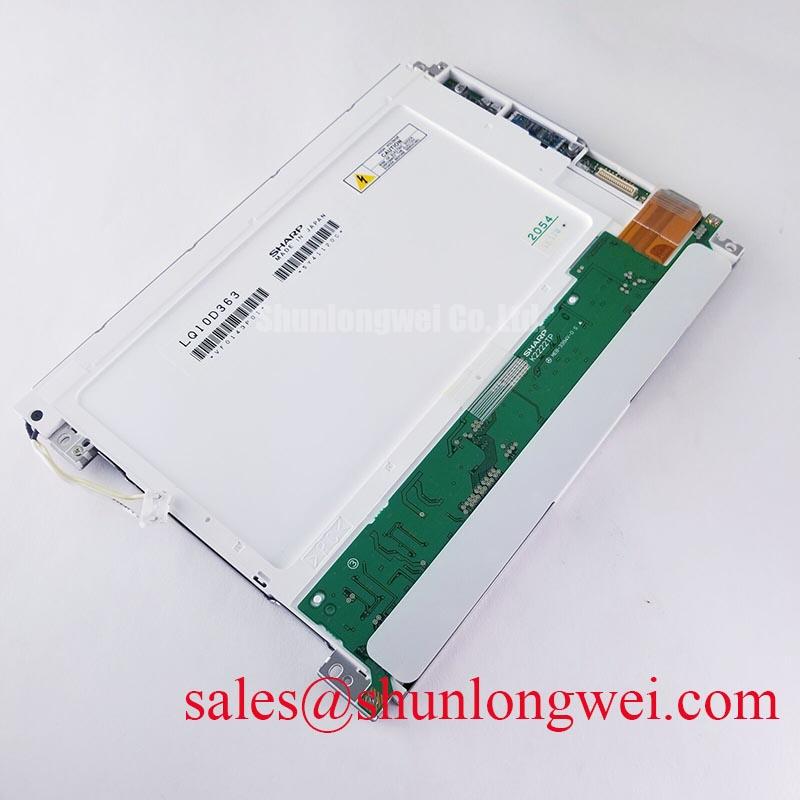
For system-level backlight coordination, the LQ057Q3DC03 can be reviewed as a separate display solution. It does not establish the electrical compatibility of the KCG057QV1DB-G870. When servo drives or switching converters share the cabinet, keep the backlight supply return and high-current switching paths organized to limit conducted and radiated interference, then verify the result at the panel connector and on the displayed image.
Thermal Expansion Clearance Sizing across Heavy Industrial Metal Enclosure Cutouts
Mechanical fit should be checked before any electrical power is applied. Measure the bezel opening, mounting-hole pattern, connector exit direction, panel seating depth, and the clearance around the active display area. A metal cutout that is slightly misaligned can transfer stress into the module when fasteners are tightened, producing pressure marks, nonuniform brightness, or optical mura that changes as the enclosure warms.
Use a cross-pattern tightening sequence and allow the display frame to seat naturally against the intended support surface. The correct fastener torque is determined by the panel mounting requirements, fastener grade, gasket arrangement, and equipment manufacturer; do not infer it from screw size alone. Avoid clamping directly over unsupported optical regions and preserve the clearance required for cable bend and thermal movement.
Thermal expansion assessment should compare the cold enclosure, normal operating condition, and warmed cabinet. Check for bezel contact, cable tension, changing dark-field uniformity, and brightness variation after the system reaches equilibrium. Designers should minimize concentrated mechanical loading and validate the finished assembly with the actual cover, gasket, sunlight exposure, and vibration environment.
For broader installation guidance, the Industrial Display and HMI Solutions engineering resource can support enclosure and interface planning. Field Alert: Disconnect system power and allow stored energy to discharge before inserting or removing the display cable, because live connector handling can disturb logic and backlight signals.