
Content last revised on October 4, 2026
Incoming Benchtop Inspection: Separating Image and Backlight Faults
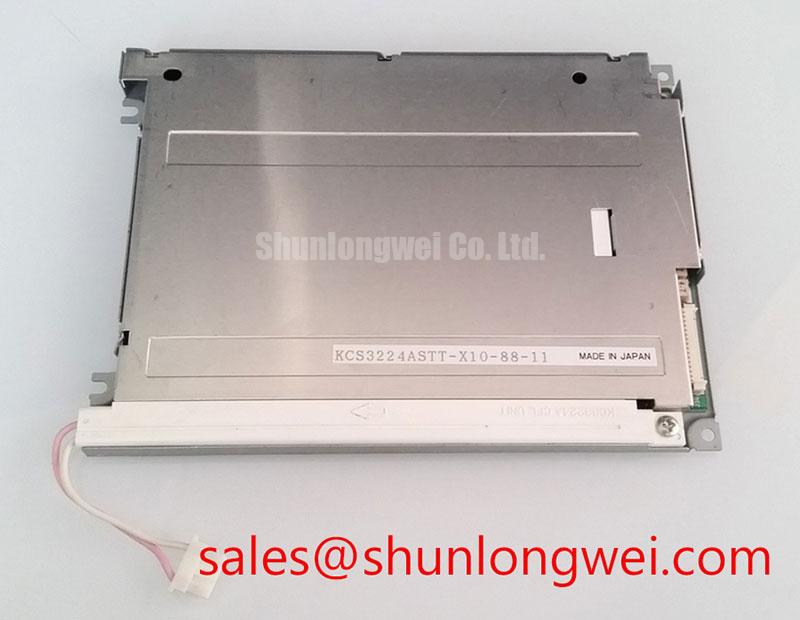
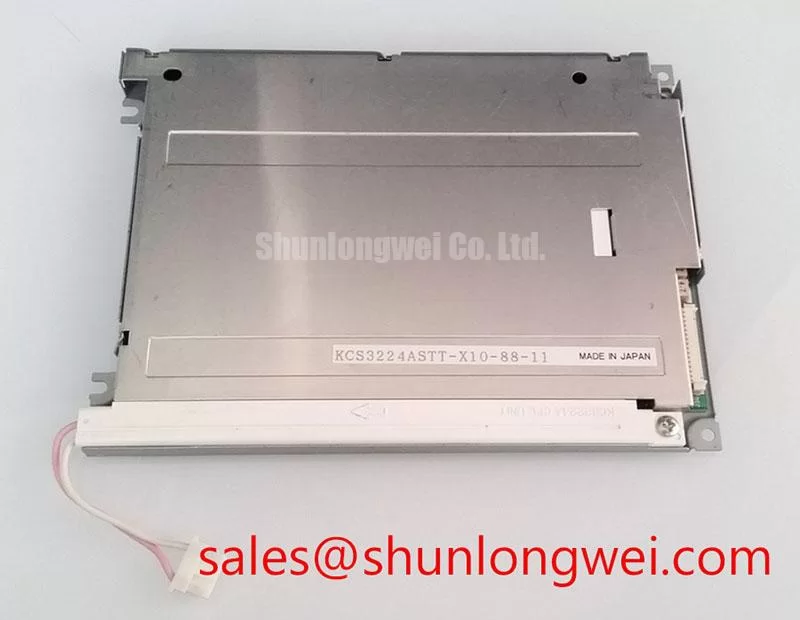
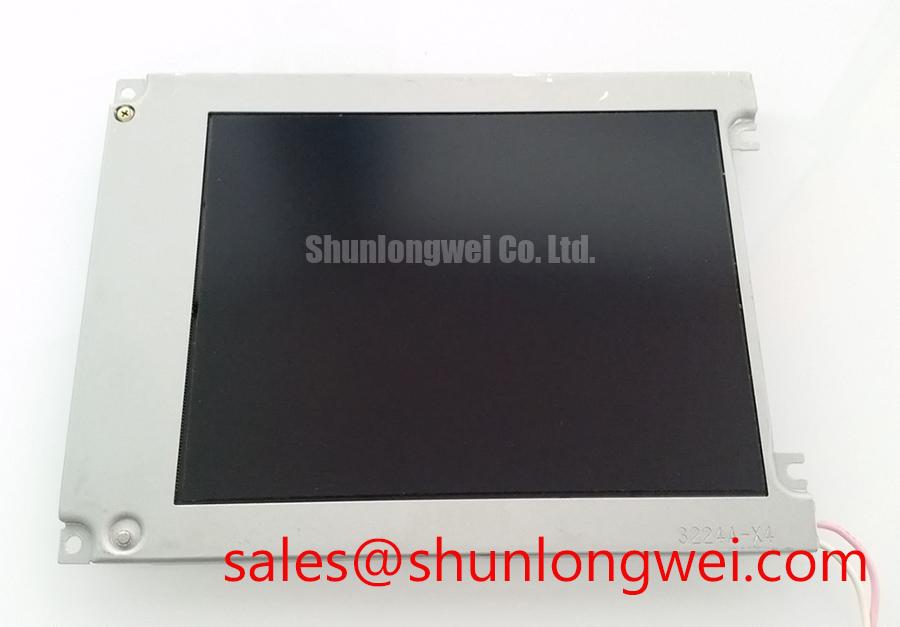
With power isolated, inspect the connector, flex cable and display face of the Kyocera KCS3224ASTT-X7 before connecting it to a test fixture. Record the host board part number and cable orientation, then compare them with the original equipment documentation. The confirmed product identity is a Kyocera LCD display module; its supply voltage, interface pinout, backlight type and mechanical dimensions must be verified from the applicable panel documentation before power is applied.
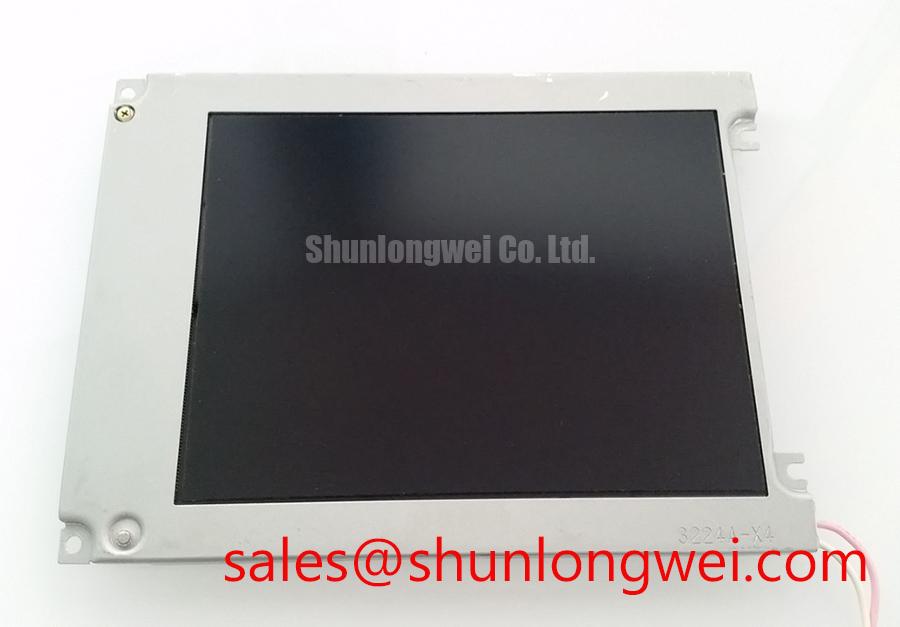
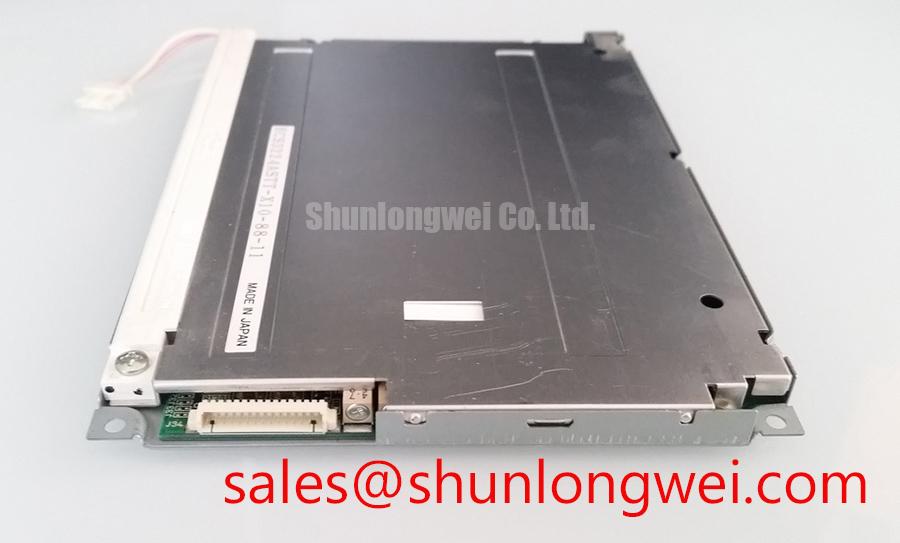
Start with the display unpowered. Look for damage to the viewing surface, distortion around the mounting points, contamination at the connector and uneven bends in the flex cable. Check that the connector latch closes evenly and that the cable enters squarely. A cable can appear seated while one edge remains outside the contact area, so compare its insertion depth across the connector rather than relying on a quick visual glance.
For a powered inspection, use a documented host or fixture that matches the KCS3224ASTT-X7 electrical and timing requirements. Display uniform light and dark fields and, if supported, red, green and blue fields, noting whether a line, dark patch or image error stays in the same position. Repeat the observation after the module and cable are secured in their intended positions. This pattern check helps separate persistent image defects from intermittent connections, but it does not identify an internal failure mechanism on its own.
If the screen looks black while the host appears to be running, shine a flashlight across the viewing surface at an oblique angle. A faint image can indicate that image data is present while illumination needs investigation. No visible image calls for checks of the documented supply rails, connector seating, signal path and host output before attributing the fault to the panel. Compare measurements with a known-good assembly where one is available; an unexplained reading should not be treated as a factory limit.
Fixed lines can prompt concern about driver connections or bonded areas, but the external inspection cannot establish whether a particular bonding process or microscopic fracture is present in this model. Avoid pressing the glass or flex attachment area to provoke a response. Log the test pattern, cable position and fault location instead; those observations are more useful when deciding whether the panel, harness or controller needs further isolation.
⚠️ Field Alert: Disconnect power before inserting or removing the display cable.
Contrast, Viewing Angle and Temperature Checks at the Installed Position
Judge the KCS3224ASTT-X7 from the operator’s normal position, not solely from directly in front of a bench fixture. A CNC operator panel or robot teach pendant is a potential compatibility evaluation, subject to the original equipment’s electrical, optical and mechanical requirements. In either enclosure, a display that looks acceptable on the bench can become difficult to read when the operator views it from above, the bezel casts a shadow or overhead lighting reflects from the front surface.
Show grayscale steps, text and, if supported, the machine’s usual alarm colours at the intended mounting angle. Watch for loss of separation between adjacent gray levels or a change in apparent colour, if applicable, as the viewing position moves. These observations can guide a comparison with the existing display, but they do not establish the module’s liquid-crystal mode. Viewing-angle ratings, contrast ratio and surface treatment should be taken from the exact Kyocera documentation rather than inferred from appearance.
Temperature can change the apparent response of an LCD. As a Design Consideration, repeat the visual check after the equipment has reached its normal operating condition, particularly if operators report slow transitions or poor readability only after startup or prolonged use. Record enclosure temperature and lighting conditions alongside the symptom. Do not assign the behaviour to the panel until the host image, front window and any protective overlay have also been examined.
Long periods of unchanged HMI graphics deserve a separate check. If an outline remains after the page changes, run varied content under the equipment’s approved operating conditions and document whether the effect changes. Review the host’s screen-management settings where operationally appropriate. This is a diagnostic observation, not a claim about a specified image-retention limit for the KCS3224ASTT-X7.
For a replacement assessment, TCG084SVLQAPNN-AN30-S can be placed on a comparison list, but it should not be treated as a drop-in substitute without checking the documented outline, active area, connector, pinout, drive timing, backlight requirements and viewing characteristics against the original installation.
Edge Mounting, Cable Routing and Thermal Observations
Inspect how the enclosure supports the LCD display module before tightening its retainers. Uneven bezel pressure can distort the visible image or place avoidable stress on the assembly. As a Design Consideration, support the panel through the mounting features specified for the equipment, keep the viewing area clear of concentrated contact pressure and verify the result with the display operating in the closed enclosure. Mounting force and tolerances must come from the applicable mechanical drawings.
Trace the flex cable from the panel to the host connector with the enclosure both open and closed. Look for a bend that tightens against an edge, a cable that rubs during routine service access or a latch that becomes difficult to reach once the panel is installed. In equipment exposed to vibration, the cable route and connector retention deserve inspection along with the display mount. The system integrator should determine the appropriate restraint from the cable documentation and the equipment’s mechanical test requirements; no bend-life figure can be assigned from the model identity alone.
If one edge appears brighter, darker or warmer than another, first establish whether the effect is visible in a uniform test image and whether it changes with the enclosure assembled. Check for external heat sources, blocked airflow and pressure from adjacent brackets. Adding an aluminum rail or thermal interface without a verified mechanical and thermal design could change panel loading rather than solve the symptom. The original equipment drawings and measured operating conditions should govern any heat-spreader decision.
Do not infer a particular light-guide material, optical-aging mechanism or LED lifetime rating from an edge-temperature observation. For broader enclosure and service considerations, Industrial Display & HMI Solutions provides context; the acceptance criteria for this panel still need to come from its applicable documentation and the equipment specification.
Backlight Driver Identification Before Inverter Debugging
Identify the backlight circuit from the original panel documentation and the equipment schematic before probing its driver. The product identity alone does not establish a CCFL inverter, an LED driver, a striking voltage or a dimming method for the KCS3224ASTT-X7. Those details cannot safely be derived from the fact that the module is an LCD display.
When a flashlight reveals a faint image, follow the documented backlight path from the host control signal through the driver connection to the panel. Check that the relevant connector is seated, then measure supply and control signals only at points identified in the service information. If the equipment uses brightness control, compare the command at the host with the response at the driver while changing the setting. A response that drops out at part of the range may implicate the control path, driver or load; it is not, by itself, proof of a failed lamp or panel.
Listen for audible noise and watch for flicker at the brightness settings where the operator notices the fault. PWM behaviour, where applicable, must be evaluated against the documented driver and host design rather than assigned a generic frequency or duty-cycle target. Keep a record of the brightness command, observed image and enclosure state so the symptom can be reproduced without repeatedly disturbing the display cable.
If the equipment documentation confirms a high-voltage inverter, use the service procedure and suitably rated instruments for its measurements. If it documents a constant-current driver, follow that circuit’s specified checks instead. In both cases, finish by verifying that the image, illumination and brightness control remain stable with the cable secured and the enclosure in its normal operating position.