Content last revised on October 21, 2026
Incoming QA for the LTM170EU-L32 LCD Panel
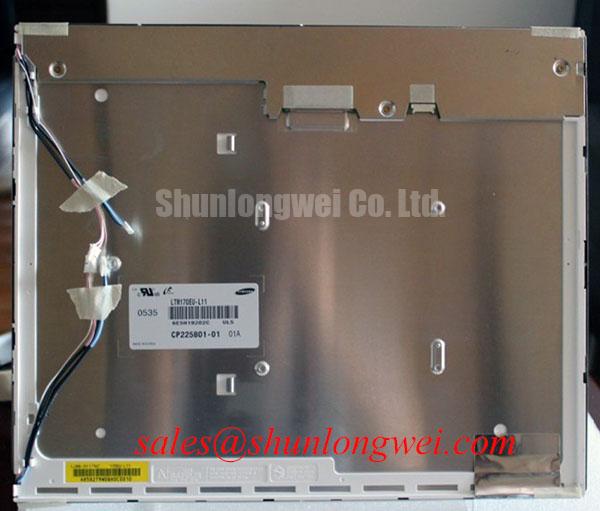
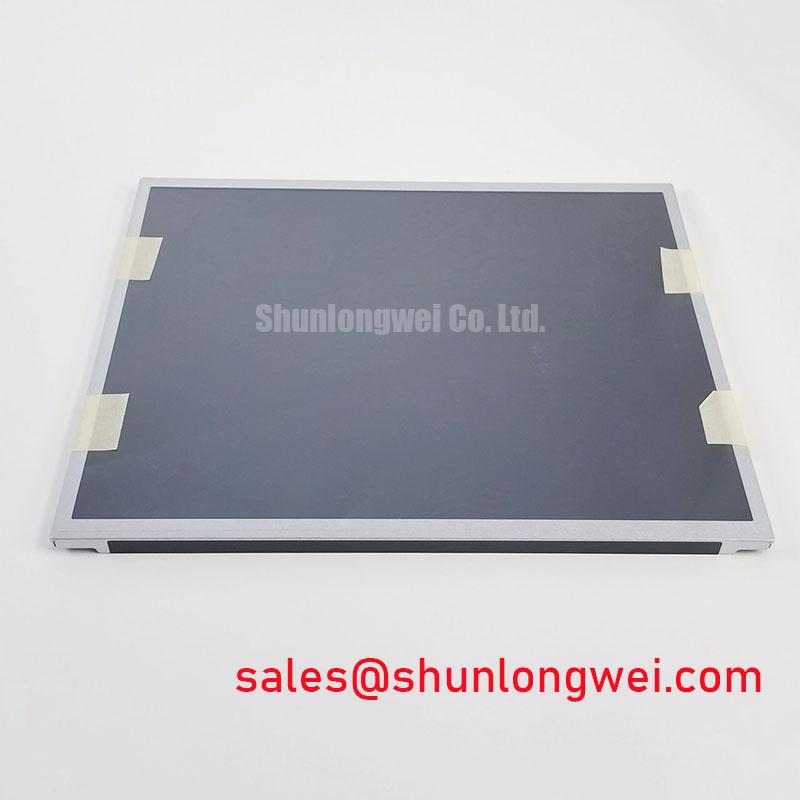
When a factory HMI shows a dim corner, intermittent horizontal line, or delayed image response, isolate the display assembly before changing the controller: apply a controlled full-screen test image, inspect the active area under uniform illumination, and check the display connection for proper seating and secure retention. The LTM170EU-L32 is a Samsung TFT-LCD active matrix color display module. Its suitability for an industrial HMI must be verified against the equipment requirements; interface voltage, pin count, optical figures, and detailed mechanical dimensions must be matched with the original panel documentation before installation.
For a machine-tool operator terminal or factory automation HMI, incoming inspection should include a black, white, red, green, and blue field test. Look for stuck pixels, non-uniform illumination, edge leakage, and changes in brightness after the panel reaches a stable operating condition. A persistent line should be compared with the known-good signal path while observing the cable entry area; this helps separate a panel defect from a connector seating or upstream timing issue without assigning a single cause prematurely.
The product category and physical form are suitable for replacement evaluation where the existing enclosure, controller board, cable route, and optical stack already correspond to the original assembly. The system integrator should verify the required supply voltage from the original panel documentation rather than assuming a common LCD logic level.
Thermal Cycling Effects on Polarizer Adhesives and Sealant Integrity
Cold-start evaluation should focus on image response, edge appearance, and mechanical stability as the display moves between low and high ambient conditions within its documented operating limits. At sub-zero temperature, liquid-crystal viscosity can increase and produce visibly slower gray-to-gray transitions; this does not establish that this panel is rated for sub-zero operation. A practical acceptance check is to record a moving grayscale test pattern during the cold start and compare the response with the panel at room temperature. Any lag should be assessed alongside controller timing, backlight drive behavior, and the enclosure’s thermal path.
Perimeter sealant and polarizer edges deserve a separate inspection after thermal cycling. Look for lifting, bubbles, edge discoloration, or a change in the visible border. These observations are useful indicators for maintenance decisions, but they are not a substitute for a manufacturer-qualified temperature rating. The supplied product information does not establish a verified operating range of −30°C to +85°C for this exact panel, so those temperatures must not be used as operating test limits without confirming the panel’s ratings.
Backlight assessment should be performed with a driver matched to the panel’s documented backlight type and electrical requirements. Record initial luminance, then repeat the same measurement after controlled operating intervals. A reference value such as 50,000 hours to 50% brightness must not be assigned to this model without a supporting manufacturer specification or reliability report. For field replacement work, compare brightness uniformity and driver current against the removed panel, while keeping ambient temperature and optical measurement geometry consistent.
Static machine screens can also leave temporary image retention or uneven visual impressions. Use screen rotation, idle graphics, or periodic interface changes where the control system permits. This is a system-level operating recommendation, not a confirmed feature or limitation of the LTM170EU-L32.
Chassis Fastener Loading and Optical Mura Control
Uneven bezel loading can create localized brightness variation, especially when the display is clamped into an enclosure with a warped frame. Mounting should begin with the panel seated naturally in the chassis, followed by gradual tightening in a cross pattern so that the bezel does not pull one corner against the active area. Fastener torque must follow the applicable panel and mounting-hardware specifications rather than a generic value based only on screw size.
Check the outer bezel opening, spacer placement, and screw-hole alignment before applying torque. A dark patch that changes when the bezel is relieved may indicate mechanical stress or optical compression; verify this by comparing the display with the enclosure unloaded. Vibration testing should be performed within documented limits with the actual mounting brackets and cable restraint, since unsupported cable mass can transfer movement directly to the connector.
The table below separates the known product identity from the items that must be confirmed during a replacement comparison.
| Verification item | LTM170EU-L32 | M185XW01 VB |
|---|---|---|
| Manufacturer | Samsung | Verify against the supplier documentation |
| Industrial HMI suitability | Verify against the equipment requirements and panel ratings | Compare the original equipment documentation |
| Display construction | TFT-LCD Active Matrix Color Display Module | Confirm before substitution |
| Mechanical compatibility | Confirm dimensions and mounting details from the panel documentation | Check enclosure and active-area compatibility |
| Electrical interface | Confirm from the original panel documentation | Confirm pinout, voltage, timing, and cable orientation |
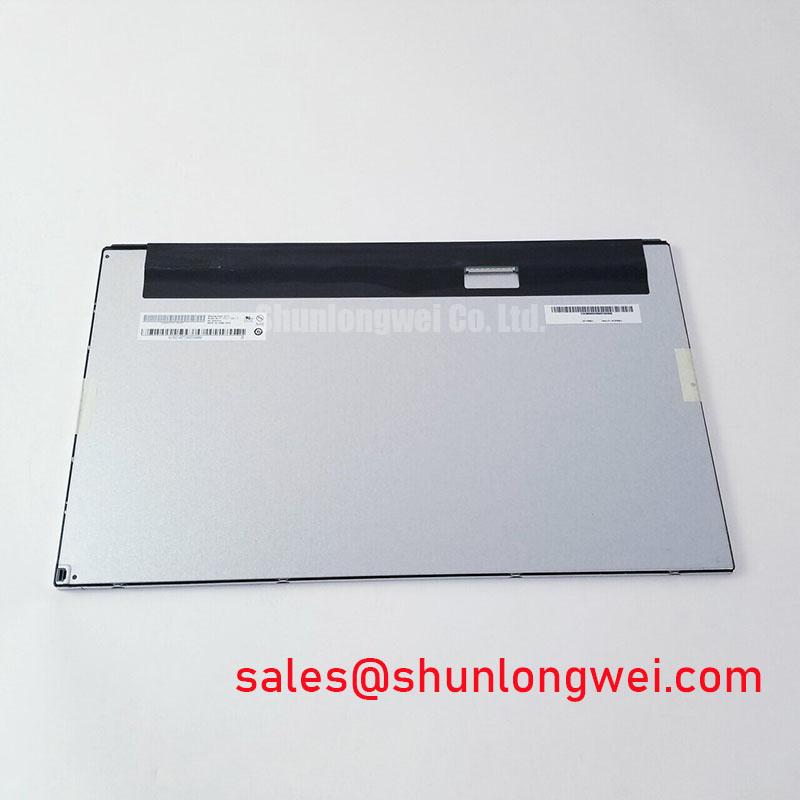
The linked panel is a separate product, not an established replacement. Dimensions, connector position, optical characteristics, and controller mapping should be approved by the equipment engineer rather than inferred from the model name.
⚠️ Field Alert: Disconnect power before removing or inserting the display cable, and keep the flexible cable flat and square while securing its connector.
LVDS Timing, Pixel Clock, and Noise Control Near Motor Drives
Pixel jitter and horizontal white bands near a variable-frequency motor drive require separation of signal integrity, grounding, and power quality checks. Route the display cable away from high-current switching conductors, avoid unnecessary cable loops, and maintain a controlled shield termination appropriate to the enclosure grounding scheme. A shielded cable can reduce radiated coupling, but its effectiveness depends on the complete machine topology and bonding method.
Common-mode ferrite components may be evaluated by the system designer when measured interference remains after cable routing and grounding have been corrected. They are not identified as standard accessories of the LTM170EU-L32. Observe the display while the motor drive changes speed, then compare the panel supply and differential data activity with the machine idle. This correlation helps identify whether the disturbance enters through the display cable, logic supply, or controller reference.
For differential routing, a 100 Ω differential characteristic impedance is a common LVDS design target. Permissible differential-pair skew must be checked against the transmitter and receiver requirements. These considerations apply to the complete transmitter, cable, connector, and receiver path and are not presented as factory specifications for this panel. JEIDA or VESA mapping should also be confirmed from the original controller and panel documents before changing a board or cable, since an incorrect mapping can produce false colors or incorrect grayscale levels.
Power sequencing deserves the same discipline. Some industrial display systems use a logic rail near 3.3 V, while others use a different documented value; the required level for this unit must be taken from the original panel documentation. If a replacement shows delayed illumination or a blank image, monitor the logic enable, backlight control, pixel clock, and data activity in their actual startup order rather than replacing the panel solely on the basis of a dark screen.
For optical checks in bright workshops, compare contrast and grayscale visibility at the installed viewing angle. A target such as greater than 500:1 under 50,000 lux is a system-level test requirement that needs validation under a defined measurement method, not an LTM170EU-L32 rating or a result established by a dark-room contrast specification. Polarizer behavior, reflections, and anti-glare performance can be reviewed using the industry background provided by Liquid-Crystal Display Polarizers and Optical Glass.
When a repair requires broader display-interface reference work, the practical test procedures in The Ultimate Guide to Industrial TFT-LCD Technology can support evaluation of cabling, optical behavior, and system-level operating margins.