

Content last revised on September 24, 2026
LB104S02-TL01 LG Display TFT LCD Industrial HMI Panel
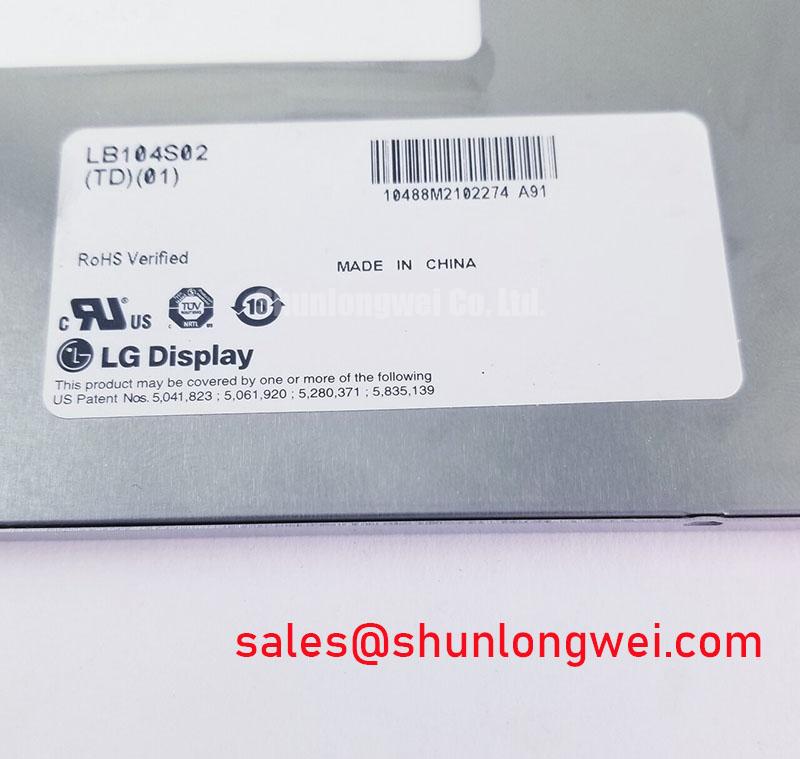
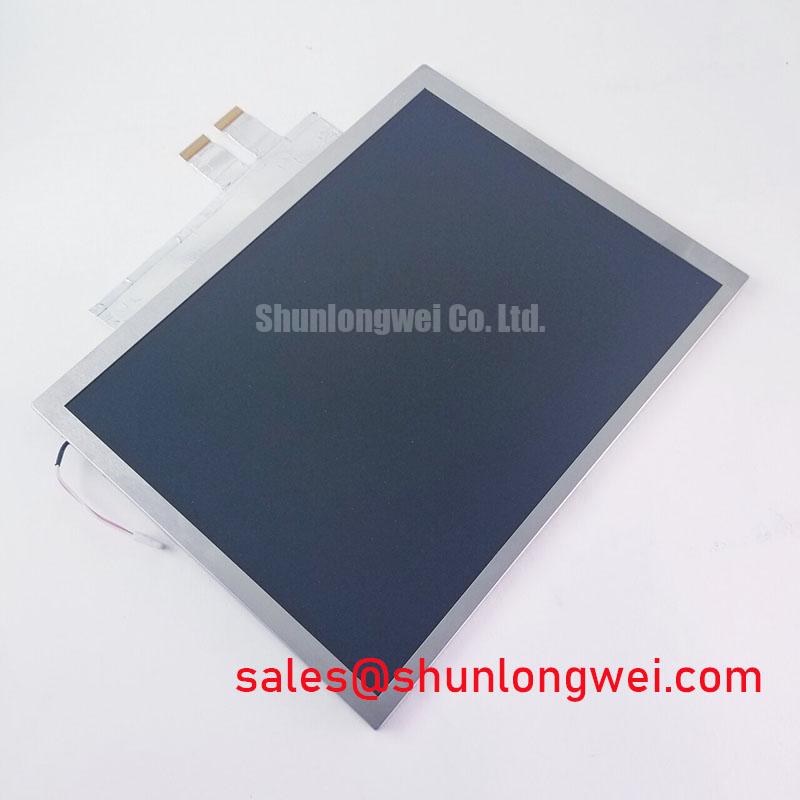
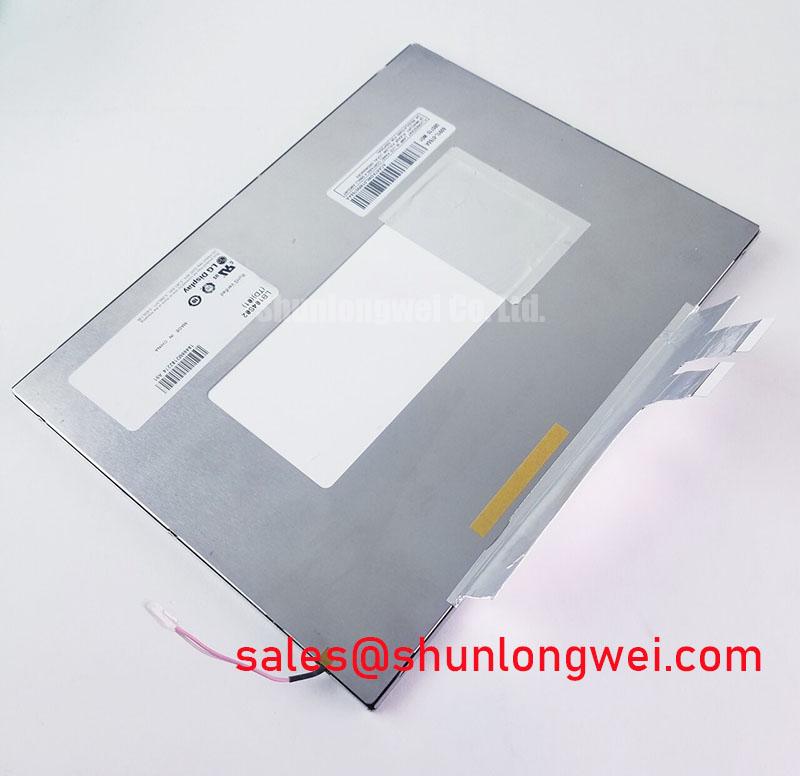
Inspect the LB104S02-TL01 module under controlled illumination before installation, checking the visible panel surface, frame condition, connector area, and label against the equipment service record. This incoming inspection helps separate a display compatibility issue from a host controller, cable, or backlight problem without applying unverified electrical assumptions.
The LB104S02-TL01 is identified as an industrial grade LCD and HMI panel manufactured by LG Display. Its recorded package description is TFT LCD Display Module, with an official factory specification status for the product information available to the distributor. It may be evaluated for repair work involving CNC operator panels, robot teach pendants, industrial control terminals, and other equipment that requires a matching display module.
| Parameter | Recorded specification |
|---|---|
| Model | LB104S02-TL01 |
| Manufacturer | LG Display |
| Product category | Industrial Grade LCD/HMI Panel |
| Package or enclosure description | TFT LCD Display Module |
| Specification status | Official Factory Spec Verified |
The available product record does not establish the panel resolution, active area, viewing direction, luminance, interface type, supply voltage, backlight technology, connector pinout, operating temperature, or mounting envelope. The system integrator should verify each of these items from the original panel documentation and the equipment service manual before applying power. A visually similar LCD cannot be treated as electrically interchangeable without confirming the complete interface and mechanical requirements.
Industrial EMI Noise Immunity, Chassis Shielding Continuity and Common Mode Filtering
For a replacement inspection, begin with the complete signal path rather than the panel alone. Examine the host display controller, cable routing, connector seating, chassis bonding, and the condition of any shielding used by the original machine. Pixel jitter, intermittent horizontal bands, or loss of synchronization can involve the controller, cable assembly, grounding arrangement, or conducted noise from nearby drive equipment; these symptoms should not be assigned to the LB104S02-TL01 without comparative measurements.
A design consideration for CNC operator panels and robot teach pendants is to maintain a continuous, low impedance shielding path around high speed display wiring while keeping signal cables physically separated from switching power and motor conductors. The final grounding method, ferrite selection, and common mode filtering remain system decisions. Engineers should validate the result with the actual controller and cable assembly, observing the display during motor acceleration, braking, and other switching events.
The external Modbus protocol reference may help when diagnosing the wider control system, but a communication link problem and an LCD image problem should be tested independently. Confirm whether the controller is exchanging valid data before treating a blank or unstable screen as a panel fault. The display module record supplied for this model does not define a Modbus interface or any embedded communication function.
Do not claim a specific LVDS, TTL, or other input format for this model without the matching manufacturer documentation. Check connector keying, cable orientation, signal naming, voltage requirements, and enable timing against the original assembly. 💡 Bench Tip: Disconnect equipment power and allow stored energy to discharge before removing the display cable, then keep the cable flat and fully aligned during reinsertion.
Flush Mount Open Frame Bezel Integration and Perimeter Support
Before removing the failed display, record the original mounting method with photographs and measured reference points. Note the bezel opening, frame contact areas, screw locations, cable exit direction, and any compression features used to hold the module. The official product information available here identifies a TFT LCD Display Module but does not provide the external dimensions, mounting-hole pattern, bezel envelope, or approved fastening torque for the LB104S02-TL01.
Those mechanical details are important when assessing a replacement for a CNC operator panel or robot hand controller. A module that fits the opening may still place pressure on the active area, obstruct the connector, or shift the viewing position relative to the front window. The integrator should compare the complete drawing and the original chassis before drilling, modifying brackets, or changing the retaining hardware.
Perimeter support should distribute holding force through the intended frame or mounting points rather than through the visible display area. This is a general Design Consideration, not an official mechanical specification for this model. Avoid assigning a cross-pattern torque value unless it is stated in the applicable LG Display mechanical documentation or the equipment manufacturer’s service procedure.
Backlight control also requires verification. The available record does not confirm whether this particular module uses LED or another backlight arrangement, and it does not define a PWM frequency, dimming range, enable sequence, or driver current. The system integrator should retain the original backlight controller only after checking voltage, current, connector assignment, and control timing. If the machine uses a separate backlight driver, test it independently with an approved load and current-limited equipment.
For a field replacement, the linked TCG084SVLQAPNN-AN30-S can be reviewed as a separate display option during compatibility planning. It should not be treated as a direct substitute until size, optical performance, connector details, electrical ratings, and mounting requirements have been compared with the original installation.
Viewing Direction, Grayscale Evaluation and Display Signal Verification
Evaluate the screen from the operator’s normal position using a controlled test image containing white, black, primary colors, fine text, and several gray levels. This check can reveal uneven illumination, inactive pixels, contrast changes, or viewing-angle behavior that may not be visible on a bright logo screen. Record observations at the intended installation angle rather than relying only on a straight-on bench view.
The supplied factory data does not identify the panel mode as TN, IPS, MVA, or another optical technology. It also does not specify a normally white or normally black characteristic, viewing-angle values, anti-glare treatment, grayscale response, or surface finish. These properties must be confirmed from the applicable panel datasheet. Do not transfer viewing-cone figures or grayscale expectations from another LG Display family member to the LB104S02-TL01.
When the panel is connected to a known-good controller, compare the image with the original unit using the same cable and operating conditions. If the replacement shows color inversion, unstable gray transitions, or missing image data, inspect the signal format, lane order, timing, cable integrity, and controller configuration. An oscilloscope or approved display-interface analyzer may help compare the known-good path, but the correct measurement limits are determined by the interface documentation.
Power sequencing should also be checked from the original system documentation. The available product record does not state logic supply voltage, panel bias requirements, reset timing, display enable timing, or data hold limits. Applying a guessed supply or connector assignment can damage the module or its controller. For a repair decision, confirm the part marking, connector orientation, electrical drawing, and host configuration before energizing the assembly.
Optical Luminance Assessment and Backlight Replacement Boundaries
Inspect optical performance in a darkened test area after the module has reached a stable operating condition. Use full white, mid-gray, black, and colored test patterns to check for dark zones, uneven brightness, visible pixel defects, and contamination. If luminance equipment is available, compare readings with the original service baseline or the applicable manufacturer specification. A visual comparison alone cannot establish a rated luminance value or remaining backlight life.
No official backlight type, rated luminance, lifetime curve, half-brightness value, cold-start voltage, LED current, or dimming ratio is included in the supplied specification set for this model. As a result, claims involving a CCFL ignition voltage, a fixed LED modernization path, a 50,000-hour half-life, or a 1000:1 PWM range would be unsupported for this product page. The correct replacement path depends on the actual module revision and the original controller architecture.
When an older machine is being modernized, engineers should first identify whether the backlight driver is integrated into the display assembly or installed separately in the equipment. Verify output polarity, current regulation, protection behavior, connector pinout, and brightness control method before considering any retrofit. A new driver may alter electrical noise, thermal behavior, mechanical clearance, or operator-visible flicker even when the image interface remains unchanged.
Signal integrity should be evaluated at the system level. The supplied record does not confirm a differential interface, controlled impedance requirement, pair skew limit, or clock specification for the LB104S02-TL01. Designers should use the original interface documentation, keep high speed conductors short and appropriately routed, and verify eye quality or timing margins at the panel connector under the equipment’s real switching conditions.
For enclosure, shielding, environmental sealing, and service procedures in demanding industrial installations, engineers may consult Industrial Display & HMI Solutions as a practical reference. Any final suitability decision remains dependent on the equipment drawing, verified panel documentation, and measured performance in the target CNC operator panel or robot teach pendant.