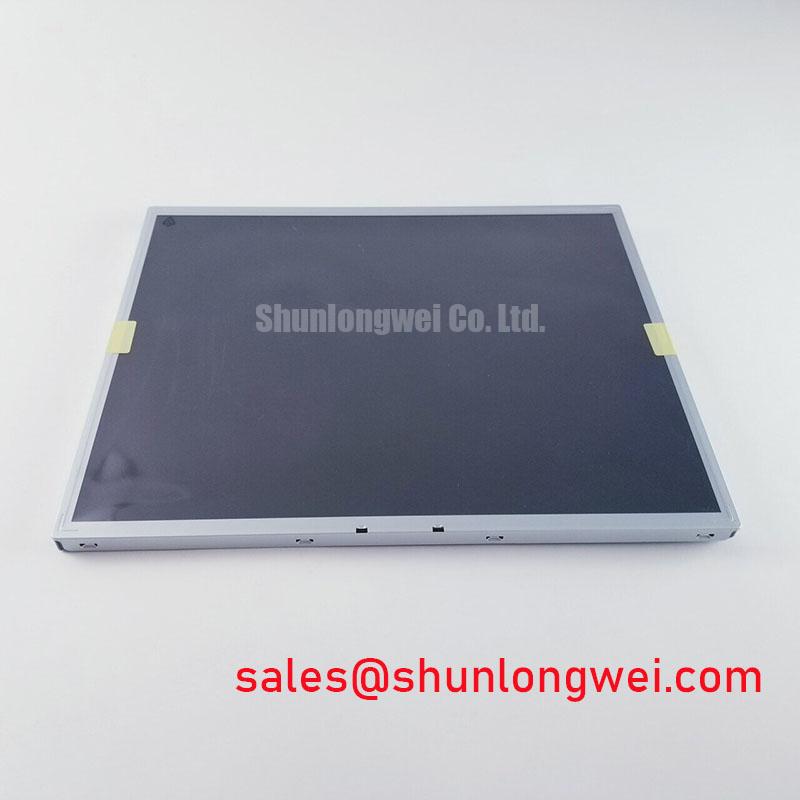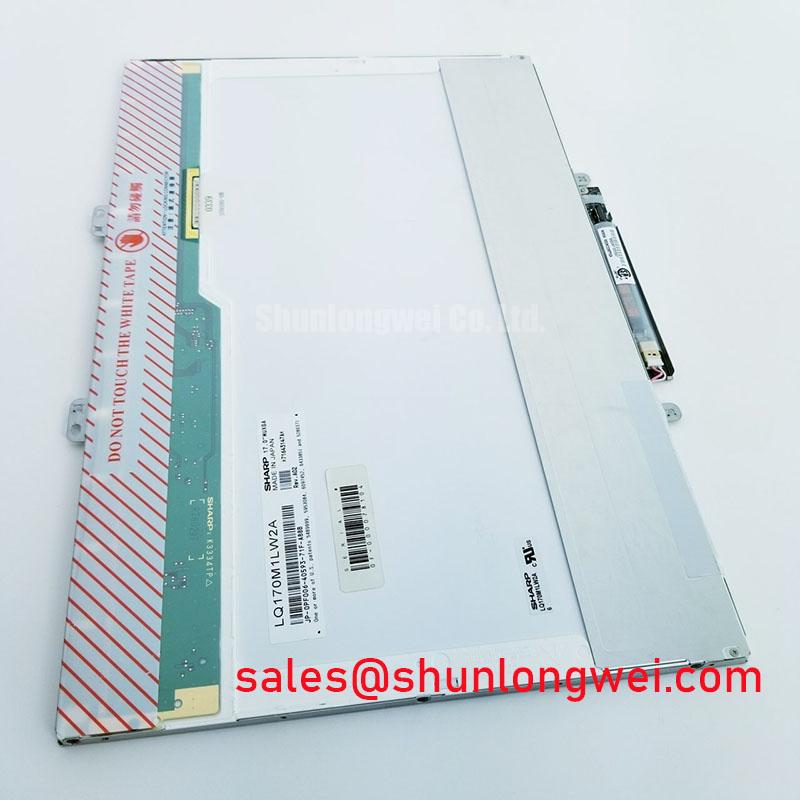


Content last revised on September 10, 2026
Shielded FFC/FPC Flat Flexible Cable Grounding across 360-Degree Connector Shells
Before connecting the LM170E03-TLH1, inspect the display face under full white illumination, check the bezel for stress marks, and confirm that the receiving equipment documentation matches the panel’s required interface and power sequence.
The supplied factory record identifies LM170E03-TLH1 as an Industrial Grade LCD/HMI Panel in a TFT LCD Display Module enclosure, with its specification status recorded as Official Factory Spec Verified. The same supplied record names Sharp as manufacturer, while purchasing records should reconcile the panel nameplate and approved equipment bill of materials before installation.
| Parameter | Verified Information |
|---|---|
| Model | LM170E03-TLH1 |
| Manufacturer in supplied factory record | Sharp |
| Product category | Industrial Grade LCD/HMI Panel |
| Module format | TFT LCD Display Module |
| Specification status | Official Factory Spec Verified |
| Typical replacement assessment context | Industrial HMI, AGV display, and forklift telematics equipment |
For an LM170E03-TLH1 replacement assessment near inverter driven equipment, begin with the cable path rather than the screen image alone. Horizontal bands, intermittent pixel shimmer, or image movement that follows motor acceleration can involve common mode interference coupling into the display signal path, poor shield termination, an incompletely seated flat cable, or a ground reference issue elsewhere in the equipment.
A shielded display harness should be evaluated as a complete assembly. The cable shield needs a low impedance chassis return at the connector boundary when the host equipment design provides a conductive shell or shield clamp. A partial or loose shield connection can reduce the benefit of the shield and can leave the signal path sensitive to radiated noise. This is a Design Consideration, not an official electrical specification for the LM170E03-TLH1.
When a flat flexible cable is used, inspect whether the cable enters squarely, whether the locking bar is fully engaged, and whether the exposed conductor length matches the original cable position. A cable inserted at an angle can create uneven contact pressure across the connector. The fault may appear only after vibration, thermal movement, or enclosure reassembly.
Common mode ferrite treatment may be evaluated by the system engineer where motor drive interference is confirmed through comparison testing with a known good signal path. The ferrite location, cable routing, bonding arrangement, and display controller behavior must be validated in the actual equipment. The supplied factory record does not establish an approved ferrite part number, cable type, or connector pin assignment for this model.
💡 Bench Tip: Disconnect power before handling the display cable, use ESD controls, and close the cable lock only after the flat cable is fully aligned and seated evenly across its width.
Backlight brightness should be evaluated by direct observation and, where available, comparison against a known good unit under the same controller settings. No official backlight lifetime, brightness decay curve, LED drive current, or brightness retention figure has been supplied for the LM170E03-TLH1. Avoid assigning a fixed operating life or a universal maintenance interval without the original panel documentation and the actual driver operating conditions.
Thermal Expansion Clearance Sizing across Heavy Industrial Metal Enclosure Cutouts
When fitting the LM170E03-TLH1 into a metal HMI or dispatch console cutout, inspect the clearance around the active display area and outer bezel before tightening any fasteners. A panel can appear mechanically secure while local pressure from a distorted enclosure flange, an uneven gasket, or a misaligned mounting feature produces visible nonuniformity after the assembly warms up.
For replacement work, preserve the original mounting scheme where it is documented and inspect the enclosure opening for burrs, paint buildup, and local deformation. The display should not be forced into the opening. If pressure marks appear after installation but are absent when the module is unmounted, the enclosure interface deserves inspection before the display itself is judged defective.
The requested mounting torque range of 0.35 to 0.45 N·m for M3 fasteners is a General Industry Design Consideration for controlled small display mounting, not an official LM170E03-TLH1 factory torque requirement. The original mechanical drawing and host equipment service instructions remain the authority for screw location, thread engagement, washers, spacers, and final torque.
⚠️ Field Alert: Tighten mounting points gradually in a cross pattern and stop if any corner begins to pull the display frame toward an uneven metal surface.
Cold environment response should also be assessed at the equipment level. Liquid crystal response can slow as ambient temperature declines, so an apparent ghosting or delayed image transition during a cold start does not by itself identify a panel defect. Where the host system uses an enclosure heater or temperature control method, confirm that control operation, airflow, sensor position, and warmup behavior are consistent with the original equipment design.
The supplied factory record does not specify an LM170E03-TLH1 operating temperature range, storage temperature range, response time, or heater requirement. Engineers assessing a high voltage substation protection or SCADA dispatch console should verify those limits from the original panel documentation and the console manufacturer’s service data before approving use in low temperature service.
Full-Screen Primary Color AOI Screening: Stuck Sub-Pixels & Background Uniformity Audit
A practical incoming inspection starts with a clean signal source and full screen red, green, blue, white, and black patterns. Observe each image at normal viewing distance first, then inspect more closely for persistent bright points, persistent dark points, line artifacts, patchy illumination, and changes that occur when the cable is touched lightly at the connector body.
Primary color patterns help separate several visual conditions without assigning a single cause too quickly. A point that remains visible on multiple patterns may require closer pixel inspection. A line that changes with image content can warrant checking the incoming video timing and controller path. A dark area seen on white but not clearly on colored patterns may require comparison with a known good panel, driver, and cable arrangement.
Use a dark pattern in a controlled low light area to examine edge glow, local brightening, or uneven black appearance. Then use a uniform white image to check whether the same area becomes darker relative to the surrounding screen. This comparison is useful because visible nonuniformity can involve several external factors, including mechanical pressure, backlight behavior, contamination, cable stress, or the host display controller settings.
A flashlight held at an oblique angle can assist with external inspection of the protective surface, bezel edge, and visible assembly alignment. It should not be treated as proof of an internal driver fault. If a line remains fixed across repeated test patterns and persists with a known good compatible signal path, document the exact location and test conditions for repair review.
The supplied factory data does not define an acceptable pixel defect count, color uniformity limit, luminance target, viewing angle, contrast ratio, gamma characteristic, or T CON electrical behavior for the LM170E03-TLH1. A replacement decision should therefore compare the candidate module against the original equipment acceptance criteria rather than applying generic consumer display tolerances.
For broader context on panel behavior, signal interfaces, optical evaluation, and industrial display selection limits, see The Ultimate Guide to Industrial TFT LCD Technology.
Aluminum Heat Spreader Sizing & Thermal Interface Placement along Narrow Display Edges
Before adding a heat spreader or thermal interface material around the LM170E03-TLH1, inspect the original enclosure construction and identify whether the display frame was intended to contact a chassis surface. A thermal part added without checking available clearance can introduce edge loading, alter the display seating plane, or transfer mechanical stress into the module perimeter.
An aluminum rail can be considered by the system designer where enclosure heat mapping identifies a localized heat source near a narrow display edge. The objective is to distribute enclosure heat away from the display boundary while keeping direct pressure off the panel face and bezel. This is an Engineering Recommendation for system integration, not a published LM170E03-TLH1 thermal construction requirement.
Thermal interface placement should be assessed with the complete enclosure assembled. Verify that the material does not obstruct cable travel, connector locking, service access, or intended chassis grounding. The selected interface material, rail dimensions, contact force, and allowable temperature rise are determined by the equipment thermal design and should be validated through measured testing under the actual duty cycle.
Where a display becomes visibly uneven after prolonged operation, compare the image after a controlled cooldown period and inspect surrounding heat sources, ventilation paths, power conversion hardware, and mounting pressure. A localized optical change should not automatically be attributed to backlight aging, because thermal loading, enclosure stress, supply behavior, and image settings can each contribute to the observed result.
No official LM170E03-TLH1 data has been supplied for LED L70 or B50 life, backlight thermal limits, heat spreader dimensions, thermal resistance, or optical material behavior. For service replacement in industrial HMI, AGV, forklift telematics, or substation console equipment, the system integrator should verify thermal compatibility from the original panel documentation and the host equipment thermal assessment.