

Content last revised on September 24, 2026
Backlight Thermal Management & Light Guide Preservation
When a display remains visible under a flashlight but appears dark during normal operation, begin at the backlight power path rather than immediately condemning the LCD image section. Confirm that the host system is delivering the specified panel logic supply, then inspect the backlight driver output, associated harness, and connector engagement under controlled conditions. The official specification for the LM215WF3-SDDF states a typical backlight lifetime of more than 50,000 hours, measured to more than half of initial brightness. This is a backlight endurance reference, not a promise of installed service life, because actual brightness retention depends on the driver current regulation, enclosure temperature, duty cycle, ventilation, and the operating environment.
Thermal management around narrow display edges should be treated as a Design Consideration. The original product documentation should be consulted to determine the actual panel architecture and approved thermal interfaces before making assumptions about light guide material, edge rail construction, or LED placement. Where an enclosure traps heat around the display perimeter, technicians should inspect for localized discoloration, nonuniform luminance, dark edge regions, or brightness gradients after warm operation. These symptoms can be associated with backlight aging, mechanical compression, driver behavior, or thermal accumulation, and should be compared against a known good assembly whenever possible.
For systems using a digital video link, stable image behavior also depends on the host transmitter and cable path. Clock instability, poor hold timing, weak cable retention, or connector oxidation may present as intermittent pixel noise, image flicker, or startup failure. The panel documentation and original host design determine the required signaling format and timing. Do not infer the signal standard from appearance alone. Inspect the cable for stress marks near the connector exit, verify that the latch is fully seated, and compare the image response while gently stabilizing the harness only with power removed before each reconnection.
The differential transmission path should be routed and maintained as a controlled pair. A 100Ω ±10% differential impedance target is a Design Consideration for evaluating the interconnect. Impedance discontinuities, damaged shielding, cable pin deformation, or unequal conductor paths can contribute to horizontal sparkle noise, pixel jitter, and unwanted emissions. Engineers should confirm waveform quality at the system level with appropriate instruments and verify that peak behavior remains within the host interface requirements during operating temperature changes.
Where PWM dimming is used by the host equipment, the controller, driver, and original display integration determine the appropriate dimming behavior. A typical industrial design review may consider a PWM range around 200Hz to 1kHz when evaluating visible flicker and camera interaction, but this is not an official operating requirement of the LM215WF3-SDDF. The final dimming method, frequency, and waveform must be validated against the original backlight driver and display assembly documentation.
Flush Mount Bezel Integration & Perimeter Gasket Shock Isolation
A flush mounted panel should sit on a flat, clean, and mechanically stable bezel surface. Before tightening fasteners, check that the rear enclosure does not push on the display body, cable, or connector. Uneven mechanical loading can show up as pressure marks, localized light leakage, changing optical uniformity, or dark field mura. These effects should be evaluated as installation related observations rather than attributed to a single internal panel failure without inspection.
For M3 chassis fasteners, a mounting range of 0.35 to 0.45 N·m is a Design Consideration. Use a calibrated digital torque screwdriver and apply tightening gradually across the mounting pattern so the bezel load is distributed rather than concentrated at one corner. The enclosure design determines whether a gasket, shock isolator, support bracket, or other retention method is suitable. Any added material must be checked for thickness tolerance, temperature behavior, and interaction with the panel’s intended mounting surfaces.
⚠️ Field Alert: Disconnect system power before unplugging or reseating the display cable because live connector handling can expose signal pins to unintended electrical stress.
Low temperature conditions can slow the apparent response of an LCD image, especially during cold startup. The official parameters provided for this model do not establish a specific operating temperature range, liquid crystal mode, response time, heater requirement, or heater control method. Therefore, a panel that appears sluggish after cold soak should be checked against the original equipment environmental requirements rather than judged against a generic temperature claim. If the equipment includes an enclosure heater or thermal controller, verify its supply, sensor condition, control sequence, and safety logic at the system level.
Mechanical vibration assessment should also focus on the complete installation. Cable strain relief, connector locking, bezel flatness, mounting support, and enclosure resonance all affect the display assembly in service. Flexible cables should not be repeatedly bent at the connector neck or trapped between the panel and chassis. If an image drops out when the enclosure is moved, inspect the cable path and locking feature before assuming a permanent display defect. A controlled substitution test with the original cable or a verified compatible harness can help separate panel behavior from host side wiring conditions.
For equipment refresh planning, engineers sometimes compare the panel with another display of similar resolution or size class, such as LQ201U1LW31. That comparison must remain a compatibility evaluation, not a direct replacement declaration. Mechanical envelope, electrical interface, signal timing, connector position, optical characteristics, and system firmware behavior must all be confirmed from the respective source documentation.
Grayscale Inversion Mitigation & Viewing Direction Alignment
The visual mode, viewing direction, anti glare surface treatment, contrast behavior, and grayscale response of the LM215WF3-SDDF must be confirmed from the original panel documentation. The supplied official parameters do not identify this model as TN, IPS, MVA, normally white, or a specific viewing angle product. It is therefore not appropriate to assign a viewing cone, grayscale inversion characteristic, or surface treatment to this exact display without the manufacturer’s panel data.
During bench testing, image quality should be inspected from the position used by the actual operator. A display can appear acceptable from one angle while showing tonal shift, contrast reduction, or color change from another. This is especially relevant where a panel is installed in an HMI, diagnostic terminal, control console, or monitoring workstation. The system integrator should compare grayscale ramps, neutral backgrounds, full white, full black, and primary color fields under the intended mounting orientation and ambient light level.
High ambient illumination can make surface reflections, contamination, cover glass interaction, or enclosure geometry more visible. Before adding a protective overlay, confirm that it will not interfere with the touch layer, optical bonding arrangement, bezel depth, ventilation, or display clear area. Any optical modification is a system integration decision and requires evaluation of readability, reflections, thermal effects, and mechanical clearance.
Signal path quality remains important when visual artifacts appear only during machine operation. A 100Ω ±10% differential pair impedance is a Design Consideration for the transmission channel, while timing skew should be controlled according to the host interface requirements. The original source timing, cable length, shielding approach, grounding arrangement, and panel interface define the acceptable limits. If horizontal sparkle, unstable pixels, or intermittent image disturbance is present, use an oscilloscope or suitable signal integrity method to compare the suspect path with a known good signal path.
Long duration static screens should be managed at the application level. Persistent status bars, fixed alarms, unchanged logos, and static diagnostic layouts can make image retention more noticeable on some display technologies. The display controller and user interface software determine whether screen movement, standby behavior, brightness control, or periodic content refresh is appropriate. These practices should be validated against the original equipment’s clinical, operational, and safety requirements where the panel is being evaluated for surgical navigation or ultrasound diagnostic display terminals.
Incoming Benchtop Inspection & Interconnect Integrity
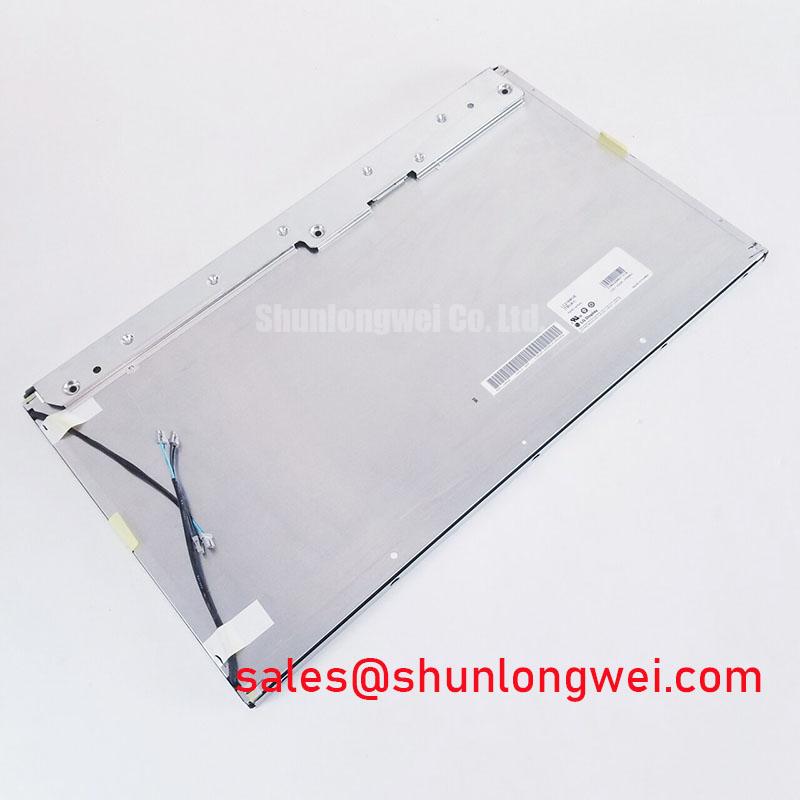
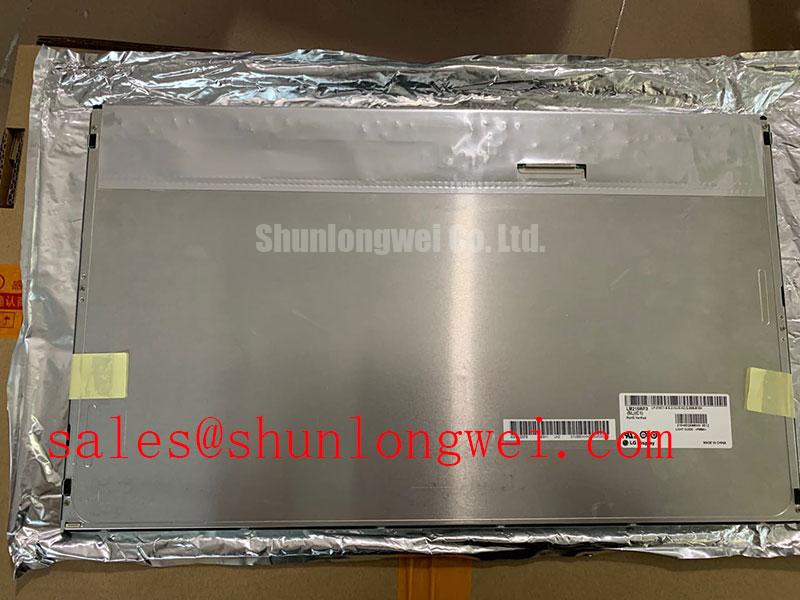
Incoming inspection should start with an unpowered visual examination under diffuse light. Check the front surface, perimeter edges, mounting points, rear housing, connector body, and cable interface for damage that could affect installation or electrical contact. Do not make internal construction claims from external appearance. The official parameter set does not define the internal bonding process, driver attachment method, or internal interconnect structure for this model, so inspection should focus on observable symptoms and controlled functional tests.
After confirming the specified logic supply requirement from the original documentation, apply a known good video source and run a primary color test sequence using full red, green, blue, white, and black fields. Observe the display during cold start, after stabilization, and while the host equipment performs its normal initialization sequence. Full screen colors help identify intermittent lines, uneven regions, missing subpixel activity, image persistence, or timing related artifacts. A defect appearing on every test pattern may indicate a panel side issue, while an artifact changing with cable movement or host board substitution may point toward the interconnect or source path.
A flashlight inspection at approximately forty five degrees can help distinguish a missing backlight condition from an absent image drive condition. If a faint image is visible only under directed external light, the LCD may be receiving image data while the backlight path requires further diagnosis. If no image is visible, verify logic power, panel enable conditions, source timing, cable seating, and the host display controller before reaching a repair decision. This process does not establish a single cause; it narrows the fault domain for further measurement.
The official backlight specification of more than 50,000 hours typical to more than half initial brightness should be assessed with a luminance meter when brightness decline is suspected. Visual judgment alone can be misleading because ambient lighting, cover glass, camera exposure, and adjacent displays influence perception. Record the test condition, warm up state, test pattern, and measurement location so the result can be compared consistently during service review.
For broader maintenance planning involving industrial panel integration, lifecycle evaluation, and HMI environmental assessment, consult Industrial Display & HMI Solutions. The final replacement decision for the LM215WF3-SDDF should be based on verified logic supply, connector pinout, mechanical fit, original signal requirements, image test results, and the operating conditions of the equipment being repaired.