


Content last revised on September 25, 2026
Sharp LQ150X1LW94 TFT LCD Display Module Inspection
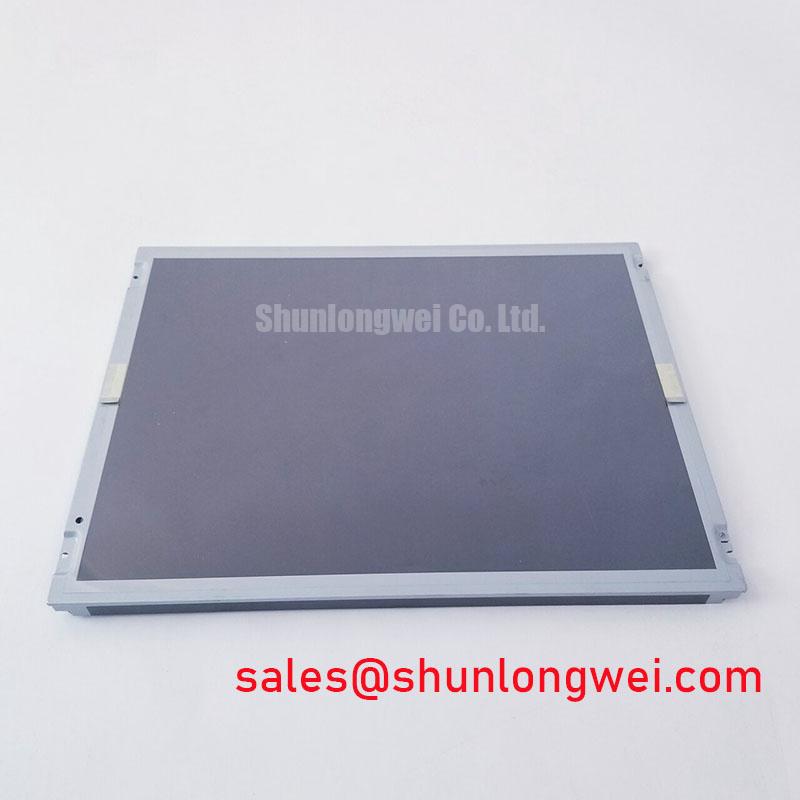
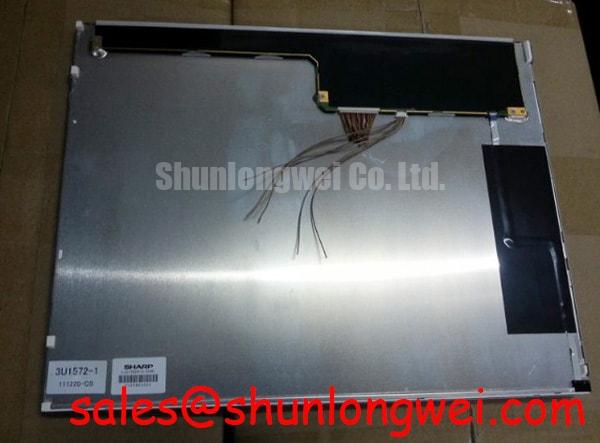
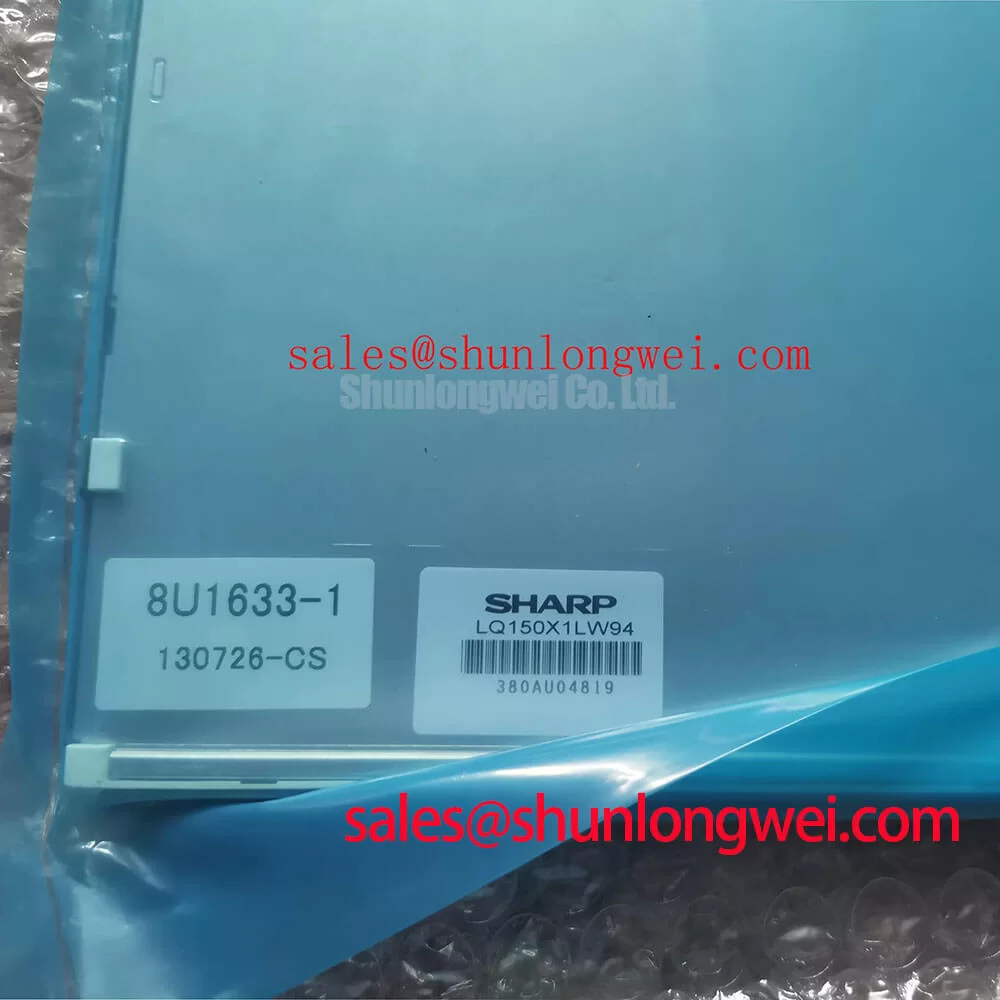
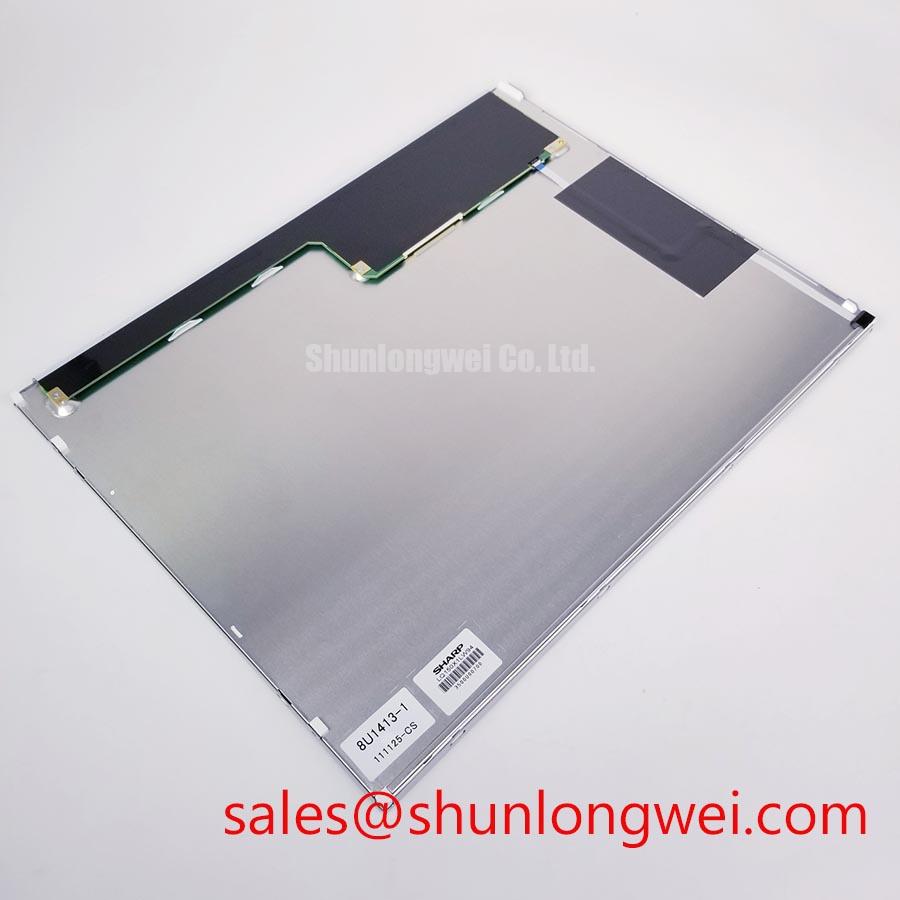
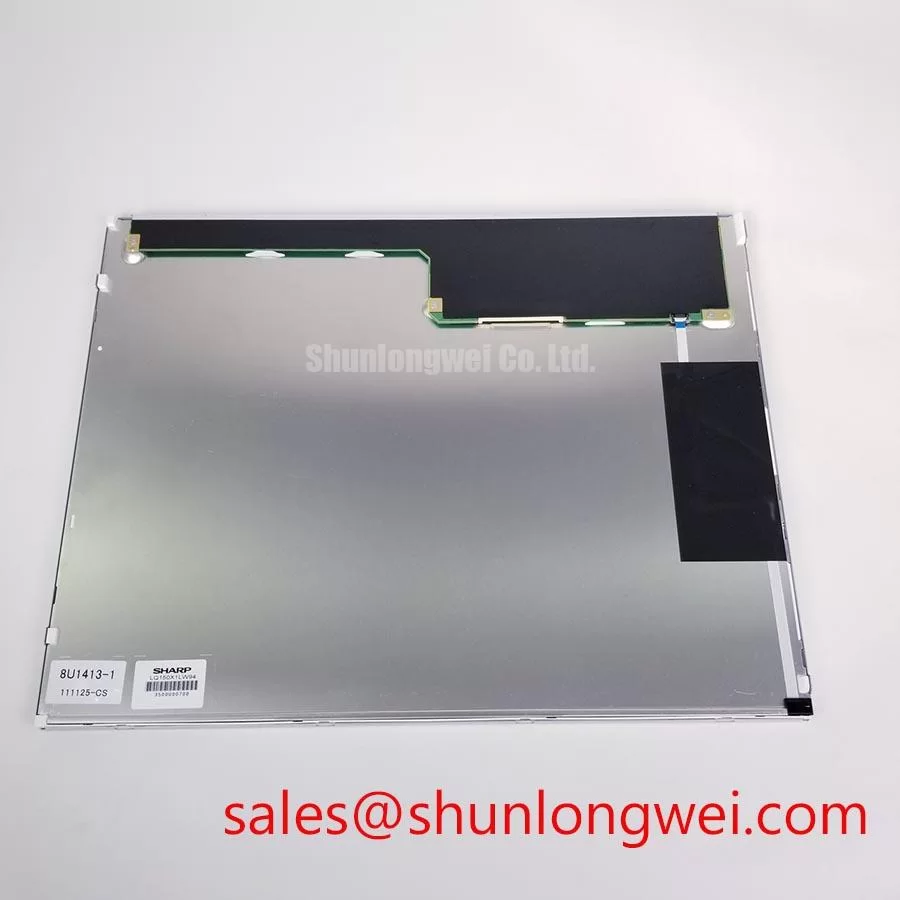
Start the bench check with the machine isolated from power, then inspect the Sharp LQ150X1LW94 TFT LCD Display Module for cracked glass, bezel distortion, connector damage, and contamination around the interface area. Confirm the replacement label against the failed panel record before applying power. The supplied factory information identifies this unit as an Industrial Grade LCD/HMI Panel manufactured by Sharp, with a TFT-LCD Display Module enclosure and an official factory specification status.
Because the available factory data does not state the panel resolution, active-area dimensions, supply voltage, backlight type, interface pinout, luminance, or operating temperature range, those values must be verified from the original Sharp documentation and the equipment service record. Do not substitute a guessed LVDS or TTL configuration. A display with the same diagonal class can still require different timing, connector mapping, power sequencing, or backlight control.
Mitigating Gray-to-Gray Response Time Escalation during Cold-Start Machine Power-Up
During a cold-start evaluation, observe the panel from the first valid image command rather than judging it only after the machine reaches normal temperature. Liquid-crystal response can become visibly slower at low temperature, particularly in gray-to-gray transitions. This may appear as image smearing, delayed status changes, or a temporary difference between dark and bright regions. Such behavior should be recorded against the equipment temperature and the original panel reference, not assigned to the replacement module without comparative testing.
The LQ150X1LW94 data supplied for this product page does not confirm a specific gray-to-gray response time, cold-start limit, thermal-cycle range, perimeter seal construction, or backlight service-life curve. These characteristics therefore remain system verification items. If the display is being evaluated for a railway passenger information system or cab signalling display, the integrator should test the complete assembly across its actual enclosure temperature range, including warm-up behavior, condensation control, vibration exposure, and power interruption recovery.
Backlight diagnosis should begin with the backlight driver output and panel connector rather than replacing the LCD immediately. A uniformly dark image with a visible faint picture under controlled inspection can point toward a backlight path issue, while an absent or unstable image may require checking panel power, timing signals, grounding, and the host graphics source. The test instrument readings should be compared with a known-good system path because the available factory description does not provide the LQ150X1LW94 backlight electrical limits.
Do not describe a 50,000-hour life value or a 50 percent brightness point as an official characteristic of this model without a Sharp source that explicitly assigns those figures to the unit. LED backlight aging, if applicable to the installed configuration, depends on current regulation, temperature, optical loading, and enclosure conditions. A constant-current driver can reduce variation in the light source, but it does not by itself establish the service life of the complete display module.
When the host system requires a related display solution, engineers may also review LQ150X1LG11 as a separate Sharp display reference. It should be assessed by its own documentation and interface requirements, not treated as an automatic electrical substitute for LQ150X1LW94.
Viewing-Angle Verification for Multi-Angle Consoles
Viewing-angle claims need careful separation from the verified identity of this product. The supplied factory information confirms the Sharp TFT-LCD Display Module category, but it does not confirm Super-IPS, MVA, a symmetric 85/85/85/85 viewing cone, grayscale inversion performance, anti-glare etching, or anti-reflection treatment. Those features should be confirmed from the original panel datasheet before they are used in a railway cab console, passenger information terminal, or other multi-angle HMI assessment.
For an incoming display, check the screen from the actual operator positions while showing dark gray, mid-gray, white, red, green, and blue test fields. Look for contrast reversal, color shift, uneven illumination, and reflections from overhead lighting. High ambient light can make surface reflection appear to be a luminance fault. A hood, enclosure window, protective cover, and installed viewing angle can change the result, so the final judgment should be made in the equipment bezel rather than on an open bench alone.
The panel interface also requires an electrical verification plan. The available product data does not identify whether this model uses LVDS, TTL, or another host interface, and it does not publish transmitter clock jitter limits, data hold times, differential impedance, or connector pin assignments. The system integrator should verify the required interface from the original panel documentation, then compare the signal order, timing, enable sequence, and reference ground before connecting the replacement.
As a general design consideration, high-speed display wiring should use a controlled and continuous signal path, with return-current continuity and appropriate termination determined by the host design. If an oscilloscope shows ringing, duty-cycle distortion, or intermittent data during machine switching, compare the display signal at the source and panel connector. The outcome may involve cable routing, grounding, connector contact, host timing, or electromagnetic coupling from servo equipment; it should not be assigned to the LCD module from one visual symptom alone.
Touch functionality is not included in the supplied identification data. If the finished HMI uses a separate resistive or capacitive touch layer, the integrator should verify glove operation, wet-finger response, controller compatibility, overlay thickness, and grounding independently from the LCD image function. The LQ150X1LW94 should not be represented as a touch panel unless the original Sharp documentation confirms that construction.
Incoming Benchtop Inspection and Bonding Integrity Checks
Begin incoming inspection with the module unpowered. Examine the glass edge, flexible connection area, connector housing, and visible bonding perimeter under neutral light. COG, TAB, and anisotropic conductive film construction should not be assumed from the model description because the supplied factory parameters identify only the TFT-LCD Display Module category. Avoid applying pressure to the glass or flexible connection during inspection.
The first powered test should use a stable host system with the correct documented interface and power sequence. Display a full red field, followed by full green, full blue, black, white, and a mid-gray pattern. Record whether the image is stable, whether lines remain fixed, and whether defects change when the signal source or cable is exchanged. A fixed vertical or horizontal line can have several possible causes, including panel bonding, cable contact, host timing, or source data, so comparison with a known-good signal path is necessary.
A 45-degree flashlight inspection can help separate an optical dark area from an image-generation fault. With the display showing a controlled image, use oblique light to inspect whether faint image content remains visible beneath a dark region. This is a practical diagnostic observation, not a pass or fail threshold for LQ150X1LW94. If the result changes with viewing angle, enclosure reflection, or backlight state, repeat the test after checking the driver, connector seating, and panel supply conditions.
For signal troubleshooting, capture the source and receiving ends of the display cable under the same operating condition. Verify that the waveform timing remains within the requirements stated in the original Sharp documentation. The supplied information does not provide LQ150X1LW94 clock jitter or data hold specifications, so those limits must not be invented from a similar panel family. A replacement cable should be considered only after confirming connector keying, pin order, shield arrangement, and host compatibility.
⚠️ Field Alert: Disconnect machine power and allow the host supply to discharge before inserting or removing the display cable, because live connection can expose signal and power contacts to unintended electrical stress.
For sourcing decisions involving similar industrial display dimensions or resolution classes, the LMS700KF01-001 can be reviewed as a separate product record. Its suitability must be established from its own mechanical, electrical, optical, and interface documentation rather than from visual resemblance to LQ150X1LW94.
Industrial Bezel Mechanical Fit and Mounting Verification
Before installation, measure the equipment cutout, bezel contact surfaces, connector clearance, cable bend path, and rear-side obstruction zone against the failed panel. The available factory data does not publish the LQ150X1LW94 outer dimensions, active area, mounting-hole pattern, glass thickness, or bezel tolerance. These dimensions must be taken from the original Sharp mechanical drawing or checked directly against the replacement unit before any fastening work.
Use the bezel as a locating feature only when the equipment drawing confirms that it is intended to carry the installation load. The chassis should support the module evenly, without forcing the glass, flexible circuit, or connector into alignment. Localized pressure can create optical non-uniformity, mechanical stress, or an intermittent contact condition. If the image changes as the frame is tightened, stop the test and inspect the mounting plane, spacer arrangement, and cable routing instead of increasing fastener force.
The requested cross-pattern M3 torque range of 0.35 to 0.45 N·m is not identified in the supplied official factory parameters for LQ150X1LW94. It must therefore be treated as a possible system-level installation reference only when it is supported by the equipment or mounting hardware documentation. The final torque should be determined by the screw, insert, bracket, gasket, and panel assembly, then verified with an even cross-pattern sequence that avoids bezel distortion.
After mechanical installation, repeat the primary-color test, dark-field test, and mid-gray inspection at the normal viewing position. Check the display with the machine enclosure closed because cable routing and nearby servo wiring can alter electromagnetic coupling. If image noise appears only during motor operation, compare the panel supply, chassis bonding, cable shield termination, and host data waveform while the disturbance is present. A display module alone cannot be declared compliant with system-level EMC requirements; the complete installation requires its own verification.
For broader installation guidance covering industrial display and HMI integration, consult Industrial Display & HMI Solutions. For the LQ150X1LW94 itself, the decisive replacement checks remain the Sharp documentation match, connector and timing compatibility, confirmed power requirements, measured mechanical fit, and functional testing in the target railway passenger information or cab signalling equipment.