Content last revised on October 19, 2026
Multi-Angle Viewing Assessment for Industrial Consoles
Manufacturer: Sharp | Model: LQ150X1LX92 | Class: Industrial Grade LCD/HMI Panel | Construction: TFT-LCD Active Matrix Color Display Module | Status: Decoded Baseline / Standard Form Factor
Check the display from the operator’s actual standing and viewing positions before removing it from a CNC operator panel or robot teach pendant. A multi-angle console can expose grayscale inversion, contrast loss, or uneven surface reflections that are not visible from a straight-on bench position. The LQ150X1LX92 is identified as a Sharp TFT-LCD active matrix color display module, while the exact optical architecture and viewing performance should be matched with the original equipment documentation before a replacement decision.
For field evaluation, compare the panel at vertical and horizontal viewing positions rather than judging image quality from one angle. TN panels can show grayscale inversion as the operator moves above or below the display axis. IPS and MVA families generally address this behavior differently, but a specific viewing cone must not be assigned to the LQ150X1LX92 without a corresponding manufacturer datasheet. The 85/85/85/85 viewing reference supplied for this application is therefore a Design Consideration for multi-angle console assessment, not an unqualified product rating.
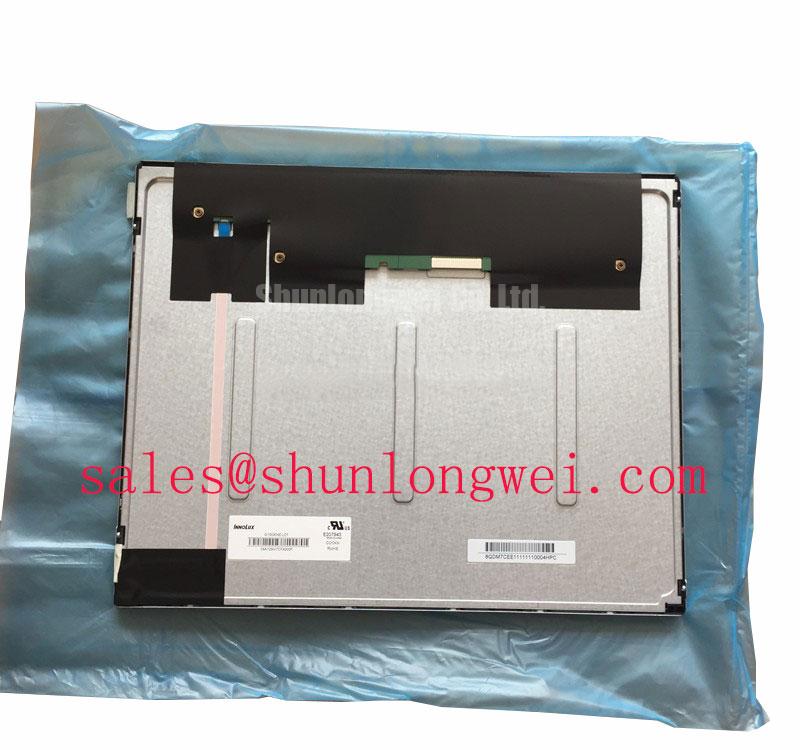
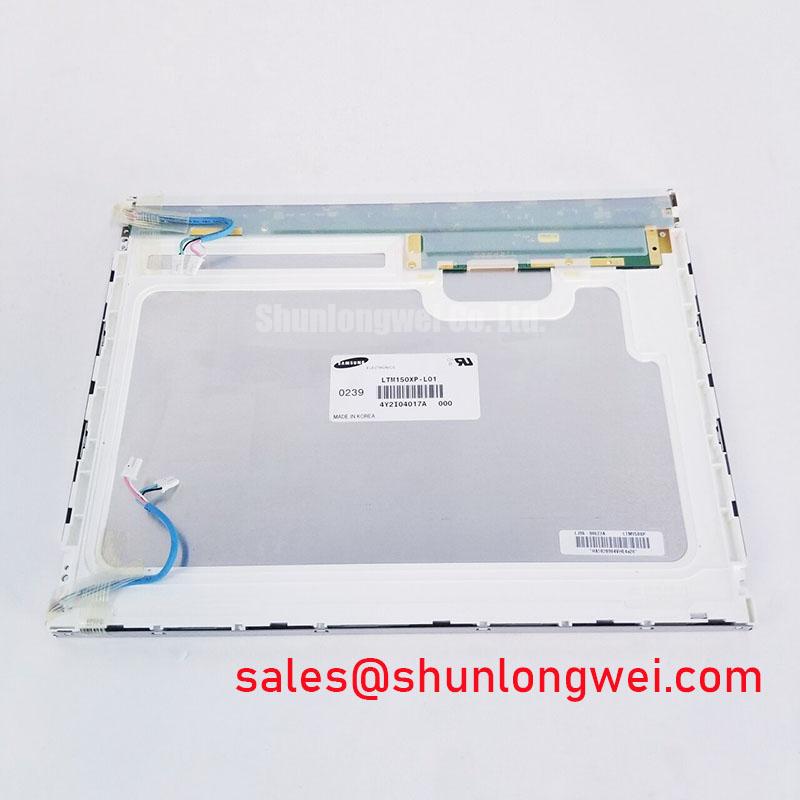
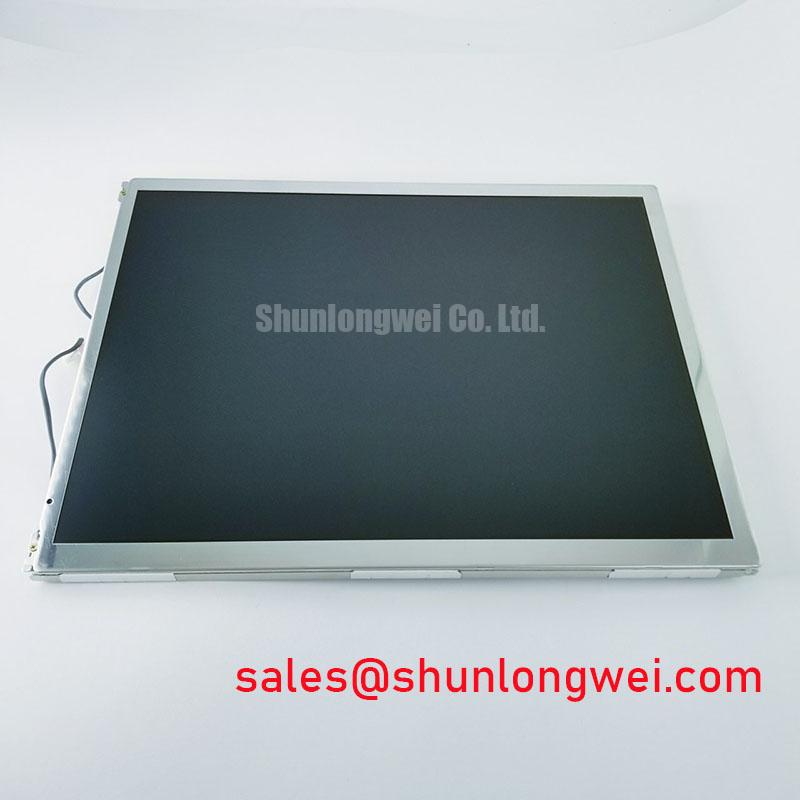
Ambient light also changes the result. Inspect the image with the cabinet illumination, machine work lights, and overhead factory lighting active. An anti-glare surface can reduce reflected hotspots, although aggressive surface etching may alter perceived sharpness and black-level uniformity. Engineers evaluating the Sharp panel for an industrial HMI should compare the front surface, bezel opening, image orientation, connector position, and controller compatibility with the removed display.
Backlight condition should be assessed separately from the LCD cell. The driver type, thermal environment, control strategy, and operating duty influence brightness ageing. A quoted backlight lifetime curve such as 50,000 hours to 50 percent brightness must be treated as a backlight-system or supplier condition unless it is explicitly assigned to this model. The related The Ultimate Guide to Industrial TFT-LCD Technology provides useful background when comparing optical ageing, ambient light, and display integration factors.
LVDS Interface, Timing, Pixel Clock, and Skew Compensation Verification
Confirm the installed connector, pin count, cable orientation, and controller configuration before powering the replacement panel. A 20-pin or 30-pin LVDS connection cannot be assumed from the model name alone. The system integrator should verify the required supply voltage from the original panel documentation and confirm whether the controller uses the expected JEIDA or VESA mapping.
Split-screen images, incorrect colours, missing columns, or unstable startup can arise from an interface mismatch, incorrect lane order, incompatible pixel mapping, or timing configuration. Use the known-good controller and cable where possible, then compare the replacement panel’s image behaviour during startup, full-white, full-black, and moving-pattern tests. A connector that physically fits is not proof of electrical compatibility.
For a high-EMI factory cabinet, controlled differential routing is an Engineering Recommendation. A nominal 100 ohm differential path with approximately 10 percent routing tolerance and a tightly controlled pair-length relationship can help preserve signal quality, but these are system-level layout targets rather than confirmed Sharp specifications for the LQ150X1LX92. The final routing should be validated against the controller output, cable construction, common-mode environment, and measured eye quality.
Power sequencing deserves the same attention. The supplied 0.5 millisecond to 10 millisecond rise-time window is an application-level timing reference, not a verified product rating. Check the actual logic rail rise, display-enable timing, backlight-enable sequence, and reset behaviour with the replacement installed. When an interface board requires a different sequence, the controller documentation takes priority over a generic LVDS assumption.
For a size or resolution comparison, engineers may review LQ10D421 as a separate Sharp display reference. It should be treated as an independent model, not as an automatic electrical or mechanical substitute for the LQ150X1LX92.
Mounting Fastener and Torque Considerations for Optical Mura Assessment
Release mounting stress before judging a dark corner, bright edge, or uneven field pattern. Uneven bezel pressure can distort the visible optical field and may create local mura that changes when the chassis is loosened. Measure the existing cutout, bezel overlap, mounting-hole pattern, connector clearance, and panel seating surfaces before transferring the display into the cabinet.
The 0.35 to 0.45 N·m M3 torque range supplied for this integration concept is a Design Consideration, not a confirmed Sharp installation specification for this model. If the original equipment maker provides a torque value, use that value. Otherwise, apply fastener load progressively in a cross pattern, keep the panel supported on a flat and clean interface, and inspect the image after each mechanical adjustment.
Do not use fasteners to pull a misaligned panel into position. Correct the bezel envelope, spacer condition, bracket alignment, and cable clearance first. Localised compression near an edge can produce a visible dark-field variation, while an uneven gasket can create light leakage around the perimeter. These effects should be distinguished from pixel defects by comparing the pattern before and after controlled mechanical release.
Maintenance Note: Isolate power before disconnecting the display cable, and inspect the sealing gasket and cabinet ventilation path during every planned service interval.
FPC handling is part of the mechanical installation. Keep the flexible cable naturally supported, avoid sharp folds at the connector exit, and ensure that the locking mechanism is fully engaged without applying side load. Vibration and repeated cabinet access can gradually change connector seating even when the initial image test is satisfactory.
Managing Localized Thermal Gradients and Optical Color Shift
Map temperature across the narrow display edges before adding brackets, shields, or heat-spreading hardware. A local hot spot can shift perceived white balance, accelerate optical ageing, or change response behaviour without indicating an immediate electronic failure. Any aluminium rail or spreader should be designed around the enclosure, controller heat sources, airflow, and the panel’s permitted mechanical loading rather than attached directly by assumption.
Optical components and backlight assemblies can show colour change after prolonged thermal exposure, but the internal material construction of the LQ150X1LX92 is not established by the supplied baseline description. Treat claims about material yellowing, L70, or B50 as system or supplier data requiring a documented test condition. A practical maintenance check is to record a consistent white test image at comparable cabinet temperatures and compare edge-to-centre colour behaviour over scheduled inspections.
Cold-start testing should be performed with the complete controller and enclosure, not with the LCD module isolated from its normal thermal environment. At sub-zero conditions, liquid-crystal response can become slower and motion artefacts may remain visible for longer. The suggested minus 20 to minus 30 degree Celsius evaluation range is an Engineering Recommendation for environmental testing, not a confirmed operating rating for this Sharp model. If a heater is part of the equipment design, its control limits, condensation strategy, and warm-up sequence must be validated by the system engineer.
For industrial HMI use, designers should also check static screen content, backlight-control interaction, cable strain, and enclosure vibration during long-duration operation. A backlight control range such as 200 Hz to 1 kHz may be used as a bench investigation range, but the appropriate setting depends on the driver, camera exposure, human visual requirements, and measured flicker behaviour. The external Sharp Devices Europe Industrial Display Solutions resource and the TFT LCD technology reference can support broader interface and optical planning. Before approving the LQ150X1LX92 for a CNC operator panel or robot teach pendant, verify the original connector map, controller timing, mounting envelope, thermal profile, and image uniformity under the actual equipment conditions.