
Content last revised on October 15, 2026
Initial Inspection and Integration Checks
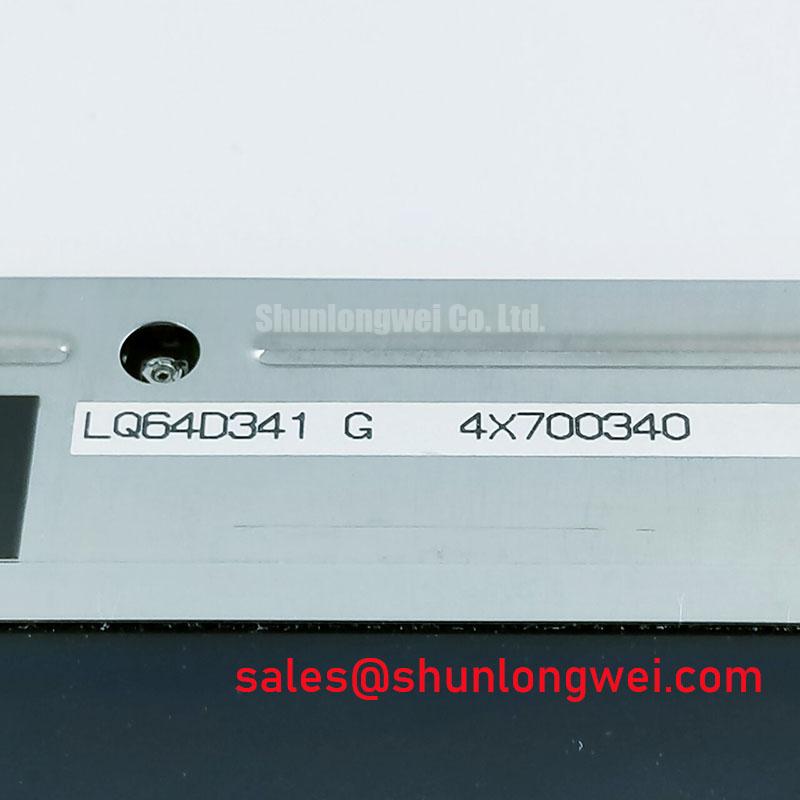
- Disconnect equipment power and compare the LQ64D343G label with the display assembly reference before disturbing the cable routing.
- Inspect bezel contact points, gasket seating, mounting supports, and cable clearance for uneven loading or trapped contamination.
- Record the existing image fault with a repeatable test pattern before separating display, controller, and illumination faults.
- Check the equipment wiring diagram against the panel connector assignment before applying power to a replacement assembly.
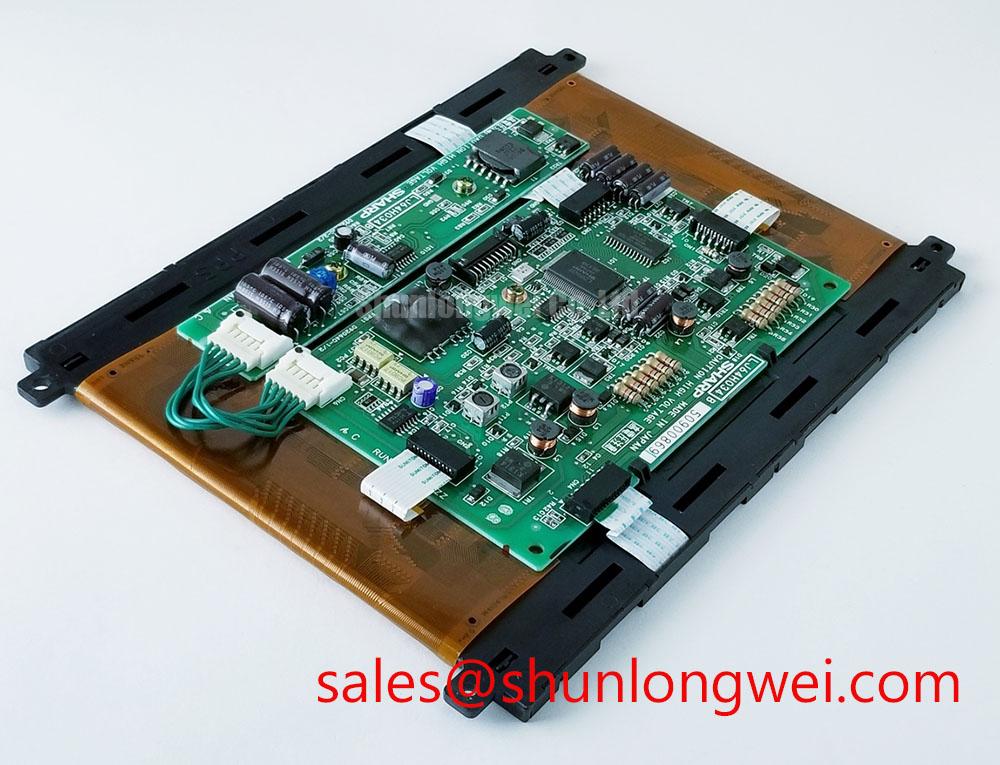
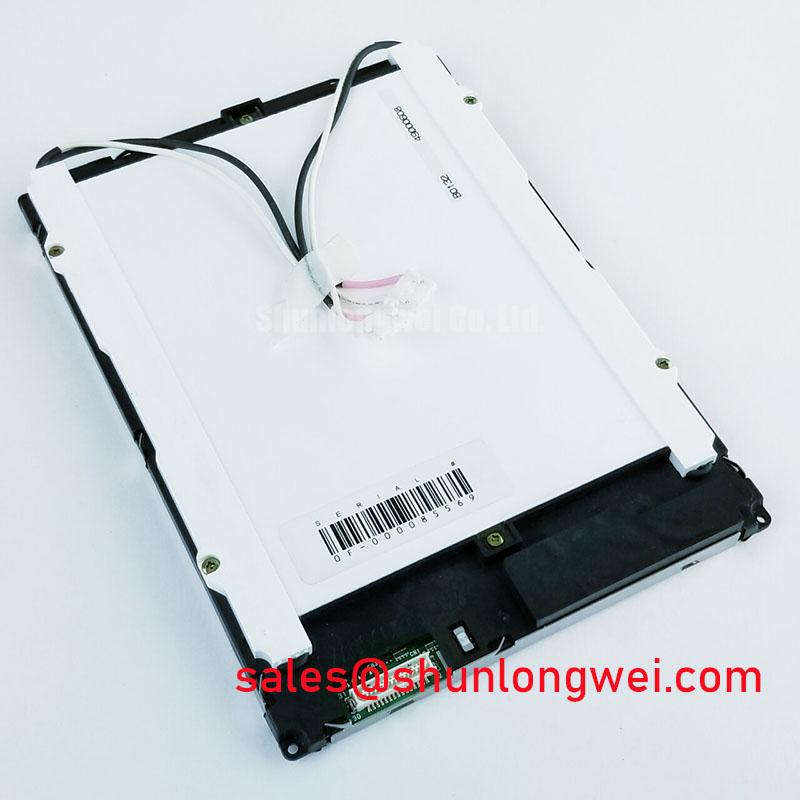
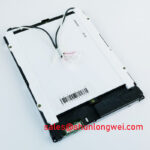
The Sharp LQ64D343G is a TFT-LCD active matrix color display module in the industrial LCD/HMI panel category. Replacement assessment should connect its electrical interface, mechanical fit, and optical behavior to the host assembly rather than treating the model number as proof of system compatibility.
| Product identification | Specification or verification requirement |
|---|---|
| Model | LQ64D343G |
| Manufacturer | Sharp |
| Product category | Industrial Grade LCD/HMI Panel |
| Module construction | TFT-LCD Active Matrix Color Display Module |
| Baseline classification | Decoded Baseline / Standard Form Factor; not a dimensional interchangeability guarantee |
| Electrical, optical, and mechanical ratings | Consult Datasheet: supply voltage, interface, resolution, outline dimensions, illumination configuration, temperature limits, viewing angles, and fastening requirements. |
The integration guidance below is identified as Design Consideration, not an additional set of manufacturer ratings.
Aluminum Heat Spreader Sizing & Thermal Interface Placement along Narrow Display Edges
Map the installed assembly’s edge temperatures before selecting an aluminum spreader profile. As a Design Consideration, assess heat generated by surrounding electronics separately from heat entering the display through its mounting frame. A hot edge does not, by itself, establish an internal illumination defect. Compare the thermal pattern with image uniformity and equipment operating state before changing the mechanical stack.
Where the enclosure uses heat spreader rails, establish their contact area from the chassis geometry and measured heat path. Thermal interfaces should not load the viewing surface, obstruct connectors, or bridge unsupported areas. Rail thickness, interface compression, and attachment details remain assembly decisions requiring temperature and mechanical validation. Do not assign an optical material, LED configuration, or backlight lifetime classification to this module from its enclosure appearance.
Keep illumination power troubleshooting separate from panel logic troubleshooting. Engineering Recommendation: inspect the installed driver’s supply, enable command, output connections, and documented fault indications. Open-circuit or short-circuit protection behavior belongs to the identified driver circuit; a blank screen alone does not establish which protection has operated.
The Sharp LQ070Y3LW01 is a separate display reference for comparative integration review, not an auxiliary power component for the LQ64D343G. Compare complete display and illumination requirements rather than transferring driver assumptions between model numbers.
Wide Temperature Operational Margin & Sub-Zero Liquid Crystal Viscosity
Compare image transitions after the assembly reaches thermal equilibrium, using the same grayscale pattern and controller settings throughout the test. Design Consideration: lower temperature generally increases liquid crystal response time, so visible trailing must be distinguished from corrupted image data. Record actual panel-area temperature alongside the observed behavior rather than relying only on an enclosure air sensor.
A chamber test range is a system qualification condition, not automatically a panel operating rating. Select test endpoints from the approved component and equipment limits. If the host includes controlled heating, assess sensor placement, temperature uniformity, and startup behavior without assuming a heater is part of the display module. Heating arrangements should avoid localized stress and remain subject to assembly validation.
For interface diagnosis, identify the actual signaling standard from the equipment schematic before selecting probes or interpreting timing. Engineering Recommendation: inspect clock stability and data timing at the receiving connection using the applicable interface requirements. Compare behavior across approved temperatures, and observe whether errors correlate with nearby drive operation. Cable routing, return paths, and connector condition deserve attention before altering controller timing.
After cold storage, allow the assembly to equilibrate under the equipment’s condensation-control procedure before energizing it. The industrial TFT LCD technology guide provides background for organizing display checks; model-specific limits and acceptance criteria belong to the applicable manufacturer and equipment documentation.
Viewing Cone & Surface Reflection Assessment for Multi-Angle Consoles
Inspect grayscale ordering, text contrast, and reflections from the operator’s intended viewing positions before attributing poor readability to illumination output. Design Consideration: different liquid crystal modes have different off-axis behavior, but the LQ64D343G should not be assigned Super-IPS, MVA, or a symmetric viewing-angle specification without supporting product documentation.
Evaluate the complete optical stack under representative ambient lighting. A protective window, touch overlay, accumulated surface contamination, and panel surface treatment can each affect apparent contrast. Anti-glare treatment redistributes reflections, while anti-reflection treatment addresses reflection through a different optical mechanism; neither designation establishes outdoor readability by itself. Compare clean surfaces using the same illumination direction and image content.
Where the host equipment includes touch input, treat its sensor and controller as a separate subsystem. Engineering Recommendation: assess glove operation and water exposure against the installed touch assembly’s supported modes. Do not infer touch capability from the LCD model number. Compare touch behavior with the illumination enabled and disabled, and with nearby actuators operating, to identify correlations requiring further electrical investigation rather than declaring a single cause.
For manufacturer-level display and optical context, consult Sharp Devices Europe Industrial Display Solutions. Component information supports integration assessment; it does not establish complete equipment EMC compliance or replace testing of the assembled enclosure and wiring.
Industrial Bezel Mechanical Envelope Tolerances & Mounting Screw Torque Optimization
Check bezel flatness, support height, and gasket compression before tightening the display assembly. Design Consideration: uneven loading can alter optical uniformity, so inspect dark and mid-gray images as the assembly is progressively secured. Establish fastener torque from the approved chassis and module mounting instructions rather than applying a generic value based only on screw diameter.
Keep sealing pressure on the intended enclosure contact surfaces, with clearance for cables and thermal movement. Inspect gasket joints and corners for displacement without pressing on the active display area. Maintenance Note: Periodically inspect ventilation paths and gasket seating, and isolate equipment power before adjusting the display assembly.
When assessing the Sharp LQ057Q3DC03 alongside this module, compare outline drawings, viewing area, connector placement, electrical assignments, and controller compatibility. It should not be treated as a verified direct replacement without that comparison. For an AGV or forklift telematics display evaluation, the same review should include the host mounting arrangement, environmental sealing, and cable restraint.
After reassembly, repeat the original image test with the enclosure secured in its operating configuration. If nonuniformity changes with fastening condition, investigate support contact and gasket loading; if it remains unchanged, continue optical and electrical checks independently. Record the assembly condition and observed result so subsequent maintenance can distinguish installation effects from changes in the display itself.