


Content last revised on October 12, 2026
Sharp LQ9D161 Display Module Inspection for Industrial Panel Repair
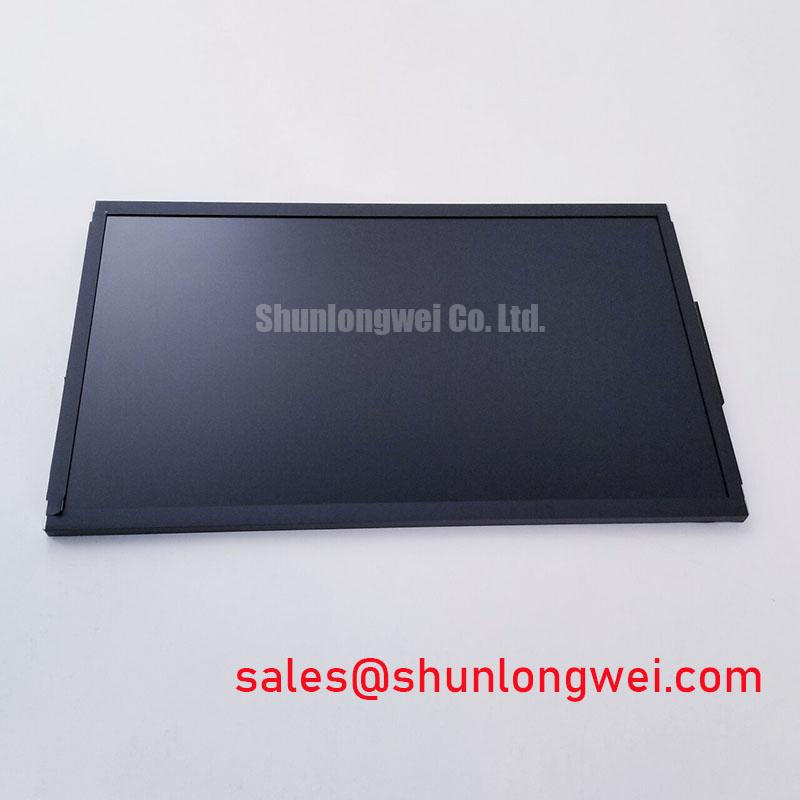
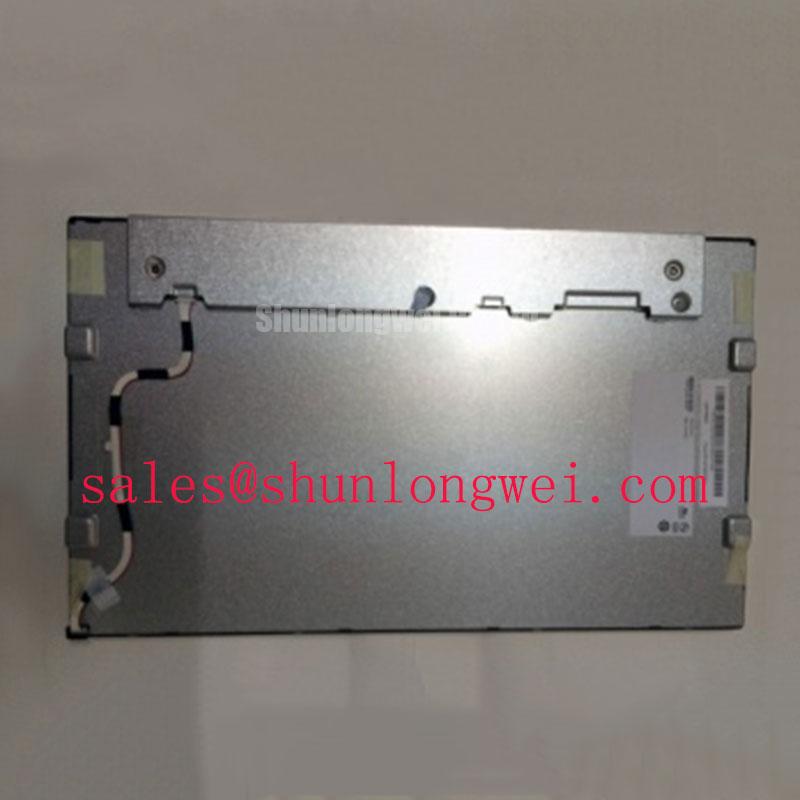
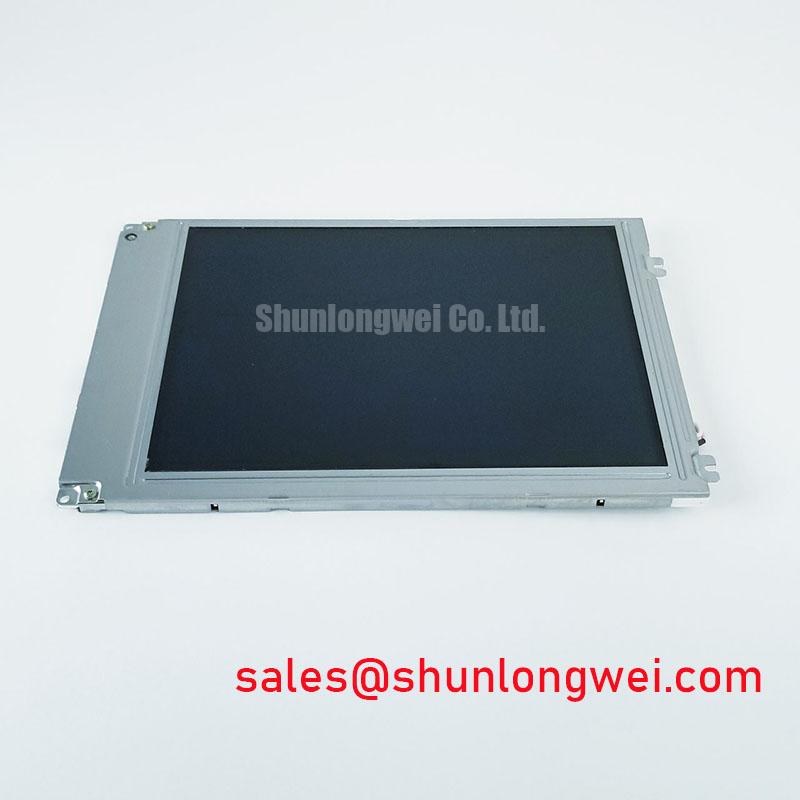
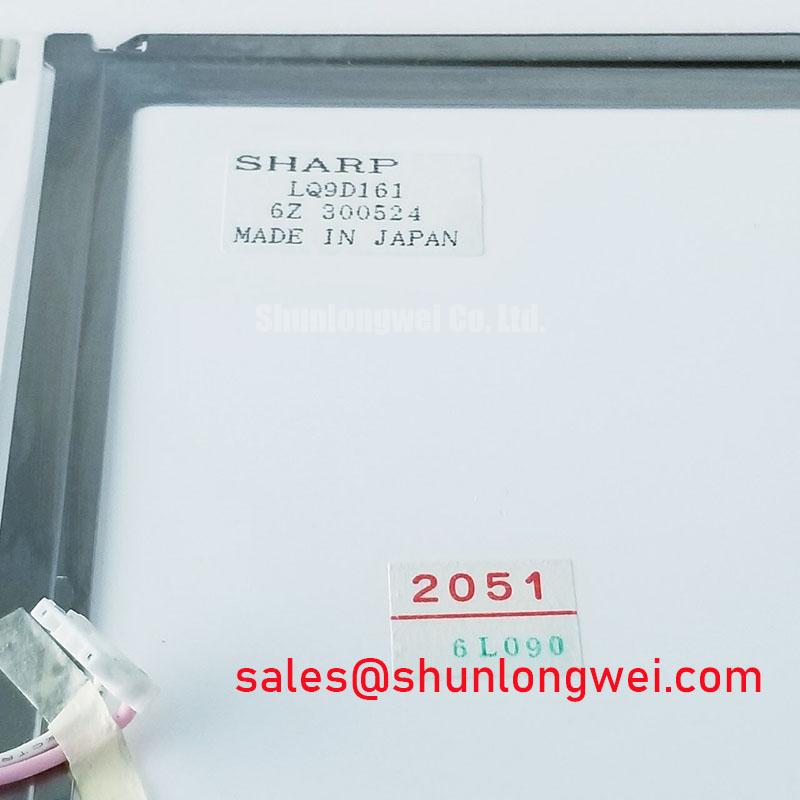
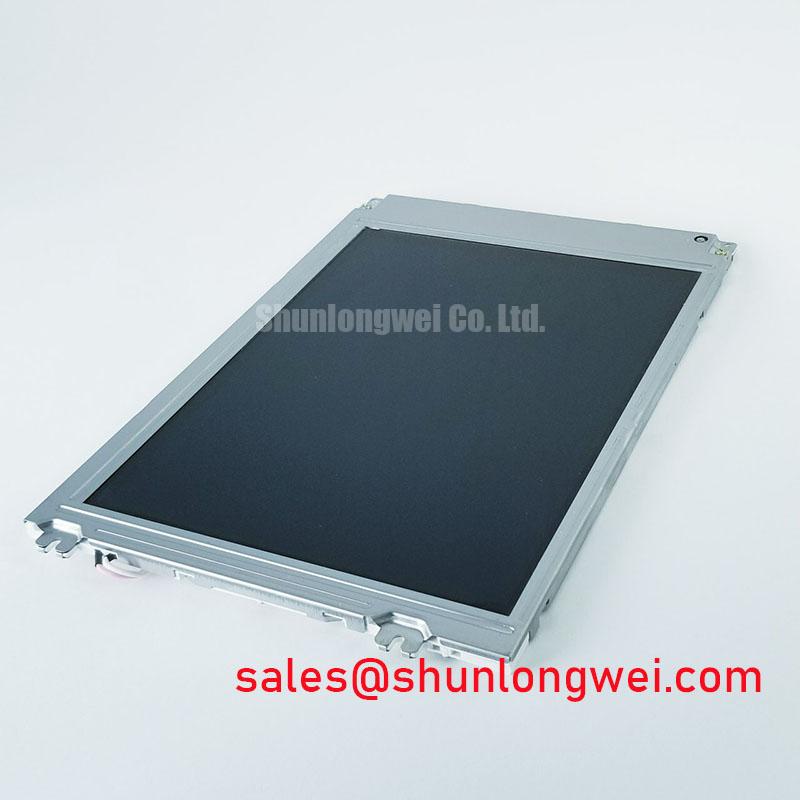
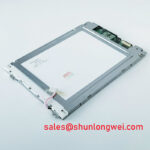
During a CNC panel repair, first isolate power, inspect the display connector for uneven insertion, and check the panel surface under uniform illumination before applying a replacement. The LQ9D161 is identified as a Sharp TFT LCD Active Matrix Color Display Module for industrial display integration.
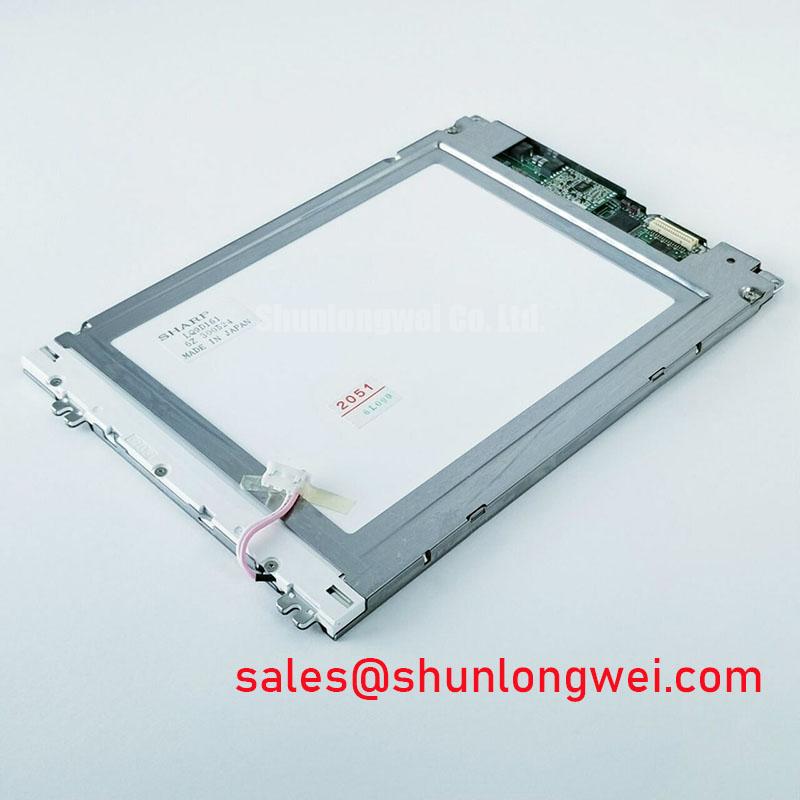
Before removing the original panel, photograph the cable orientation, locking position, mounting points, and visible identification marks. The available product context does not establish a complete electrical datasheet for supply rails, timing, pin assignment, backlight type, or optical ratings. Those values should be matched to the equipment’s original panel documentation and service drawings rather than inferred from the model name. This is particularly important when evaluating the LQ9D161 for an industrial automation CNC operator panel or robot teach pendant.
Display Interface Synchronization and Logic Power Rail Verification
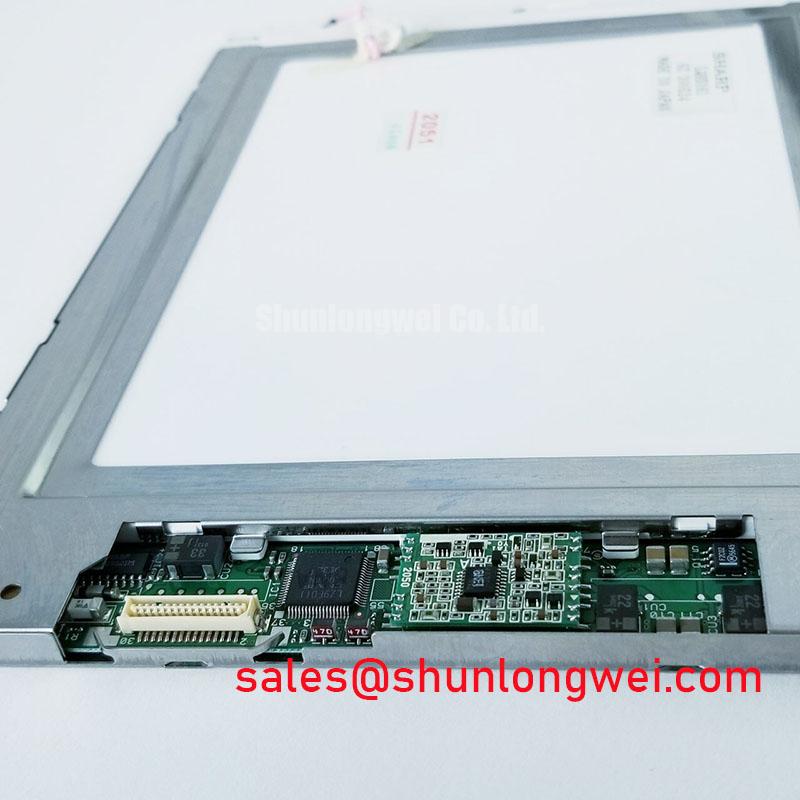
Interface verification should begin with the original controller board, because the LQ9D161 product record does not confirm whether a particular installation uses TTL RGB, another parallel display interface, or a dedicated converter board. Identify the panel-side connector, compare its pin labels with the machine schematic, and confirm the logic supply requirement from the original display documentation. Do not apply a 3.3 V or 5.0 V rail based only on a generic TFT convention.
If the host uses a 24-bit RGB bus, confirm the red, green, and blue bit order together with the pixel clock, horizontal timing, vertical timing, data-enable behavior, and synchronization polarity. Incorrect bit mapping can produce incorrect colors, while timing mismatches can cause split images or unstable graphics even when the panel receives power. When a converter board is present, document its input and output standards separately; the panel model alone does not define the complete signal path.
For high-speed differential links elsewhere in the display assembly, the system designer should control trace geometry and reference-plane continuity according to the interface specification. A 100-ohm differential target may apply to a particular serial link, but it should not be treated as an LQ9D161 factory rating without the relevant electrical drawing. Use an oscilloscope or differential probe to compare clock and data behavior with a known-good assembly, paying attention to ringing, duty-cycle distortion, and timing movement during display updates.
Cold operation can lengthen liquid-crystal response and make moving graphics appear smeared. If the panel is evaluated in a low-temperature enclosure, allow the complete display assembly to stabilize before judging image response. Any heater, temperature controller, or airflow arrangement belongs to the equipment design and should be validated against the panel documentation. A persistent split-screen image, incorrect color grouping, or intermittent frame loss also warrants inspection of the flat-flex cable seating and controller-board ground reference.
Grayscale Behavior and Viewing Direction Alignment
Optical acceptance testing should use the actual mounting direction of the machine, not a front-facing bench view alone. Confirm whether the operator normally views the screen above, below, or directly along the panel axis, then display grayscale ramps and mid-level color fields. TN-type behavior, if confirmed by the original documentation, can show viewing-direction-dependent tonal changes that are not necessarily caused by a defective replacement.
The LQ9D161 listing identifies an active-matrix color display module but does not establish a factory viewing cone, panel mode, surface treatment, contrast value, or grayscale specification. Do not substitute IPS or MVA viewing assumptions for this model. Sharp’s industrial display resources at Sharp Devices Europe Industrial Display Solutions and the Sharp Display Solutions Official Portal provide useful references when comparing optical characteristics across display families.
For incoming inspection, illuminate the entire screen with a uniform test pattern and examine it from the operator’s normal position. Check for stuck or inactive pixels, localized brightness variation, edge shading, contamination, and visible pressure marks. A surface described as anti-glare should be assessed under the same ambient lighting found at the machine, because reflected overhead light can conceal low-level nonuniformity while exaggerating haze.
Backlight behavior should be evaluated through the installed driver rather than by assuming a particular lamp technology. Confirm the original backlight connector, drive current, enable logic, dimming method, and fault response before energizing the panel. Brightness drift over operating time is an equipment-level maintenance concern; no LQ9D161 field-life or half-brightness figure is established in the supplied product data.
Temperature Evaluation and Low-Temperature Liquid Crystal Response
Temperature testing should compare startup appearance, static image uniformity, and motion response after the panel has reached the intended enclosure temperature. The supplied LQ9D161 data does not confirm an operating range of −30 °C to +85 °C, so those limits must not be presented as a factory guarantee. For a CNC cabinet or teach pendant, measure the temperature at the display location rather than relying only on the control cabinet’s air sensor. Keep testing within the panel’s documented operating limits.
At low temperature, liquid-crystal movement can slow and grayscale transitions may appear elongated. Use a repeatable moving bar or grayscale transition pattern and record the visual change during warm-up. Avoid interpreting temporary motion blur as a definite interface fault until the display temperature, backlight state, and source timing have been checked. At elevated temperature, inspect for contrast changes, intermittent behavior, and mechanical stress around the bezel and cable exit.
When a differential display link is used in the host system, route its pairs with a continuous reference path and control pair-to-pair coupling. A nominal 100-ohm differential impedance and a 50 ps skew budget may be design targets for a specified interface, but they are not confirmed LQ9D161 module ratings. The system engineer should validate the actual interface requirements with signal-integrity measurements at the panel connector, especially in a factory environment containing motor drives and contactors.
FPC reliability depends heavily on bend radius, insertion alignment, connector support, and repeated service access. Keep the flex cable free from sharp folds and ensure the stiffener enters the connector evenly before the lock is closed. 💡 Bench Tip: Use ESD protection and press the flex cable fully parallel to the connector before locking it; do not correct an angled insertion by forcing the latch.
Backlight Identification and High-Voltage Safety Checks
Backlight identification must be completed before any high-voltage test. The supplied LQ9D161 information does not confirm a CCFL striking voltage, an inverter specification, LED architecture, PWM range, acoustic behavior, or backlight lifetime. Therefore, a 1500 to 1650 Vrms ignition value or a 1000:1 dimming ratio must not be assigned to this model without the original backlight documentation.
If the machine uses a CCFL inverter, inspect the secondary wiring, lamp sockets, insulation spacing, shielding, and return path according to the inverter manufacturer’s safety procedure. High-voltage probing should be performed only with suitably rated instruments and fixtures. Look for insulation damage, carbon tracking, loose lamp connections, and audible vibration after confirming that the inverter is the correct type for the replacement display.
If the assembly uses an LED driver, confirm the required current regulation, enable signal, dimming polarity, and open-load protection from the driver documentation. Backlight flicker, delayed illumination, or a dark screen can involve the driver, cable, controller, or panel connection, so compare the enable and supply waveforms at the relevant connector rather than assigning a single cause to the display module.
For replacement evaluation, compare the LQ9D161’s mechanical envelope, connector orientation, active display area, mounting features, and optical direction with the removed unit. The LQ6AW31K is a separate display model, not an established replacement; compatibility must be established through documented dimensions, electrical interface, and backlight requirements rather than model-family similarity. For broader service reference, consult The Ultimate Guide to Industrial TFT LCD Technology when building the inspection checklist for an HMI retrofit.