Content last revised on October 21, 2026
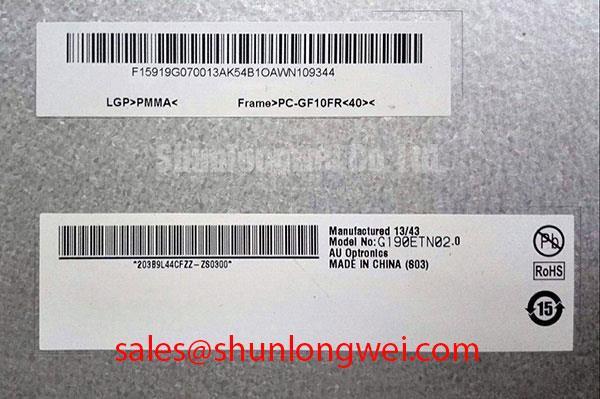
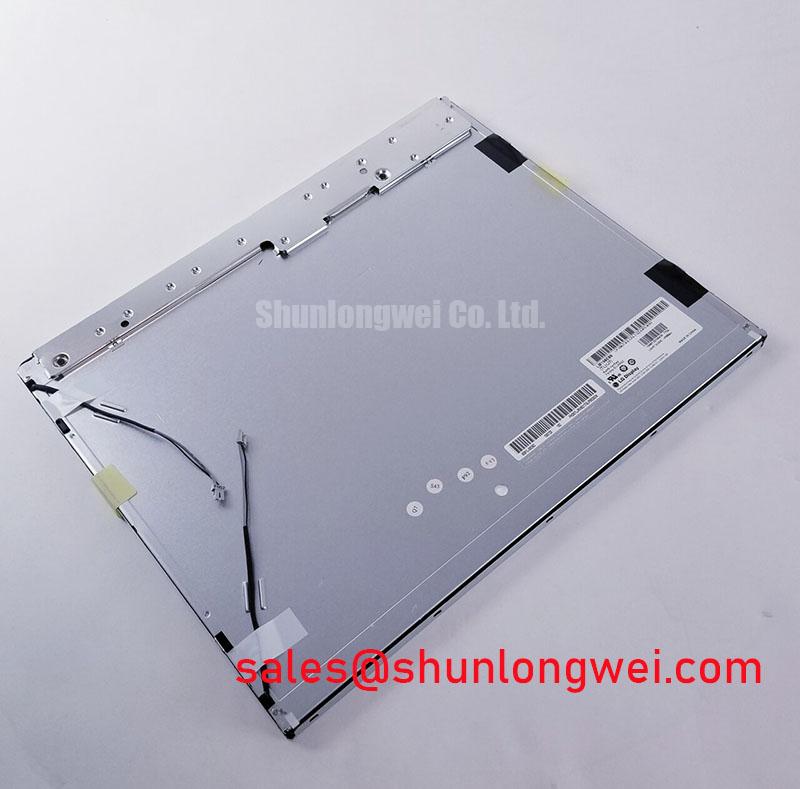
M185XW01 V3 AUO TFT LCD Panel
During a CNC operator panel inspection, isolate the display power and signal wiring before checking the panel frame, FFC seating, and screen surface for damage. The M185XW01 V3 is a TFT-LCD Active Matrix Color Display Module from AU Optronics (AUO). Suitability for an industrial HMI application must be evaluated at the system level; supply voltage, interface pin assignment, backlight configuration, optical values, and operating temperature limits should be matched with the original panel documentation before replacement.
For incoming inspection, display a full-screen white field, black field, red, green, and blue test patterns. Observe pixel uniformity, edge shadows, inactive areas, and intermittent horizontal artifacts while gently monitoring the cable position without applying force. This procedure is useful when evaluating a replacement for an industrial automation CNC operator panel or robot teach pendant, where connector alignment and signal compatibility are as important as the visible panel dimensions.
| Parameter | Product Information |
|---|---|
| Model | M185XW01 V3 |
| Manufacturer | AU Optronics (AUO) |
| Product category | TFT LCD panel |
| Display construction | TFT-LCD Active Matrix Color Display Module |
| Electrical interface and backlight data | Consult the original panel documentation before system integration |
💡 Bench Tip: Use ESD protection and keep the FFC fully parallel to the connector before locking it, because a partially inserted cable can create intermittent image faults that resemble a panel failure.
Radiated Emissions Evaluation: Shielding and Backplate Grounding
When pixel jitter or horizontal noise appears near a variable-frequency motor drive, separate the display signal path from the cabinet’s high-current switching paths before changing the panel. A display module does not independently establish CISPR Class A or Class B compliance; the final result depends on the complete enclosure, cable routing, grounding structure, drive electronics, and operating conditions.
For a repair bench evaluation, inspect the shield termination at both the panel and controller ends of the FFC or LVDS cable, where shielding is provided. A 360-degree shield connection can reduce common-mode coupling when the mechanical design supports it, while long pigtail connections can increase termination inductance and reduce high-frequency shielding effectiveness. Any ferrite component should be selected and validated by the system designer rather than treated as a standard accessory of the M185XW01 V3.
Backplate grounding should create a controlled reference between the display frame and the equipment chassis without forcing signal return currents through delicate panel connections. Use an oscilloscope at the known-good signal path and compare the affected unit under the same motor-drive switching condition. Check whether the noise follows cable movement, drive speed, or enclosure bonding. These observations help distinguish signal integrity problems from optical defects.
Outdoor or high-illumination operation requires a separate optical review. Do not assume that a specific contrast ratio under direct sunlight or a particular anti-glare coating belongs to this model without supporting panel documentation. Measure visible contrast and reflection behavior in the completed bezel and cover assembly, since the front window, surface angle, ambient light, and enclosure design all influence the operator’s view.
For broader panel selection and integration principles, consult The Ultimate Guide to Industrial TFT LCD Technology. The AU Optronics website provides manufacturer-level reference context for display products.
Backlight Identification and Driver Troubleshooting
Backlight troubleshooting must begin with identification of the actual lamp or LED arrangement in the original equipment. Identifying the module as a TFT-LCD active matrix display does not by itself establish a CCFL striking voltage, dual-channel inverter topology, LED driver current, PWM dimming ratio, acoustic behavior, or service-life rating.
If the original assembly uses a high-voltage fluorescent backlight, keep the inverter wiring physically separated from the LVDS or logic cable during bench testing. Inspect connector insulation, cable routing, and the inverter’s protective shutdown behavior. Disconnect power before handling backlight wiring, and use appropriately rated equipment for any live high-voltage measurements. If the assembly uses an LED backlight, evaluate the driver enable signal, current regulation, dimming response, and thermal conditions using the equipment’s documented interface requirements. These two backlight architectures are not interchangeable by assumption.
A dark screen with a visible image under angled light can indicate a backlight-path issue, but it should be investigated alongside connector continuity, driver enable behavior, and panel image generation. An audible buzz should be assessed with the cover and mounting hardware in their normal configuration, since mechanical vibration can alter the acoustic result. Do not assign a fixed ignition voltage, PWM ratio, contrast value, or lifetime figure to this model without the applicable technical document.
When an alternative display solution is being assessed, the M185XW01 V4 may be reviewed as a separate product reference for system-level comparison. Its electrical and mechanical data must be evaluated independently rather than inferred from the M185XW01 V3 designation.
Interface Verification, Pixel Clock and Signal Integrity
Connector count and data format must be confirmed from the original panel documentation before a controller board is connected. Do not infer a 20-pin interface, 30-pin interface, TTL, LVDS, JEIDA mapping, VESA mapping, or a particular logic supply voltage from connector appearance alone. A physically similar connector is not sufficient evidence of electrical compatibility.
After confirming electrical compatibility, compare the known-good panel and the candidate panel using the same controller, cable, image pattern, and power sequence. Check the controller’s supply rise, display-enable timing, pixel clock activity, and differential pair behavior at the receiving interface. If the image is split, shifted, color-inverted, or filled with unstable vertical bands, review mapping, lane order, clock polarity, and timing configuration before condemning the panel.
High-speed differential routing should maintain a continuous reference plane and avoid unnecessary stubs, sharp routing transitions, and proximity to motor-drive conductors. The system designer should control pair symmetry and verify signal quality under the actual enclosure temperature range. Characteristic impedance targets must match the interface requirements throughout the cable and PCB interconnect.
For industrial service work, inspect the FFC contact area under magnification and verify that the connector lock closes evenly across its width. A cable that is skewed by a small amount can leave some contacts engaged while others remain marginal, producing temperature-sensitive or vibration-sensitive symptoms. The M185XW01 V7 can be placed beside this model during a neutral form-factor comparison, but the interface, timing, backlight, and mechanical data still require separate confirmation.
Thermal Cycling Degradation of Polarizer Adhesives & Seal Integrity
Cold-start evaluation should monitor image response, uniformity, and connector stability as the complete panel assembly moves through a test range within the documented limits of both the panel and equipment. Do not convert a general industrial temperature expectation into an M185XW01 V3 rating unless the original technical documentation confirms it. At low temperature, liquid-crystal response can slow and image transitions may appear delayed; at elevated temperature, bezel stress, cable movement, and enclosure expansion can change the visible result.
Use identical image patterns during thermal testing and record the time required for the screen to reach stable brightness and uniformity. Pay attention to corner shading, pressure marks, edge discoloration, and changes that remain after the panel returns to room conditions. These observations are more useful than judging a single frame, particularly when a CNC operator panel or robot teach pendant experiences repeated starts and stops.
Mechanical installation should allow the panel to sit flat without concentrated pressure on the active area. The bezel, rear support, cable bend path, and connector latch should be checked after vibration or thermal exposure. A rigid enclosure can transfer stress into the display frame, while an unsupported cable can load the connector during movement. Designers should validate the completed assembly with the actual mounting hardware and shock environment rather than relying on the panel label alone.
Polarizer surface condition, perimeter sealing, and adhesive behavior should be inspected after environmental testing for lifting, bubbles, haze, or edge intrusion. These checks assess the installed display assembly; they do not prove a proprietary internal material construction. Clean handling, controlled clamping, and correct cable alignment remain the practical safeguards during replacement and service work.