



Content last revised on September 25, 2026
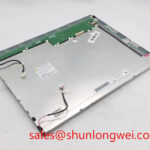
NEC NL10276BC30-15 Industrial Grade LCD HMI Display Module
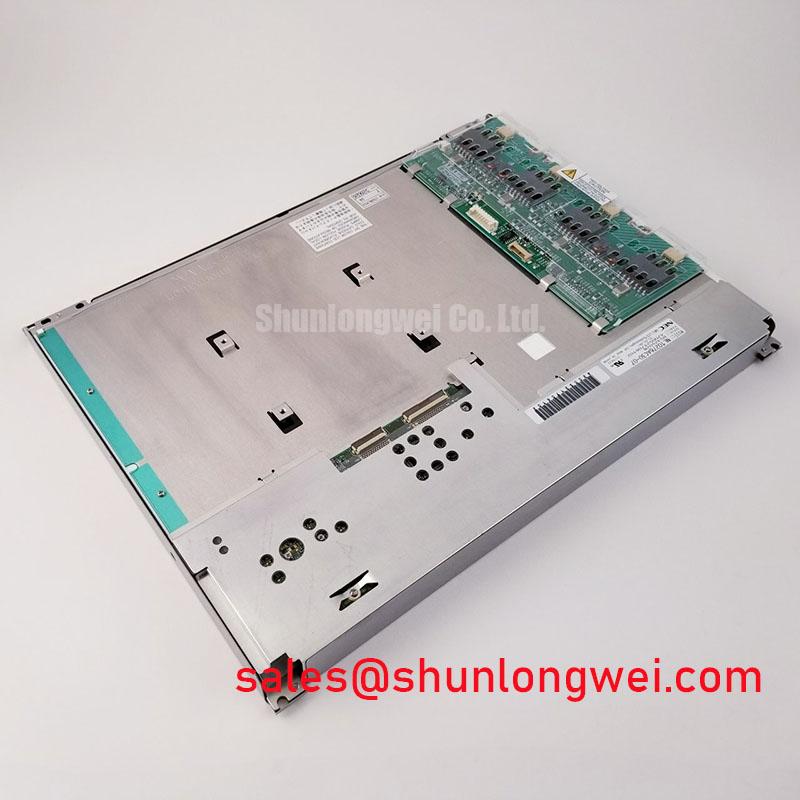
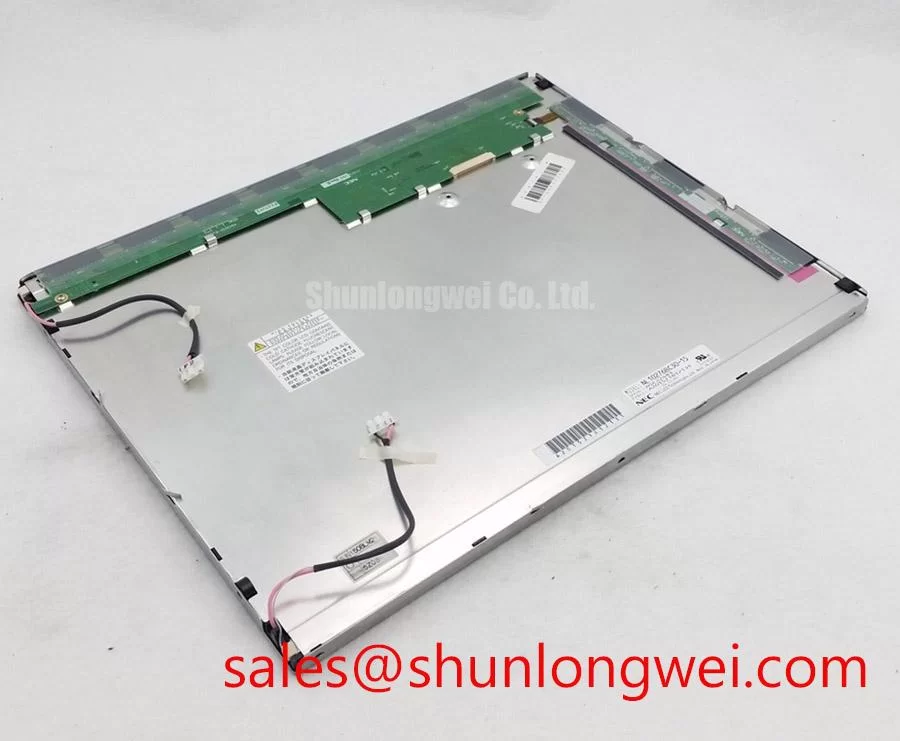
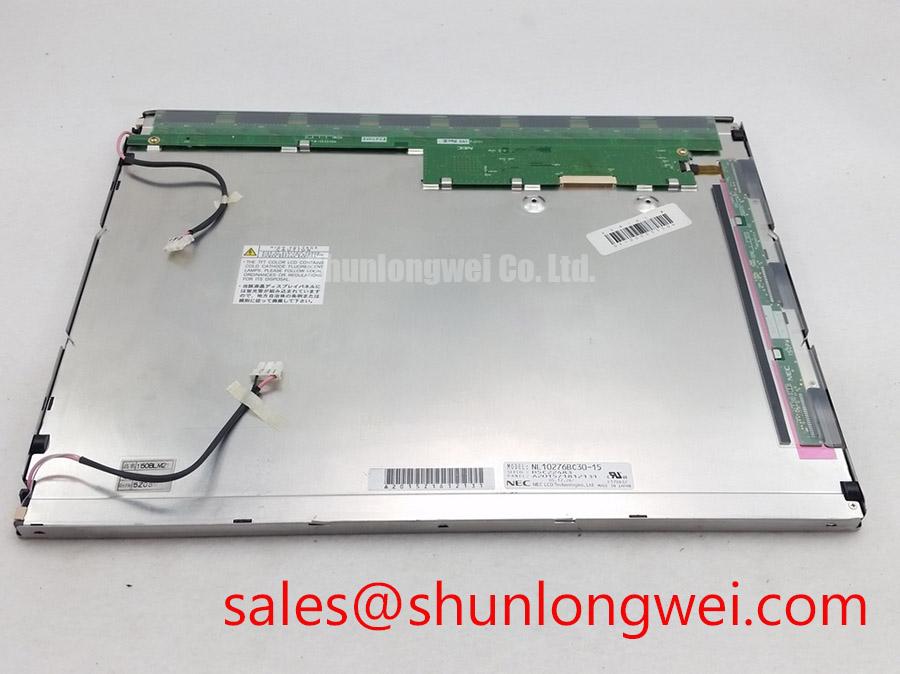
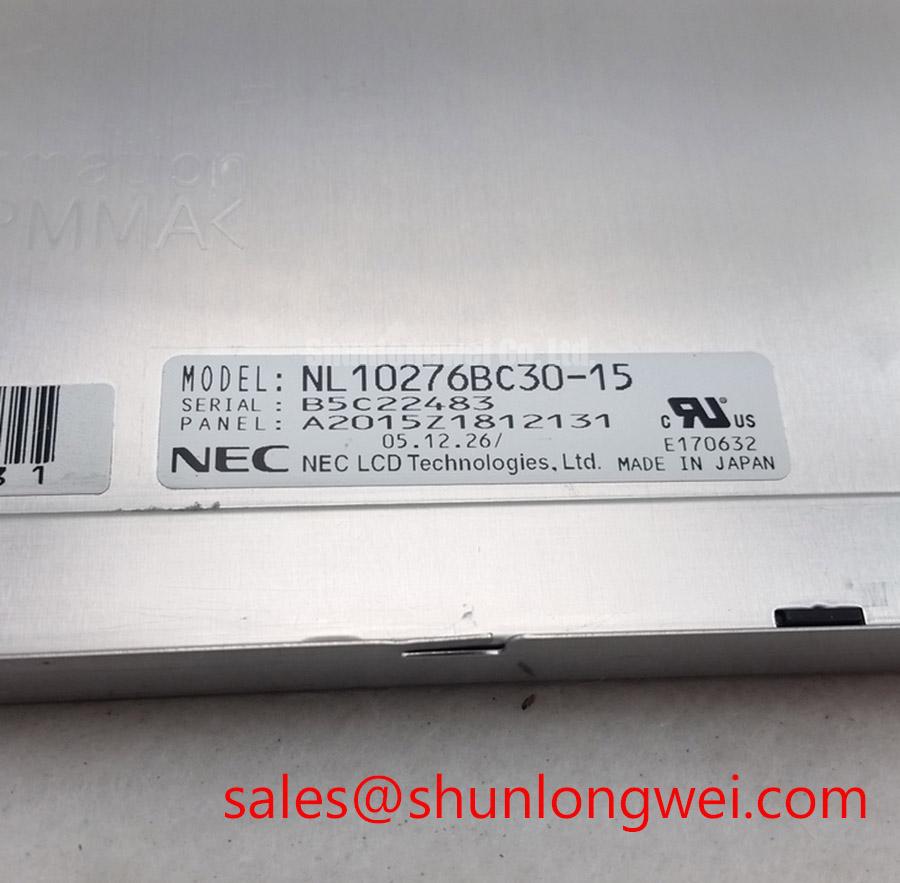
Begin incoming inspection by checking the module label against NL10276BC30-15, examining the TFT-LCD surface under controlled illumination, and confirming that the connector and flexible cable show no visible deformation before power is applied. The supplied product information identifies this unit as an NEC Industrial Grade LCD/HMI Panel in a TFT-LCD Display Module package. Detailed electrical and mechanical specifications should be verified against the applicable NEC documentation for the exact revision.
| Item | Verified information |
|---|---|
| Model | NL10276BC30-15 |
| Manufacturer | NEC |
| Product category | Industrial Grade LCD/HMI Panel |
| Construction category | TFT-LCD Display Module |
| Specification status | Verify detailed specifications against applicable NEC documentation |
Electrical values such as supply voltage, interface assignment, pixel format, luminance, viewing angle, operating temperature, and backlight ratings should be taken from the original NEC documentation for the equipment revision being repaired. They are not stated in the supplied factory parameter set, so the system integrator should verify each value before connecting the replacement panel. This is particularly important where a substation protection terminal or SCADA dispatch console uses a custom controller board rather than a standard monitor interface.
Polarizer Durability and Optical Retardation Film Inspection under Direct Industrial Lighting
For a control-room display, begin with an unpowered visual inspection under the same type of overhead lighting found at the installation site. Look across the polarizer at a shallow angle for scratches, pressure marks, edge lifting, contamination, or regions that change appearance when the viewing angle changes. A clean, uniform dark field is useful for revealing surface defects, while a white field makes contamination and uneven illumination easier to see. These observations are incoming inspection findings, not additional NEC performance specifications.
TN, IPS, and MVA panels can exhibit different grayscale behavior as the viewing angle changes. The supplied information does not identify the optical mode of this particular NEC module, and it does not verify a symmetric 85°/85°/85°/85° viewing cone. Do not assign an IPS or MVA viewing-angle value to this model without the applicable data sheet. For a high-voltage substation protection or SCADA console, the practical test is to view alarm text, trend lines, and status colors from the normal operator position and from the side positions used during maintenance. Any color shift should be compared with a known-good panel of the same part number and revision.
Anti-glare treatment also requires a visual comparison rather than an assumption about surface etching. Direct industrial lighting can create reflections that reduce the apparent contrast of small characters, even when the panel is electrically healthy. Use a repeatable test image containing black, white, mid-gray, and primary-color blocks. Record whether the surface produces a broad reflection, localized haze, or a directional contrast loss. If an enclosure window is used, evaluate the panel and window together because the combined optical stack can change perceived contrast.
Signal integrity should be assessed at the controller-to-panel interface specified by the original assembly. The available factory context does not confirm whether this exact unit uses TTL or LVDS signaling, so the replacement cable and transmitter settings must not be selected from a generic panel family assumption. When the original documentation identifies LVDS, inspect the differential waveform with the correct probing method and compare clock stability, data eye opening, and receiver timing at cold and warm operating points. When it identifies TTL, verify logic levels and edge quality against the controller specification. Clock jitter and data hold behavior are system-level integration checks, not values that can be assigned to this model from the supplied information.
For selection work, engineers may compare the connector, optical format, controller timing, and mechanical envelope with NL10276BC16-06. That comparison is for technical evaluation only; similar naming does not establish pin compatibility, optical equivalence, or direct interchangeability.
Diffuser Film and Prism Sheet Thermal Buckling Prevention under Continuous Full-Duty Operation
Before installing the display in a continuously active console, inspect the rear and edge clearances available to the panel assembly. The provided data does not confirm the internal diffuser construction, prism sheet arrangement, LED configuration, L70 rating, B50 rating, or optical bonding method of the NL10276BC30-15. These characteristics should therefore be verified from the original NEC documentation or the equipment service drawing rather than inferred from the model number.
A useful design consideration is to prevent heat from being trapped against one narrow edge of the module. The enclosure should provide a stable mechanical support path while avoiding concentrated pressure on the display perimeter. If an aluminum spreader rail is considered, its position, contact area, electrical isolation, and thermal path must be determined from the original mechanical drawing. Do not clamp the visible panel area or introduce a hard point beneath the optical field. The correct arrangement is the one validated by temperature measurement and an optical uniformity check on the completed assembly.
Run a full-screen white image and inspect the display after thermal stabilization, then repeat the check with dark gray and black fields. Changes in brightness, edge shading, or localized haze may arise from thermal behavior, mechanical stress, backlight control, or signal timing. A single visual symptom should not be assigned to one internal layer without comparison testing. Infrared measurements can help locate warm areas, but the emissivity and viewing angle of the measured surface affect the reading, so use the same method for the reference and replacement units.
If the host system controls brightness by PWM, verify the required control method and frequency from the original panel and controller documentation. A 200 Hz to 1 kHz bench evaluation window may be used as a system-level screening range when the controller permits adjustment, but it is not an official specification for this NEC module. Check duty-cycle behavior at low, medium, and high brightness while observing the screen through a camera and directly by eye. Audible artifacts, visible flicker, or nonlinear brightness changes should be investigated at the controller, driver, and panel interface together.
Do not describe the backlight as having a guaranteed operating life unless the applicable NEC specification provides the required test conditions and definition. For a SCADA console, designers should also review static screen content, brightness control, enclosure temperature, and service access as part of the complete display integration assessment.
Incoming Benchtop Inspection: COG and TAB ACF Integrity
Place the module on an ESD-controlled bench and keep the flexible cable supported so its connector does not carry bending force. Inspect the cable entry, contact area, stiffener, and accessible edge bonds under magnification. The supplied product data does not confirm the exact COG or TAB construction, anisotropic conductive film type, or internal bonding process. Inspection should therefore remain external and non-destructive. Do not press the active area or attempt to rework a bonded edge as a routine incoming test.
Use a three-stage primary-color check after confirming that the host controller follows the original power-up sequence. First display full red, then full green, and then full blue. Follow these with white, black, and mid-gray fields. The primary colors expose channel nonuniformity and stuck-pixel behavior, while white and gray fields help reveal luminance variation and line defects. Record the position and appearance of any abnormal pixel or line so the result can be compared with the equipment acceptance criteria.
A flashlight held at approximately forty-five degrees can assist with dark-shadow inspection when the screen is showing a black field. Move the light slowly across the surface without touching it. A shadow that follows the external reflection may be related to surface contamination or enclosure reflection, while a fixed line or region that remains aligned with the panel can justify further signal and optical checks. This method does not by itself prove a COG fracture, TAB defect, or backlight failure. Compare the result with a known-good unit and, when possible, verify the image data path with an oscilloscope at the controller interface.
Power sequencing deserves special attention during replacement. The correct order, enable timing, reset behavior, and discharge behavior must come from the original panel documentation and host board design. A white screen during startup, residual image after shutdown, or intermittent image can involve the controller, reset circuit, backlight driver, cable seating, or panel interface. Measure the relevant rails and control signals against the known-good assembly instead of treating one symptom as proof of a particular internal failure.
💡 Bench Tip: Protect the assembly with ESD controls and make sure the flexible cable is fully aligned before locking the connector, because a partially engaged cable can create intermittent image faults that are difficult to reproduce.
For a broader explanation of panel interfaces, optical behavior, and integration checks, consult The Ultimate Guide to Industrial TFT-LCD Technology. Use that material as general engineering background, while the NEC documentation remains the authority for this model’s pinout and electrical limits.
Preventing Localized Light Guide Plate Compression Warp on Dark Screen Fields
Mechanical replacement should begin with a dimensional comparison between the removed panel, the receiving chassis, and the replacement assembly. Confirm the visible opening, mounting-hole locations, connector clearance, cable bend path, bezel contact points, and rear support surfaces. The supplied factory data does not include an outer bezel envelope, mounting-hole tolerance, light-guide construction, or approved fastener torque for this model. These values must be obtained from the original mechanical drawing or the equipment manufacturer.
Dark-field testing is useful after the panel has been secured. Display black and dark gray images, reduce ambient reflections, and inspect from the normal operator position as well as oblique angles. Localized bright regions, pressure shadows, or uneven edge patterns may be associated with bezel loading, chassis distortion, optical stack movement, thermal gradients, or backlight uniformity. Release and retest only under a controlled service procedure; repeated tightening and loosening can change the mechanical condition and make the result difficult to interpret.
Cross-pattern fastening is a general mechanical practice for distributing load, but the correct fastener type, torque, washer arrangement, and sequence are system determined. The suggested 0.35 to 0.45 N·m range supplied in the integration brief must not be treated as an official NEC rating for NL10276BC30-15 unless it is confirmed by the applicable chassis drawing. The same caution applies to M3 hardware and any bezel compression limit. The display should be secured firmly enough to prevent movement while avoiding force transferred into the active optical area.
After assembly, repeat the primary-color test, white uniformity test, gray-scale test, and dark-field inspection with the enclosure closed. Check the connector after thermal cycling and vibration exposure defined by the equipment service procedure, while monitoring for image interruption or changes in edge uniformity. If the panel is installed behind a sealed window, verify that gasket pressure, condensation control, and cleaning methods do not impose local stress on the display. Optical bonding, dust sealing, and moisture resistance cannot be claimed for this model from the supplied product information and should be confirmed before the console is returned to service.
When the panel is used in a high-voltage substation protection or SCADA dispatch console, final acceptance should be based on the original equipment interface, the NEC documentation applicable to the exact revision, and measured behavior of the completed assembly rather than on model-number similarity alone.