
Content last revised on September 23, 2026
Flashlight Dark Shadow Optical Diagnostic to Isolate Logic and Backlight Faults
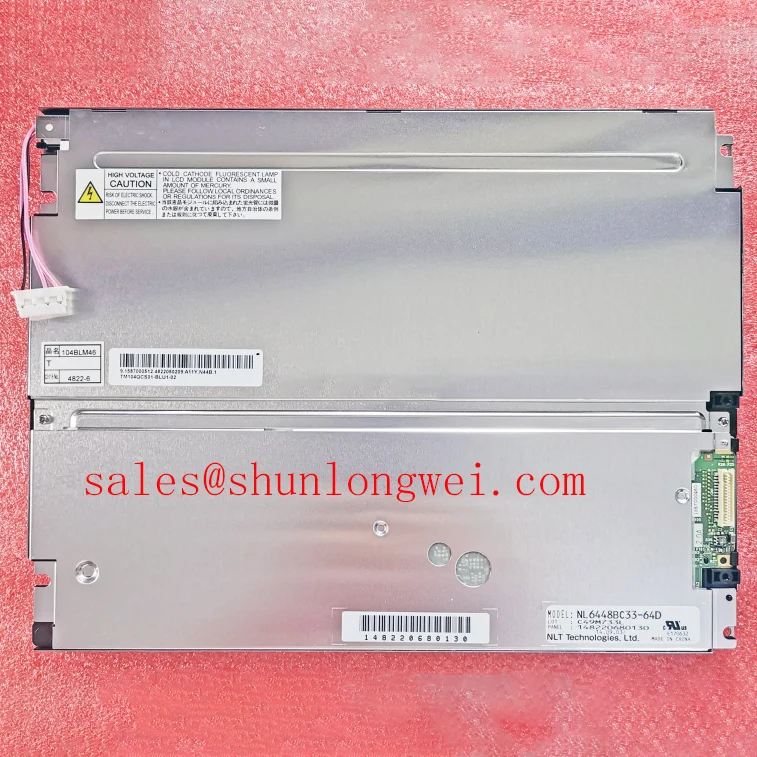
Begin the bench check by measuring the logic supply at the panel power pins, inspecting the connector latch and flexible cable seating, and screening the bezel for pressure marks before applying a display signal to the NEC NL6448BC33-74E. The applicable logic-supply voltage and tolerance should be confirmed from the original panel documentation before energizing a replacement; do not assume that either 3.3 V or 5.0 V is correct. A white field, missing image, or intermittent startup should be treated as a symptom requiring separation of power, signal, and backlight paths rather than as proof of one failed internal section.
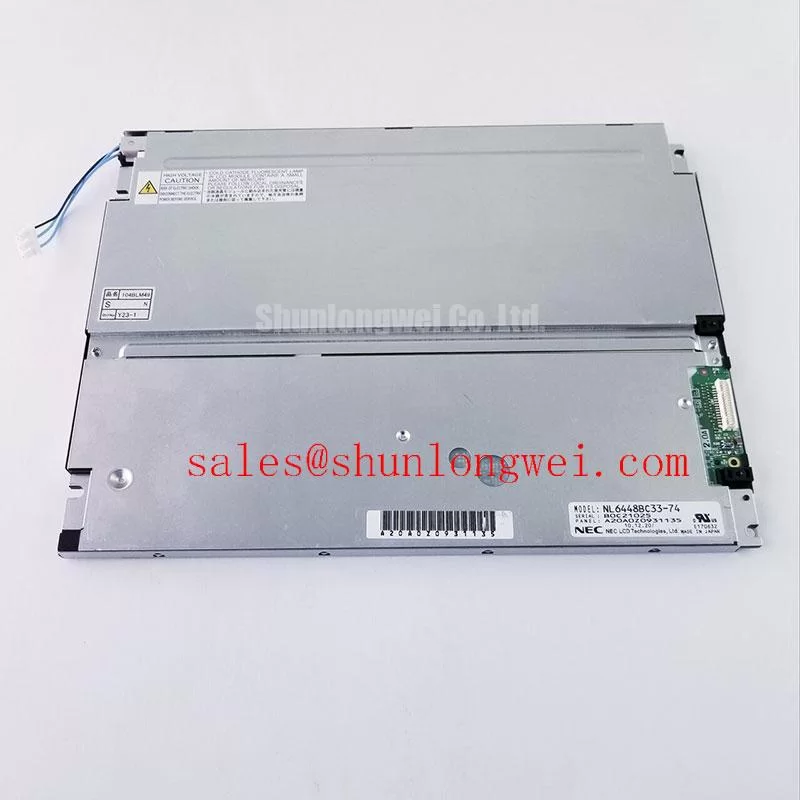
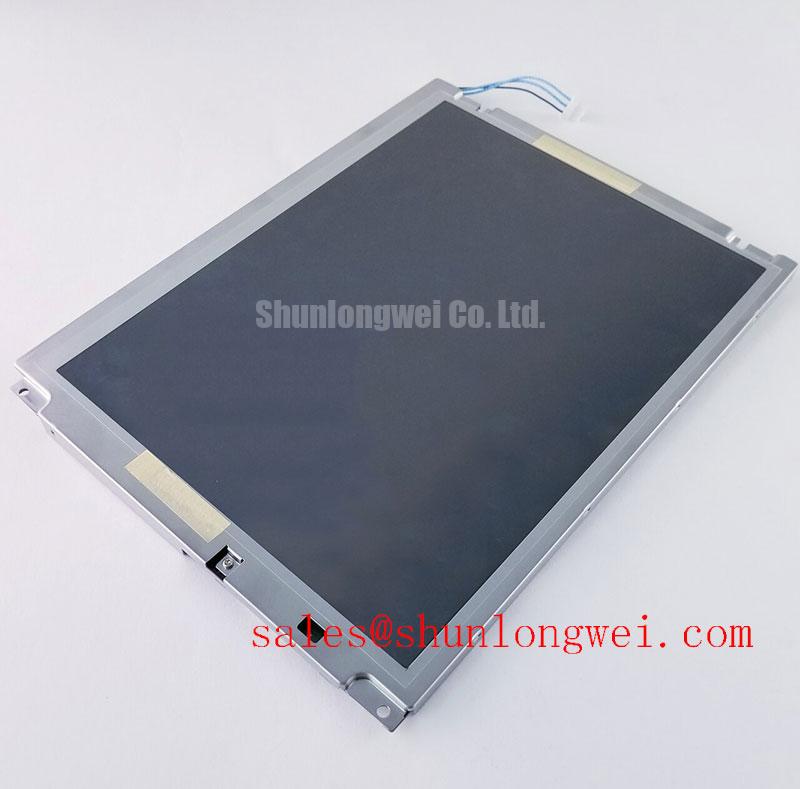
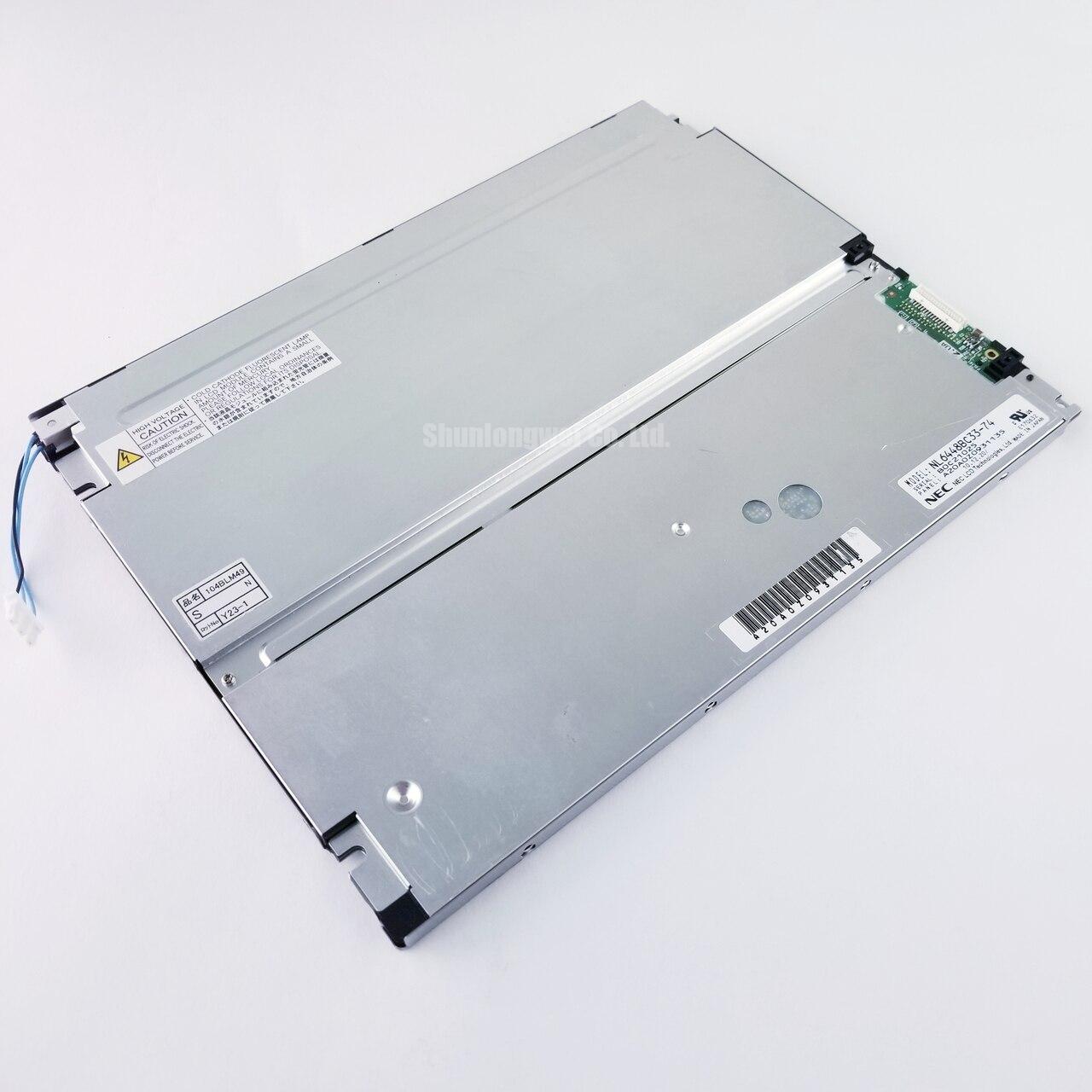
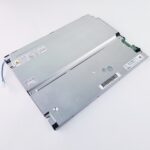
The NL6448BC33-74E is an NEC LCD display evaluated by repair engineers for industrial HMI panels, operator stations, and monitoring terminals where mechanical fit, signal compatibility, and controlled power sequencing matter. It can also be considered for a hazardous petrochemical Zone 2 explosion proof operator station, subject to the complete enclosure, certification, cable entry, thermal, and system safety design. The panel itself should not be treated as independently certified for the final equipment environment.
| Parameter | Engineering value | Verification method |
|---|---|---|
| Logic supply voltage | Applicable nominal value and tolerance must be confirmed from the original panel documentation; do not assume 3.3 V or 5.0 V | Measure directly at the logic power pins with a calibrated digital multimeter |
| Differential line impedance | 100 Ω ± 10%, Design Consideration where the system interface requires controlled impedance | Verify the differential route with TDR where the system interface requires controlled impedance |
| Chassis screw torque | 0.35 to 0.45 N·m, Design Consideration for M3 fasteners | Use a calibrated digital torque screwdriver during bezel installation |
| Backlight lifetime | More than 50,000 hours typical, subject to verification in the applicable panel documentation | Assess luminance with an optical photometer against the initial reference condition |
When the screen appears black, first place the panel on a protected bench and check whether a faint image can be seen with an angled flashlight. The display should receive a known valid image signal while the technician views the surface at approximately 45 degrees. A visible shadow image suggests that the LCD addressing and image data path may be active while the backlight path requires separate examination. No visible image does not prove a backlight fault; it may also reflect absent logic power, an incompatible timing configuration, a disconnected cable, or a panel interface mismatch.
Use a controlled three stage color test with black, white, and primary color fields. The black field helps reveal uneven illumination and edge leakage. The white field makes dark areas, local dimming, and contamination easier to see. Red, green, and blue fields help identify channel loss, data mapping errors, or localized line defects. Record the result at startup and after the panel reaches a stable operating condition. If one area remains fixed while the image data changes, compare the same region with a known good signal path and inspect the cable seating before drawing conclusions about a cell or driver fault.
The NL6448BC33-74E page should be matched to the original equipment documentation for connector pin assignment, timing, interface type, and backlight drive arrangement. Do not assume a replacement cable is compatible because its connector has the same outline. A technician should check pin numbering, ground continuity, supply polarity, enable signals, and the host transmitter configuration. If the source uses a digital bus, observe the clock and data activity with suitable probing practices. Clock jitter, data hold behavior, and signal integrity should be checked across the actual industrial temperature window because a link that operates on a room temperature bench may become unstable in a cold cabinet or near a heat source.
For an industrial display replacement, static image retention should also be separated from true backlight loss. A long displayed alarm screen can leave a temporary visual residue or uneven appearance that may change after varied content is shown. This observation is a diagnostic clue, not a guaranteed failure classification. The system designer should define screen refresh behavior, brightness control, and alarm presentation according to the host equipment requirements rather than assuming a panel specification alone determines long term image performance.
Where the mechanical outline or resolution requirement differs, engineers may also review NL128102BC28-04 as a separate display option. Its connector, timing, optical characteristics, and mounting compatibility must be verified independently before any substitution decision.
Preventing Localized Light Guide Plate Compression Warp on Dark Screen Fields
Dark field defects are often aggravated by uneven chassis pressure. During removal, mark the original screw positions and note any washers, spacers, or bezel brackets. Before fitting the NEC NL6448BC33-74E, clean the mounting surfaces and check that the outer bezel does not contact the active viewing area. The replacement should sit naturally in the frame without being pulled into alignment by excessive fastener force.
The stated 0.35 to 0.45 N·m value is a general Design Consideration for M3 chassis fasteners, not an NEC factory guarantee for every host enclosure. It should be treated as an installation reference and confirmed against the original equipment mechanical drawing. Tighten in a cross pattern so the bezel load develops evenly. If the panel uses a custom carrier, the system engineer should validate the carrier flatness, corner support, thermal expansion allowance, and vibration response under the actual assembly conditions.
Localized pressure can change the appearance of white and gray fields, especially when the operator views the screen off axis. A dark corner, bright edge, or clouded patch may also be caused by ambient reflections, contamination, cable pressure, or a damaged optical layer. Photograph the panel before and after installation using the same viewing angle and test image. This creates a practical comparison without assigning a single cause to an optical symptom.
Direct sunlight testing requires care. The supplied engineering brief references contrast evaluation above 500:1 at 50,000 lux and anti glare behavior, but these values should be confirmed in the applicable NEC panel documentation before being used as acceptance limits for this model. For a control station near an outdoor process area, evaluate readable contrast with the final window, protective overlay, enclosure angle, and internal reflections installed. A panel may perform differently after the cover glass or explosion proof window is fitted.
Field Alert: Disconnect power before inserting or removing the display cable, and do not use the flexible cable or connector as a lever during bezel alignment.
FPC reliability is governed by bend radius, clamp position, insertion angle, and repeated service handling. Do not fold the cable sharply behind the panel or route it across a moving bracket. The equipment builder should verify that the cable remains free from pinch points during vibration and thermal movement. Connector locks should be closed evenly, with the cable fully inserted and parallel to the connector body. If the image changes when the harness is touched, inspect retention and contact pressure while comparing the signal at the source and panel ends.
Digital RGB Bus Synchronization and Logic Power Rail Verification
Before connecting the NL6448BC33-74E to an industrial controller, compare the original panel documentation with the host board schematic. The terms TTL, LVDS, JEIDA, and VESA are not interchangeable descriptions of one universal interface. The integrator should verify the actual bus type, pixel order, bit allocation, clock polarity, synchronization signals, and cable pinout required by the panel. A connector adapter without a mapping review can produce a white screen, split image, color interchange, or unstable horizontal content.
Measure the logic rail at the panel rather than relying only on the controller power output. The correct nominal rail and tolerance must be confirmed from the original panel documentation; do not assume that either 3.3 V or 5.0 V is correct. Observe the supply during power on, image activation, and backlight enable events. A short voltage dip may not appear on a handheld meter, so use an oscilloscope when the fault is intermittent. The engineer should compare the rail behavior with the panel timing requirements and validate the result over the intended temperature range.
The requested power-rise interval of 0.5 ms to 10 ms should not be presented as a confirmed factory limit for this display unless it is stated in the applicable NEC timing specification. Treat it as a system sequencing item to verify. The controller should establish a controlled order for logic power, interface activity, and backlight control based on the original documentation. If the host begins transmitting before the panel is ready, the resulting symptom may resemble a damaged driver even when the cause is sequencing or signal compatibility.
For differential routes, 100 Ω ± 10% is a Design Consideration supplied for controlled impedance verification, not a substitute for the complete interface specification. Keep the pair geometry consistent, minimize unnecessary stubs, and route the return path continuously. The final design team should verify eye quality, clock stability, and electromagnetic behavior at the panel connector using the installed cable length and enclosure. A TDR check can identify discontinuities, but it does not replace functional testing with the actual transmitter and receiver.
When a split screen or color error appears, compare the host mapping against the panel documentation one signal group at a time. Check whether the image defect follows a cable, a connector position, a data lane, or the display itself. Do not infer a fixed voltage threshold for a normal or failed signal without a source specification and a known good reference. The correct diagnostic approach is to record the waveform, timing relationship, and panel response under matched conditions.
High Humidity Storage Margins and Delamination Prevention Protocols
Storage and installation records should identify temperature, humidity exposure, packaging condition, and the time between unpacking and energizing. The supplied 60°C and 90% RH condition is a test discussion point, not an automatically confirmed storage rating for the NL6448BC33-74E. The applicable NEC environmental specification should govern acceptance. If the panel has been stored in a humid environment, allow the assembly to reach a stable, dry condition before applying power, while following the equipment maker’s handling procedure.
Low temperature operation can slow liquid crystal response and make moving text or gray transitions appear delayed. This behavior should be evaluated with the actual HMI graphics, font size, update rate, and viewing temperature. A cold-start test should record the time to a stable image, the presence of temporary artifacts, and recovery as the enclosure warms. Designers should avoid compensating with arbitrary timing values; the host controller and display documentation should determine the permitted timing and any required warm-up strategy.
Thermal cycling also affects the mechanical interface. The bezel, carrier, cable clamp, and display frame should be reviewed for differential expansion and concentrated corner loads. A rigid bracket that is acceptable at room temperature can add pressure at temperature extremes. Check the screen after cycling for new dark-field mura, edge lifting, image instability, or connector movement. These observations require comparison with baseline photographs and electrical measurements rather than a single assumed failure mechanism.
For a petrochemical monitoring terminal, the complete assembly must be assessed for enclosure sealing, condensation control, window compatibility, grounding, cable glands, and the applicable hazardous-area certification. The NL6448BC33-74E should be evaluated as one component within that system. Practical test planning and enclosure integration references are available through Industrial Display and HMI Solutions.
PWM dimming behavior should be verified from the installed backlight controller documentation. The supplied engineering brief identifies a possible evaluation range of 200 Hz to 1 kHz, but that range is not presented here as a confirmed NEC factory specification for this model. The system designer should select the dimming method and frequency after checking audible behavior, camera interaction, visual flicker, luminance linearity, and controller compatibility. A photometer and an oscilloscope can be used together to correlate the electrical duty command with observed brightness.
Long term static HMI screens should use the host system’s approved screen management policy, including suitable brightness control and content rotation where operationally acceptable. Any burn in, image retention, or luminance change evaluation must follow the panel manufacturer’s stated test conditions. Engineers responsible for a replacement should retain the original configuration, measured supply data, connector photographs, and optical baseline so later service work can distinguish an installation change from an aging display condition.