Content last revised on October 7, 2026
BOE TV101WUT-LH2 Inspection and Verification
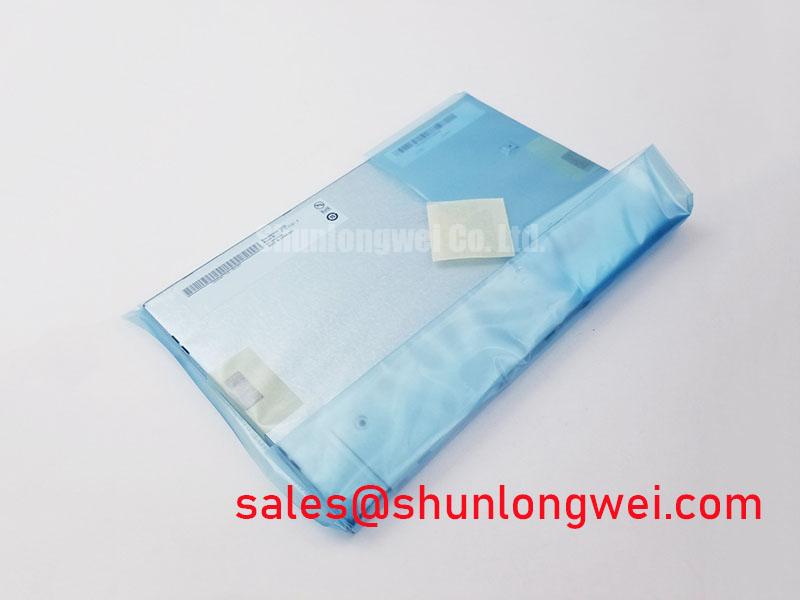
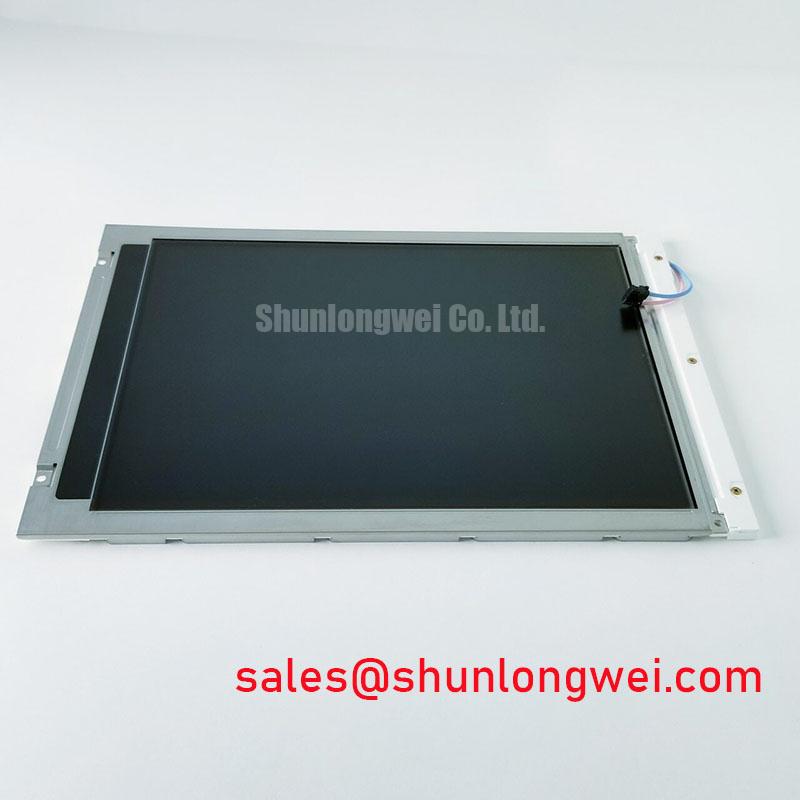
Inspect the connector edge and display surface of the BOE TV101WUT-LH2 before applying power, then compare its label with the documentation for the panel being replaced. The identified factory information classifies it as an industrial-grade TFT-LCD display module. It does not establish a connector pinout, supply voltage, resolution, optical rating or backlight specification, so those details must be checked against the original panel documentation before an incoming unit is energized.
| Identified product information | Verified detail |
|---|---|
| Model | TV101WUT-LH2 |
| Manufacturer | BOE |
| Product category | Industrial-grade LCD/HMI panel |
| Module type | TFT-LCD display module |
Shielded Flat-Cable Grounding and Connector Seating
Start an interface check at the mating connector rather than at the displayed image. With power removed, inspect the cable contacts, latch engagement and cable exit path. A cable that enters the socket at an angle can leave some contacts poorly seated even when the latch appears closed. Compare the replacement assembly with the removed panel for connector position, contact orientation and available bend clearance; a matching model name alone does not establish that the surrounding cable assembly is correct.
Design Consideration: If the host system uses a shielded flat cable, the shield termination and chassis grounding arrangement should be evaluated as part of the complete display link. A continuous, appropriately terminated shield can help control common-mode interference, but its effectiveness depends on the enclosure and cable construction. Near a variable-frequency motor drive, investigate horizontal bands or unstable pixels by comparing the image with the drive operating and idle. Check cable routing, connector seating and the host signal path before assigning the fault to the LCD module. A common-mode ferrite is a system-level option to evaluate through measurement, not a confirmed requirement of the TV101WUT-LH2.
When reviewing the wider equipment architecture, keep panel compatibility separate from the selection of other displays. The NL10276BC30-18 is another display model that can serve as a comparison point for documentation and interface review; it should not be treated as a backlight driver or a plug-in counterpart without evidence from the respective specifications.
Grayscale Stability, Viewing Position and Ambient Light
Display a grayscale ramp at the intended viewing positions, then check whether dark steps remain distinguishable as the panel and surrounding equipment reach their normal operating temperatures. Changes in perceived contrast can arise from the viewing angle, illumination and signal processing as well as the panel. The supplied information does not identify the TV101WUT-LH2 liquid-crystal mode, viewing-angle rating, contrast ratio or surface treatment. Do not assign TN, IPS, MVA or an anti-glare finish to this model without its optical specification.
For an incoming optical check, use the same image source, viewing position and ambient lighting when comparing panels. A bright inspection lamp is useful for finding surface marks while power is off, but it is not a substitute for a controlled luminance or contrast measurement. If a panel is being considered for a surgical navigation or ultrasound diagnostic display, the equipment integrator should verify readability, image performance and any applicable system requirements against the original design documentation. The industrial-grade product classification does not establish suitability for a clinical application.
Design Consideration: Where the host uses differential video signalling, preserve the intended pair geometry and avoid abrupt cable or connector changes that can degrade signal integrity. The required impedance, timing allowance and interface pin assignment must come from the actual panel and controller documentation. For cross-model evaluation, TCG084SVLQAPNN-AN30-S provides a separate display candidate to document and compare; mechanical fit, electrical interface and optical performance must each be verified before any substitution decision.
Backlight Drive, Dimming and Cold-Start Checks
Confirm the backlight interface from the original TV101WUT-LH2 documentation before connecting a driver. The identified product information does not state the backlight technology, drive current, dimming method or lifetime rating. Accordingly, neither a constant-current LED driver nor a CCFL inverter should be specified for this model on the basis of its product category. The system integrator should verify the required supply voltage, backlight connections and power sequence from the original panel documentation.
On a powered test fixture approved for the documented interface, compare brightness across the active area using uniform test images. Record any persistent bright or dark regions, then repeat the observation at the equipment’s normal dimming settings. If flicker or audible noise appears only while dimming, examine the driver output and control signal together; the symptom does not, by itself, identify a panel fault. PWM range and flicker acceptance are system-design questions to settle with measurements under the intended viewing conditions.
Design Consideration: Cold operation can change liquid-crystal response and the behavior of the surrounding drive electronics. If an installation requires a low-temperature start, verify the panel’s documented operating limits first, then observe image transitions after the assembly reaches the specified test condition. Do not add a heater or assume a cold-start rating without checking the panel documentation and the equipment’s thermal design. Likewise, a backlight lifetime or brightness-decay figure should be used only when supported by a model-specific specification or a defined test source.
Incoming Benchtop Inspection of Image and Physical Connections
Run a repeatable image inspection after the electrical interface has been confirmed. First display a uniform red field, followed by green and blue fields, noting pixels that remain visibly different from their surroundings. Next display white and dark fields to examine illumination uniformity, edge shading and marks that were difficult to see in the primary colors. Finally, show a grayscale ramp and a fine-line pattern to check for interrupted rows, columns or unstable image areas. Record the test image, viewing conditions and defect location so another technician can repeat the observation.
With the display off, use an angled inspection light to separate surface blemishes from features visible only while the image is active. If a line defect appears on multiple test patterns, reseat and examine the external cable using the approved handling procedure, then compare the host output with a known-good signal path. An image artifact should not be attributed to a particular internal bond or driver structure without supporting evidence. For a blank display, establish whether the image signal and backlight are operating independently before replacing either part.
💡 Bench Tip: Remove power and use ESD precautions before reseating the flat cable, then check that it enters the connector evenly before closing the latch.
During installation, leave the cable a relaxed route that does not pull against its connector when the enclosure closes or vibrates. Support the module according to the original equipment design rather than using the display glass to absorb mechanical stress. For broader enclosure, cable-routing and inspection considerations, consult Industrial Display & HMI Solutions; the acceptance limits for this unit still need to come from the applicable panel and equipment documentation.