Content last revised on October 8, 2026
Flush-Mount Bezel Integration and Perimeter Gasket Shock Isolation
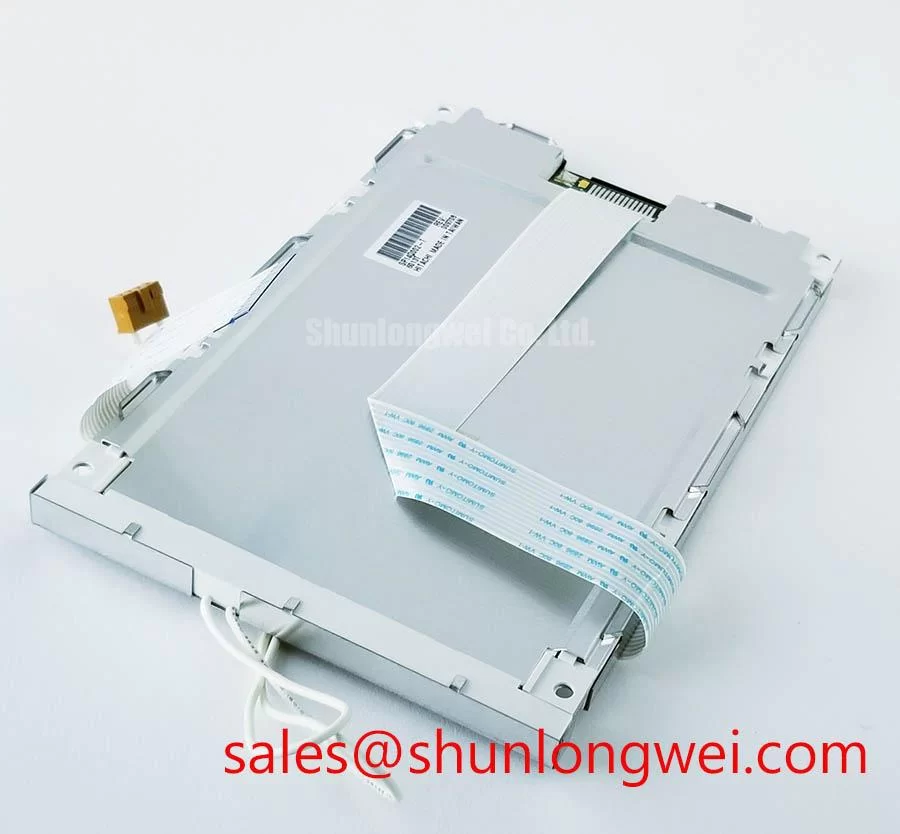
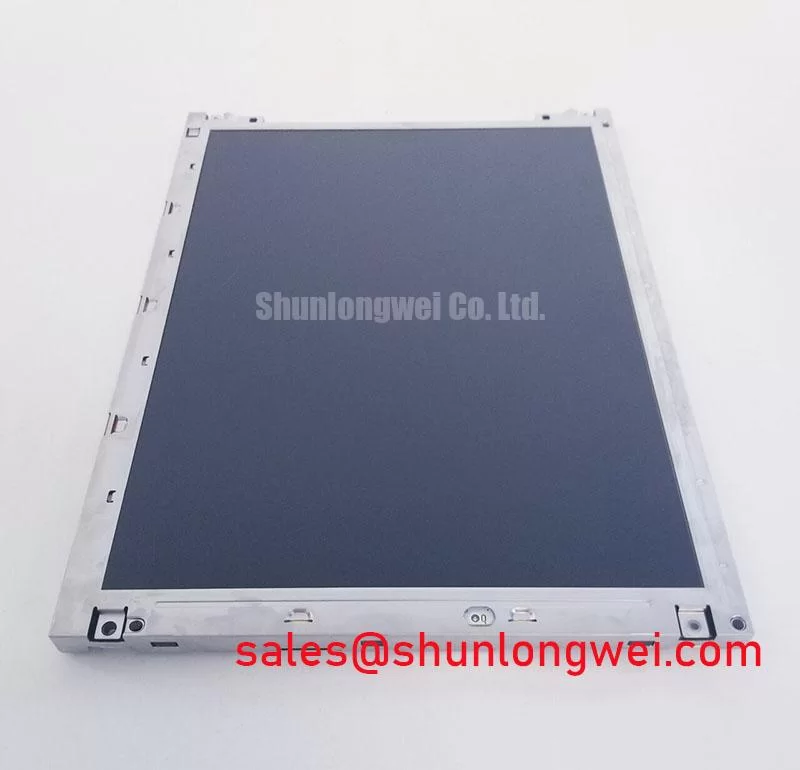
Before fitting TX26D19VM2BPA into a CNC operator panel, disconnect power, photograph the existing cable orientation, and compare the panel label and mounting points with the unit being removed. The available factory identification names KOE / Hitachi as the manufacturer and classifies the part as an industrial grade TFT LCD display module. It does not provide confirmed dimensions, resolution, electrical ratings, interface pinout, or environmental limits. Those details need to come from the applicable factory drawing or equipment documentation before installation.
Start the mechanical comparison with the removed display and its enclosure, not the visible screen opening alone. Record the module’s outside envelope, active display position, mounting-hole locations, cable exit, and clearance behind the panel. A CNC console may appear to accept a display of similar visible size while placing a mounting boss against the module frame or leaving insufficient room for its cable. The same checks matter in a robot teach pendant, where the display assembly shares a compact enclosure with controls and a frequently handled cable.
Inspect the perimeter gasket for compression marks, hardening, gaps, and contamination. A gasket must support the intended enclosure seal without forcing the LCD frame out of plane. Oil residue on the seating surface can also prevent even contact. Clean the mating surfaces using methods approved for the enclosure and gasket material, then check that the display sits flat before tightening any fasteners. The specified bezel dimensions, gasket compression range, and tightening torque must be taken from the equipment or module mechanical drawing; none is established by the identification data available for TX26D19VM2BPA.
As a Design Consideration, tighten fasteners progressively in a cross pattern and inspect the powered image after the assembly is seated. Uneven frame pressure can be associated with localized brightness variation or dark-field mura, but a visible patch is not proof of a single cause. Compare the image before and after enclosure assembly, and check for contact between the rear cover, cable, and module. If the image changes when the bezel is secured, stop and resolve the mechanical interference rather than compensating with display settings.
⚠️ Maintenance Note: Check vibration cushions and gasket seating before retightening a display that has developed a localized dark patch.
Route the flexible cable so enclosure closure does not crease it at the connector or pull on its locking feature. A service loop can accommodate assembly movement, provided it does not rub against a sharp edge or enter a moving control mechanism. Keep the connector accessible for inspection where the equipment layout permits. During maintenance, look for latch damage, uneven insertion, and cable abrasion; verify the connector’s locking method from its drawing rather than applying force based on appearance.
Display Interface Synchronization and Logic Power Rail Verification
Before connecting a controller, identify the exact interface and supply requirements for TX26D19VM2BPA from its applicable pin assignment. The supplied identification does not confirm a TTL RGB bus, an LVDS connection, logic voltage, signal mapping, or power-on timing. A connector that physically mates with a controller is not evidence of electrical compatibility. Trace each supply, ground, control, and video connection through the equipment schematic, then compare it with the panel documentation.
For a CNC operator panel repair, measure the controller-side supply at the connector under its intended load and observe startup with an oscilloscope when the service procedure calls for it. The relevant questions are whether the rail reaches the documented operating range, whether control signals become active in the required order, and whether the supply remains stable as the backlight and display electronics start. Power-up rise time and sequencing limits cannot be assigned to this model without a verified specification. Treat a blank image as a prompt to separate supply, backlight, video, and control checks rather than immediately assigning blame to the LCD.
If the documented interface is a parallel RGB bus, check pixel clock, synchronization signals, and data mapping against the controller configuration. If it is a differential interface, check its specified transmitter, receiver, cable, and termination requirements instead. These are alternative diagnostic paths, not confirmed interface features of this module. Incorrect timing or mapping may present as unstable color, a shifted image, or an incomplete frame; comparison with a documented working signal path is more useful than interpreting one visual symptom in isolation.
Factory electrical limits must govern any impedance, timing-skew, jitter, and data-hold assessment. A generic routing target cannot establish whether a controller board or replacement cable meets this panel’s requirements. In a cabinet with motor drives and contactors, inspect cable shielding and return-path continuity as part of a Design Consideration, then evaluate the installed display while nearby equipment follows its normal operating cycle. The display module itself does not establish electromagnetic compliance for the completed machine.
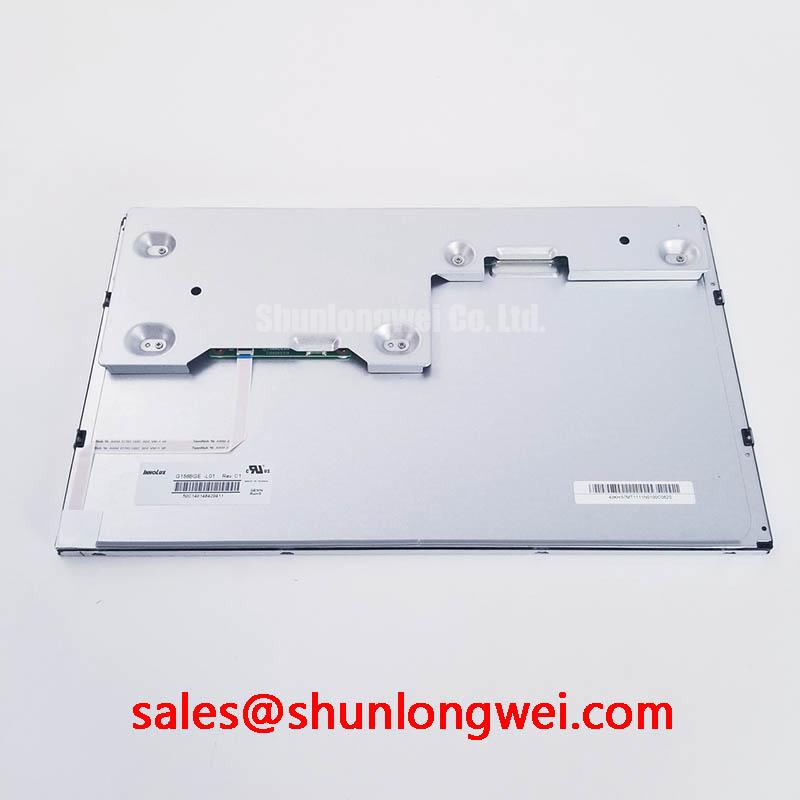
A separate display such as M185XW01 VE may be useful as a reference during broader display-system planning, but its controller, cable, and backlight arrangements must not be assumed to apply to TX26D19VM2BPA. For this repair, the practical decision is whether the existing host electronics match the documented connections and operating limits of the exact panel.
Viewing-Angle and Surface Evaluation for Multi-Angle Consoles
Evaluate the image from the positions operators actually use. A fixed CNC console is viewed from different heights as an operator stands, bends toward the controls, or steps aside to observe the machine. A robot teach pendant changes angle in the operator’s hand. Check whether alarm colors, small text, and status icons remain distinguishable at those positions under the workshop’s normal lighting. Photographing a test image can document a change, but direct observation remains important because a camera’s exposure and viewing geometry can alter the apparent result.
The supplied factory identification does not confirm TN, IPS, MVA, a symmetric viewing cone, or an anti-glare surface for TX26D19VM2BPA. Do not use an assumed panel technology to explain grayscale inversion or specify a replacement. Instead, compare the documented optical characteristics with the viewing geometry of the enclosure, and inspect the actual unit for reflections or surface damage. A cover window, protective film, or worn enclosure lens can affect readability independently of the LCD beneath it.
Check the display with representative application screens rather than a bright test image alone. A dark alarm banner, a fine grid, and muted status colors expose different visibility problems. For a long-running HMI that holds the same graphics on screen, examine persistent-looking image features using the display maker’s approved test pattern and recovery procedure, if available. Static content, controller output, cover-glass contamination, and the panel’s own behavior should be considered separately. Without a documented test method, it is not sound to assign a cause or predict permanent damage from one observation.
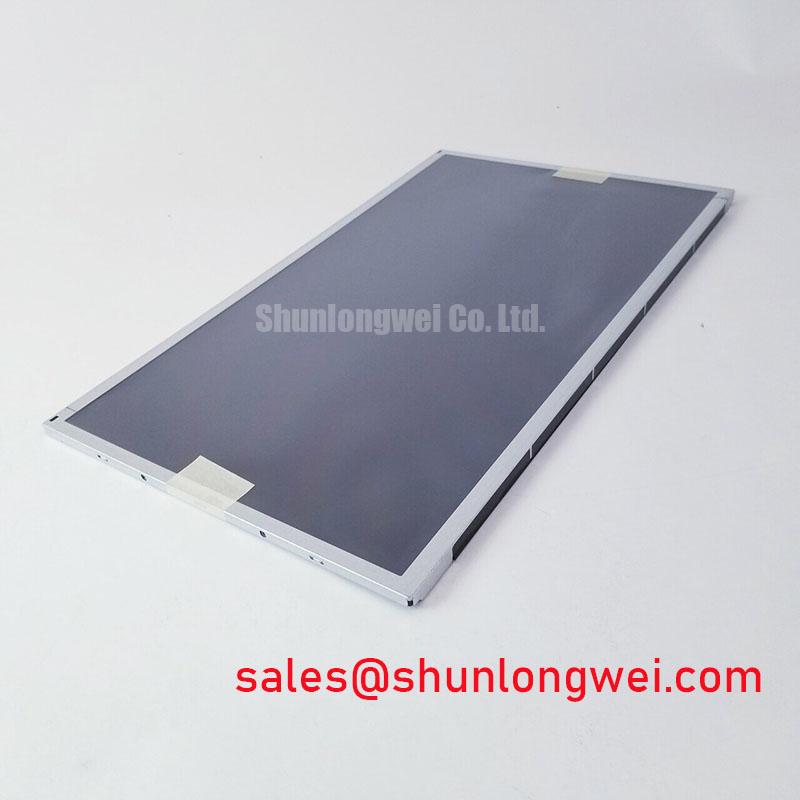
When comparing another part, such as TX20D200VM2BVA, assess mechanical envelope, active area, connector position, pin assignment, electrical limits, optical performance, and controller timing independently. The linked model is a comparison candidate, not a declared drop-in replacement. Even a good visual match at one viewing angle does not establish compatibility with the existing controller or enclosure.
For context on how viewing characteristics and interface choices affect industrial display selection, see The Ultimate Guide to Industrial TFT LCD Technology. Model-specific acceptance still depends on the applicable factory documentation and checks on the assembled equipment.
Managing Localized Heat and Optical Color Shift
After mechanical and electrical fit are established, inspect how heat reaches the installed display. Look for nearby power electronics, blocked ventilation paths, and enclosure surfaces that become noticeably warmer during operation. Measure temperatures at relevant mounting and air locations under the machine’s normal duty cycle, then compare the results with the confirmed limits for the module and the host equipment. No operating-temperature range, backlight lifetime, or color-shift threshold is provided in the available identification data for TX26D19VM2BPA.
As a Design Consideration, avoid creating a concentrated heat path into a narrow portion of the display frame. A proposed metal spreader or bracket should be reviewed for its thermal effect and for the mechanical load it places on the module. It should not be presented as a cure for yellowing without temperature measurements and an examination of the complete optical stack. Color changes can involve the cover window, films, backlight system, or image settings as well as the panel; the internal materials of this particular module are not established here.
Temperature changes also affect the enclosure around the LCD. Check that seals remain seated after normal heating and cooling, and inspect for moisture where the equipment is exposed to rapid environmental changes. If condensation is observed, follow the machine maker’s isolation and drying procedure before applying power. Seal maintenance cannot be reduced to a calendar interval without knowing the enclosure materials, cleaning chemicals, and operating conditions.
Finally, compare the displayed image at a consistent brightness setting after the equipment has reached its normal operating condition. Record where any discoloration appears, whether it changes with the enclosure open, and whether the effect is present on a known test image. Pair those observations with measured temperatures and photographs of gasket and cable placement. That record gives the repair engineer a basis for separating a panel issue from enclosure pressure, thermal exposure, or a controller setting without assigning an unsupported lifetime figure to the module.