Content last revised on October 5, 2026
Localizing a Single Vertical Hairline Defect
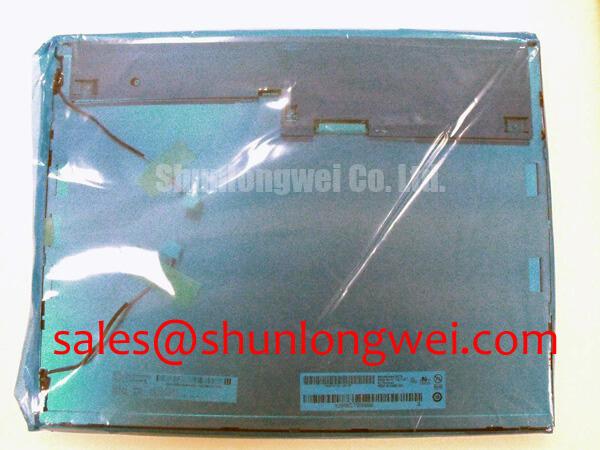
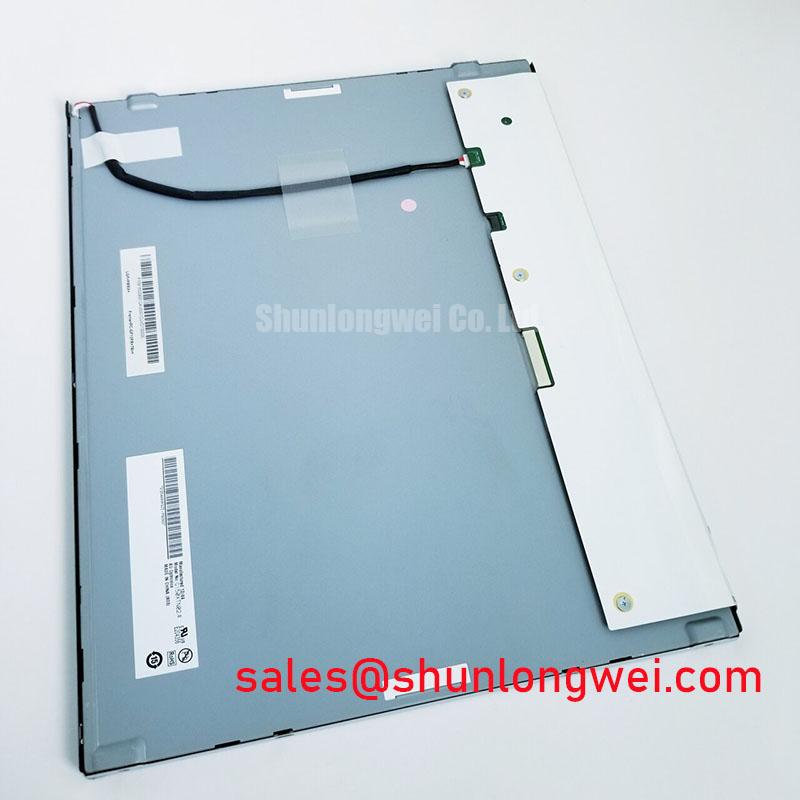
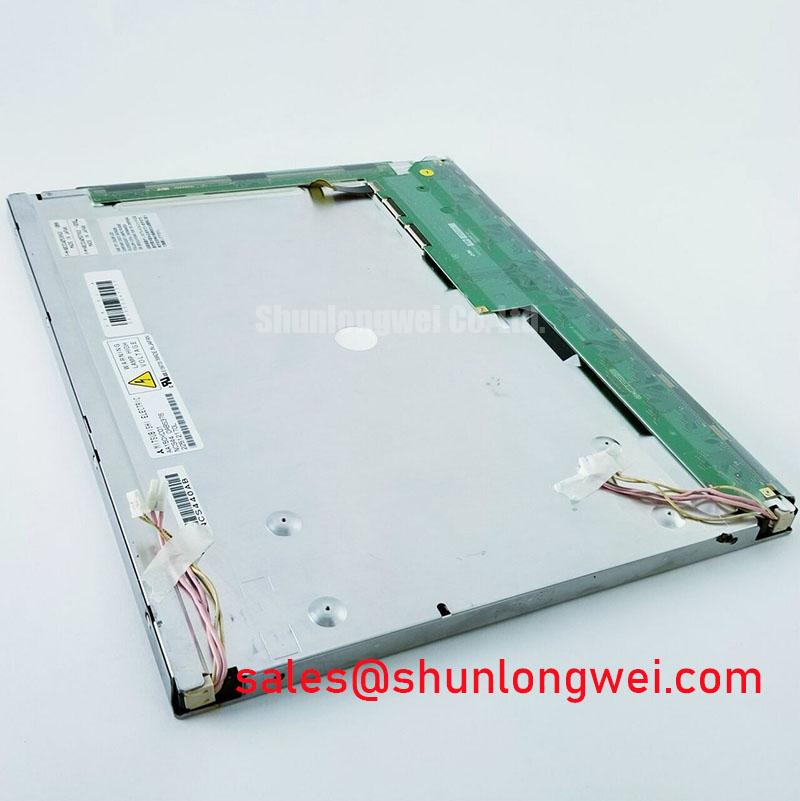
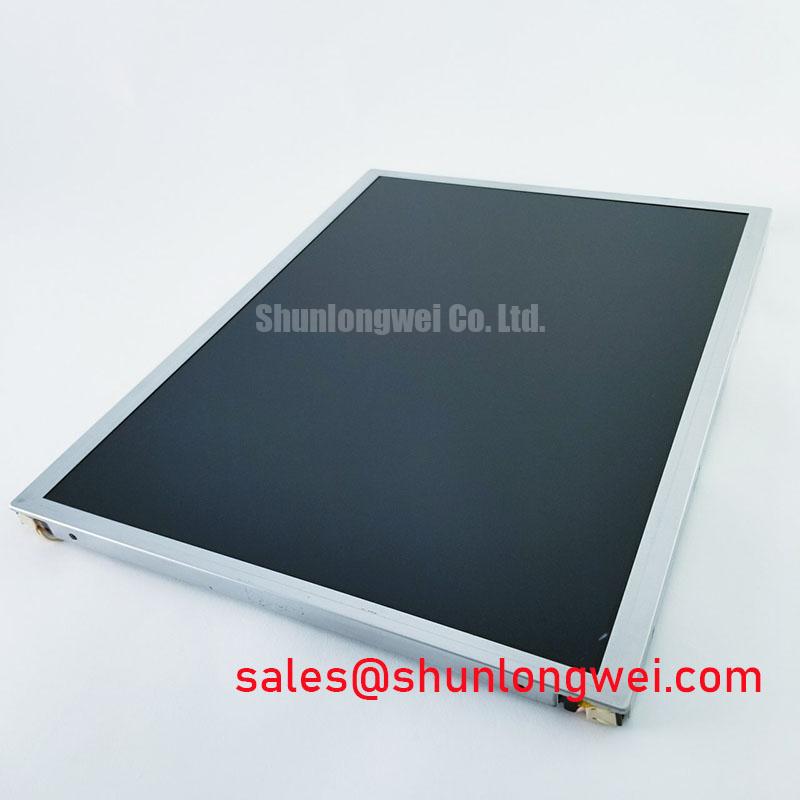
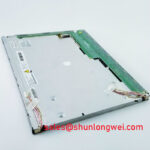
Inspect the connector, display surface and mounting points of the AA150XC01 before powering the repair bench, then compare them with the equipment’s original panel documentation. This Mitsubishi Electric TFT-LCD display module is identified as an industrial LCD/HMI panel. The supplied factory specification does not establish its electrical ratings, dimensions, pixel format, backlight type or operating temperature, so those details must be confirmed before it is connected to a host or evaluated as a replacement.
Begin with a uniform red image, followed by green and blue, using a known-good signal source and the equipment’s established power-up procedure. Note whether the line remains in the same physical column, changes with the displayed color or disappears when the image content changes. A line fixed to the glass across all three images points the investigation toward the panel or its connections; a line that follows image content calls for checks of the source, cable and interface settings. Neither observation alone identifies an internal failure.
Next, view the affected area with an angled flashlight while the display is showing a dark image. If the image remains faintly visible where illumination appears uneven, investigate the backlight system and optical path. If the illuminated field looks even but the hairline persists in the driven image, compare the incoming video signals and connector seating with a known-good installation before considering a panel-level fault. A dark shadow is a diagnostic observation, not proof of a particular backlight defect.
Keep the front surface clean during this check. Marks on a cover window, adhesive residue and reflections can resemble a narrow display defect from the operator’s normal viewing position. The available AA150XC01 specification does not verify an anti-glare coating or a contrast rating under sunlight; neither should be assumed when assessing a brightly lit enclosure. Record the viewing conditions alongside photographs so another engineer can reproduce the observation.
Backlight Ignition and Driver Compatibility
Identify the AA150XC01 backlight connection from the original Mitsubishi Electric panel documentation before attaching an inverter or driver. The supplied specification does not confirm the backlight technology. A high-voltage resonant inverter and a constant-current LED driver serve different loads and are not interchangeable merely because their connectors can be adapted. Trace the equipment’s existing backlight wiring, connector positions and control signals against its service schematic.
For a display that stays dark, first establish whether the LCD is forming an image under angled illumination. Then check whether the host issues its expected backlight-enable command and whether the backlight supply reaches the driver under the equipment’s normal startup sequence. If the equipment uses an inverter, ignition behavior has to be assessed against that inverter and lamp documentation. If it uses an LED driver, review current regulation and dimming behavior against the documented LED load. Do not apply an assumed striking voltage, LED current or PWM setting to AA150XC01.
Audible noise during dimming may originate in driver magnetics, mounting hardware or the host’s control waveform. Compare behavior at stable brightness commands before assigning a cause, and check that any replacement driver matches the documented backlight load and control interface. No backlight lifetime, brightness half-life or MTBF figure is established by the supplied factory parameters. For broader methods of assessing illumination and operating conditions, see Industrial Display & HMI Solutions.
Viewing-Angle and Image-Format Checks for Multi-Angle Consoles
Check the displayed image from the actual operator positions rather than assigning AA150XC01 an IPS, MVA or TN classification. The supplied factory information does not identify its LCD mode or specify a symmetric viewing cone. A gray-scale ramp and color bars can reveal tone reversal, color shifts or washed-out symbols as the viewing position changes. Judge those observations against the equipment’s readability requirements, including any cover window and ambient reflections.
Before treating incorrect colors as an optical problem, verify the host-to-panel interface in the original documentation. If the documented interface is LVDS, confirm its channel mapping, differential clock and data-pair assignments, and whether the host’s pixel mapping matches the panel’s required format. JEIDA and VESA mappings cannot be treated as interchangeable without that confirmation. If the documented interface is different, follow its specified pinout and timing instead of adapting an LVDS cable by appearance.
💡 Pro Tip: Keep documented differential signal pairs together through the cable and connector to limit timing disturbance, then verify the image with the host’s actual operating modes.
A railway passenger-information terminal or cab display is a possible compatibility assessment, not an established AA150XC01 application approval. For either installation, compare the panel’s documented active area, outline, mounting features and connector access with the existing enclosure. Check that the bezel does not obscure required information and that mounting pressure does not distort the visible image. Glare performance must be evaluated with the actual cover window and lighting arrangement.
Checking Cold-Start Gray-to-Gray Response
When a machine starts in a cold enclosure, allow the AA150XC01 to follow the equipment’s documented power sequence and observe a moving gray-scale test image as the assembly reaches its normal operating condition. Slower transitions can arise from liquid-crystal behavior at low temperature, but the supplied specification provides no temperature range or gray-to-gray response-time limit for this model. Do not assign a cold-start pass or fail threshold without the original panel limits and the equipment’s acceptance criteria.
Record ambient conditions, startup time, host video mode and backlight command alongside the visible response. If lag appears only during startup, compare the observation with a known-good installation under comparable conditions. If distortion persists after the assembly stabilizes, check the incoming image and connector seating before attributing it to the liquid-crystal layer. Inspect the panel perimeter for visible damage, but do not infer the condition or composition of an internal seal from response time alone.
Power sequencing deserves a separate check when the image flashes, remains blank or starts inconsistently. Confirm the host’s supply, video and backlight-enable order against the original panel and equipment documentation; the required supply voltage and timing are not established in the supplied AA150XC01 parameters. Before approving an enclosure fit or replacement purchase, the system integrator should verify those electrical limits together with the operating-temperature range and mechanical drawing.