Content last revised on October 13, 2026
High-Humidity Storage Margins and Delamination Prevention
With the display assembly isolated from power, inspect the perimeter gasket, bezel contact points, and cable seating before disturbing the panel mounting. Photograph any edge darkening, uneven illumination, or moisture marks so that the same areas can be compared after reassembly. For the Sharp LQ150X1DW11, separating enclosure problems from display faults helps avoid replacing a panel when the underlying issue is mechanical pressure, contamination, or an interrupted supply path.
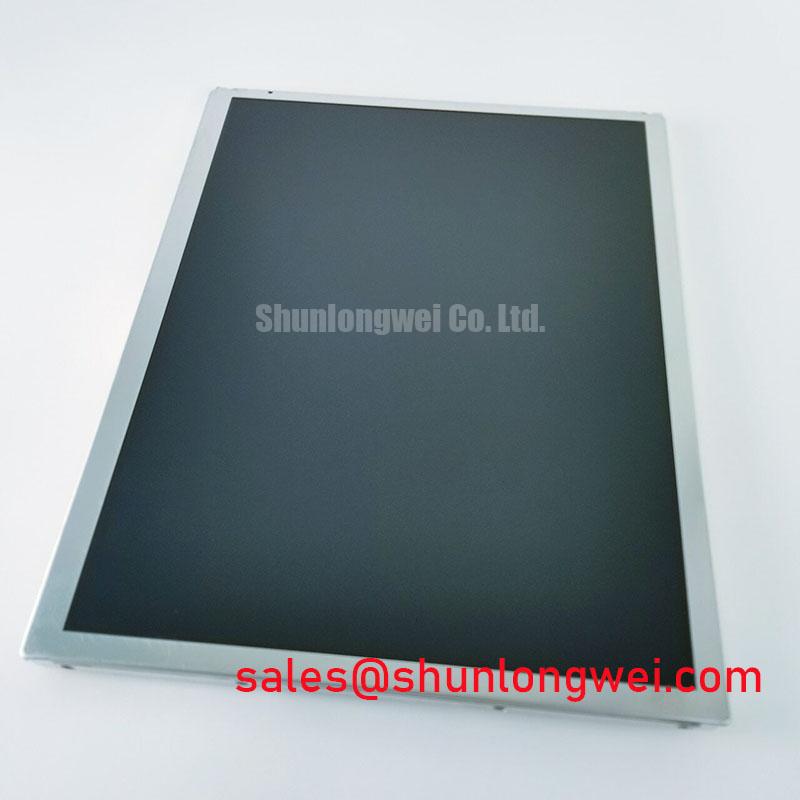
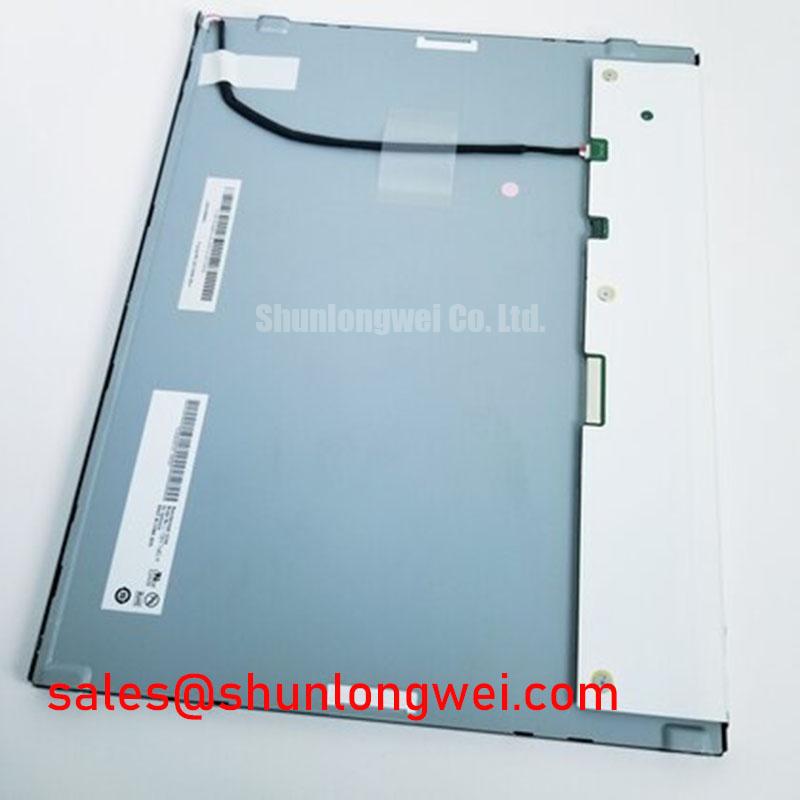
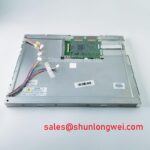
The LQ150X1DW11 is a TFT-LCD active matrix color display module in the industrial LCD/HMI panel category. Its replacement assessment should cover the complete assembly rather than the model designation alone: mounting geometry, connector orientation, display timing, backlight connections, and the front-window arrangement. Electrical ratings, dimensions, environmental limits, and optical specifications: consult the model-specific datasheet before acceptance testing.
Inspect the panel edges and enclosure sealing surfaces for moisture tracks before moving a stored assembly into service. As a Design Consideration, a cold display brought into warmer, humid air can develop condensation even when neither location appears unusually wet. Allow the assembly to reach the surrounding temperature under controlled conditions, and check for residual moisture before energizing it. A cabinet gasket is part of the enclosure barrier, not evidence that the display module itself is moisture sealed.
Look for changes in edge appearance, persistent haze, or areas where an optical layer appears to lift. Compare observations under consistent illumination and viewing position; surface contamination and reflections can resemble internal deterioration. Cleaning should follow the approved procedure for the display surface and front window. Avoid introducing cleaning liquid into the perimeter or pressing on a suspicious area to see whether the appearance changes.
Low-temperature image lag deserves a separate check from moisture damage. As a Design Consideration, liquid-crystal response is temperature dependent, so a slower transition after cold storage does not by itself establish permanent panel failure. Compare moving patterns and grayscale transitions after temperature stabilization, keeping the controller settings unchanged. Persistent lines, fixed shading, and temperature-dependent motion trails are different observations and should remain separate in the service record.
Use the actual equipment environment to define humidity and thermal acceptance tests rather than assigning generic industrial extremes to this model. Record enclosure temperature, condensation observations, and display behavior during the approved test conditions. The The Ultimate Guide to Industrial TFT LCD Technology provides background for interpreting display behavior, but application acceptance limits belong to the panel specification and equipment qualification plan.
Surface Anti-Glare and Anti-Reflective Treatment for Ambient Readability
Check readability through the installed front window, not only with the exposed panel on a bench. Reflections from overhead lighting, fingerprints on the cover, and the operator’s viewing position can change perceived contrast substantially. An Engineering Recommendation is to compare the same text, grayscale pattern, and dark background under representative ambient lighting before deciding that reduced visibility originates inside the LQ150X1DW11.
Anti-glare and anti-reflective treatments address different optical effects. As a Design Consideration, an anti-glare surface redistributes reflected light, while an anti-reflective treatment reduces reflection through its optical design. Neither term establishes this model’s surface construction, sunlight readability, or viewing-angle performance. Assess the installed surface without adding an unqualified film or abrasive treatment, since modifications can change clarity, reflections, and serviceability.
Move the observation position across the intended operator area while displaying intermediate gray levels. Changes in grayscale appearance should be documented separately from reflections on the front window. Viewing behavior alone is insufficient to assign a particular liquid-crystal mode or claim a symmetric viewing cone. Manufacturer resources such as Sharp Devices Europe Industrial Display Solutions and the Sharp Display Solutions Official Portal provide broader display context; model-specific optical properties require the corresponding specification.
If the equipment includes a separate touch assembly, evaluate that assembly independently of the LCD image. Glove operation and water-related touch behavior depend on the touch technology, controller configuration, cover construction, and application settings. A clear image does not establish correct touch operation, and erratic touch input does not establish a display-module fault.
Flashlight Dark-Shadow Diagnosis for Logic and Backlight Faults
When the screen appears dark, illuminate it obliquely with a flashlight and look for a faint, changing image while the controller presents a known test pattern. As a Design Consideration, a visible image can help distinguish missing illumination from an absent image signal, but it does not identify the failed part by itself. Check the backlight supply path, control signals, connectors, and driver status before attributing the symptom to the module.
Display red, green, and blue fields in sequence, followed by grayscale and a patterned image. Record whether a defect follows image content, remains at a fixed screen position, or changes when the controller output changes. Fixed lines can have several electrical or panel-related causes; they are not sufficient evidence of a particular internal fracture. Avoid bending the assembly or applying pressure as a diagnostic shortcut.
Review backlight protection through the equipment schematic and driver documentation. Open-load, short-circuit, and overvoltage responses are properties of the relevant driver circuit, with thresholds and fault outputs determined by that circuit. Capture the relationship between enable commands, supply behavior, and fault indication rather than repeatedly clearing protection without investigating its cause.
For signal-path assessment, use the documented interface and compare measurements with a known-good assembly. Where differential signaling is specified, routing balance, connector continuity, and return-path integrity are Design Considerations; impedance and timing limits must come from the actual interface requirements. The Sharp LQ150X1LG81 is a separate display model for comparison, not evidence of shared pin assignments, power sequencing, or backlight-driver compatibility.
Chassis Fastener Loading and Optical Mura Control
Check that the panel supports sit flat and that the bezel does not concentrate pressure along one edge. As a Design Consideration, uneven mounting loads can contribute to visible nonuniformity, including pressure-related mura. Use the assembly drawing to establish screw type, engagement, tightening sequence, and torque; a generic fastener value cannot establish the permitted loading for this display.
Compare a uniform dark field and intermediate gray field before and after mounting. If shading changes with installation, inspect bracket alignment, trapped cables, gasket displacement, and bezel contact before rejecting the panel. Distribute fastening loads progressively using the equipment’s approved procedure, and compare photographs from the same viewing position. Mechanical adjustment can help identify pressure sensitivity, but it does not guarantee that every nonuniform area is reversible.
For a factory automation machine-tool HMI operator terminal, replacement evaluation should include front-window clearance, cable reach, mounting features, and controller compatibility. The Sharp LQ10D213 requires its own dimensional, electrical, and optical comparison; it should not be treated as a direct replacement for the LQ150X1DW11 without documented compatibility.
Maintenance Note: Periodically inspect cooling passages and perimeter gaskets for blockage, displacement, or deterioration without applying pressure to the display surface.
After reassembly, inspect image uniformity with the enclosure closed and confirm that cables remain clear of fastening points. Record gasket condition, bracket seating, and any repeatable shading changes so the next service inspection can distinguish a developing enclosure issue from a stable optical characteristic.