

Content last revised on September 13, 2026
Radiated Emissions Compliance Considerations for Backplate and Chassis Grounding
Before fitting AA150XN03, compare the removed panel label, mechanical outline, connector orientation, cable routing, and original controller documentation while the equipment is fully isolated from power.
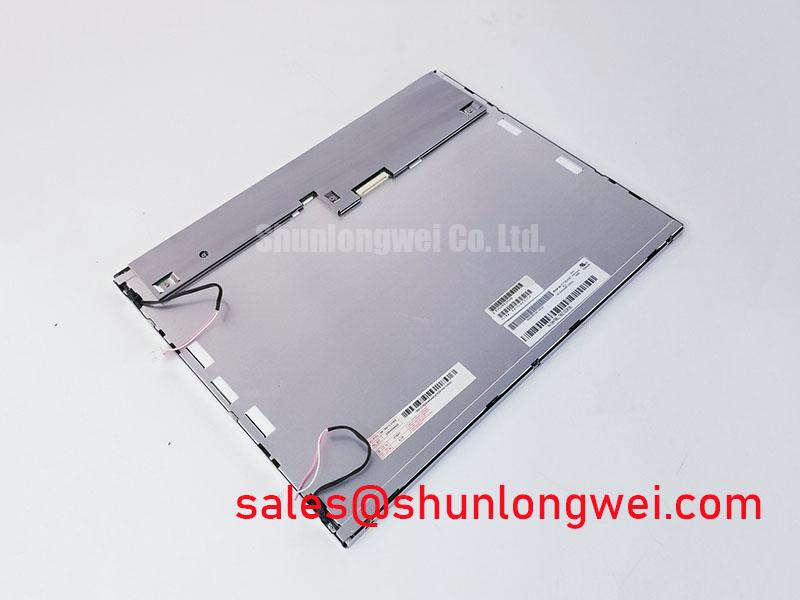
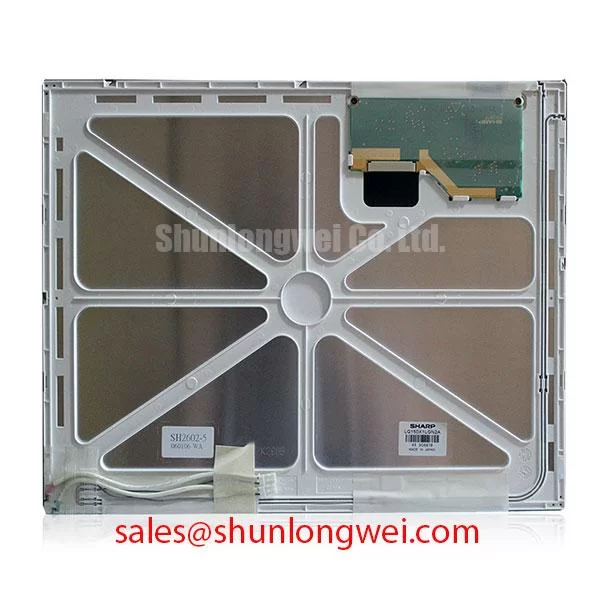
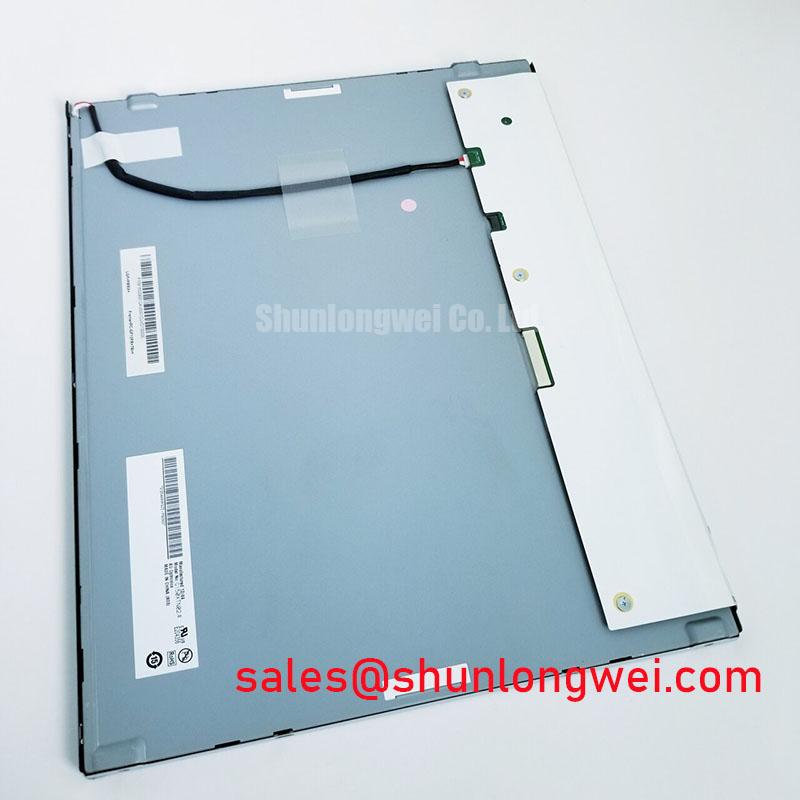
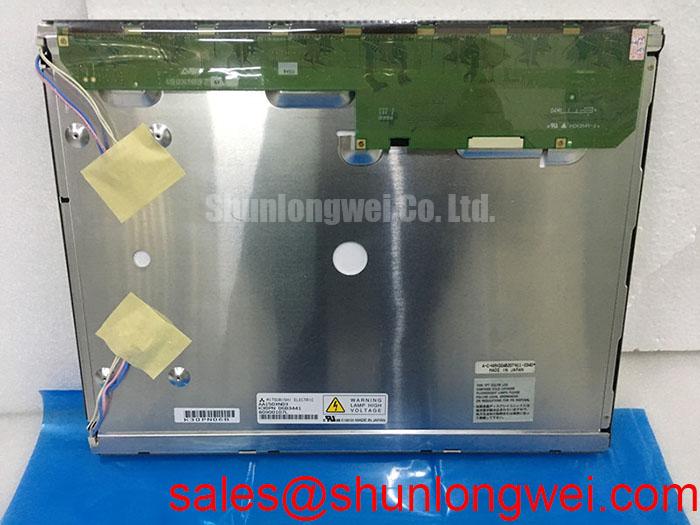
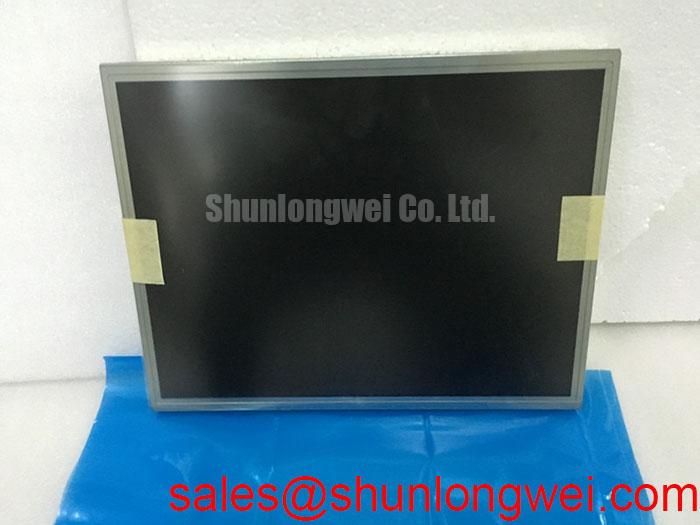
AA150XN03 is identified as a Mitsubishi Electric industrial grade LCD and HMI panel supplied as a TFT LCD display module. The verified factory classification confirms the product family and manufacturer, but the available product record does not establish panel resolution, active area, optical characteristics, interface standard, logic supply, backlight technology, timing values, or environmental limits. These items should be checked against the original machine documentation and the panel specific factory datasheet before electrical replacement or retrofit work begins.
| Model | AA150XN03 |
| Manufacturer | Mitsubishi Electric |
| Product category | Industrial Grade LCD and HMI Panel |
| Module type | TFT LCD Display Module |
| Product identification status | Manufacturer and product classification verified |
For a CNC operator panel or robot teach pendant, a display replacement decision depends on the complete assembly rather than the visible diagonal alone. The host controller must deliver the correct video format, pixel clock relationship, supply sequence, and backlight control arrangement. The front bezel, mounting frame, touch overlay, protective window, and display cable all require inspection because a mechanically similar screen can still be electrically unsuitable.
When horizontal noise bands or intermittent pixel disturbance appear while a machine spindle, servo amplifier, or variable frequency motor drive is active, begin with a controlled comparison. Observe the image with the drive stopped and running, then inspect the display cable shield termination, cabinet bonding path, controller ground reference, and proximity of display wiring to motor leads. This process distinguishes a display related issue from conducted or radiated interference entering through the installation.
CISPR Class A and Class B classifications apply to equipment level compliance, not to an individual LCD module. No independent CISPR compliance claim is made for AA150XN03. For an installed system, a Design Consideration is to preserve a low impedance chassis return path between the controller enclosure, display backplate where applicable, cable shield termination points, and the machine cabinet. The grounding arrangement must be evaluated against the actual enclosure construction and the equipment compliance plan.
A shielded display cable requires continuity around its intended termination structure. In applications using flexible flat cable or LVDS style differential cabling, a partial or poorly bonded shield connection can leave common mode noise without an effective return path. Ferrite suppression can be evaluated as a system level corrective measure when measurement shows common mode interference, but its material, placement, and effect must be verified on the specific machine rather than assumed from a generic installation rule.
Pixel jitter, rolling artifacts, and faint horizontal bands do not prove a defective LCD module. They can indicate coupling from inverter output wiring, ground potential differences, an unsuitable cable path, or a controller timing margin that becomes vulnerable during electromagnetic events. Inspect cable strain relief and connector retention, then compare the image behavior with a known stable signal path if one is available.
💡 Pro Tip: Disconnect or reconnect display cables only after the complete panel assembly and controller power rails have been isolated, because live connection can expose the signal interface to uncontrolled transients.
Optical contrast under bright ambient light is governed by the panel construction, front window, surface treatment, enclosure geometry, and ambient illumination. A contrast ratio above 500 to 1 at 50,000 lux, along with an anti glare surface, cannot be attributed to AA150XN03 without its panel specific optical datasheet. Where sunlight readability is a requirement, verify the original display’s specified contrast, surface finish, and viewing conditions before approving a replacement.
For broader context on display selection, optical behavior, and practical industrial integration, consult The Ultimate Guide to Industrial TFT LCD Technology.
Surface Anti Glare and Anti Reflective Etched Coating for High Ambient Readability
The front surface seen by an operator is frequently an assembly of panel, touch layer, cover lens, gasket, and bezel rather than the bare LCD surface alone. Before attributing reflections or poor daytime readability to AA150XN03, examine whether the original operator terminal uses a separate protective lens. Cleaning damage, adhesive haze, scratches, seal contamination, or changes in the cover lens can alter apparent contrast even when the LCD is functioning normally.
Anti glare and anti reflective treatments have different purposes. Anti glare surfaces scatter reflected light to reduce distinct mirror reflections, while anti reflective treatments are intended to reduce reflected energy at surface boundaries. Their effectiveness depends on the complete optical stack and viewing environment. The available official product identification does not confirm that AA150XN03 includes either treatment. A service engineer should retain the original optical stack where practical and verify replacement compatibility with the machine bezel and user visibility requirement.
Viewing angle behavior also needs model specific confirmation. TN displays can show grayscale shifts or inversion when viewed from certain directions, whereas IPS and MVA technologies are commonly selected where a more symmetric viewing cone is required. AA150XN03 should not be described as TN, IPS, or MVA without a supporting factory specification. If a robot teach pendant is operated at changing hand positions, evaluate the actual installed image from the expected viewing directions rather than relying on technology assumptions.
Backlight dimming requires the controller, driver, and panel documentation to agree. PWM control can produce visible flicker, luminance instability, or acoustic effects in the associated power circuitry when the control arrangement is unsuitable. The specified dimming frequency, permitted duty behavior, enable logic, and backlight power interface must be obtained from the original panel documentation. Do not apply a presumed inverter or LED driver signal merely because its connector appears physically compatible.
Touch performance must also be treated as a separate integration question. A resistive touch overlay, projected capacitive sensor, or external protective glass is not established by the available AA150XN03 record. Glove operation, water tolerance, controller sensitivity, and touch connector pinout must be validated at assembly level. A display image can be correct while the HMI remains unusable because the touch subsystem has not been matched or calibrated.
Backlight Inverter and Driver Ignition and Troubleshooting Considerations
Backlight diagnosis starts by identifying the exact light source and power interface documented for the original assembly. The available official record does not confirm whether AA150XN03 uses a CCFL or LED backlight. This distinction is essential because high voltage lamp inverter circuits and constant current LED drivers have different connectors, control methods, safety precautions, fault indications, and electrical limits.
A dim image, temporary flash at startup, uneven brightness, or an apparently blank screen can originate from several locations. Possible contributors include the display signal source, backlight power supply, enable control, dimming input, cable contact condition, controller protection response, or panel assembly. Check for a valid image under suitable inspection lighting, verify the original driver control states using the service documentation, and compare the result with the known correct electrical sequence where available.
Cold ignition behavior of a CCFL system and current regulation behavior of an LED system must not be inferred from a generic replacement guide. Values such as lamp striking voltage, channel count, dimming ratio, or brightness retention are factory specific. The system integrator should verify the required backlight supply and control conditions from the original panel documentation. This protects both the replacement display and the host power circuit from an incorrect connection.
Low temperature operation can alter LCD response time and apparent grayscale behavior. If the machine is installed in an unheated area, inspect the documented operating environment for the original terminal, then observe the display after the equipment has stabilized at the actual ambient condition. Slow transitions, ghosting, or muted contrast can be associated with temperature response, but also with timing, backlight, or signal integrity conditions. A heater strip, where used in an enclosure, is a system level thermal control feature and requires verification against the machine design.
For service work, inspect the inverter or driver board for secure connectors, damaged insulation, discolored areas, and mechanical strain around the cable exit. These observations support troubleshooting but do not replace electrical measurement by qualified personnel. Any high voltage backlight circuit should be handled according to the equipment safety procedure and its documented discharge requirements.
VESA and JEIDA Data Mapping Alignment and Even Odd Channel Signal Integrity
A stable picture after installation depends on the source controller and display panel using the same data format. VESA and JEIDA mappings arrange digital color bits differently, and an incorrect mapping can create unusual color rendering, missing tonal detail, or other image artifacts. Even and odd channel assignment is also relevant in multi channel interfaces. The AA150XN03 product record does not confirm a particular mapping, channel arrangement, or interface type, so these values must be taken from the original panel documentation.
Before applying power, compare the original and replacement connector pin functions rather than matching only the connector shape or pin count. Confirm the logic supply requirement, ground pins, differential pair assignment where applicable, clock placement, backlight connections, enable control, dimming control, and any reserved terminals. The system integrator should verify the required supply voltage from the original panel documentation. An incorrect supply or misaligned signal pin can damage the display or host controller.
Where the documented interface uses differential video signaling, a Design Consideration is to route each pair as a controlled differential path and preserve pair symmetry through connectors and cable transitions. This helps limit mode conversion and reduces sensitivity to pixel clock disturbance. Routing decisions should account for the host board, harness length, enclosure grounding, nearby switching power circuits, and measured signal quality at the installed panel.
Power sequencing is equally important. The controller should follow the panel specific requirements for logic supply rise, input validity, display enable behavior, and backlight activation. These requirements must not be generalized across TFT LCD modules. If a replacement produces a white screen, unstable image, split screen appearance, or intermittent startup, verify power order and source timing with the original service information before deciding that the display itself is at fault.
For CNC operator panels and robot teach pendants, also confirm physical compatibility beyond the LCD. Check the visible opening, mounting points, bezel compression, cable bend path, protective lens clearance, touch overlay alignment, and access for future service. AA150XN03 can be evaluated as a Mitsubishi Electric industrial TFT LCD display module when its documented electrical and mechanical characteristics match the existing equipment assembly.