Content last revised on October 6, 2026
Logic Supply Sequencing and Driver IC Protection
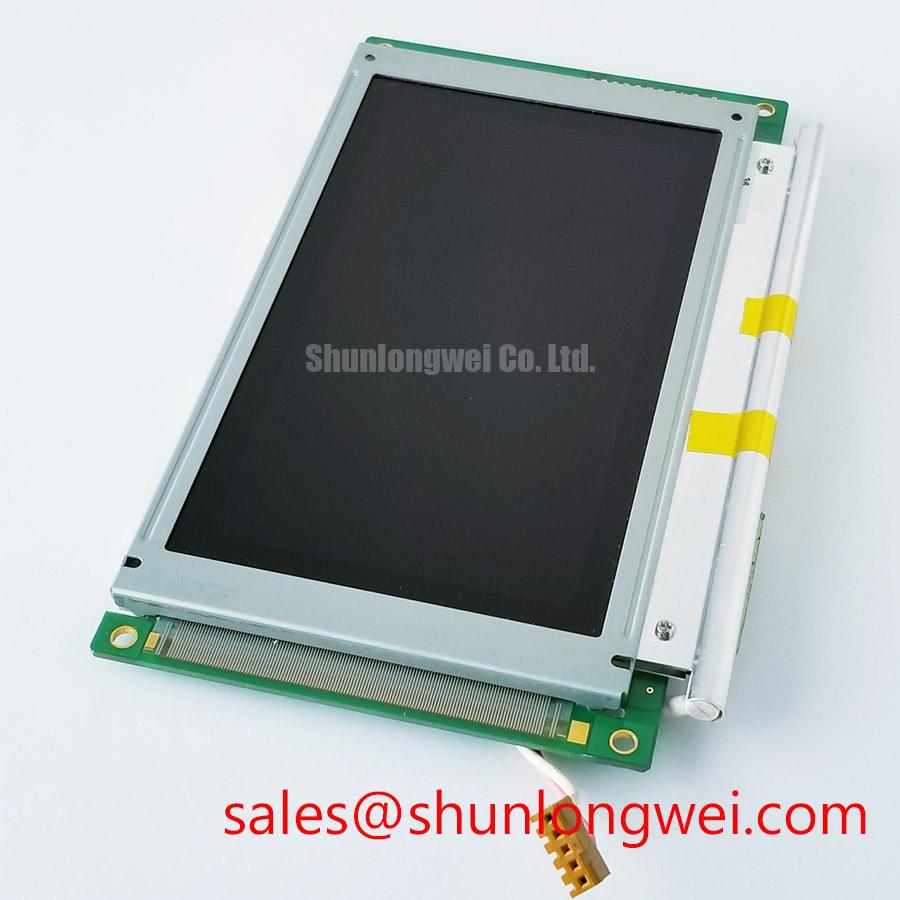
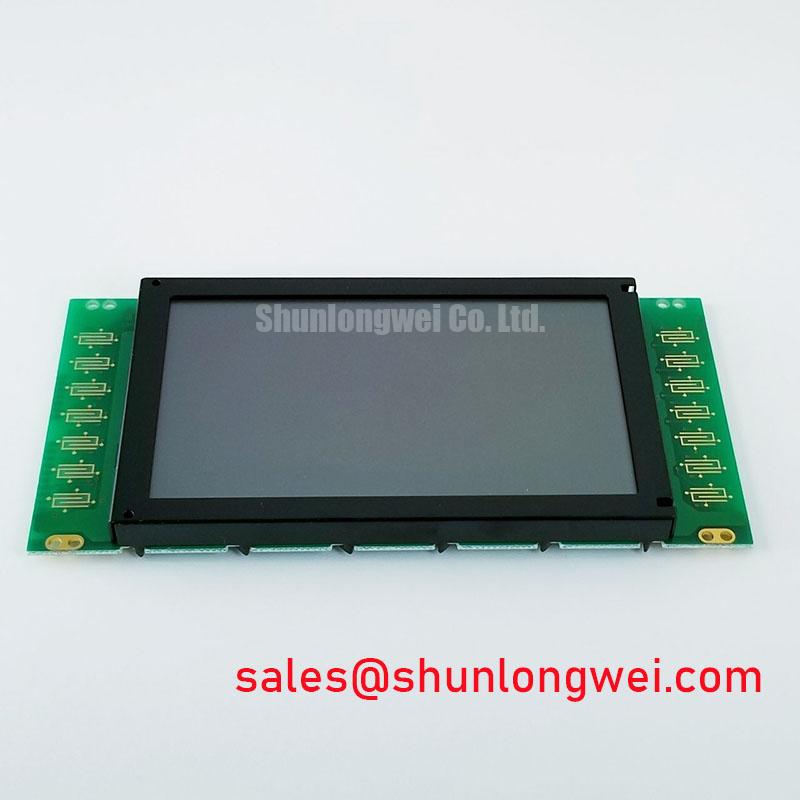
Start the bench check by isolating the existing display assembly, recording the original panel marking, and inspecting the connector, frame, and visible optical surface before applying power. The DMF-50773NB-FW is identified in the supplied factory information as a Kyocera / OPTREX Industrial Grade LCD/HMI Panel with a TFT-LCD Display Module construction. The available factory context confirms the product category and module identity, but it does not establish the panel resolution, active-area dimensions, luminance, interface pinout, supply voltage, backlight electrical ratings, or operating-temperature range. Those values must be checked against the original panel documentation and the equipment service record before replacement.
This distinction matters during an urgent HMI repair. A display can fit the mechanical opening while remaining electrically incompatible because of a different logic supply, data mapping, connector arrangement, backlight control method, or timing requirement. Treat this unit as a replacement display module under system-level verification rather than assuming that a matching model suffix alone confirms every installation condition.
Begin by comparing the failed display assembly with the equipment wiring diagram. The supplied factory specification context does not confirm whether the host system uses a 3.3 V logic rail, a 5.0 V logic rail, or another interface arrangement for this specific module. The system integrator should verify the required supply voltage from the original panel documentation. Do not apply an unverified voltage simply because the connector appears mechanically identical.
During a controlled startup test, measure the display supply at the connector while observing the host controller reset signal and backlight enable signal. The purpose is to establish the actual power sequence used by the equipment, not to impose a generic timing profile on the DMF-50773NB-FW. If the controller powers before the panel rail has stabilized, the display may show intermittent initialization, missing image data, or an apparently inactive screen. These symptoms can also result from connector contact problems, a damaged host output, or an incorrect replacement cable, so the signal path should be compared with a known-good assembly where available.
The requested integration review also refers to a logic rise-time window of 0.5 ms to 10 ms. That value is not confirmed as an official specification for this Kyocera / OPTREX module in the supplied data. It should therefore be treated only as a system design consideration if it appears in the host equipment documentation. The final power-on behavior must be validated against the original panel requirements and the controller manufacturer’s timing constraints.
Data mapping requires the same discipline. JEIDA and VESA mappings are not interchangeable assumptions, and the available factory information does not identify the interface standard or pin assignment for this module. When the screen shows split images, incorrect grayscale, unstable colors, or a displaced picture, verify the documented mapping, connector orientation, cable continuity, and controller configuration before changing software settings. An oscilloscope or suitable differential probe can help compare clock and data activity with a working display path.
Backlight evaluation should be separated from logic diagnosis. A dark screen may involve the backlight supply, driver enable signal, protection circuit, or panel illumination assembly, while a visible but corrupted image points toward a different section of the system. No official backlight lifetime or brightness-retention curve was supplied for the DMF-50773NB-FW, so a claimed 50,000-hour figure or a specific 50 percent brightness point should not be assigned to this model without the applicable manufacturer document.
⚠️ Field Alert: Disconnect equipment power and allow stored energy to discharge before removing or inserting the display cable, because live insertion can expose signal contacts to unintended electrical stress.
Industrial EMI Noise Immunity, Chassis Shielding Continuity & Common-Mode Ferrite Chokes
For a panel evaluated in a harsh marine radar or navigation bridge console, inspect the complete signal route rather than the LCD module alone. The DMF-50773NB-FW factory context confirms a TFT-LCD display module, but it does not certify the completed console for EMC performance. A display module cannot independently claim compliance with a system-level CISPR, EN 55011, or equivalent installation requirement.
Start at the controller and follow the display cable to the panel connector. Look for crushed cable sections, loose retention hardware, oxidation, contamination, and shield termination changes introduced during previous repairs. In a cabinet containing variable-frequency motor drives or switching power equipment, route separation and bonding should be evaluated as system design considerations. The objective is to reduce capacitive and inductive coupling into the display data path while preserving the manufacturer’s required cable arrangement.
A 360-degree shield termination may be appropriate for a particular enclosure and cable design, but it is not confirmed as a requirement of this display model. The system engineer should verify how the original equipment bonds the cable shield to the chassis and whether the display frame is intentionally connected to protective or functional ground. Adding a second bonding path without reviewing the cabinet topology can create circulating currents or alter the noise behavior.
Common-mode ferrite components should also be selected from measured interference behavior, cable construction, and data rate. They are not universal remedies. If pixel jitter or horizontal noise bands appear near a motor drive, first compare the fault with the drive disabled, the display powered from the normal supply, and the signal cable positioned as in the original installation. Use a differential probe and a controlled operating condition to determine whether the disturbance is present on the clock, data pairs, power rail, or backlight control line.
The linked Industrial Display & HMI Solutions resource provides a broader engineering reference for enclosure, grounding, cable routing, and environmental integration. For this specific model, those subjects remain system-level design considerations because the supplied factory data does not specify an EMC immunity rating, shield construction, or certified marine installation performance.
In a salt-air location, inspect the enclosure sealing strategy, connector backshell, cable gland, and frame contact surfaces during service. Corrosion at a shield termination can produce intermittent noise that resembles a display timing fault. The correct repair sequence is to document the physical condition, clean or replace affected hardware according to the equipment maintenance procedure, and then repeat the signal integrity test under the same operating load.
Grayscale Inversion Checks and Viewing Direction Alignment
The available information does not confirm the optical mode, viewing angles, surface treatment, resolution, contrast ratio, or grayscale response of the DMF-50773NB-FW. Do not describe this specific module as TN, IPS, MVA, normally white, anti-glare, or anti-reflective unless the original Kyocera / OPTREX documentation confirms the feature. These characteristics must be checked before planning a direct replacement in a console where operators view the screen from a fixed angle or through protective glazing.
During a field inspection, observe the panel from the actual operator position rather than directly in front of the display only. If grayscale changes sharply with vertical movement, record the viewing direction, ambient light, display content, and panel temperature. Apparent inversion can be affected by the panel optical mode, controller gamma settings, viewing angle, polarized protective glass, and reflections from the enclosure window. A replacement should be assessed with the same test images used by the equipment manufacturer.
Strong bridge-console illumination creates a separate optical problem. Reflections from a glossy cover or poorly matched window can reduce practical readability even when the LCD is operating correctly. Surface treatment, cover-glass spacing, optical bonding, and enclosure geometry should be evaluated together. The supplied factory information does not confirm an AG etch, AR coating, luminance value, or outdoor readability rating for this model, so these features require documentary verification or a physical comparison with the original assembly.
Touch operation also requires caution. The product information supplied identifies an LCD/HMI panel category but does not confirm whether this exact unit includes a resistive touch layer, capacitive touch layer, glove operation capability, or wet-touch performance. If the host console uses touch input, inspect the touch controller, cable, overlay, and calibration process separately. A working image does not prove that the touch interface is electrically or mechanically compatible.
Differential signal routing should be checked against the controller documentation. A 100 ohm differential target or a 100 ohm plus or minus 10 percent routing requirement may be specified by a particular host interface, but it is not an official DMF-50773NB-FW parameter in the supplied factory data. The system designer should verify the applicable interface standard, pair geometry, termination arrangement, and allowable skew. If the image contains intermittent lines or unstable transitions, compare the differential waveform at the controller and panel ends rather than assigning the fault to the LCD glass immediately.
Gamma and grayscale behavior can also be influenced by the T-CON or host timing controller. Check whether the original equipment uses stored gamma data, a programmable controller, or a fixed timing board. Substituting a panel without confirming those dependencies can produce a picture that is present but visibly incorrect. The repair record should note the controller part number, cable configuration, image orientation, and any service-menu settings used during validation.
Temperature Operation and Sub-Zero Liquid Crystal Response
The temperature range of −30°C to +85°C is included in the requested evaluation scope, but it is not confirmed as an official operating specification for the DMF-50773NB-FW by the supplied factory data. The system integrator must verify the original panel datasheet for operating and storage limits before using this module in an exposed console. A cabinet temperature measured near the enclosure wall may differ substantially from the temperature at the LCD, controller board, or backlight region.
At low temperature, display response can change and image transitions may appear slower. This is a general LCD behavior consideration, not a confirmed failure mode or rated characteristic of this specific Kyocera / OPTREX module. When a cold-start complaint occurs, record the panel temperature, supply behavior, image content, and time from power-on to stable operation. Compare the result with the original display specification and the equipment’s permitted startup procedure instead of applying an unverified heater setting.
A heater strip may be used in some industrial display systems, but its installation, control threshold, electrical load, and thermal distribution must be determined by the equipment designer. Avoid placing a heat source where it creates a local hot spot on the bezel, cable, optical stack, or backlight area. The enclosure should be tested through the intended thermal cycle while monitoring the display surface, internal air temperature, supply rail, and image stability.
High temperature requires equal attention. Local heat from the backlight driver, power converter, processor, or sealed enclosure can raise the panel temperature above the surrounding ambient. Inspect ventilation paths, thermal interfaces, mounting pressure, and cable clearance. The supplied information does not confirm a backlight thermal design, uniformity curve, epoxy seal specification, or lifetime prediction for this model. Such claims should not be inferred from the product category alone.
For a potential harsh marine radar or navigation bridge console installation, validate the complete assembly with the actual protective window, sunlight exposure, salt-air enclosure provisions, vibration environment, and control electronics. Confirm that the replacement panel’s connector, mounting geometry, optical orientation, logic interface, and backlight control match the original documentation. A final acceptance test should include cold startup, warmed operation, image uniformity, touch response where applicable, cable movement inspection, and power cycling under controlled conditions.